Hospital Booking & Clinic Management System – Doctor Appointment Plugin by KrishnaDas
Hospital Booking & Clinic Management System – Doctor Appointment Plugin by KrishnaDas
Description
Turn your WordPress site into an enterprise-grade medical platform with the Hospital Booking & Clinic Management System. Engineered by a Senior Systems Administrator, this lightweight plugin simplifies appointment scheduling for independent practices, multi-doctor clinics, and regional hospitals.
Unlike bloated booking tools, this plugin provides standalone front-end dashboards for doctors, patients, and administrative teams—ensuring strict role-based access control and high-performance server uptime.
🩺 Why Healthcare Practices Choose This Plugin:
- Automated Slot-Based Booking: A smart scheduling interface prevents double-bookings or conflicting medical appointments automatically.
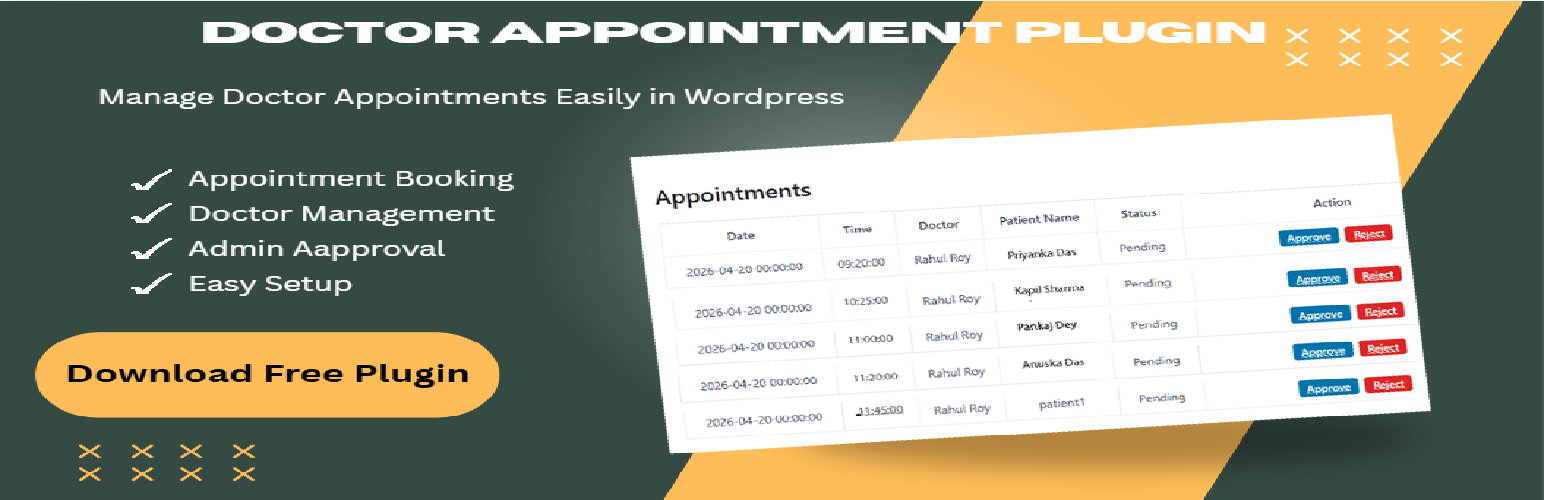
- Independent Portals: Doctors can approve or reject appointments from a private panel while patients track history securely from theirs.
- Zero Bloat, High Security: Built using strict WordPress database preparation standards to ensure patient record protection.
👉 Looking for Advanced Features?
Instantly test our premium features on our Live Interactive Demo Hosted Here.
Core Features
- Doctor Workflow: Professional self-registration with mandatory administrative review and approval.
- Patient Database: Automated profile generation upon registration to track multi-visit histories.
- Smart Time-Slots: Predefined booking windows with fluid mobile-responsive interfaces.
- Shortcode Architecture: Drop simple blocks into any WordPress theme to build complete hospital systems in minutes.
- Developer Grade Security: Complete nonce verification, strict data sanitization, and output escaping.
Shortcodes
Use these shortcodes to deploy your clinic management modules onto any page or post:
[khacm_register_choice]– Clean onboarding hub for new Patients or Doctors.[khacm_doctor_register]– Custom application layout for joining medical staff.[khacm_patient_register]– HIPAA-friendly patient registration interface.[khacm_doctor_list]– Searchable directory of verified, active doctors.[khacm_patient_dashboard]– Personal panel for patients to review upcoming visits.[khacm_doctor_appointments]– Dedicated scheduler for medical staff to approve or reject slots.[khacm_book_appointment]– High-converting appointment intake form.
Upgrade to Pro
Unlock elite tools powered by our global Freemius Secure Licensing Matrix at hmsmanager.com:
- Printable Prescription Engine: Generate structured medical scripts with custom medicine lines and automatic follow-up dates.
- Advanced Reports & Metrics: Visual data tracking patient retention, busy scheduling blocks, and clinic registration volume.
- Email & SMS Alert Dispatches: Reduce appointment no-shows via automated notification triggers.
- Custom Brand White-Labeling: Completely remove plugin branding to show your clinic’s raw corporate identity.
Installation
- Upload the plugin folder to your website’s
/wp-content/plugins/directory. - Navigate to Plugins Installed Plugins and click Activate.
- Crucial Setup Step: Navigate to Settings General inside WordPress and ensure the checkbox for “Anyone can register” is checked. This allows your patients and doctors to access their unique registration forms.
- The system will automatically build your primary system pages upon activation.
Screenshots

Comprehensive admin triage portal to approve or reject pending doctor schedules.

Secure doctor interface with chronological patient booking timelines.

Clean, minimalist patient dashboard featuring an available medical staff sidebar.

Mobile-optimized responsive calendar layout for choosing open appointment windows.

Administrative dashboard built directly into the WordPress ecosystem.
Faq
Yes! The core system manages unlimited appointment loops, structural shortcodes, and basic profiles without cost. Advanced automation can be unlocked via our Freemius framework.
Yes. The plugin assigns specific roles so individual doctors handle their own slot booking panels independently without seeing other practitioners’ records.
No. The plugin relies on lightweight shortcode layouts that seamlessly absorb your existing theme’s CSS styling and fonts.
Reviews
Clinic Management System
By 
Useful for clinic management and appointment booking
Changelog
1.1.0
- Launched optimized slot-based booking engines to protect doctor availability.
- Refactored patient interface dashboards with intuitive medical directory sidebars.
- Injected structural prefix filters (Dr.) across public directories.
- Upgraded queries for full compatibility with WordPress 7.1.x.