Krishnadas Order Chat for WooCommerce
Krishnadas Order Chat for WooCommerce
Description
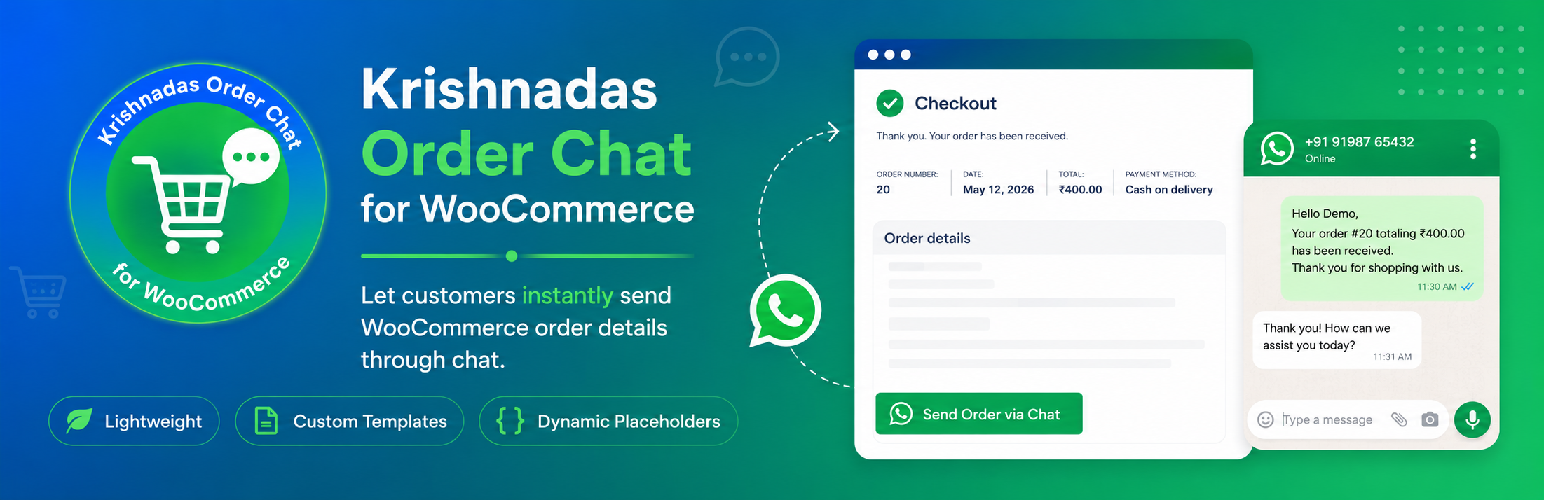
Krishnadas Order Chat for WooCommerce adds a customizable chat button to the WooCommerce thank you page after a successful order.
Customers can quickly send their order details through chat with a pre-filled message.
The plugin works with WhatsApp click-to-chat links without requiring API integration.
The plugin includes a simple settings page where store owners can:
- Set store chat number
- Customize button text
- Create custom message templates
- Enable or disable the chat button
- Use dynamic order placeholders
Features
- Chat button on WooCommerce thank you page
- Customizable chat message template
- Dynamic placeholders support
- Custom button text
- Enable or disable functionality
- Lightweight and easy to use
- Translation ready
- WordPress coding standards followed
Available Placeholders
- {customer_name}
- {order_id}
- {order_total}
Security
The plugin follows WordPress security best practices.
- Data sanitization
- Output escaping
- Direct access protection
Installation
- Upload the plugin folder to the
/wp-content/plugins/directory. - Activate the plugin through the Plugins menu in WordPress.
- Go to WooCommerce KD Order Chat.
- Configure your chat number and settings.
- Save changes.
Screenshots

Configure store chat number, message template, and button settings.

Send Order via Chat button displayed on the WooCommerce thank you page.

WhatsApp chat opened with pre-filled order details and customer information.
Faq
No. The plugin uses WhatsApp click-to-chat links.
Yes. You can fully customize the message template from plugin settings.
Yes. The plugin includes an enable/disable option.
Yes. The plugin works with guest checkout and logged-in customers.
Reviews
Changelog
1.0.0
- Initial release
- chat button integration
- Custom message templates
- Dynamic placeholders support
- Button enable/disable option