Last Login Tracker & Redirect URL
Last Login Tracker & Redirect URL
Description
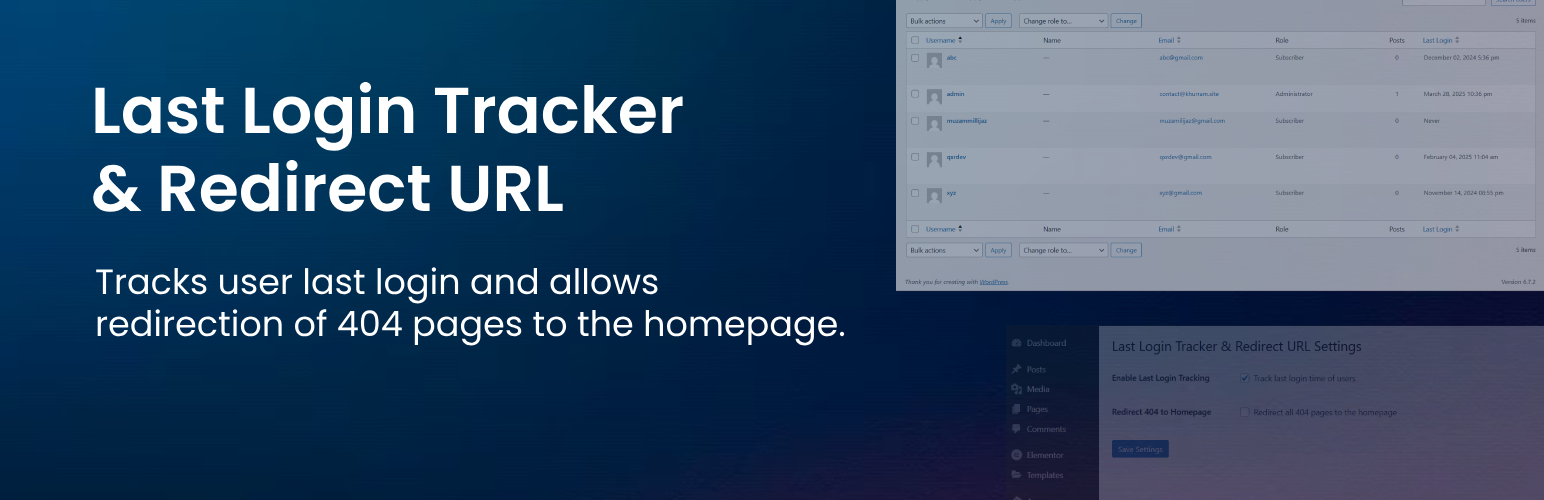
Track the last login time of users and optionally redirect 404 pages to the homepage. Includes an admin settings page.
Features
✅ Tracks user last login
✅ Displays last login time in WordPress Users list
✅ Sortable Last Login column
✅ Enable/Disable login tracking
✅ Redirect 404 pages to homepage
✅ Lightweight & optimized
Installation
- Upload the
last-login-tracker-redirect-urlfolder to/wp-content/plugins/. - Activate the plugin from the Plugins menu in WordPress.
- Go to Settings Last Login Tracker to configure options.
Screenshots

Plugin Setting Page

User Login Tracker Page
Faq
It is shown in the “Users” section of the WordPress admin panel.
Yes, go to Settings Last Login Tracker and uncheck the tracking option.
Enable the Redirect 404 to Homepage option in the settings page.
Reviews
404 to homepage plugin
By 
Very easy redirect plugin optimized and no ads. Just one click to redirect 404 at home. Great job
Plugin is good!
By 
This plugin is a must-have for any WordPress site! It offers two incredibly useful features in one lightweight and easy-to-use package.
✅ Last Login Tracking – As an admin, I love being able to see when users last logged in. The sortable column in the Users list makes it effortless to monitor activity and manage accounts efficiently.
Changelog
1.1.0
- Changed plugin name to “Last Login Tracker & Redirect URL”
- Added plugin settings page
- Added 404 redirection feature
1.0.0
- Initial release.