LCS Field Builder

LCS Field Builder
Description
LCS Field Builder gives editors and site builders a lightweight field-group workflow inspired by larger custom field plugins, while keeping the data model close to native WordPress.
Features include:
- Field groups stored as a dedicated admin-managed post type
- Location rules for post types, page templates, specific pages, and specific posts
- Text, textarea, WYSIWYG, image, gallery, file, video, audio, oEmbed, link, URL, email, page link, date, time, color, button group, tab, and repeater fields
- Nested repeaters, including media and rich content sub fields
- Automatic frontend display options, helper functions, and shortcodes
- Export and import tools for field groups
- Admin assets loaded only on LCS Field Builder screens
- Frontend stylesheet loaded only when supported shortcodes are present
The plugin stores field definitions in a custom post type plus post meta, which keeps the builder portable through normal WordPress content export workflows.
Installation
- Upload the plugin folder to
/wp-content/plugins/or install it through the WordPress Plugins screen. - Activate LCS Field Builder.
- Open Field Groups in the WordPress admin menu.
- Create a field group, add fields, and configure its location rules.
- Edit a matching post or page to start saving field data.
Screenshots
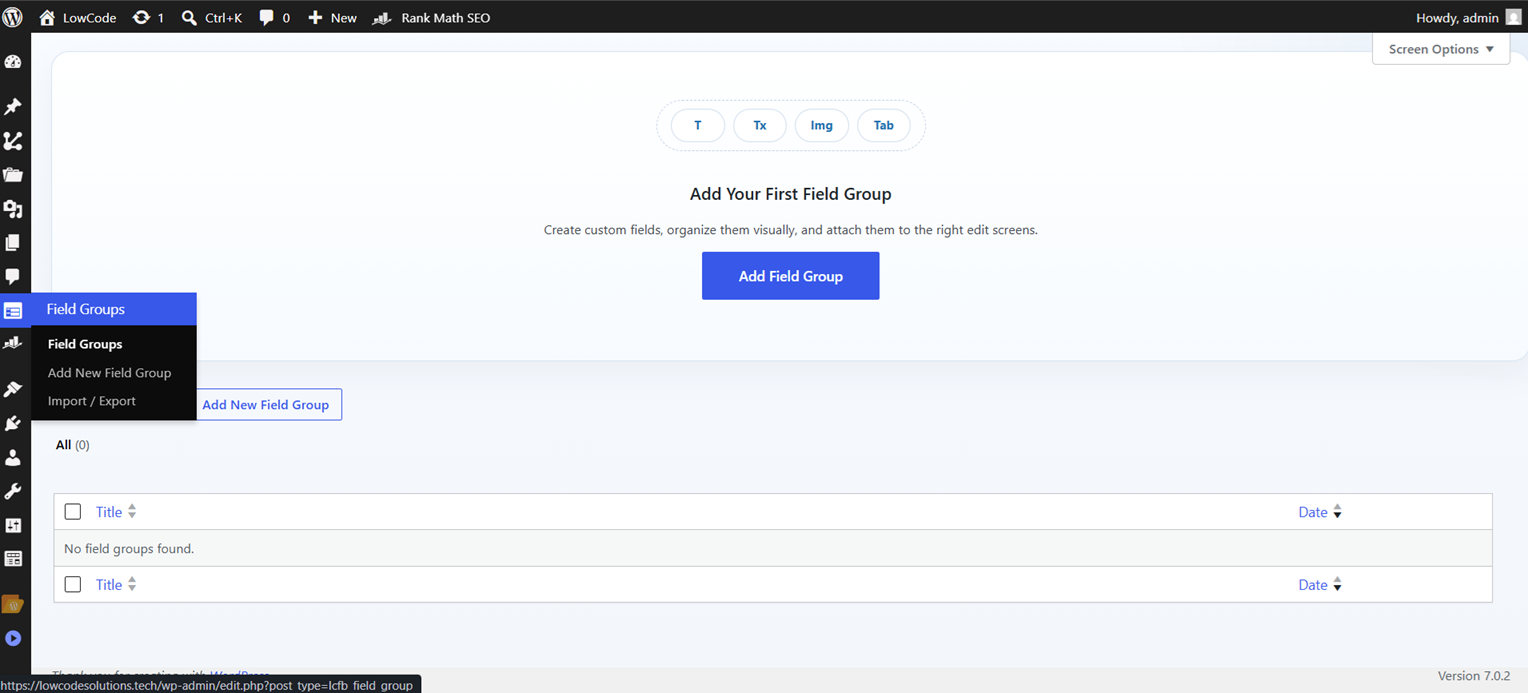
Field group editor with configurable fields and display controls
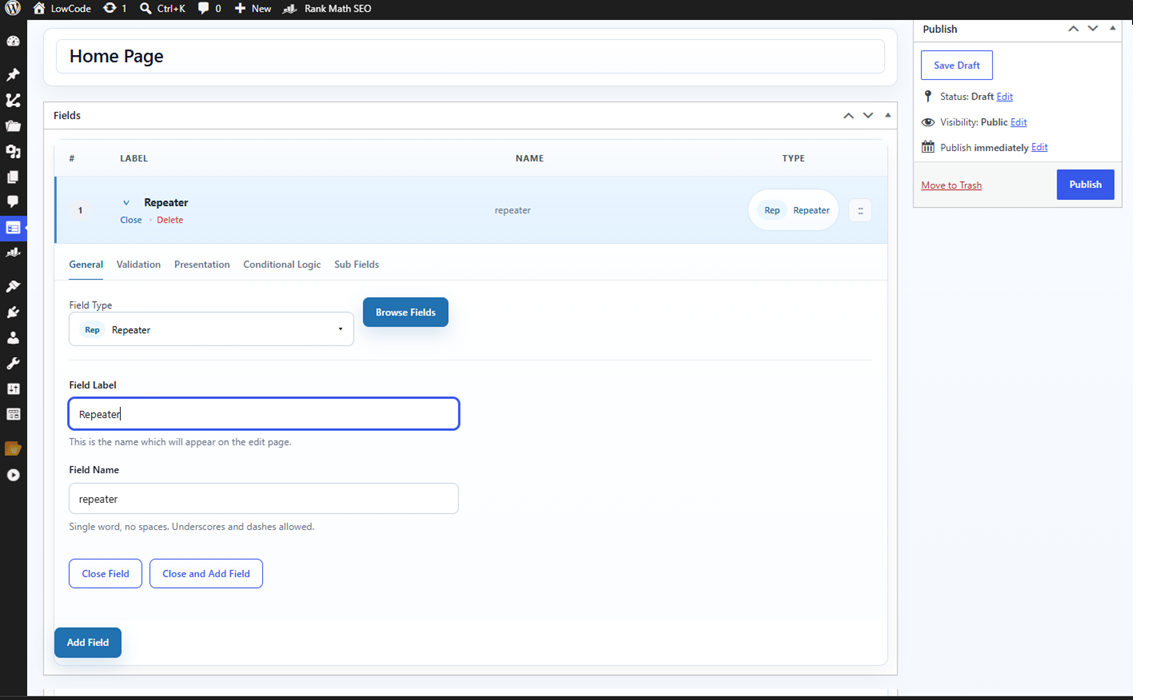
Field-group builder showing settings and field configuration
Faq
Field groups are stored as a dedicated internal custom post type and their settings are saved in post meta. Field values for content are stored in normal WordPress post meta.
Yes. Use helper functions like lcfb_get_field() and repeater helpers like lcfb_have_rows(), lcfb_the_row(), and lcfb_get_sub_field().
Yes. Repeaters can contain another repeater as a sub field.