LibraX Invoice
LibraX Invoice
Description
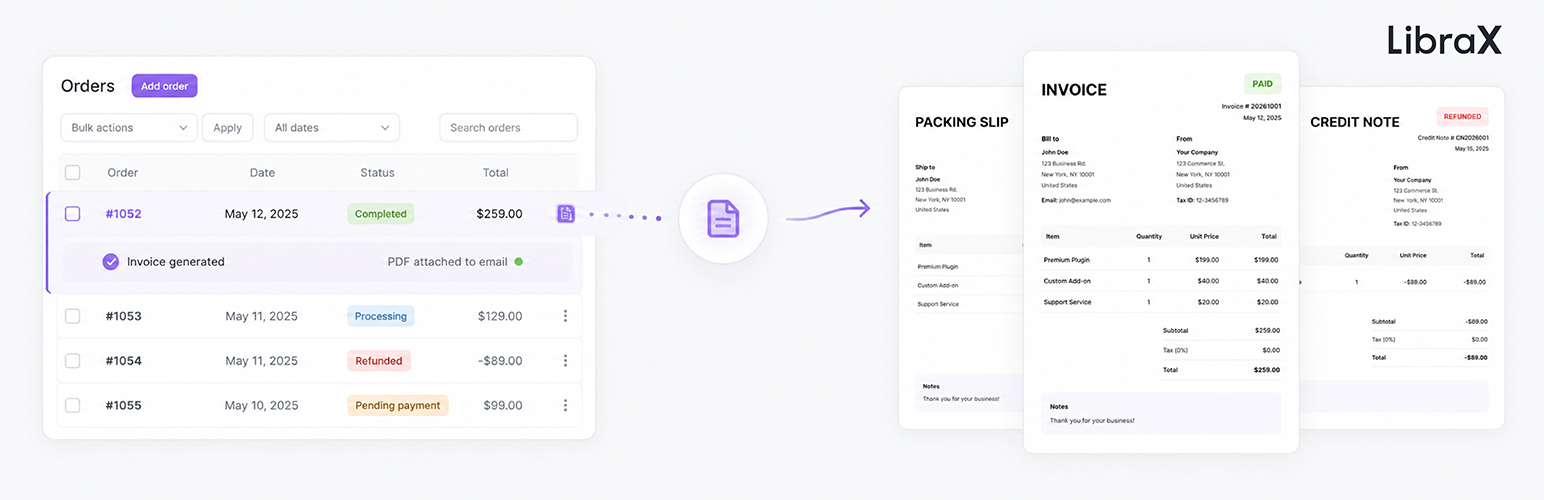
LibraX Invoice is a clean, lightweight yet fully-featured WooCommerce invoicing plugin. It delivers Invoice, Proforma Invoice, Packing Slip, and Credit Note – all core features are completely free with no paid upsells or locked functionality.
Built for real-world e-commerce workflows, the plugin combines simplicity (only 14 core settings) with powerful, intelligent automation and excellent compatibility. It generates fast, polished, professional PDF documents while supporting complex business needs including global tax compliance and multilingual stores.
Key Features
* Complete document suite: Invoice, Proforma Invoice, Packing Slip, and Credit Note
* Smart generation logic – skips invoices for orders with zero total amount
* Automatic PDF attachments to WooCommerce emails following standard e-commerce logic
* Customers can download documents directly from My Account (Invoice, Proforma Invoice, Credit Note)
* 5 modern, high-quality templates (Default, Alpha, Gamma, Delta, Kappa) with consistent styling across all document types
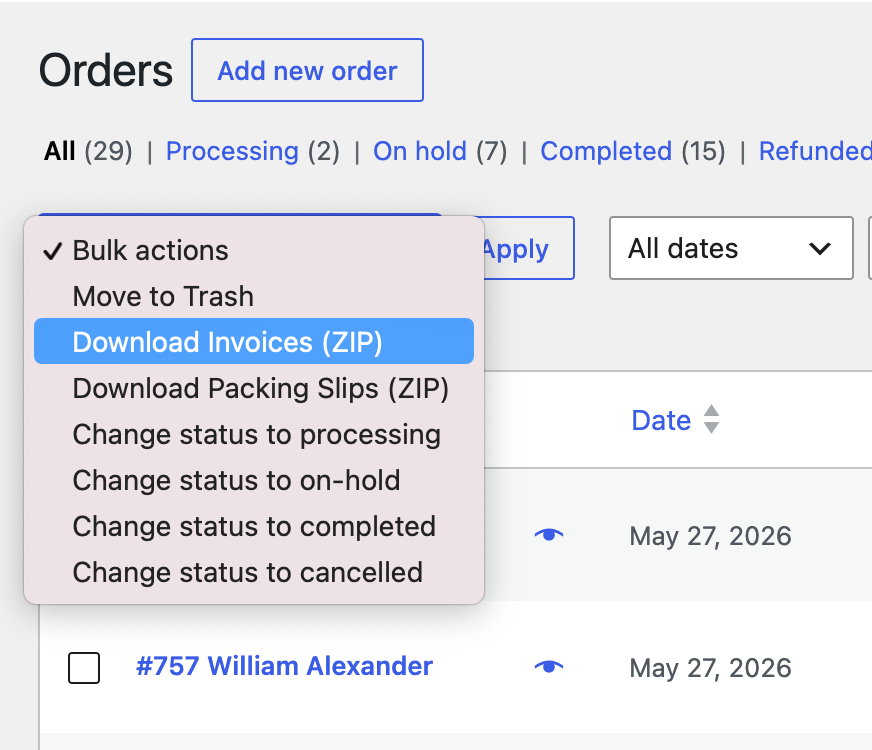
* Bulk download Invoices & Packing Slips as ZIP from the admin order list
* Flexible sequential invoice numbering with automatic year prefix (e.g. 20261001) and yearly reset – admin can modify the next invoice number at any time
* Full support for global Tax ID fields (VAT, SSN, EIN, ABN, CPF, CNPJ, GSTIN, etc.) with automatic country-based labeling
* Payment QR Code on Proforma Invoices for manually created orders (ideal for offline, service, and B2B businesses)
* Full CJK (Chinese, Japanese, Korean) support via MiSans font
* Company logo, primary color, custom bank details, and flexible invoice notes
* Compatible with WooCommerce Subscriptions, Bookings, Product Add-Ons, YITH Product Add-Ons, and HPOS
Automatic Behaviors
* Completed order Invoice automatically attached to email
* Refund issued Credit Note automatically attached to refund email
* Bank Transfer orders Proforma Invoice attached to notification email
* Manually created pending orders Proforma Invoice with payment QR Code can be attached when sending order details
Installation
- Upload the plugin files to the
/wp-content/plugins/librax-invoicedirectory, or install the plugin through the WordPress plugins screen directly. - Activate the plugin through the ‘Plugins’ screen in WordPress.
- Go to WooCommerce PDF Invoices to configure the settings.
Screenshots
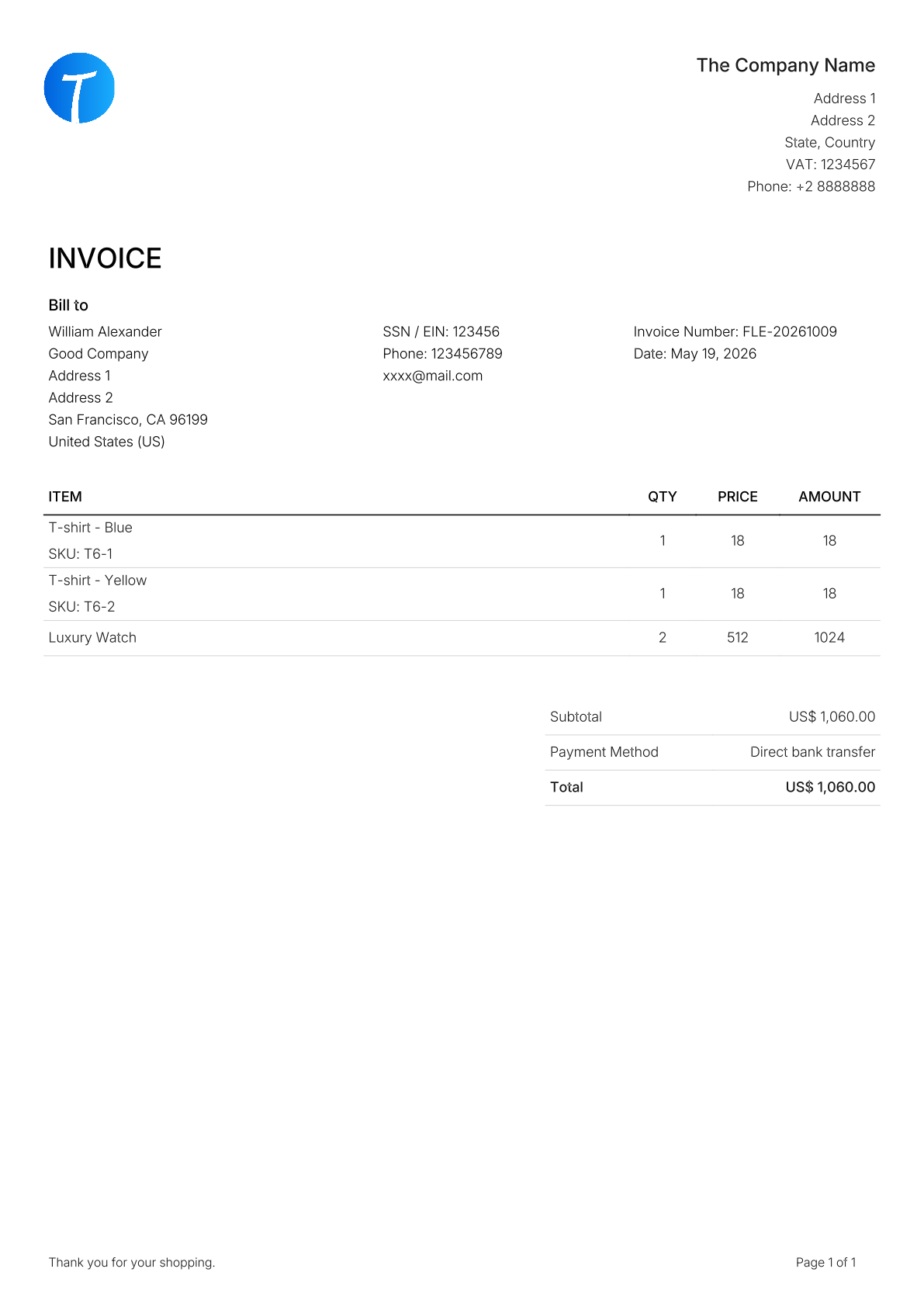
Default Invoice PDF
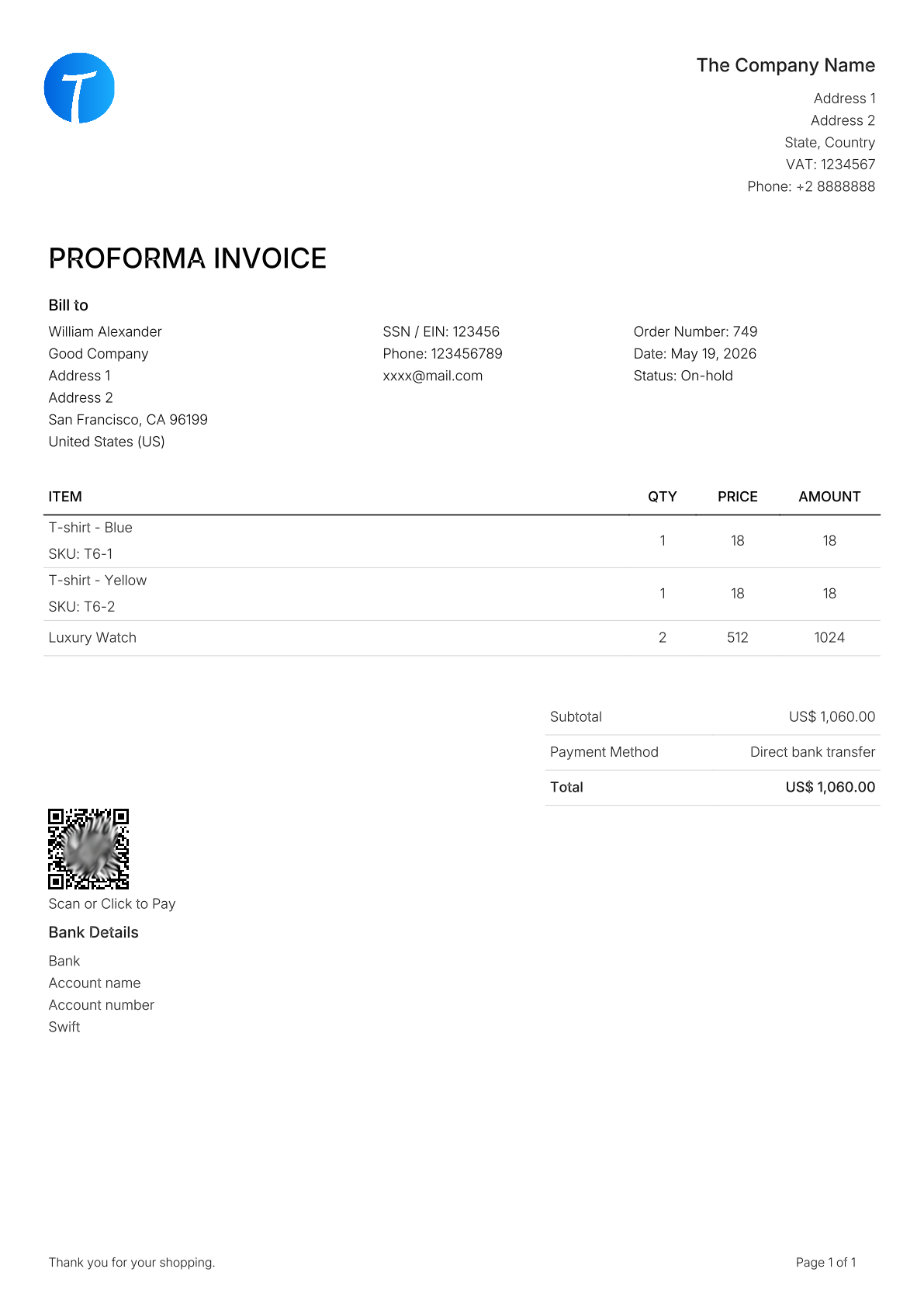
Default Proforma Invoice PDF (with QR Code)
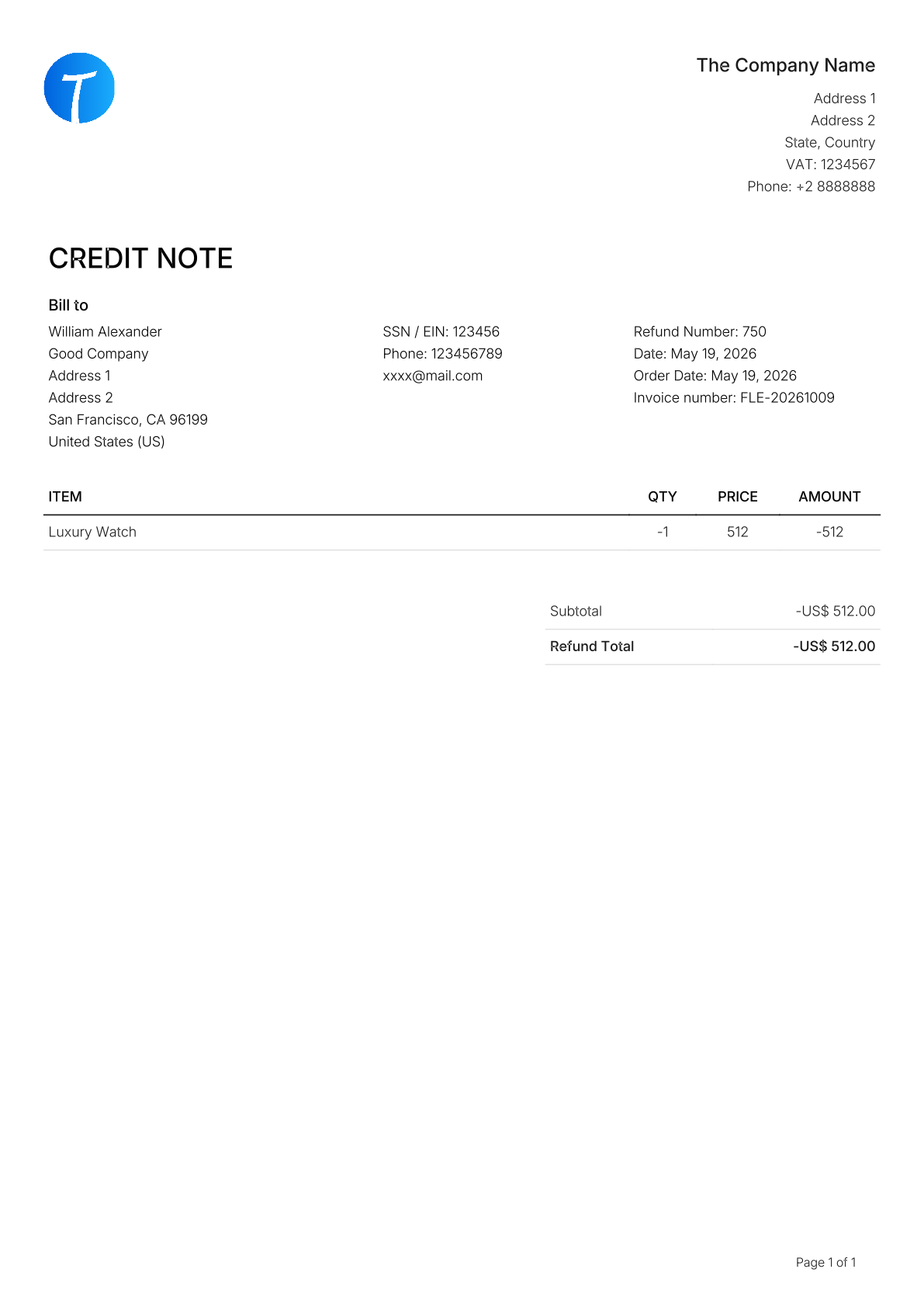
Default Credit Note PDF

Default Packing Slip PDF
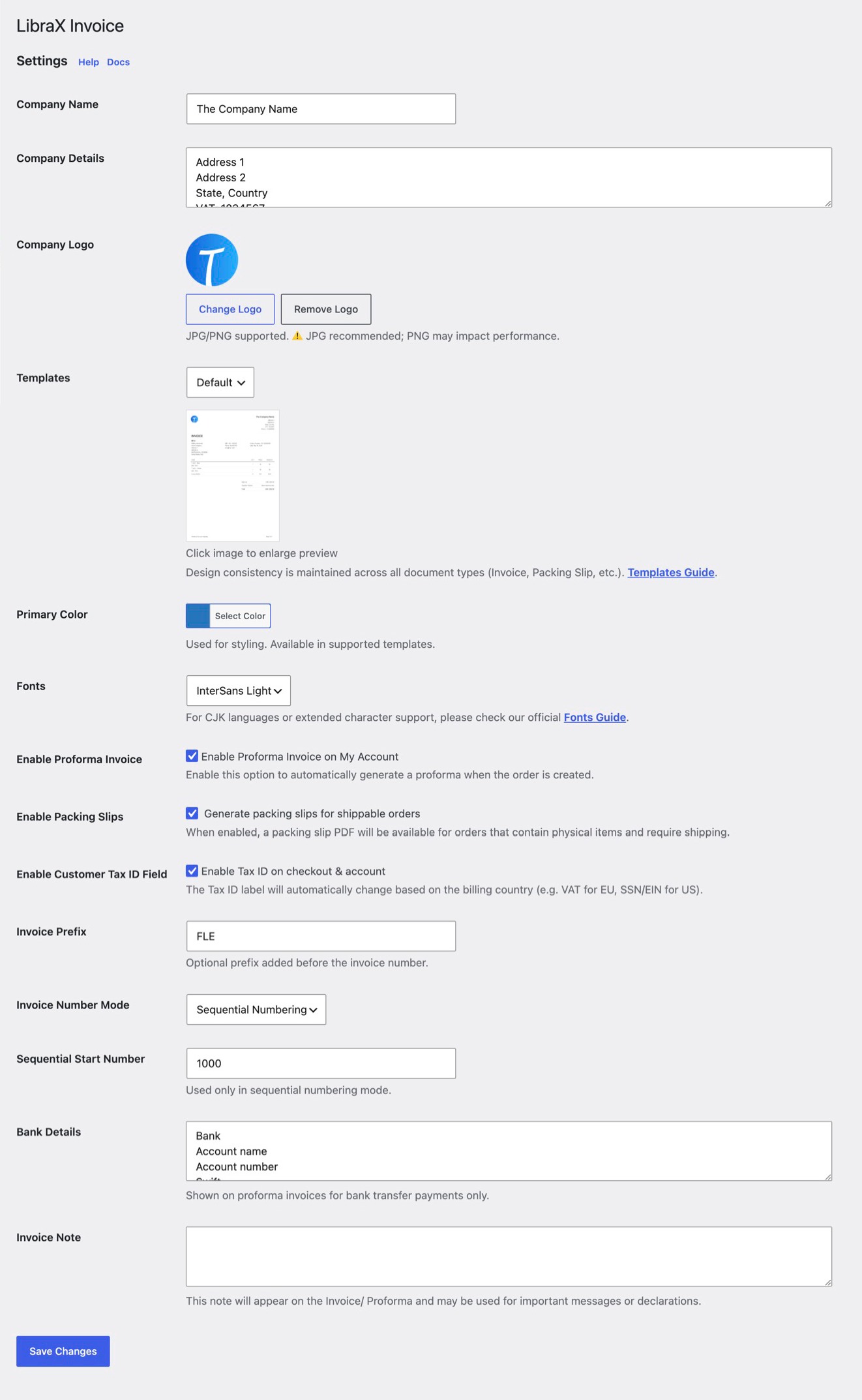
Settings page - clean and only 14 options
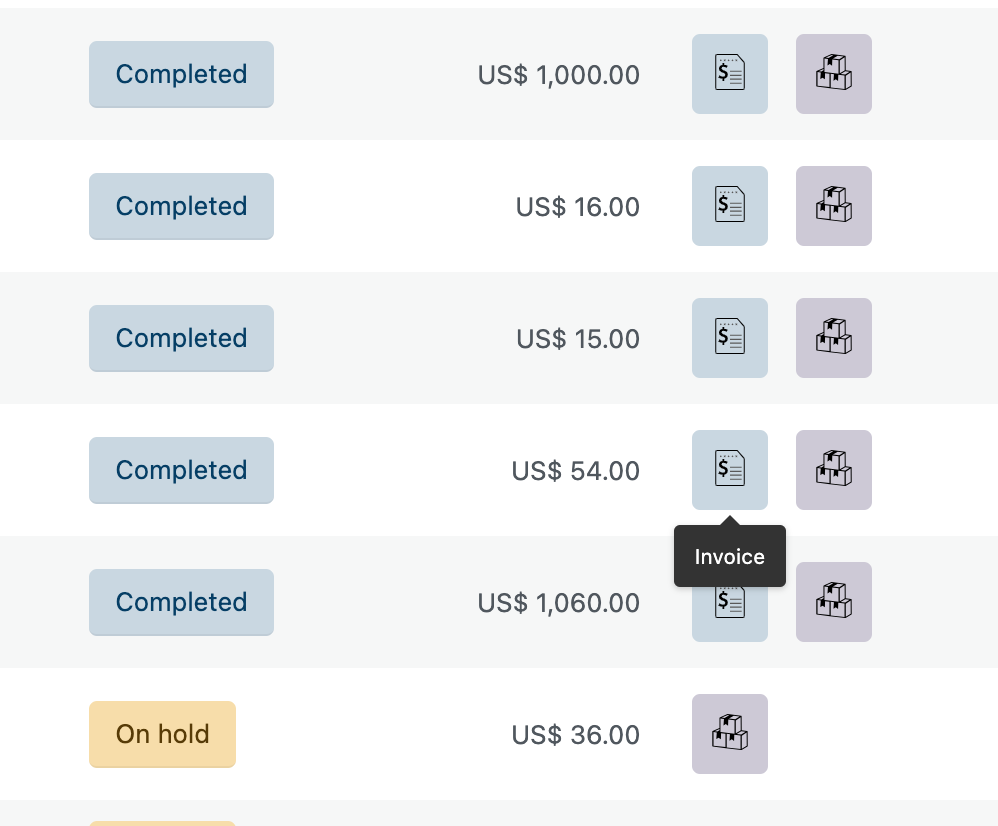
Order list - quick download buttons
Bulk download Invoices or Packing Slips as ZIP
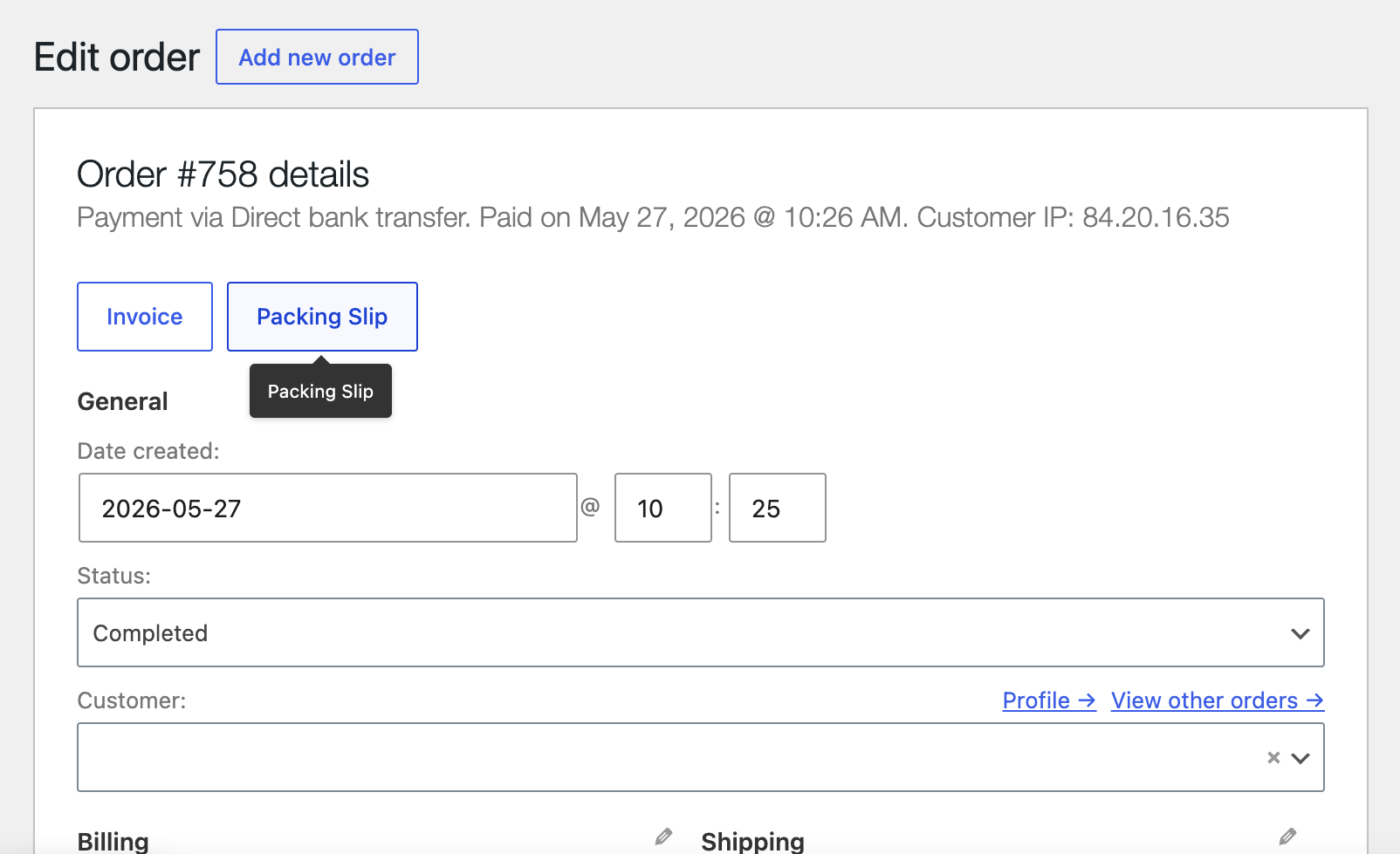
Documents actions in Edit Order screen
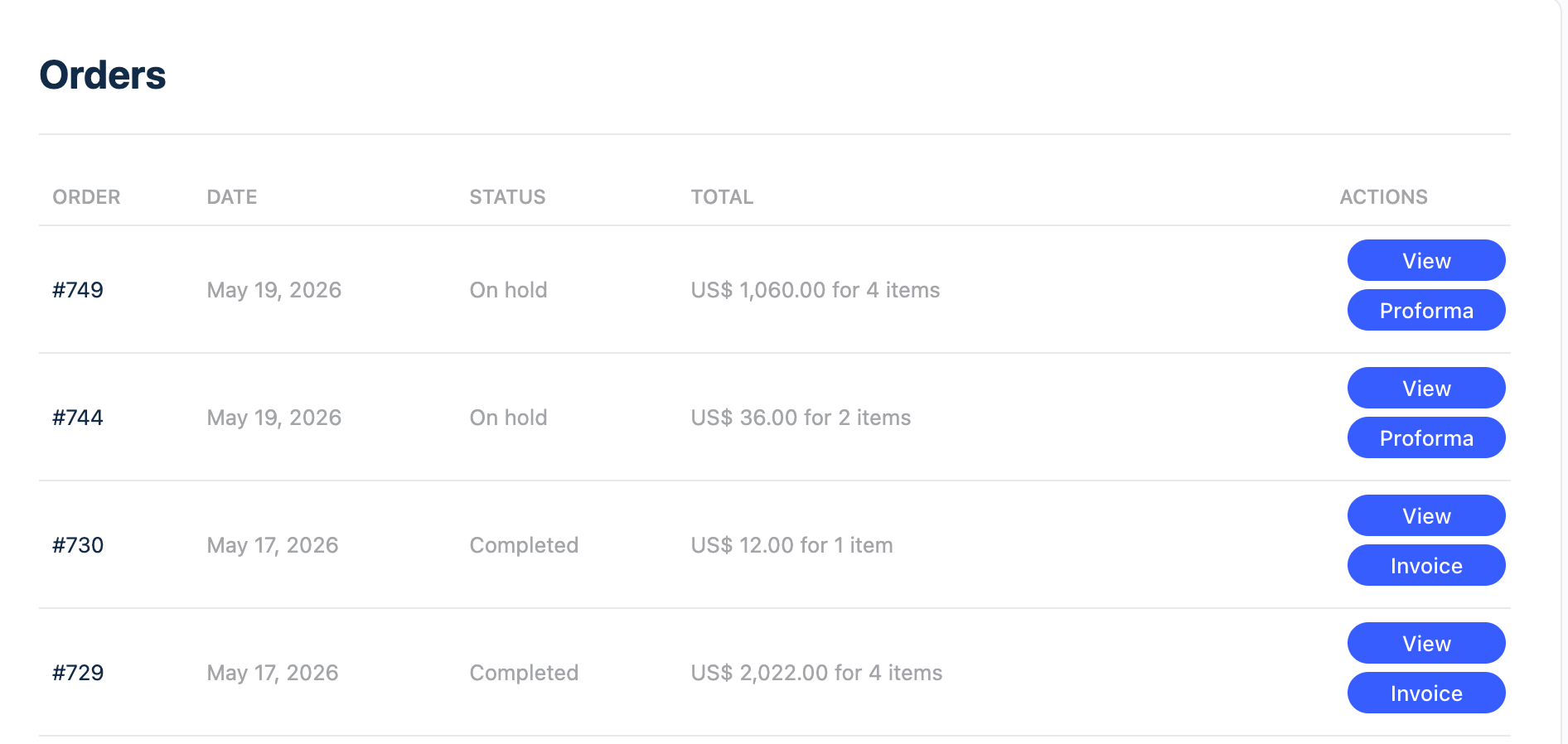
Documents section in My Account - Orders list
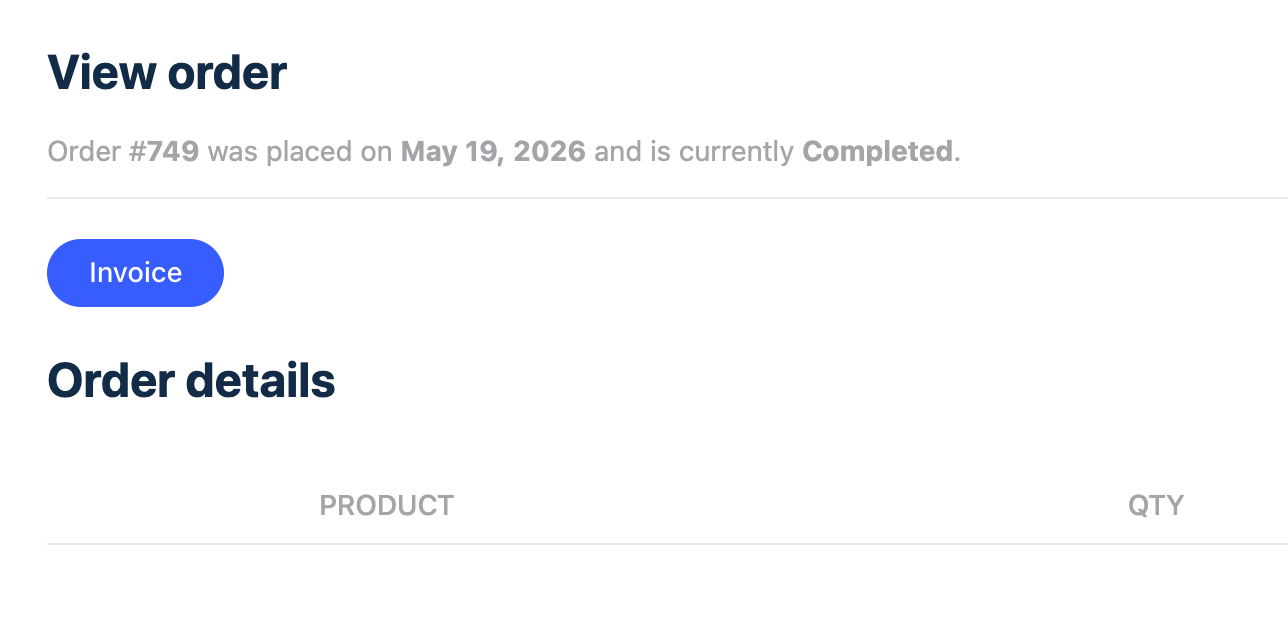
Documents buttons in My Account - Single Order view
Faq
No. All core features are completely free.
Yes. The plugin is fully compatible with HPOS.
Yes. Customers can view and download Invoice, Proforma Invoice, and Credit Note directly from their account.
You can choose between using WooCommerce order numbers or sequential numbering. Sequential mode adds the current year as prefix (e.g. 20261001), automatically resets each year, and allows admins to set or modify the next invoice number at any time.
Yes. The plugin intelligently skips invoice generation for orders with zero total amount.
For detailed migration guidance from plugins such as WP Overnight or YITH, please visit our documentation
Yes. You can add custom templates by placing them in your (child) theme folder:
your-theme/librax-invoice/
We strongly recommend using a child theme to avoid losing custom templates on updates.
Yes. Full CJK support is provided via the MiSans font (as a free font extension) for clean, professional multilingual PDFs.
Reviews
Changelog
1.0.5
- Feature: Added product image and separate currency unit parameters to template context (template files remain unchanged, customize as needed).
- Minor improvements and bug fixes.
1.0.4
- Minor improvements and bug fixes
1.0.3
- Skip invoice generation for zero total orders
- Added ability to set/modify the next sequential invoice number
- Minor improvements and bug fixes
1.0.2
- Minor improvements and bug fixes
1.0.1
- Minor improvements and bug fixes
1.0.0
- Initial public release