Limeboom Product Video Gallery for WooCommerce

Limeboom Product Video Gallery for WooCommerce
Description
Limeboom Product Video Gallery lets you show a product video inside the WooCommerce gallery — the natural place customers already look.
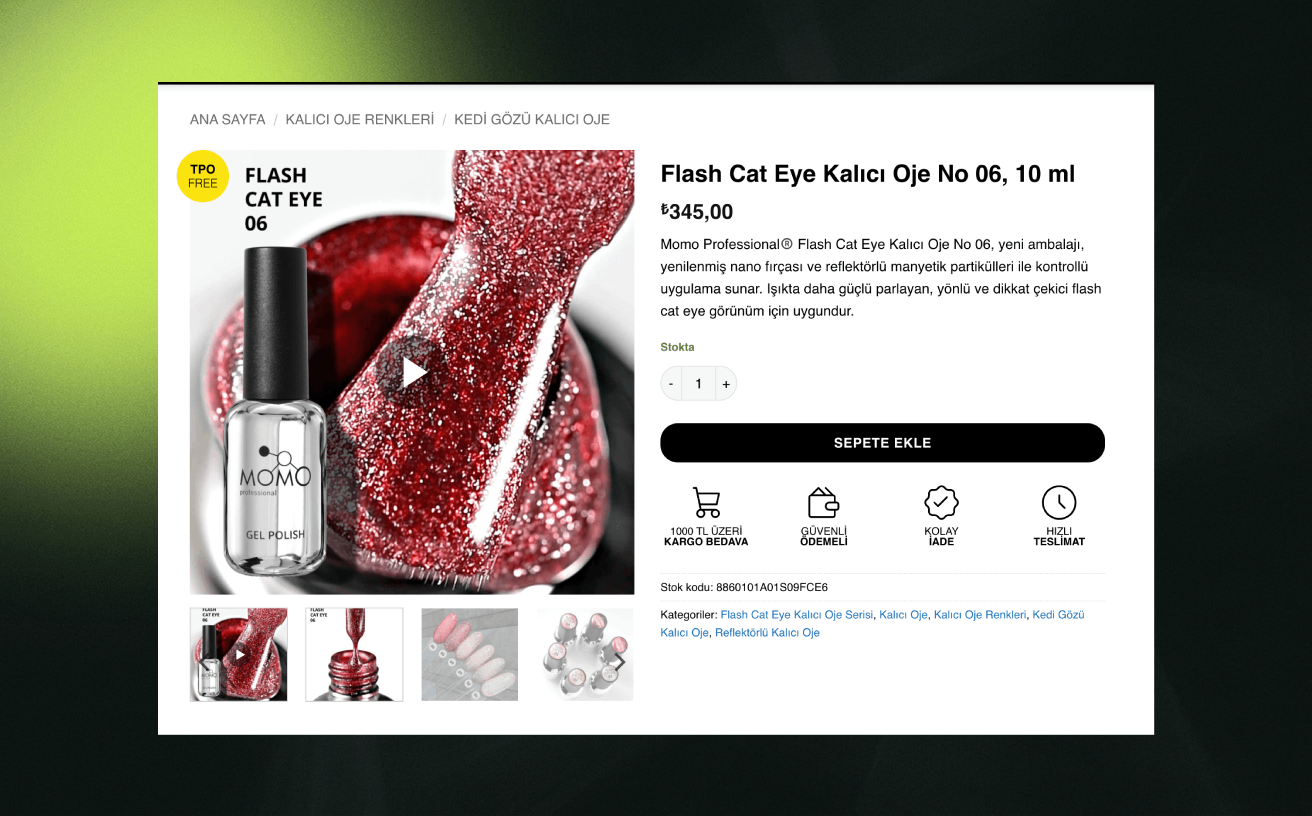
How it works: you pick a video URL and a poster image per product. The poster is written into the product’s real gallery data, right after the featured image, so it shows up in any theme — including themes with fully custom gallery sliders. A play button appears on the poster; clicking it swaps the image for the video player, inline: a YouTube player, or an HTML5 player for video files.
Free features:
- Unlimited products with video
- YouTube links (watch, youtu.be, Shorts and embed URLs), played inline with the privacy-friendly youtube-nocookie.com player
- Direct video file URLs (MP4, WebM, OGG, MOV — format detected automatically)
- Click-to-play with a clean play button overlay
- Poster becomes a genuine gallery item — theme-independent by design
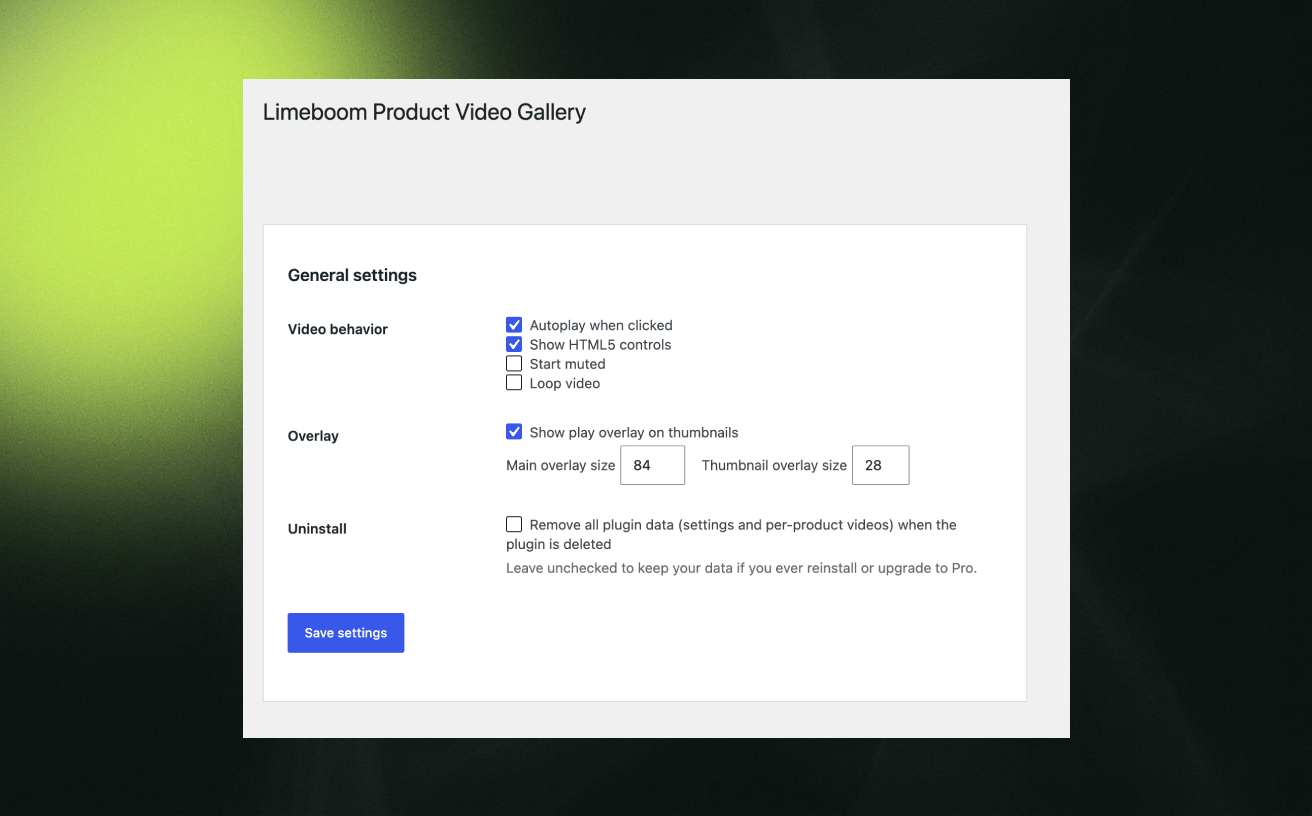
- Autoplay, muted, loop, and controls settings
- Adjustable play button overlay sizes
- Opt-in clean uninstall
Need more? Limeboom Product Video Gallery Pro adds:
- Vimeo support
- Automatic poster images for Vimeo videos
- Play on hover and autoplay-on-scroll (muted) triggers
- Multiple videos per product
- Video play analytics on your Products list
- Schema.org VideoObject markup for video rich results in search
- Priority support
External services
This plugin uses YouTube when a product has a YouTube link.
- What it is and what it is used for: YouTube (youtube-nocookie.com), Google’s video service, hosts the video and its player.
- What is sent, and when: nothing is loaded when the page opens. Only after a visitor clicks the play button, the visitor’s browser loads the player from youtube-nocookie.com, which receives the visitor’s IP address and browser information, as with any embedded video.
- Thumbnail download (admin only): when you save a product with a YouTube link and no poster image, your server requests the thumbnail from img.youtube.com (the video ID is sent) and stores it in your media library. Nothing is sent about your visitors.
- Terms and privacy: YouTube Terms of Service and Google Privacy Policy.
Products that use a direct video file load nothing from outside your own site.
Installation
- Install through the WordPress plugin screen, or upload the folder to
/wp-content/plugins/. - Activate the plugin. WooCommerce must be installed and active.
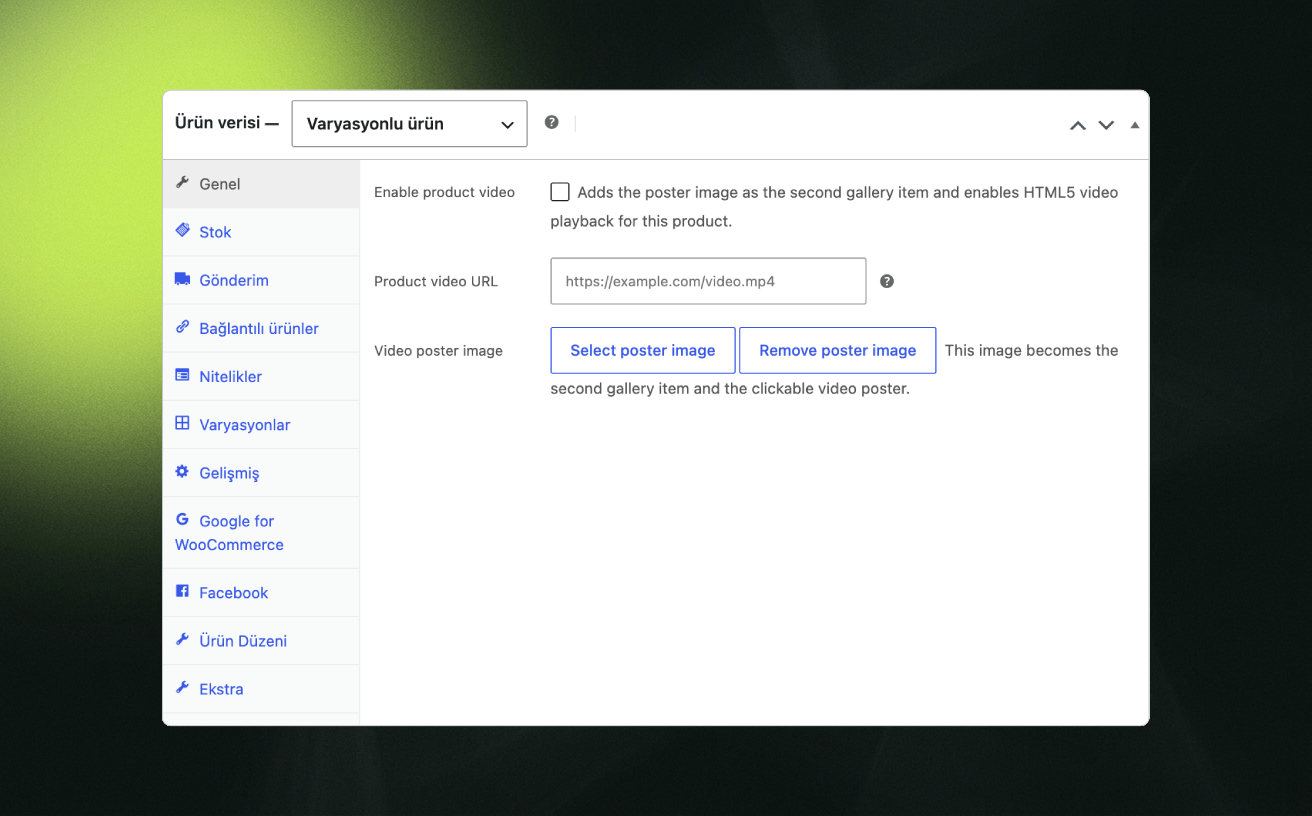
- Edit a product, open Product data General, paste a video URL. For YouTube links the poster is created automatically; for video files, choose a poster image.
- Update the product. The poster appears as the second image in the gallery with a play button.
- Optional: adjust playback behavior under WooCommerce Product Video Gallery.
Screenshots
Product gallery with the video poster and play button.
Inline video playback inside the gallery.
Per-product video settings in the product editor.
Faq
Yes. Instead of hooking into theme-specific gallery rendering, the poster image is written into the product’s actual gallery data — the same field every theme reads from. Tested with Storefront, Astra, and Flatsome, including themes with custom gallery sliders.
YouTube links (watch, youtu.be, Shorts and embed URLs) and direct file URLs: MP4, M4V, WebM, OGG/OGV, and MOV. The correct MIME type is detected from the file extension. Vimeo is supported in the Pro version.
No. When you save a product with a YouTube link and no poster, the plugin downloads the video’s thumbnail into your media library and uses it. You can still pick your own image any time. Video files (MP4, WebM) need a poster image.
Nothing, by default. Your video URLs and poster selections are kept, so reinstalling (or upgrading to Pro) picks them right back up. If you want a clean removal, enable “Remove all plugin data” in the settings before deleting.
Right after the product’s featured image — the second image customers see in the gallery.
Reviews
Changelog
1.2.0
- Changed: no more “Enable product video” checkbox. A video plays whenever a video URL is set on the product.
- New: YouTube posters are created automatically from the video thumbnail when no poster is chosen.
- New: admin notice if the thumbnail could not be downloaded.
1.1.0
- New: YouTube links now work in the free version (watch, youtu.be, Shorts and embed URLs), played inline with the privacy-friendly youtube-nocookie.com player after a click.
- Autoplay, muted, loop and controls settings apply to YouTube videos too.
- Product editor texts updated to mention YouTube.
1.0.0
- Initial release.