Limesnip Simple2FA

Limesnip Simple2FA
Description
Limesnip Simple2FA adds email-based two-factor authentication to your site. After entering their username and password, users receive a 6-digit verification code via email that they must enter to complete login.
Features:
- Email-based 2FA – no authenticator app required
- Clean, Linear-inspired verification UI
- Auto-advancing digit inputs with paste support
- Auto-submit when all digits are entered
- Role-based enforcement – choose which roles require 2FA
- Configurable code expiration and max attempts
- Optional “Remember this device” feature
- HTML and plain text email support
- Secure code storage (SHA-256 hashed)
- Fully responsive design
Installation
- Upload the
limesnip-simple2fafolder to/wp-content/plugins/ - Activate the plugin through the ‘Plugins’ menu in WordPress
- Go to Settings > Limesnip Simple2FA to configure
Screenshots
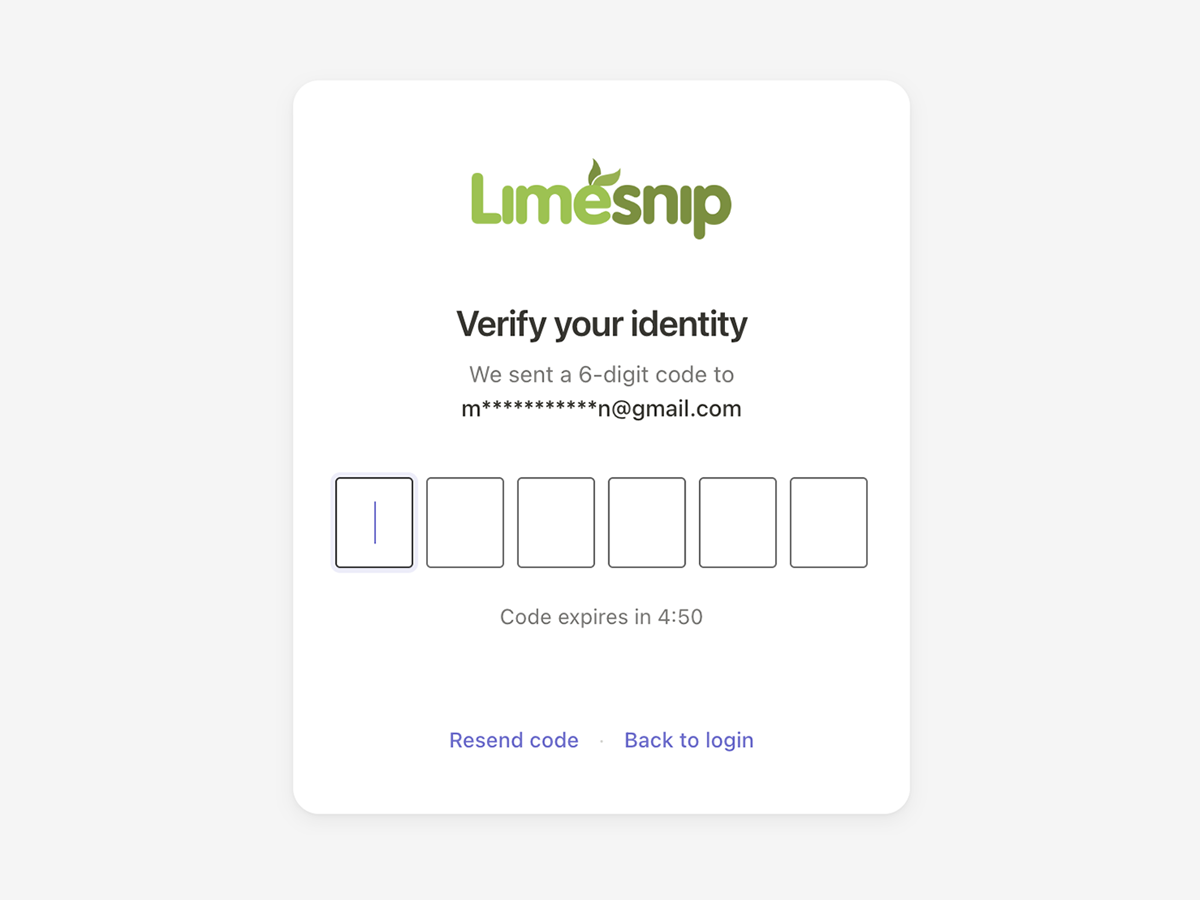
The verification screen shown to users after login.
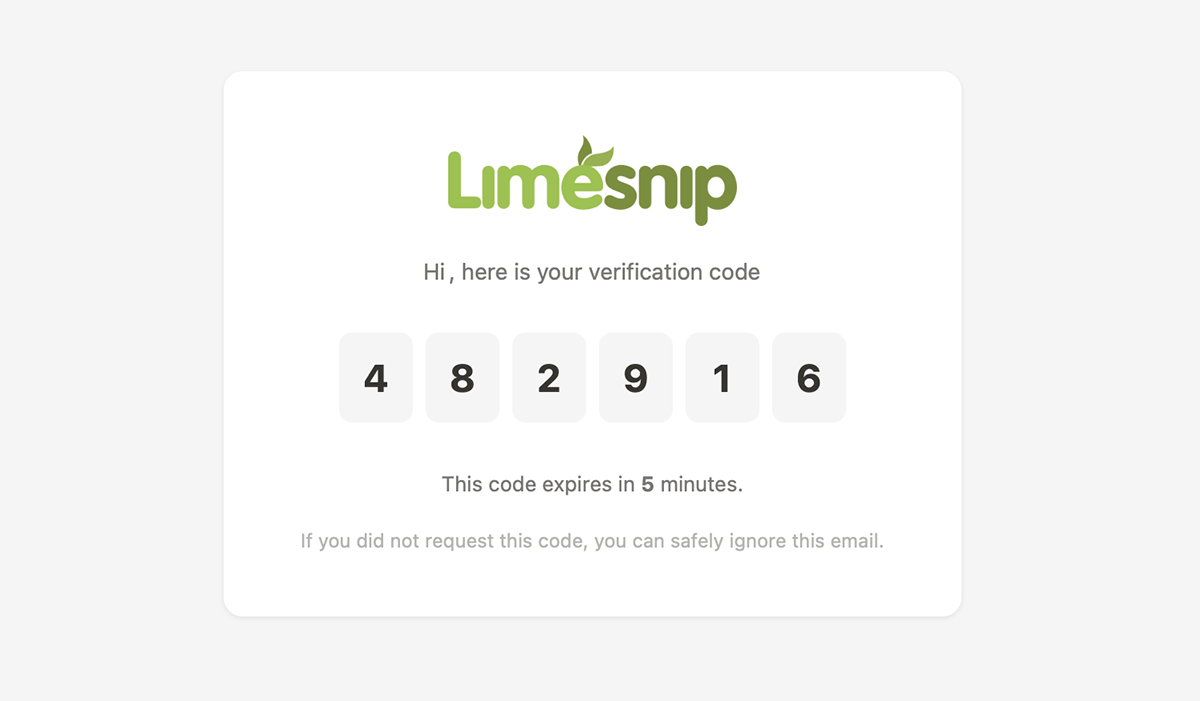
The email the user receives with their verification code.
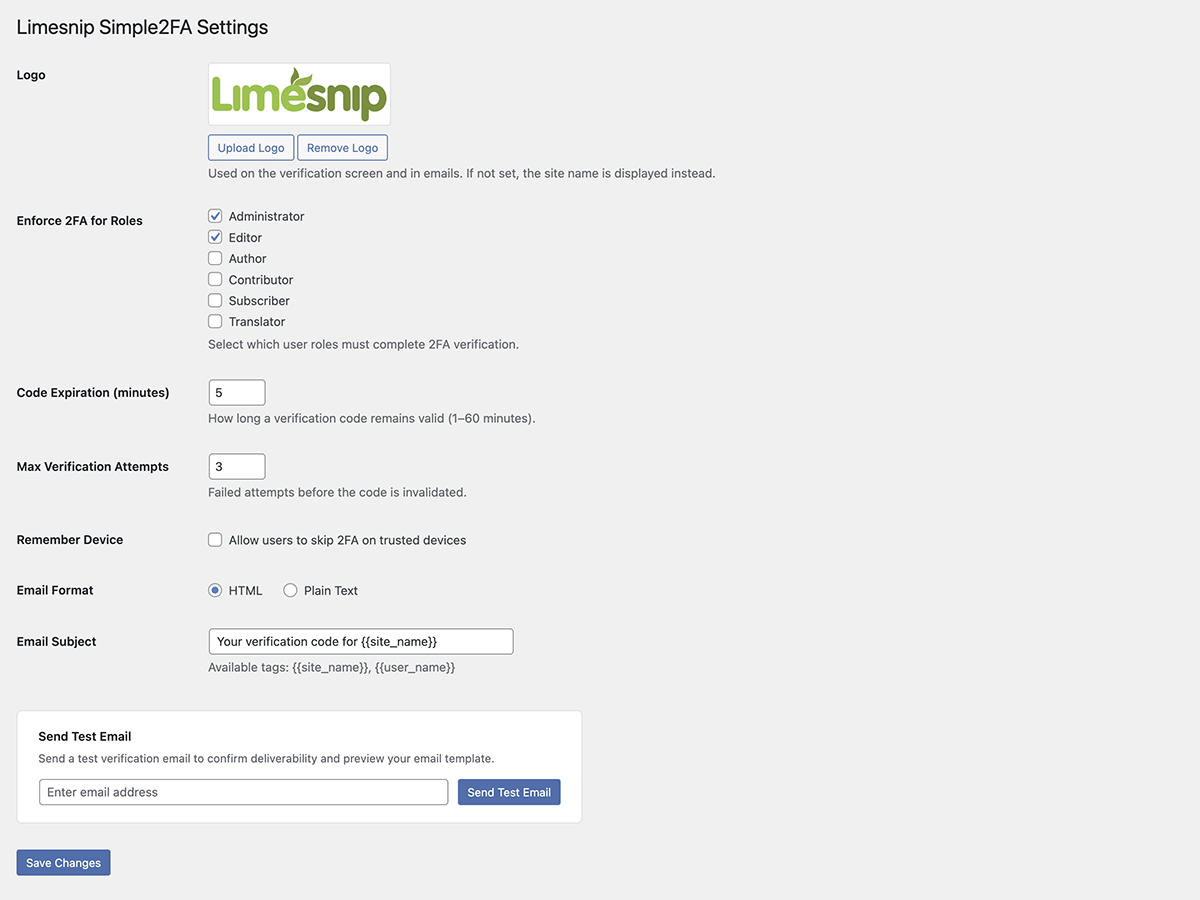
The plugin settings page.
Faq
The code is sent to the email address registered in the user’s WordPress profile.
Yes. You can upload a logo that appears in the email, choose between HTML and plain text format, and edit the email subject line. Go to Settings > Limesnip Simple2FA to configure these options.
Yes. You can upload a logo that appears on the verification screen. Go to Settings > Limesnip Simple2FA to configure this.
Users can click “Resend code” to receive a new code. There is a 60-second cooldown between resends.
If enabled by the admin in settings, users can check “Remember this device” to skip 2FA for a configurable number of days.
Reviews
Changelog
1.3.4
- Added: The verification code now also appears as a single line of small monospace text below the digit boxes in the email, making it easy to select, copy, and paste into the verification screen
- Fixed: Mail clients no longer auto-link the verification code as a phone number
1.3.3
- Changed: Restored the Deactivate and Delete action links on the Plugins page so the plugin can be managed like any other WordPress plugin (these were hidden in v1.2.4)
1.3.2
- Fixed: Added missing translator comments to every internationalized string that uses a
%s/%dplaceholder, so translators on WordPress.org can see exactly what each placeholder represents (resolves WordPress.WP.I18n.MissingTranslatorsComment notices flagged by Plugin Check)
1.3.1
- Changed: Verification screen now sits near the top of the page (matching the standard WordPress login form position) instead of being vertically centered
- Changed: Verification screen background updated to #f0f0f1 to match the standard WordPress login screen
- Changed: Verification digits now use a heavier 900 font weight for stronger legibility
- Fixed: Layout no longer shifts when the “Verifying…” row appears after the last digit is typed — the row’s height is now reserved from the start
- Changed: “Remember device” duration is now a dropdown limited to 7, 14, or 30 days (default 14) instead of a free-text number field
- Changed: Footer line on the settings page now shows only the plugin name and version
1.3.0
- Added: Full-page loading overlay shown after successful verification, so users know their code was accepted and the dashboard is loading
- Added: Verification digits are grayed out and disabled once the code is accepted, giving immediate visual confirmation
- Added: Auto-redirect to the plugin settings page on first activation so you can configure and test right away
- Added: Editor role is now enforced for 2FA by default (alongside Administrator)
- Added: If the site has a Site Logo set in the Customizer, it is automatically used as the plugin’s default logo on activation
1.2.8
- Initial public release