Limit Login Attempts Security – Login Security, 2FA, Firewall, Brute Force Prevention
Limit Login Attempts Security – Login Security, 2FA, Firewall, Brute Force Prevention
Description
Protect your WordPress website against brute force attacks, bot attacks, and unauthorized login attempts with one of the most trusted login security plugins for WordPress.
Limit Login Attempts Security strengthens your WordPress login security by limiting failed login attempts, blocking malicious IPs, securing wp-login.php, protecting XML-RPC, and adding powerful firewall and 2FA protection without slowing down your website.
Trusted by 2 million WordPress websites, Limit Login Attempts Security is designed specifically to protect the most targeted part of your website: the login page.
Why Use Limit Login Attempts Security?
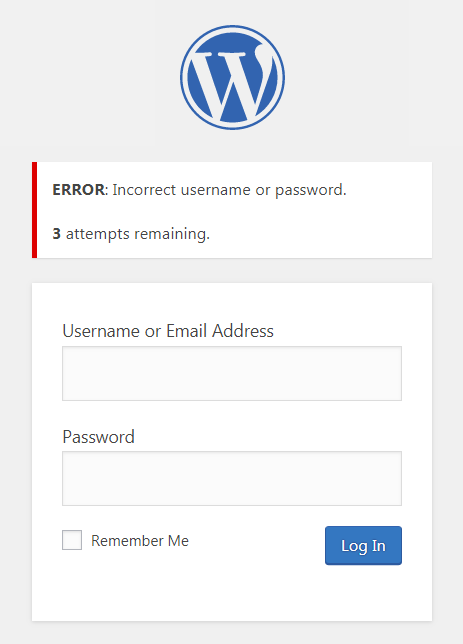
By default, WordPress allows unlimited login attempts. This creates a major security vulnerability where bots and attackers can repeatedly guess usernames and passwords until they gain access. This is especially important in the age of AI, where attackers now have access to faster and more sophisticated tools than ever before.
Limit Login Attempts Security helps stop:
- Brute force attacks
- Bot login attacks
- Credential stuffing attacks
- XML-RPC attacks
- Unauthorized login attempts
- WooCommerce login abuse
- Malicious IP access attempts
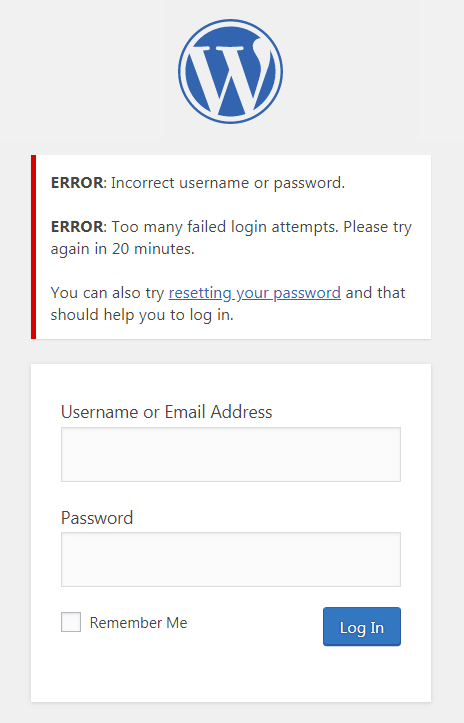
The plugin automatically blocks excessive login attempts and locks out suspicious IP addresses and usernames before attackers can gain access.
Features Included in the Free Version
Login Security & Brute Force Protection
- Limit login attempts by IP address and username
- Automatically lock out suspicious login activity
- Adjustable lockout duration and retry limits
- Protect wp-login.php from automated attacks
- Prevent brute force login attacks
2FA / Multi-Factor Authentication (MFA)
- Built-in two-factor authentication (2FA)
- Add an additional layer of login protection
- Improve WordPress account security
- Secure administrator and user logins
Firewall & Bot Protection
- Block malicious login requests
- Detect suspicious login behavior
- Reduce bot-based login attacks
- Lightweight firewall-focused login protection
WooCommerce & Plugin Compatibility
Protects:
- WooCommerce login pages
- XML-RPC login requests
- Custom login pages
- WordPress multisite installations
Compatible With:
- Wordfence
- Sucuri
- Ultimate Member
- MemberPress
- WPS Hide Login
- Cloudflare and reverse proxy setups
Login Monitoring & Notifications
- Failed login attempt logs
- Lockout email notifications
- Denied attempt tracking
- Login retry visibility for users
Access Controls
- IP safelist and denylist support
- Username safelist and denylist support
- IPv6 range support
- Custom IP origin configuration
Premium Features (Start Your Free 14 Day Trial)
Upgrade to Limit Login Attempts Security Premium to extend protection with cloud-based login security and advanced attack prevention.
Advanced Cloud Protection
- Real-time malicious IP intelligence
- Global denylist protection
- Synchronized lockouts across websites
- Auto IP denylist generation
- Cloud-based login attack mitigation
Enhanced Performance Protection
- Offload excessive failed login requests from your server
- Reduce server strain during attacks
- Improve stability under heavy attack conditions
Advanced Security Features
- Country-based login blocking
- Enhanced throttling and lockout escalation
- Registration page protection
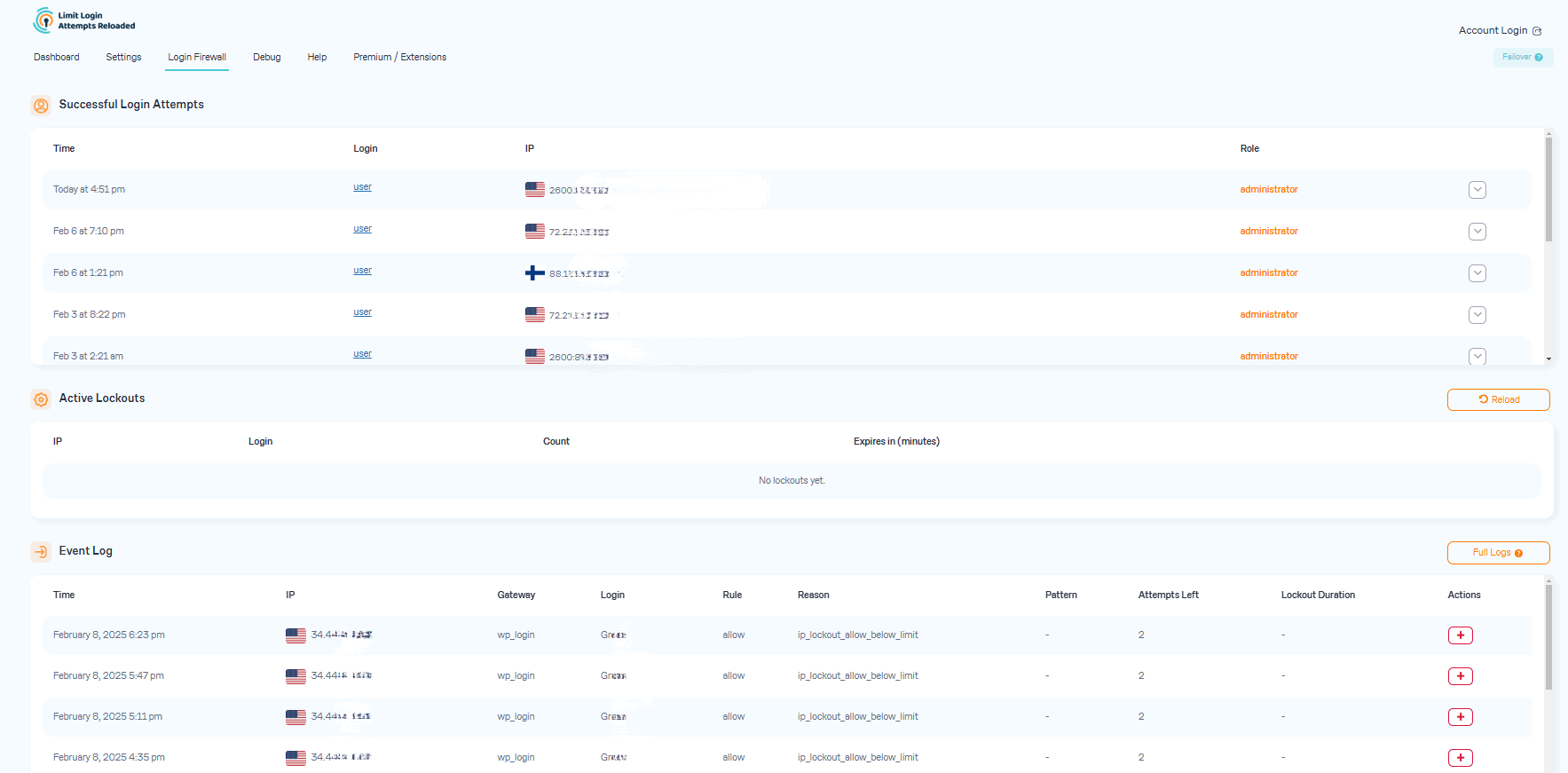
- Successful login tracking
- Enhanced lockout analytics and geolocation data
Multi-Site & Team Features
- Shared safelist and denylist syncing
- Shared lockout protection between domains
- Cloud backups of IP security data
- CSV exports of login and IP activity
Premium Support
- Access to security-focused support specialists
- Faster troubleshooting and assistance
Lightweight Security Built for WordPress
Unlike many large security suites, Limit Login Attempts Security focuses specifically on login security and brute force protection.
This means:
- Faster performance
- Less server overhead
- Easier configuration
- Strong protection without unnecessary bloat
Protect More Than Just wp-login.php
Limit Login Attempts Security secures:
- wp-login.php
- XML-RPC
- WooCommerce logins
- Custom login forms
- Registration pages
- Multisite logins
Trusted by Millions of WordPress Websites
Limit Login Attempts Security is one of the most widely used WordPress login security plugins and has helped protect millions of websites from brute force attacks and malicious login activity.
Whether you run:
- A personal blog
- WooCommerce store
- Membership website
- Agency
- Business website
- Enterprise WordPress network
Limit Login Attempts Security helps secure your login experience with modern WordPress login protection.
Upgrading from the Original Limit Login Attempts Plugin?
Switching is easy:
- Remove the old Limit Login Attempts plugin
- Install Limit Login Attempts Security
- Your settings will remain intact
Translation Support
Currently translated into multiple languages including:
- Spanish
- French
- German
- Dutch
- Turkish
- Swedish
- Russian
- Romanian
- Chinese (Traditional)
- Brazilian Portuguese
- And more
Secure Your WordPress Login Today
Install Limit Login Attempts Security and protect your WordPress website with:
- Login security
- Two-Factor Authentication (2FA)
- Brute force protection
- Firewall security
- Bot protection
- XML-RPC protection
- WooCommerce login protection
Without slowing down your website.
Screenshots
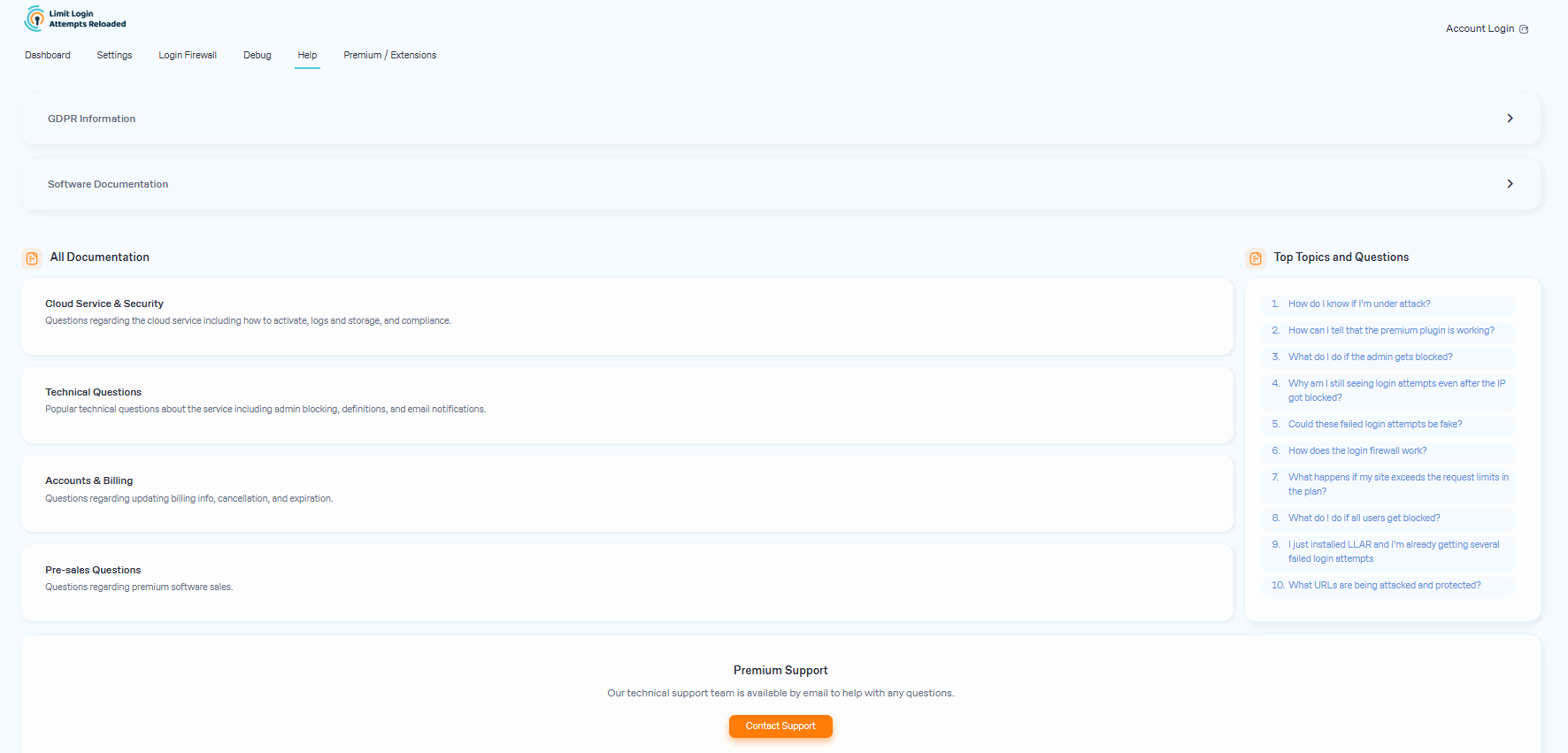
Faq
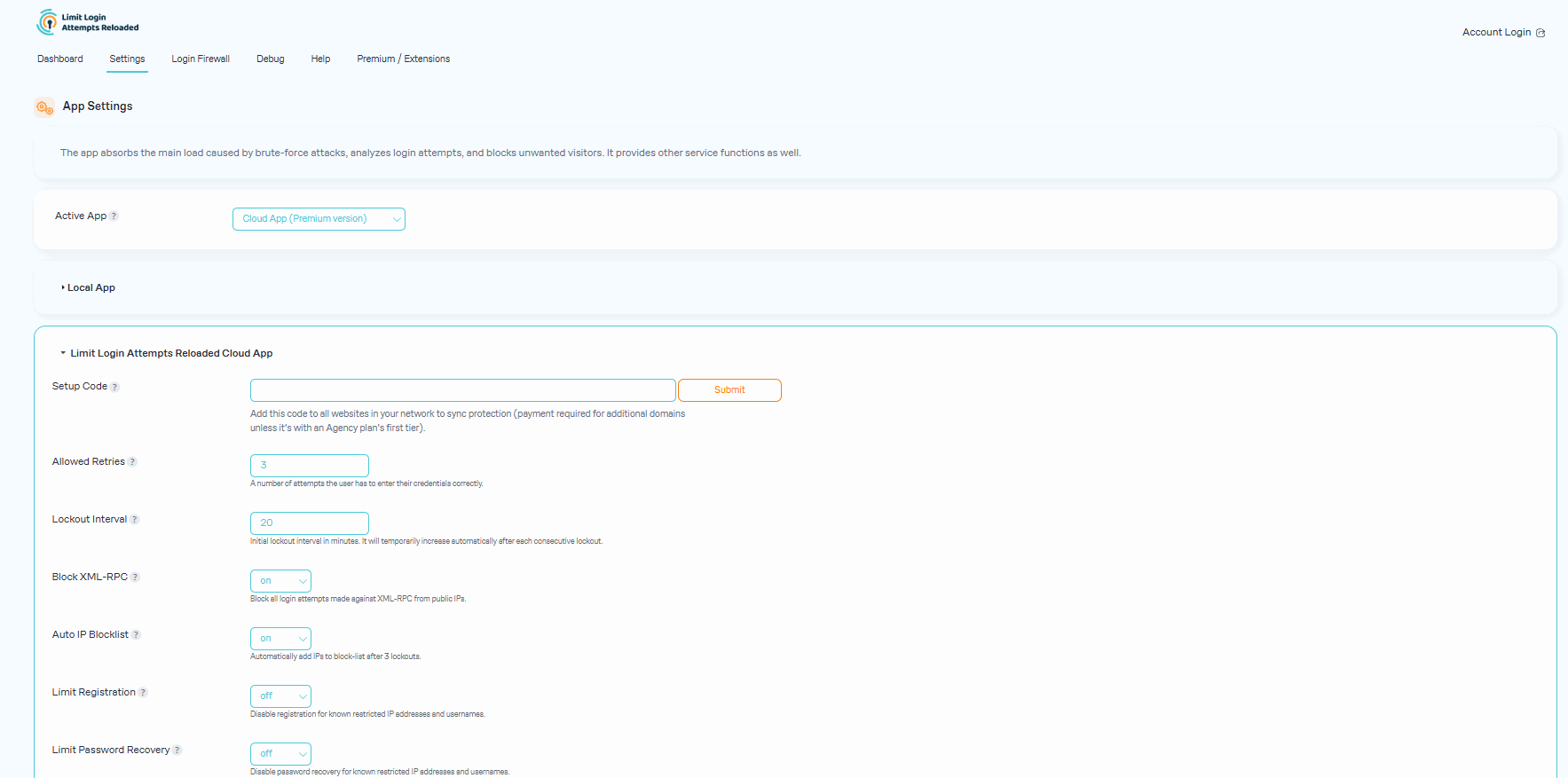
If you are using contemporary hosting, it’s likely your site uses a proxy domain service like CloudFlare, Sucuri, Nginx, etc. They replace your user’s IP address with their own. If the server where your site runs is not configured properly (this happens a lot) all users will get the same IP address. This also applies to bots and hackers. Therefore, locking one user will lead to locking everybody else out. If the plugin is not using our Cloud App, this can be adjusted using the Trusted IP Origin setting. The cloud service intelligently recognizes the non-standard IP origins and handles them correctly, even if your hosting provider does not.
An easy way to check if the attack is legitimate is to copy the IP address from the lockout notification and check its location using a IP locator tool. If the location is not somewhere you recognize and you have received several failed login attempts, then you are likely being attacked. You might notice dozens or hundreds of IPs each day. Visit our website to learn how can you prevent brute force attacks on your website.
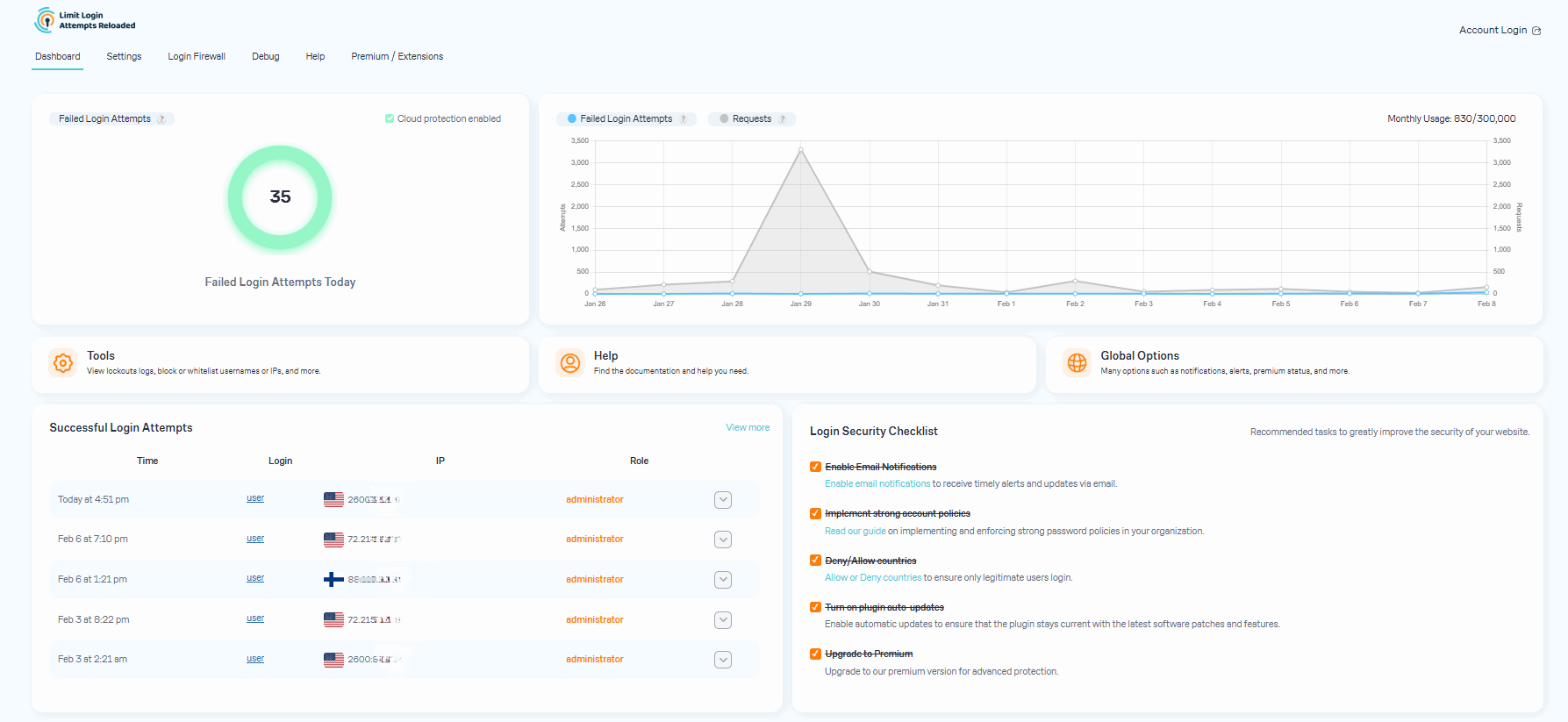
After you upgrade to our premium version, you will see a new dashboard in your WordPress admin that shows all attacks that will now relay through our cloud service. On the graph, you’ll see requests and failed login attempts. Each request will represent the cloud app validating an IP, which also includes denied logins.
In some cases, you may notice an increase in speed and efficiency with your website. Also, a reduction in lockout notifications via email.
Some users find it hard to believe that they could experience numerous unsuccessful login attempts, particularly when their site has just been established or has minimal human traffic. The plugin is not responsible for generating these failed login attempts. Newly created websites are frequently hosted on shared IP addresses, making it easy for hackers to discover them. Additionally, newly registered domain names are often crawled soon after creation, rendering a WordPress website susceptible to attacks. Such websites are attractive targets as security is not a primary concern for their owners. We’ve created an article that delves deeper into the issue of fake login attempts in WordPress.
The premium plan’s resource limits start from 100,000 requests per month, which should accept almost any heavy brute-force attack. We monitor all of our sites and will alert the user if it appears they are going over their limits. If limits are reached, we will suggest to the user upgrading to the next plan. If you are using the free version, the load caused by brute force attacks will be absorbed by your current hosting bandwidth, which could cause your hosting costs to increase.
The URLs being protected are your login page (wp-login.php, wp-admin), xmlrpc.php, WooCommerce login page, and any custom login page you have that uses regular WordPress login hooks.
Our main focus is protecting your site from brute force attacks. This allows our plugin to be very lean and effective. It doesn’t require a lot of your web hosting resources and keeps your site well-protected. More importantly, it does all of this automatically as our service learns on its own about each IP it encounters. In contrast, a firewall would require manual blocking of IPs.
Open the site from another IP. You can do this from your cell phone, or using Opera browser and enabling free VPN there. You can also try turning off your router for a few minutes and then see if you get a different IP address. These will work if your hosting server is configured correctly. If that doesn’t work, connect to the site using FTP or your hosting control panel file manager. Navigate to wp-content/plugins/ and rename the limit-login-attempts-reloaded folder. Log in to the site then rename that folder back and whitelist your IP. By upgrading to our premium app, you will have the unlocking functionality right from the cloud so you’ll never have to deal with this issue.
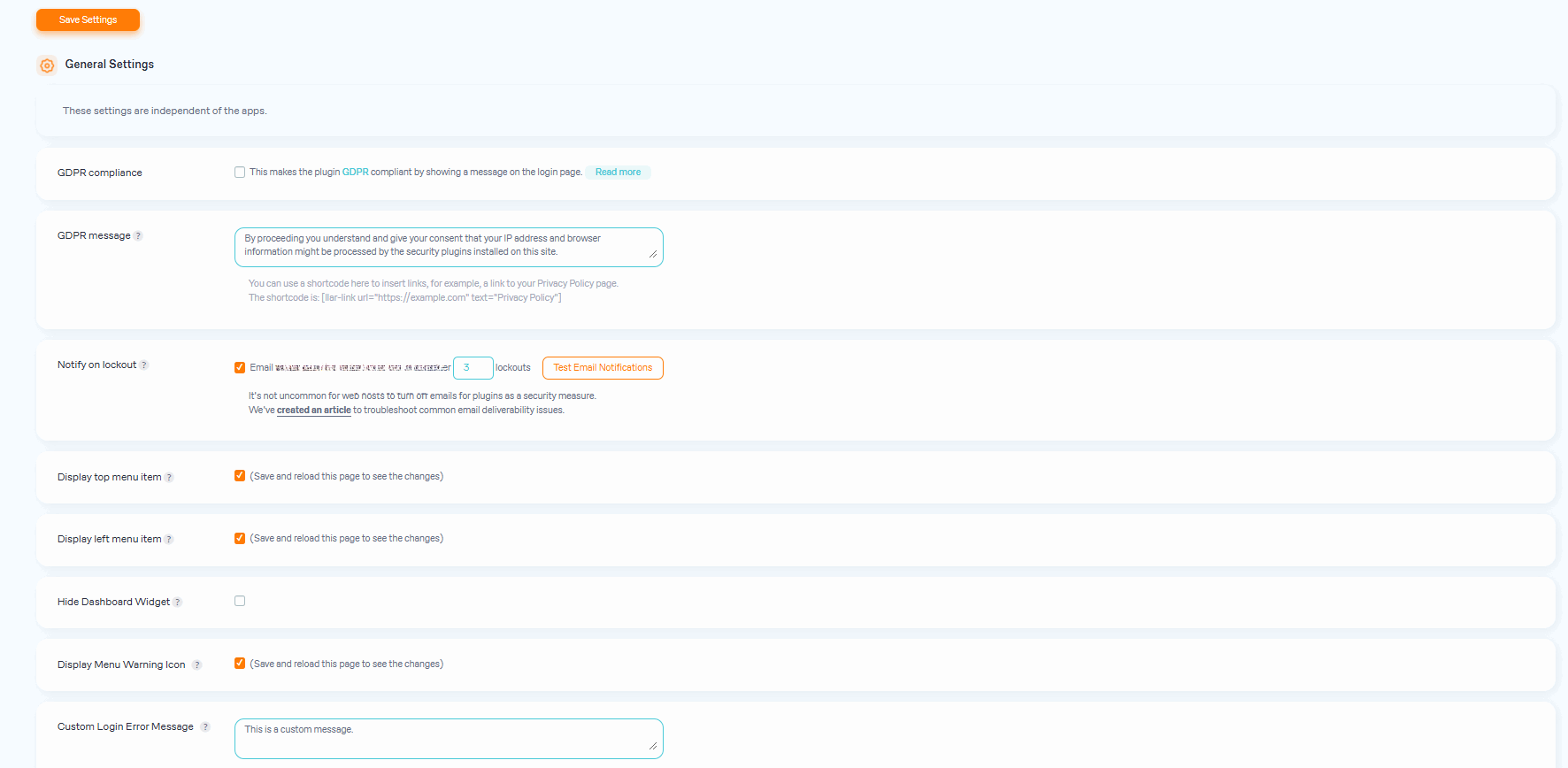
The settings are explained within the plugin in great detail. If you are unsure, use the default settings as they are the recommended ones.
By default, you will need to copy and paste the lists to each site manually. For the premium service, sites are grouped within the same private cloud account. Each site within that group can be configured if it shares its lockouts and access lists with other group members. The setting is located in the plugin’s interface. The default options are recommended.
Reviews
Excelente, essencial para a proteção do site.
By 
Muito bom, realmente funciona. Obrigado.
Πάρα πολύ καλό!!!
By 
Πάρα πολύ καλό!!!
Por el momento funciona de 10.
By 
Todo excelente por el momento.
Vraiment parfait
By 
Ce plugin fait le job, que demander de plus.
uncelbob
By 
Many Thanks for this plugins
Excelente resultado, cero molestias.
By 
Tras un par de meses de uso, luego de tener que abandonar otras medidas de seguridad por constantes problemas de caché, este plugin viene funcionando a la perfección, y no ha generado ninguna clase de conflictos con ningún otro elemento. Por ende, totalmente recomendable. Muchas gracias!
Lots of good and some bad
By 
I like a lot of what this plugin does. I am a premium subscriber. My main problem is with how they calculate requests. If you disable wp_xmlrpc and a bot tries to login that way 20k times in a few hours, it counts each of those attempts individually as "requests". Same if you block a country, and it denys them based on that block it counts each as a request. So you can use up a large chunk of your monthly quota in a few hours... even though you had disabled those login pathways. So I am between 3-4 stars
Review
By 
The plugin works grets. Good job.
Perfect Job
By 
Must Have Addon
very good job
By 
very good job
Changelog
3.3.10
- Added detection of a cached or optimizer-stripped login page and an admin notice warning that it can break the email code (MFA) login flow.
- Fixed the onboarding Micro Cloud step silently completing on activation errors; it now shows the server error message so users learn when the program is closed or trial is unavailable.
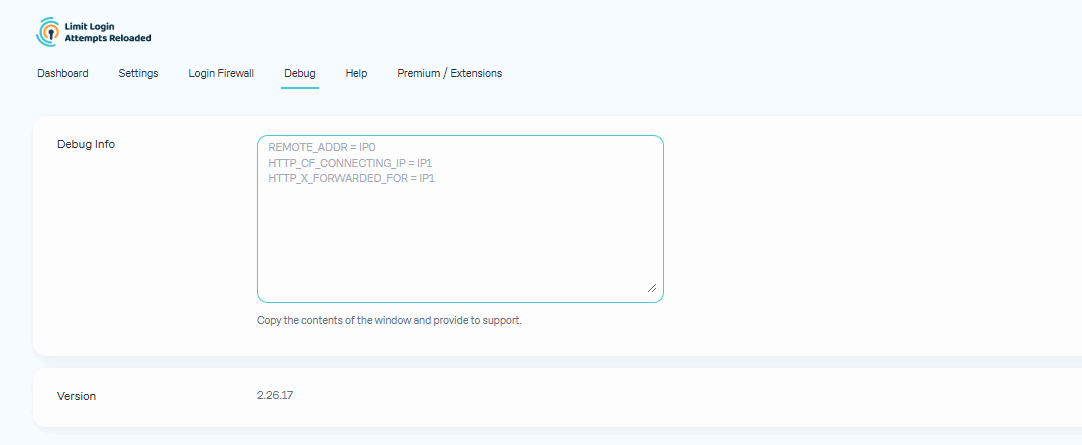
- Added a compatibility table to the Debug tab showing which LLAR features work with popular third-party plugins.
- Redesigned the lockout notification email.
3.3.9
- Reworked the premium tab upgrade CTAs to show plan-specific pricing and adapt the upgrade links to the currently installed plan.
- Added Micro Cloud usage banners that show the monthly requests used and warn when the quota is almost exhausted.
- Updated the lockout notification email with a new premium upgrade call to action.
- Fixed the cloud Active Lockouts widget showing too few lockouts by auto-loading additional pages when a short batch did not fill the list.
- Fixed the local denylist still blocking logins in cloud mode after the cloud ACL allowed them; local rules now apply only as a failover when the cloud ACL is unavailable.
- Fixed WooCommerce customers being unable to register during checkout when cloud registration limiting was enabled; account creation is now allowed during checkout while standalone registration forms stay protected.
3.3.8
- Added Personal and Business plans to the premium comparison table and made the displayed plans adapt to the currently installed plan.
- Aligned dashicons across the logs, premium, ACL and help admin pages for WordPress 7 compatibility.
- Fixed the failed-login page script being blocked under a nonce-based Content Security Policy by printing it with wp_get_inline_script_tag(). Thanks to Oskar Schöldström (@oxyc) for the pull request.
- Fixed the denylist matching the account email when only the username was listed; now the submitted login is matched literally (case-insensitive), while explicit email entries still apply.
3.3.7
- Fixed PHP warnings when a cloud app custom setting is missing the label, description, or value field.
- Added the SameSite=Lax attribute to the login flow cookie for better CSRF protection.
- Fixed dashicons line-height on all admin pages and dashboard widgets for WordPress 7 compatibility.
- Fixed the cloud app setup so it verifies the setup code was saved before activating the custom app, preventing an inconsistent state on storage errors.
- Fixed the review admin notice buttons not working because its inline script was being stripped by output sanitization.
- Fixed the Micro Cloud setup so it surfaces the actual server error message to admins and handles an incomplete app configuration gracefully instead of failing silently.
3.3.6
- Refactored the core plugin class into smaller services.
3.3.5
- Hardened denylist matching to make username blocking more reliable and consistent. Thanks to Artus KG for finding and reporting this issue.
3.3.4
- Fixed icon positioning.
3.3.3
- Fixed the dashboard incorrectly showing a network error when the cloud API is reachable but access is restricted.
- Fixed a PHP 8.1+ deprecation notice by avoiding implicit float-to-int conversion in the lockout email notification check.
- Made the email digest labels (Daily/Weekly/Monthly) and preview text translatable.
- Allowed safelisted usernames (matched case-insensitively, including by email) to bypass lockouts and the MFA prompt on login.
3.3.2
- Improved usage information in cloud mode.
Earlier versions
For the changelog of earlier versions, please refer to the changelog.txt file.