Link Verification for Mastodon

Link Verification for Mastodon
Description
This WordPress plugin is super simple. It just adds something like this <link rel="me" href="https://your.mastodon.instance/@yourusername" /> to your website’s <head>.
Installation
Automatic installation
Automatic installation is the easiest option — WordPress will handle the file transfer, and you won’t need to leave your web browser.
- Log in to your WordPress dashboard
- Navigate to the “Plugins” menu
- Search for “Link Verification for Mastodon”
- Click “Install Now” and WordPress will take it from there
- Activate the plugin through the “Plugins” menu in WordPress
Manual installation
- Upload the entire
link-verification-for-mastodonfolder to thewp-content/plugins/directory - Activate the plugin through the “Plugins” menu in WordPress
After activation
- In your WordPress dashboard, under “Settings”, you will find the “Mastodon Verification” menu
- Copy-paste your Mastodon username (formatted as
@yourusername@your.mastodon.instance) - Click “Save Changes”
- Your link should show up as verified on your profile in a few minutes
Screenshots
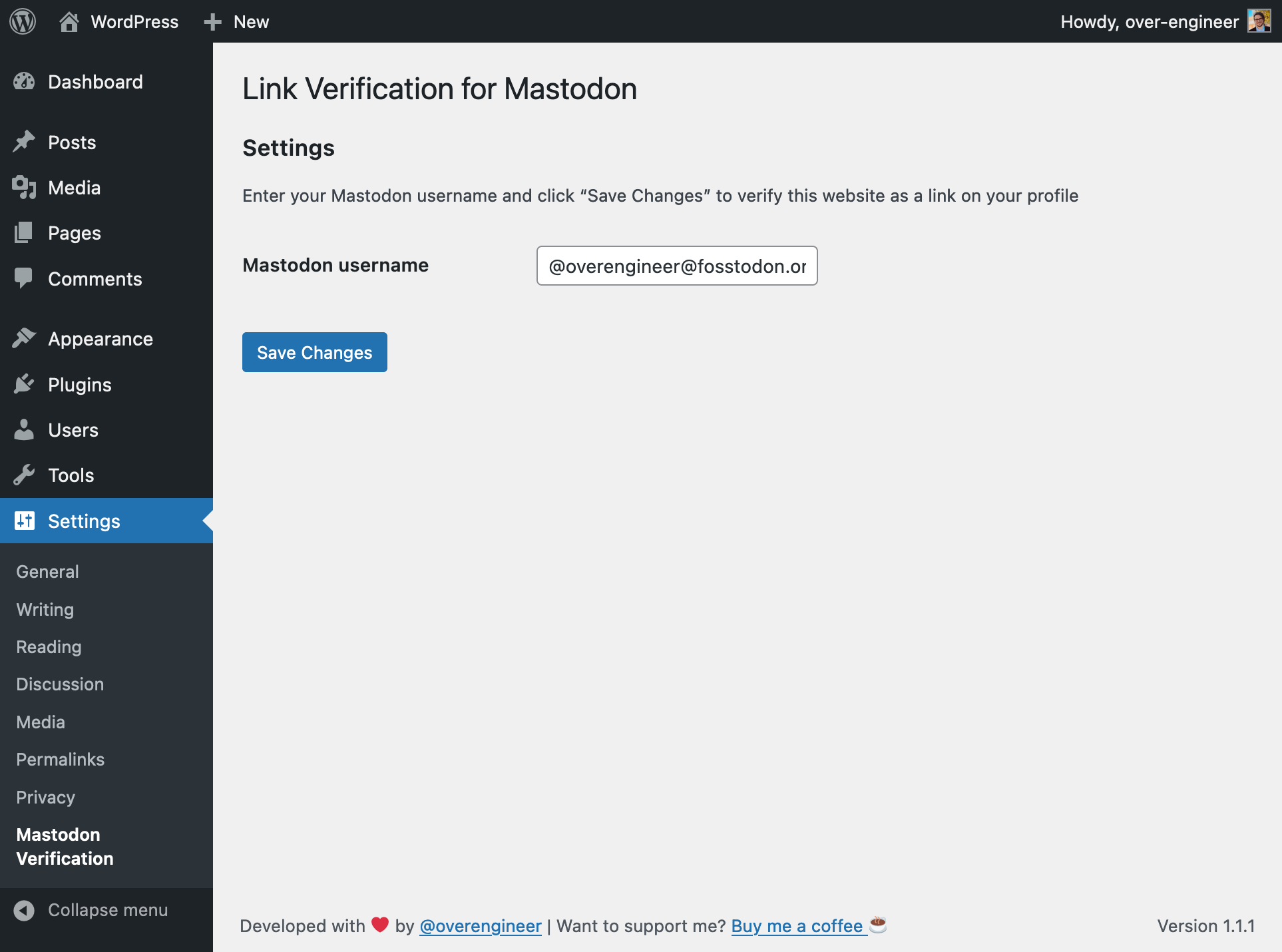
Plugin settings
Faq
A Mastodon account is formed like an email account: @name@some.mastodon.instance. You need to enter the whole thing (including your instance) in the plugin’s settings.
Yes, you can. Just enter all usernames separated by a comma.
If you have spotted any bugs, or would like to request additional features from the plugin, please file an issue.
Supporting me is 100% optional. The plugin is free and will always be free. However, if you’d like to support me, it would mean the world to me and help me to keep creating useful plugins. If you’d like to contribute, please consider buying me a coffee! ❤️
Reviews
Does exactly what it says on the box
By 
Worked for me without any hiccups.
Simple and efficient
By 
After trying anything from HTML snippets to adding the code to a random page or via social icon, without success, I tried this plugin and, Behold!, it worked immediately. Make sure to add your website to your Mastodon profile once more after installation, and the verification is immediate 😉
Works perfectly
By 
Easy and quick
By 
Changelog
1.1.4: August 5, 2024
- Fix issues with the deployment of the previous release
1.1.3: August 5, 2024
- Fix verification tag when Mastodon username is empty
1.1.2: December 13, 2023
- Set default values to avoid PHP warnings when the plugin is activated for the first time (thanks to @jeherve)
- Escape Mastodon usernames in the plugin’s settings page (thanks to @jeherve)
1.1.1: April 15, 2023
- Add donation link to readme.txt and the plugin’s settings page
1.1.0: February 26, 2023
- Add support for multiple Mastodon usernames
1.0.3: November 22, 2022
- Sanitize text fields to automatically trim any leading and/or trailing whitespace
1.0.2: November 19, 2022
- Bump version number
1.0.1: November 19, 2022
- Update readme.txt
- Update screenshot
1.0: November 19, 2022
- Initial version.