Link Wizard for WooCommerce

Link Wizard for WooCommerce
Description
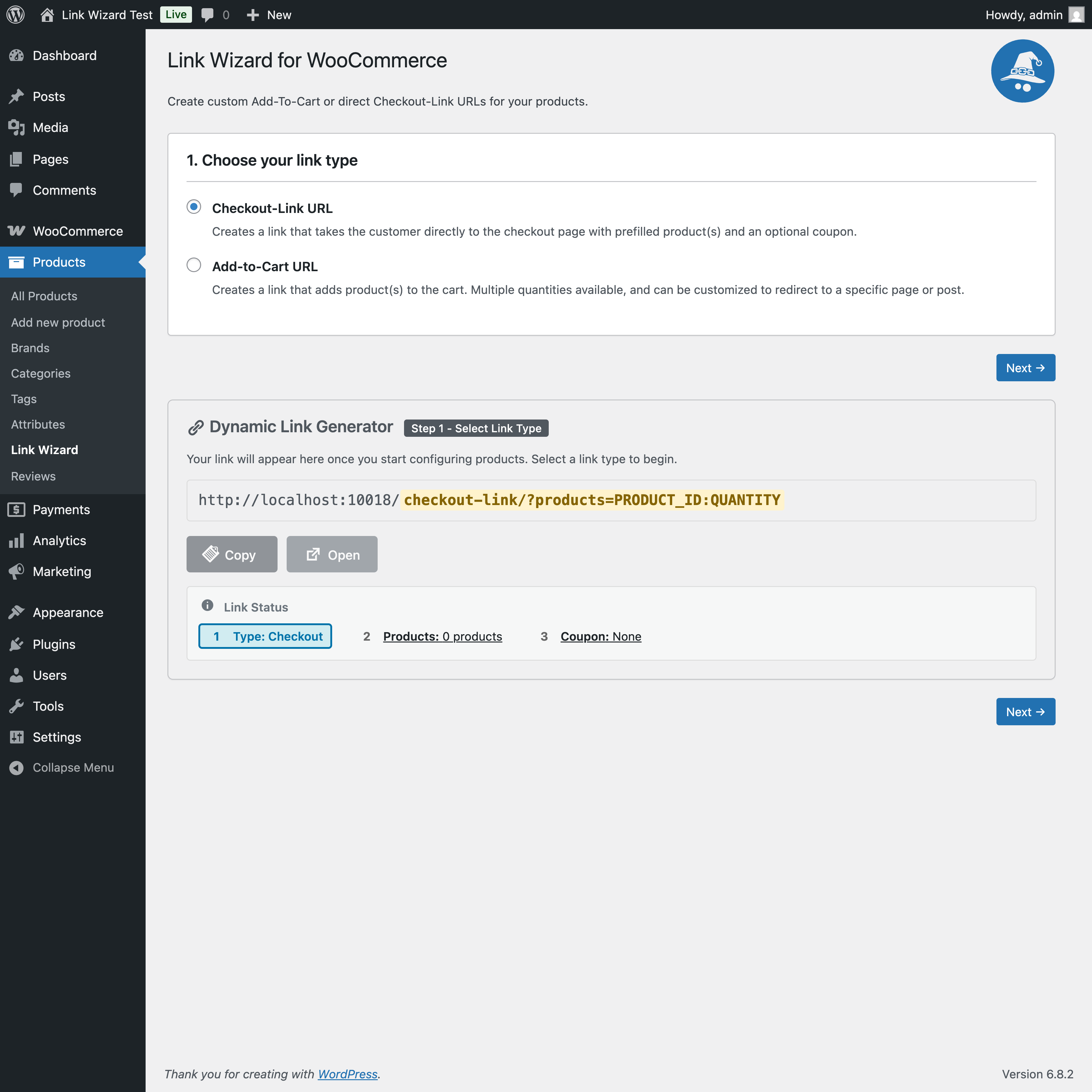
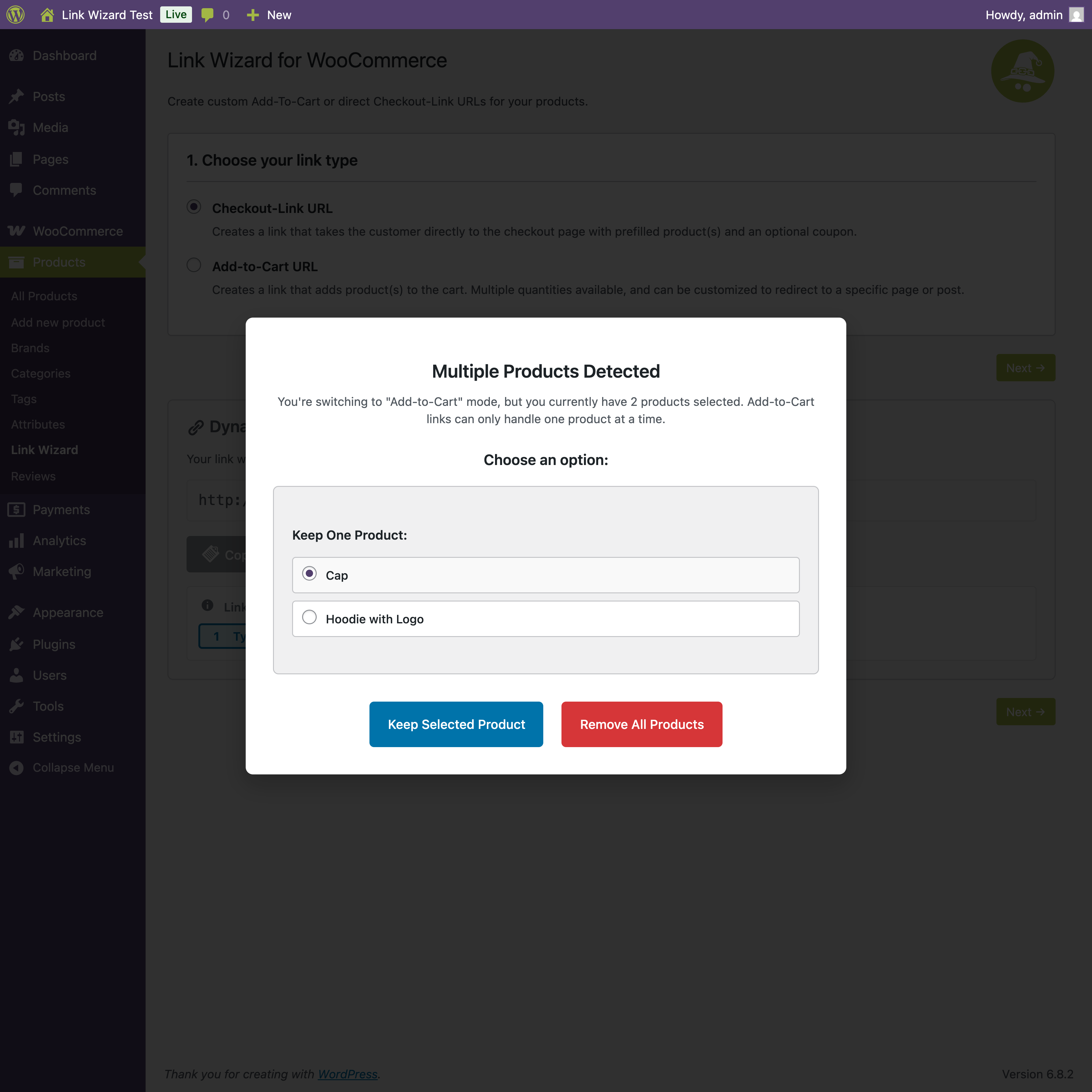
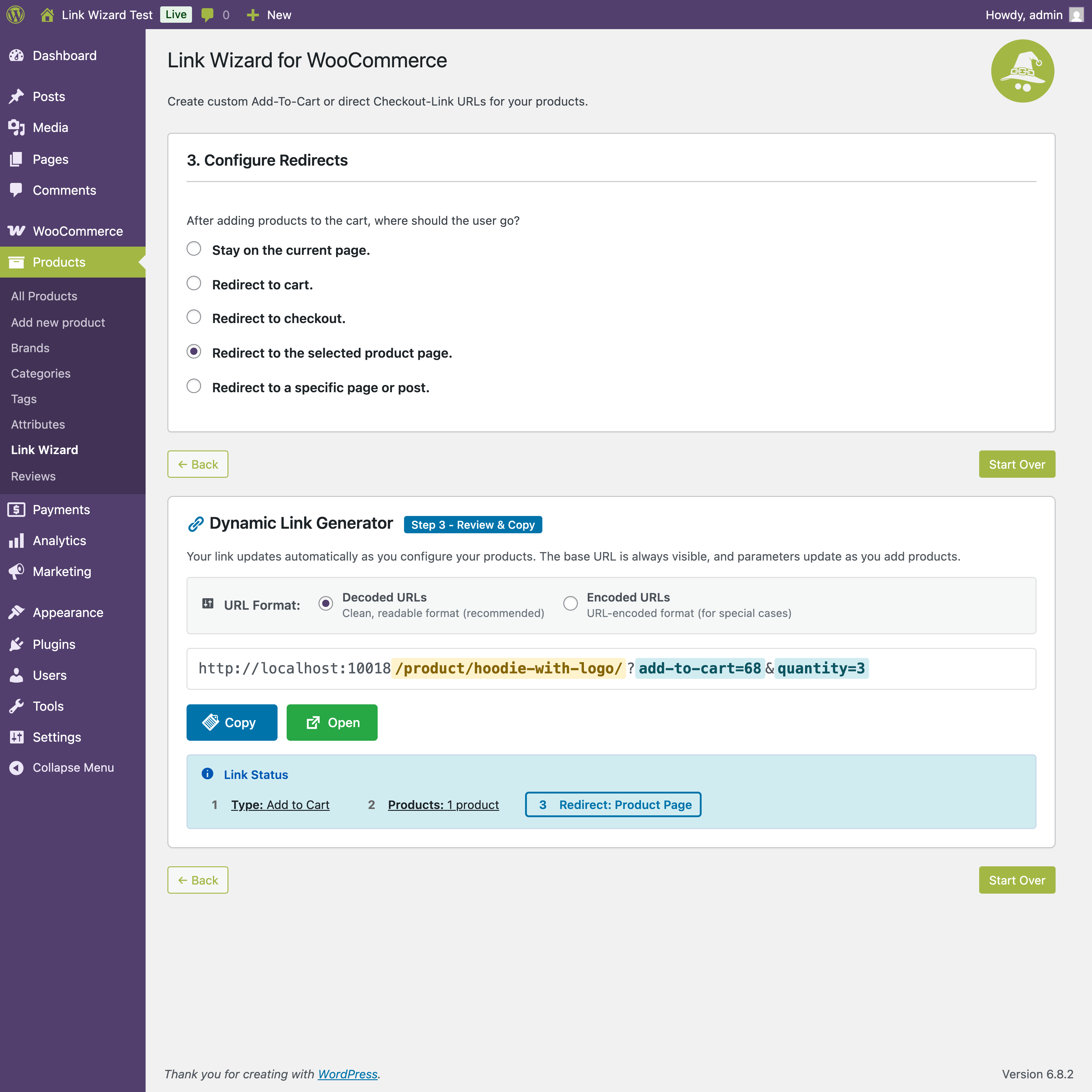
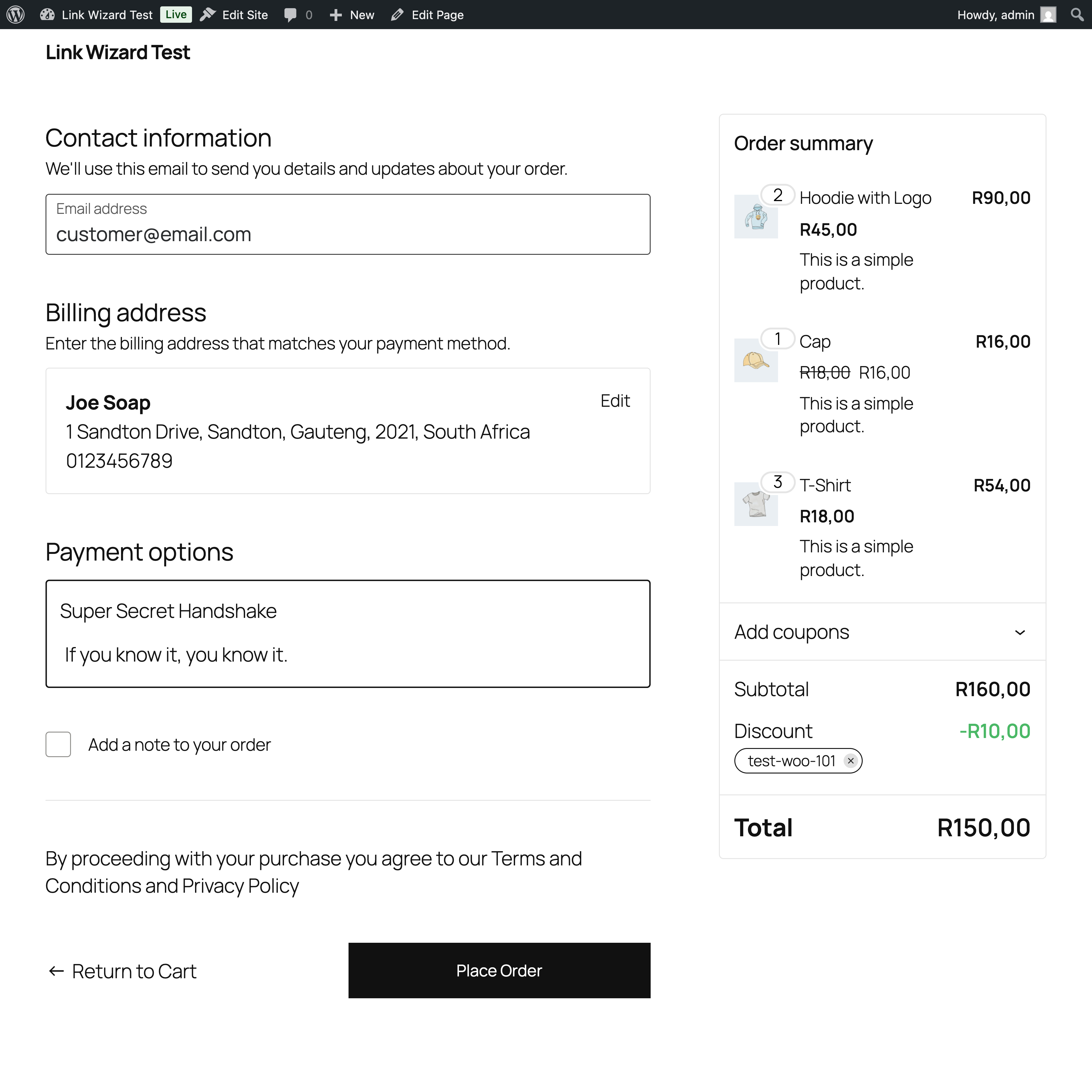
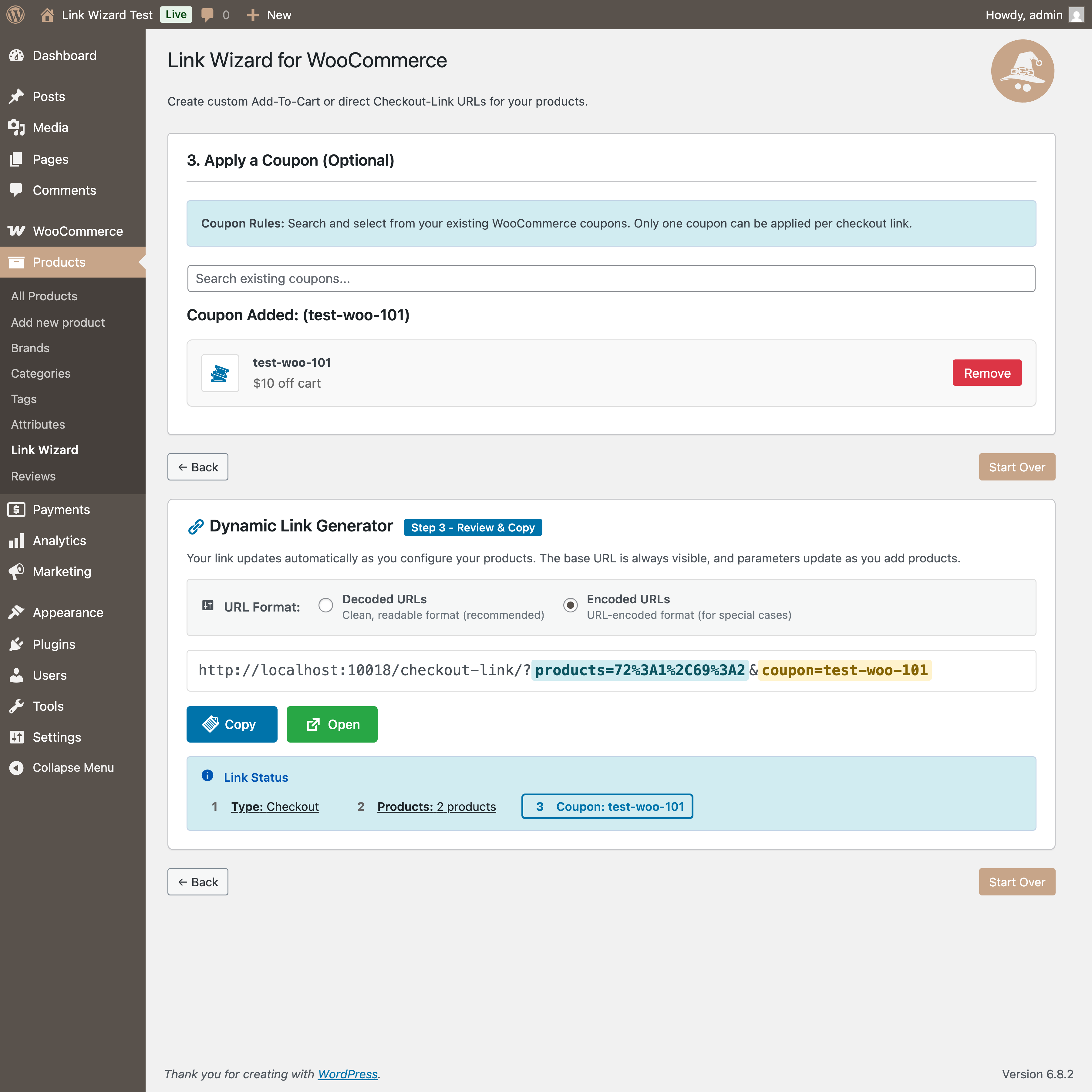
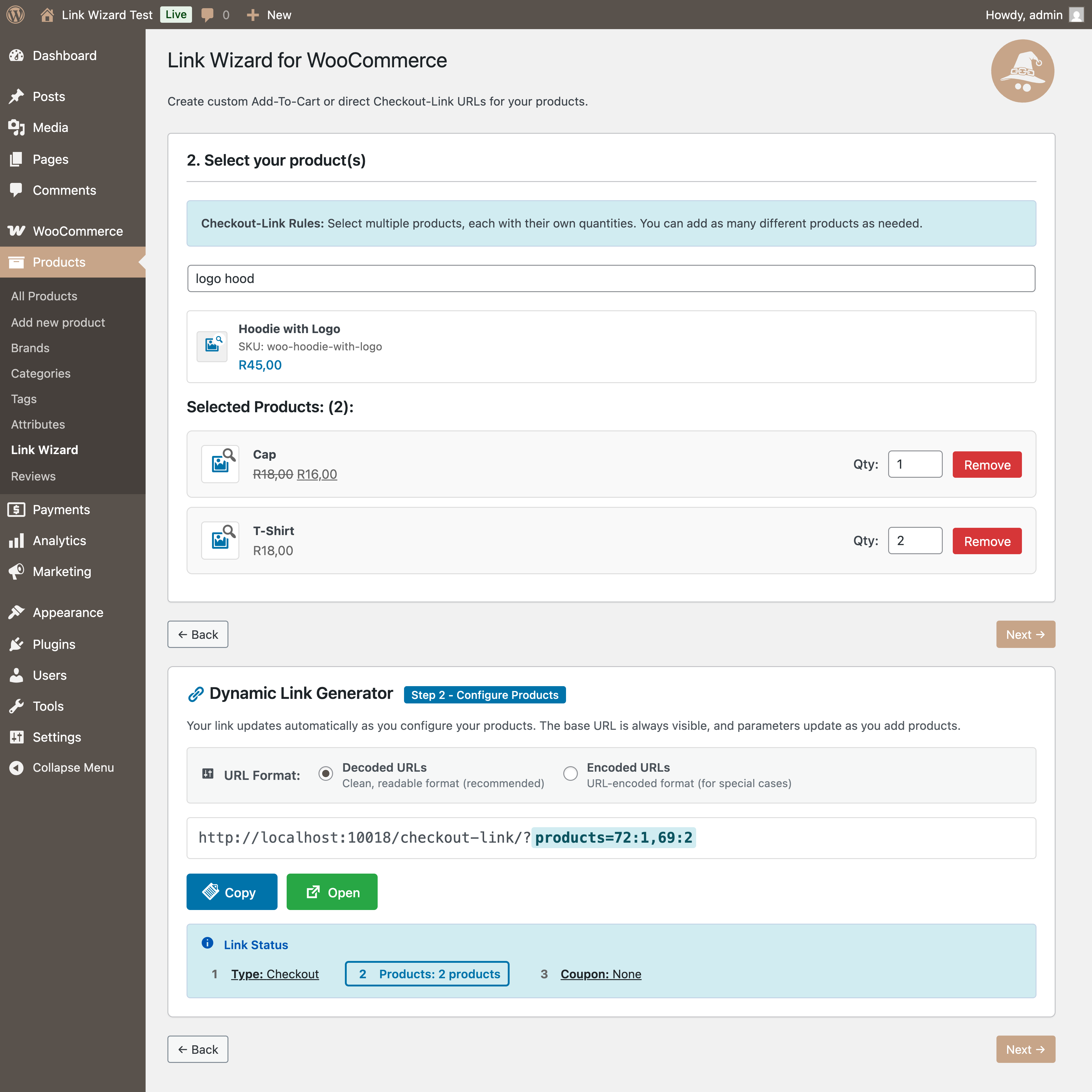
This plugin adds a feature to the product menu, where an admin or store manager can generate add-to-cart or checkout-links.
Installation
- Upload the plugin files to the
/wp-content/plugins/link-wizard-for-woocommercedirectory, or install the plugin through the WordPress plugins screen directly. - Activate the plugin through the ‘Plugins’ screen in WordPress.
- Go to WP Admin > Products > Link Wizard to generate your link(s).
Screenshots
Reviews
Changelog
1.0.3
- Enhanced UX with streamlined variation error display
- Added modal for invalid variations with scrollable content
- Fixed “Edit Product” links to open correct WordPress admin pages
- Moved all inline styles to external CSS classes
- Implemented CSS variables for consistent theming
- Added URL encoding options (Decoded/Encoded) with real-time display
- Improved layout with inline URL encoding options on desktop
- Enhanced error handling and user feedback
- Updated WordPress Coding Standards compliance
- Improved code documentation and comment consistency
- Standardized all code comments with proper punctuation
- Extracted inline styles from React components to CSS classes
- Improved maintainability and theme consistency
1.0.2.3
- Refactored inline styles to CSS classes for better maintainability
- Moved all ProductSelect component styling from inline styles to CSS file
- Replaced hard-coded colors with CSS custom properties (variables)
- Improved theme consistency and support for WordPress admin color schemes
- Enhanced code organization and separation of concerns
- Better performance by reducing inline style calculations
- Future-proof styling that adapts to WordPress theme changes
1.0.2.2
- Enhanced variation error handling and UX improvements
- Streamlined invalid variation display – removed redundancy from main list
- Added grouped “View Invalid Variations” button for better organization
- Improved error messages with specific guidance for variation configuration issues
- Fixed “Edit Product” button to open correct WordPress admin URL in new tab
- Added scrollable modal for viewing multiple invalid variations
- Better user experience for handling variable products with “Any” attributes
1.0.2.1
- Incremental update for continued development
- Improved .gitignore configuration
- Ready for WordPress.org submission
1.0.2
- WordPress.org compliant version
- Fixed all plugin review issues
- Updated class/function names to use unique lwwc_ prefix
- Removed WordPress.org directory assets
- Updated JavaScript variable names to prevent conflicts
1.0.0
- Initial release.