Listen to This Article as a Podcast – AI Text to Speech Audio Player
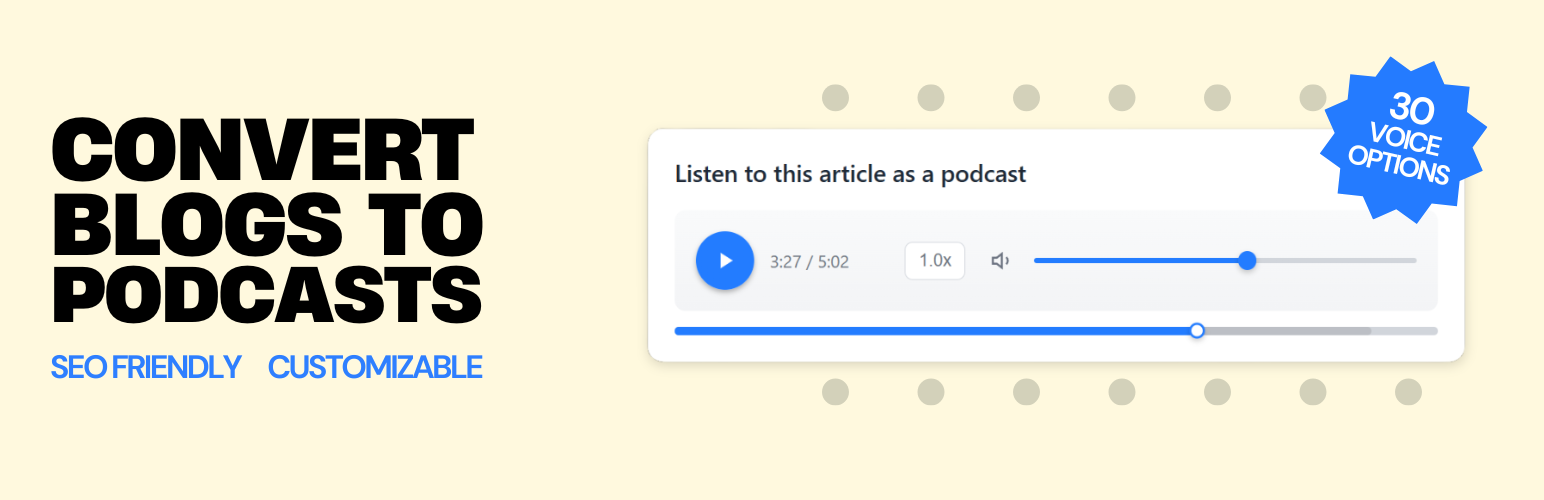
Listen to This Article as a Podcast – AI Text to Speech Audio Player
Description
Listen to This Article as a Podcast is a text to speech audio player plugin for WordPress, powered by the Hi, Moose text-to-podcast generator. It lets you add a “read aloud” or “listen to this article” audio experience to your posts using natural-sounding AI narration.
Text to Speech & Read Aloud Audio for WordPress
It adds an audio version of your posts—similar to a “listen to this article” or “read aloud” button—but powered by high-quality, natural AI voices.
Perfect for sites that want to offer text-to-speech, podcast-style audio, read aloud, or article-to-audio experiences without managing audio files manually.
By offering an audio version of your content, you can:
* Increase Engagement: Users stay longer when they can listen instead of read.
* Improve Accessibility: Great for readers with visual impairments or who prefer audio.
* Boost SEO & AEO: The plugin embeds full transcripts and Schema.org JSON-LD data. The conversational nature of the transcript is optimized for Answer Engine Optimization (AEO) and Generative Engine Optimization (GEO), helping your content perform better in AI-powered search results like ChatGPT, Gemini, and Perplexity.
This plugin automatically detects your domain and lets you manage audio right inside the WordPress editor: load available episodes for your domain or generate new audio for the post/page.
On the Hi, Moose platform, you can customize each podcast-style audio version before embedding it—choose narration voices, adjust pacing and length, provide optional focus instructions, and fine-tune the player’s colors. Hi, Moose also includes built-in analytics showing listeners, plays, resumes, and completion rates. Once generated, the final audio and transcript are embedded on your WordPress site through a clean, lightweight player.
Useful Links
Features
- “Listen to This Article” Button: Add an instant audio version of your post.
- AI Text-to-Speech: High-quality AI voices generate natural, podcast-style audio.
- SEO-Friendly Transcript: Embeds a full, indexable transcript for improved accessibility, SEO, and AEO/GEO/AI search visibility.
- Natural-Sounding Voices: Designed to sound conversational and clear.
- Hosted Audio Delivery: No hosting required. Audio and transcripts are delivered via a global CDN.
- Multilingual Text to Speech: Supports 24 languages with automatic detection or manual selection.
- Advanced Voice Customization: Control voice style, pacing, accent, direction, and optional extended context.
- Customizable Player: Choose a color style that matches your brand.
- Analytics: Track plays, resumes, completion rate, total listen time, and engagement metrics.
- In-Editor Audio Workflow: Load available audio or generate new audio directly from the post editor sidebar.
- Preview Before Publishing: Preview the selected audio in the editor, then click Update/Publish to save.
- Schema.org JSON-LD: Automatically includes PodcastEpisode structured data.
- Flexible Placement: Auto-insert at the top of a post or use the
[himoose_podcast]shortcode. - Lightweight Player: Responsive and designed to load quickly.
- Accessibility Friendly: Ideal for sites offering read-aloud or audio alternatives.
- Privacy-Friendly: No personally identifiable information (PII) is collected. Do Not Track is respected.
Service Disclosure
This plugin relies on the Hi, Moose platform to generate and host podcast audio.
The audio player and transcript are delivered as an embed directly from the Hi, Moose platform, similar to how YouTube or Vimeo embeds work.
- Service: Hi, Moose (AI Podcast Generator)
- Data Sent: From the plugin, only your domain name is sent to our API to retrieve podcast episodes. No post content or user data is sent.
- Analytics: The embedded player tracks plays, pauses, and transcript interactions. IP addresses are hashed before storage. No personally identifiable information (PII) is collected.
- Pricing & Free Tier: Hi, Moose includes a free tier for WordPress users with 3 free podcast episodes and up to 10,000 monthly listens. Optional paid plans are available if you need more capacity, but this plugin will not show ads, nag banners, or restrict the WordPress editing experience.
- Terms of Use: https://himoose.com/terms
- Privacy Policy: https://himoose.com/privacy-policy
How to Use
- Edit a post or page in WordPress.
- In the editor sidebar, find the Audio Content box.
- Click Load available audio to choose an existing episode, or Generate audio to create a new one.
- Preview the audio in the editor.
- Click Update/Publish to save your selection.
Placement notes:
* Posts: the player can be auto-inserted at the top of the post content (depending on the plugin setting), or you can place it manually using the shortcode.
* Pages: you must insert the shortcode [himoose_podcast] in the page content to display the player.
Installation
- Upload the plugin files to the
/wp-content/plugins/listen-to-this-articledirectory, or install the plugin through the WordPress plugins screen. - Activate the plugin through the ‘Plugins’ screen in WordPress.
- Go to Settings Hi, Moose Podcast Generator and enter your API Key from Hi, Moose.
Screenshots
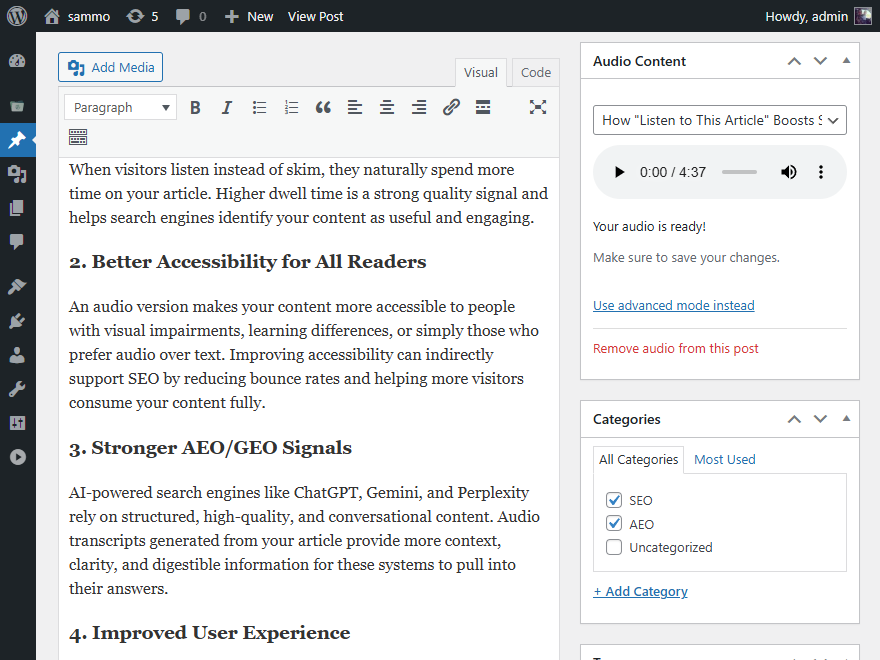
Podcast player embedded at the top of a blog post.
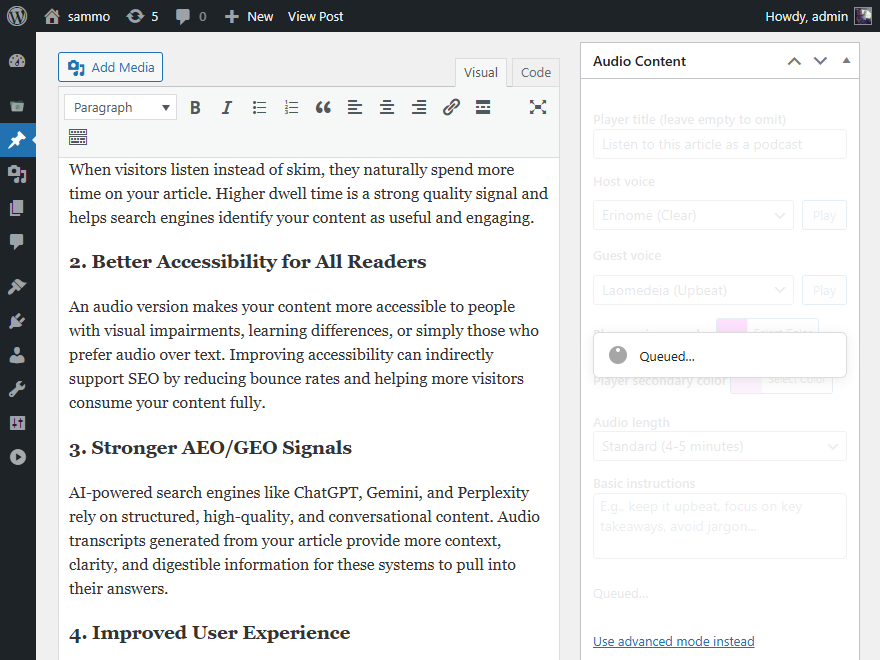
Selecting a generated podcast episode from the Classic Editor sidebar.
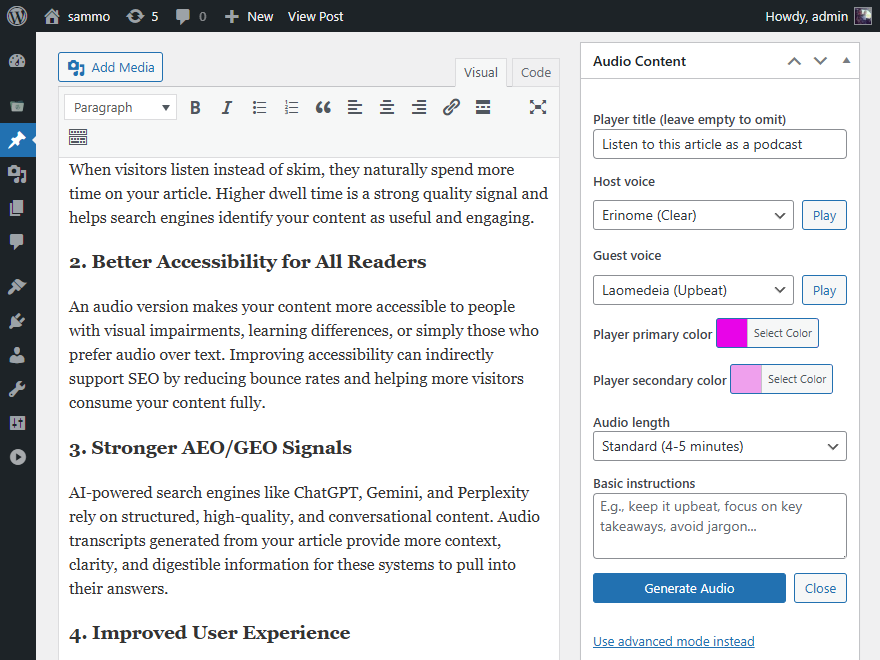
Selecting a generated podcast episode from the Block Editor sidebar.
![Using the optional <code>[himoose_podcast]</code> shortcode.](https://ps.w.org/listen-to-this-article/assets/screenshot-4.png?rev=3456194)
Using the optional
[himoose_podcast]shortcode.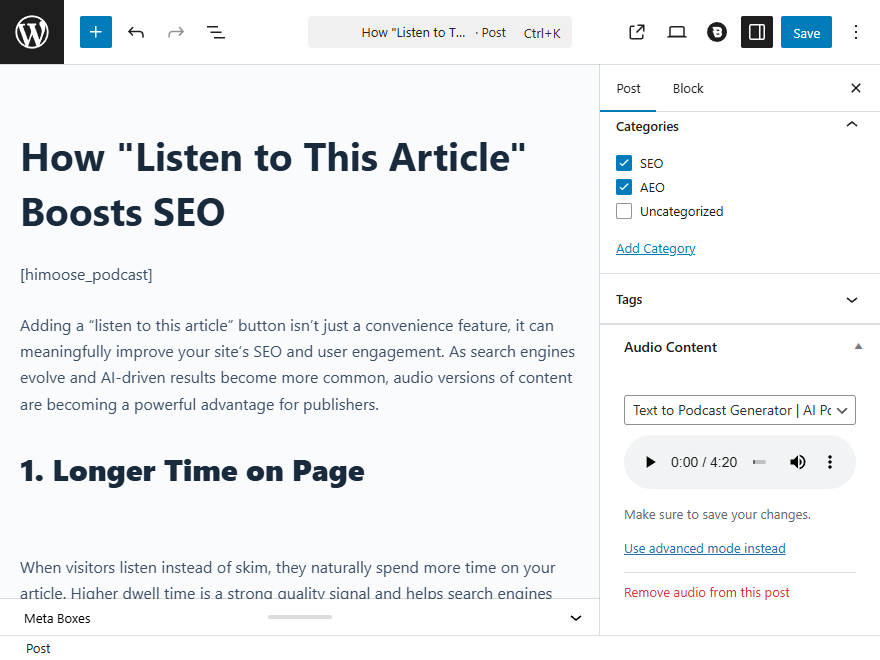
Plugin settings page for entering your Hi, Moose API key.
Faq
Yes. This plugin adds a text-to-speech (“read aloud”) audio player to WordPress posts using podcast-style narration. Audio is generated and hosted by the Hi, Moose platform and embedded directly into your site.
You can generate an API key from your Hi, Moose dashboard. Quick and easy; it takes just a minute to get your free API key.
Yes! For added security, you can define your API key in your wp-config.php file. Add the following line:
define( ‘HIMOOSE_API_KEY’, ‘your-api-key-here’ );
This will override any key saved in the database.
Yes, the plugin adds a meta box to the document sidebar (under the “Post” tab) in the Block Editor, allowing you to select episodes easily.
Yes! Use the shortcode [himoose_podcast] anywhere in your post content and this will override the top placement setting.
Reviews
Changelog
1.1.0
- Generate new audio directly inside the editor (Classic + Block Editor meta box).
- Added generation options (voices, length, focus, player colors, custom title) and save defaults for faster repeat use.
- Added support for audio selection and generation on both posts and pages (pages require the shortcode).
- Show generation status and preview audio from the editor.
- WordPress 6.9.1 support.
- Updated demo URL.
1.0.0
- Initial release.