Live Font Preview for WooCommerce
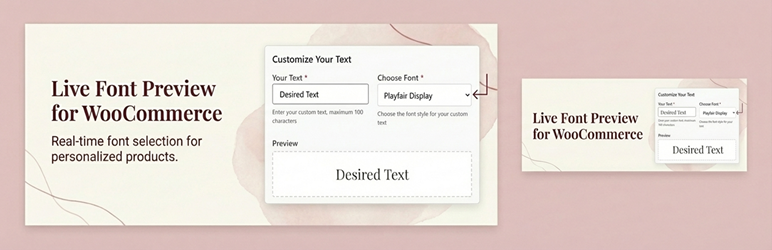
Live Font Preview for WooCommerce
Description
Live Font Preview for WooCommerce allows you to offer real-time text previews with a variety of fonts for your customizable products. This empowers customers to see exactly what their personalized items will look like, increasing confidence and conversion rates.
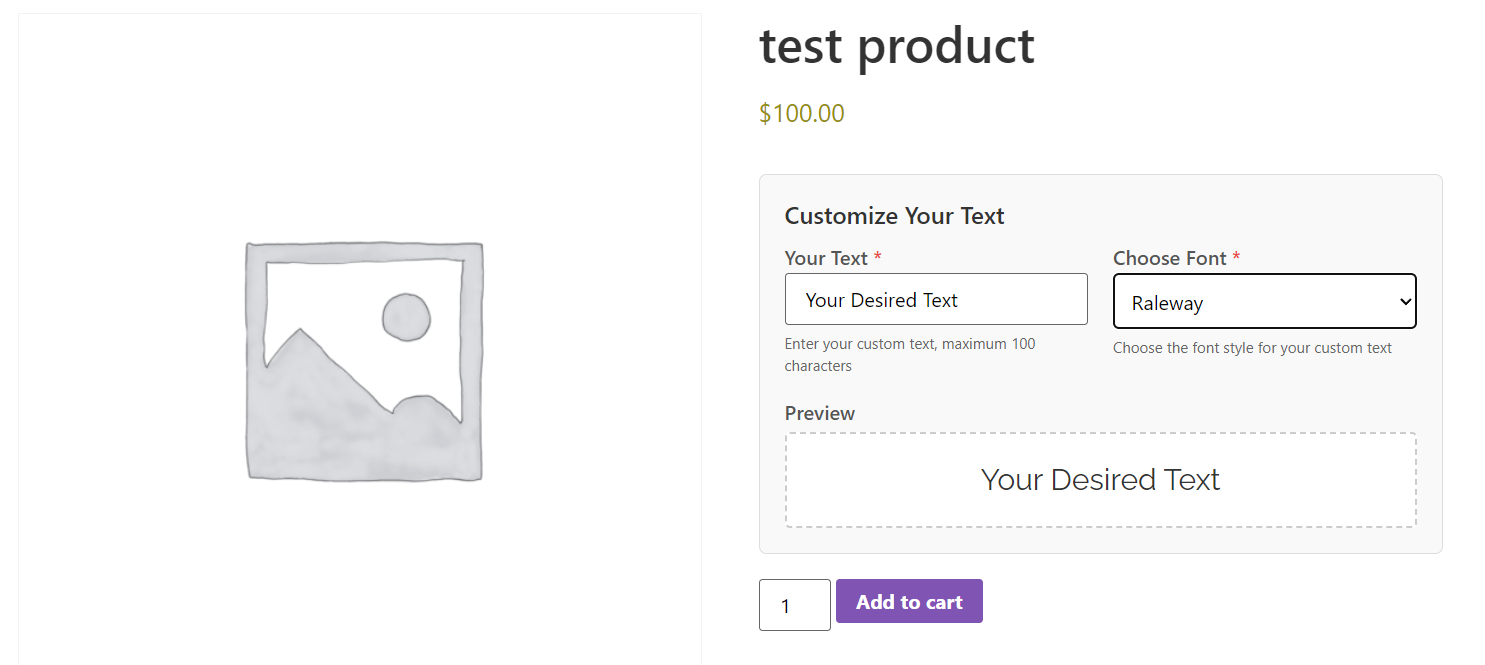
Perfect for stores selling engraved jewelry, custom apparel, embroidery, or personalized gifts, this plugin adds a sleek font selection dropdown and text input field directly to your product pages.
Key Features:
- Real-Time Preview: Customers see exactly how their text looks in their chosen font instantly
- Google Fonts Integration: Securely loads high-quality fonts for accurate rendering
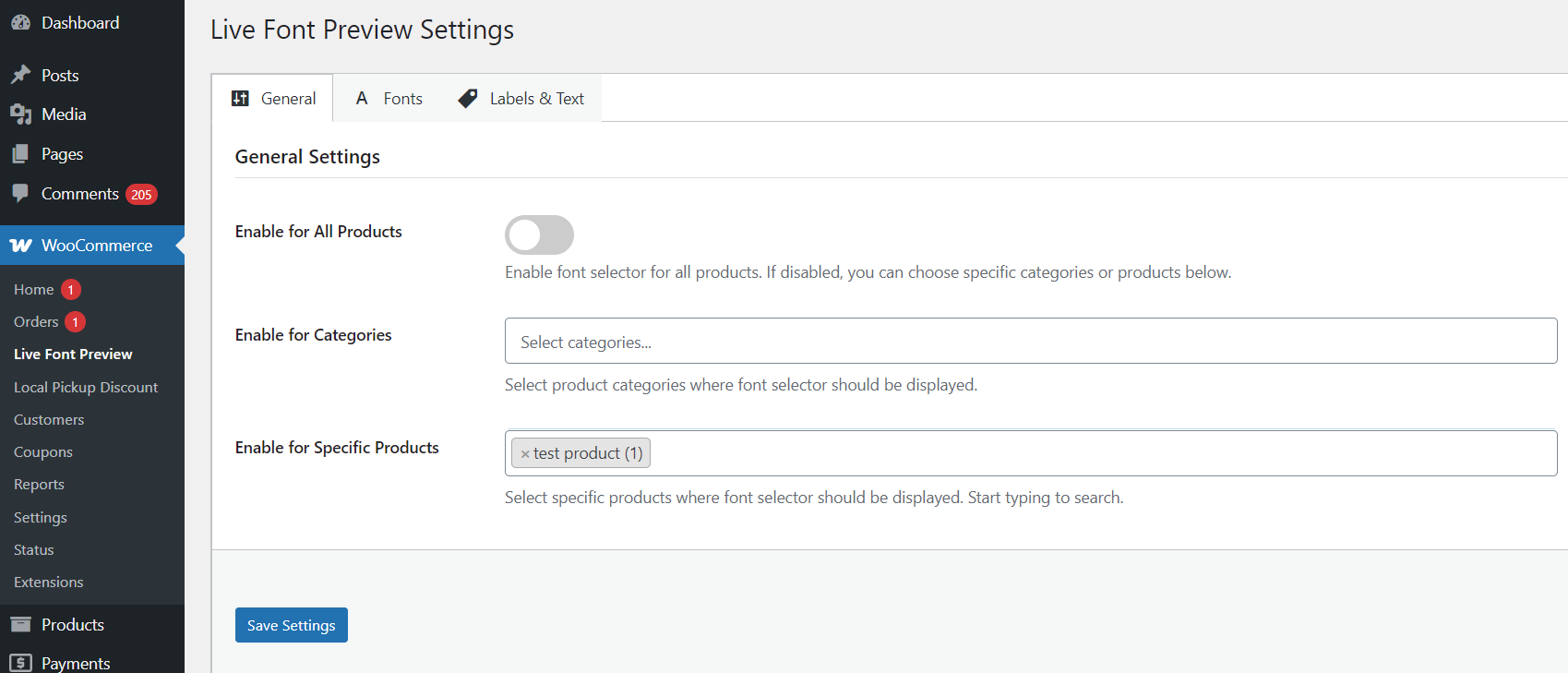
- Flexible Display Logic: Enable globally, per category, or for specific products only
- High-Performance Order Storage (HPOS) Compatible
- Cart & Order Integration: Selected fonts and text are clearly displayed in the cart, checkout, and order emails
- Customizable Labels: Easily change field labels and placeholders to match your store’s language
- Compatible with WooCommerce Blocks checkout
- Compatible with classic WooCommerce checkout
Usage
- Navigate to
WooCommerce Live Font Previewin your WordPress admin. - Enable the feature globally or select specific categories/products.
- Choose which Google Fonts you want to offer to your customers.
- Save your settings.
- Visit a product page to see the live font selector in action.
Installation
- Upload the plugin files to the
/wp-content/plugins/live-font-preview-for-woocommercedirectory, or install the plugin through the WordPress plugins screen directly. - Activate the plugin through the ‘Plugins’ screen in WordPress.
- Go to ‘WooCommerce Live Font Preview’ to configure your settings.
Screenshots
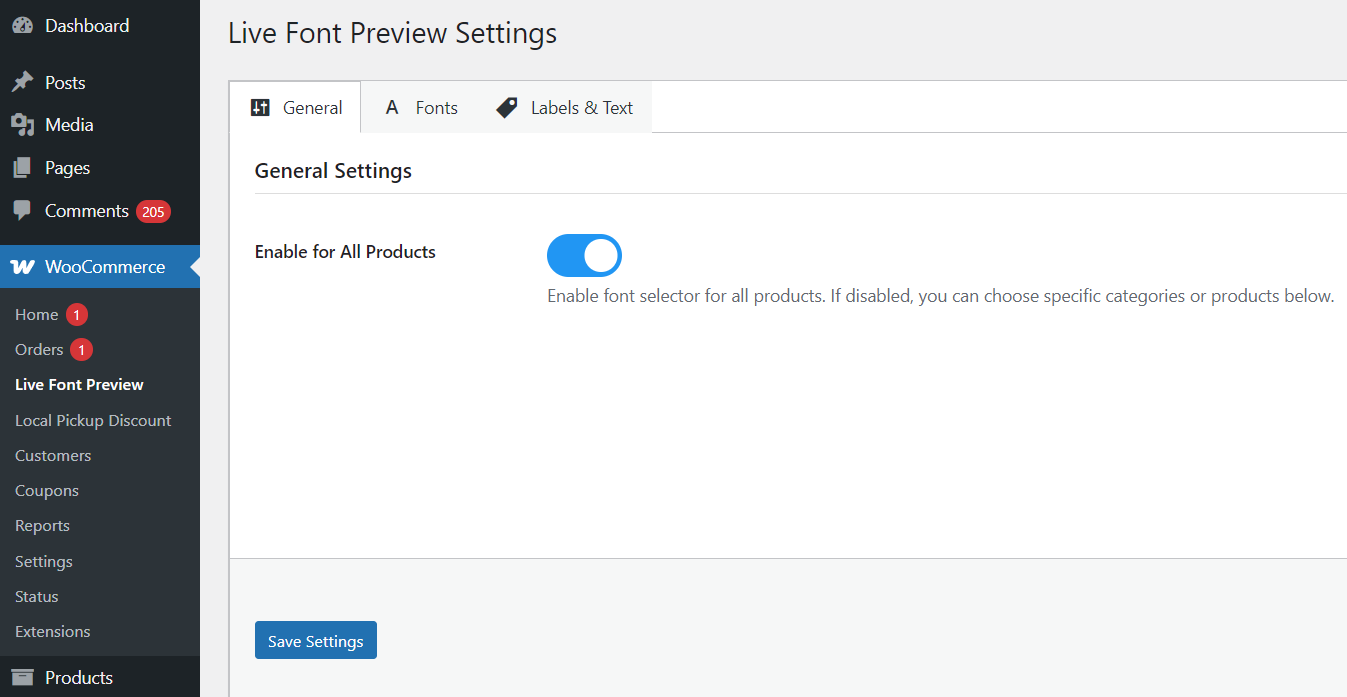
General plugin settings and global configuration.
Configuring font selection for specific product categories.
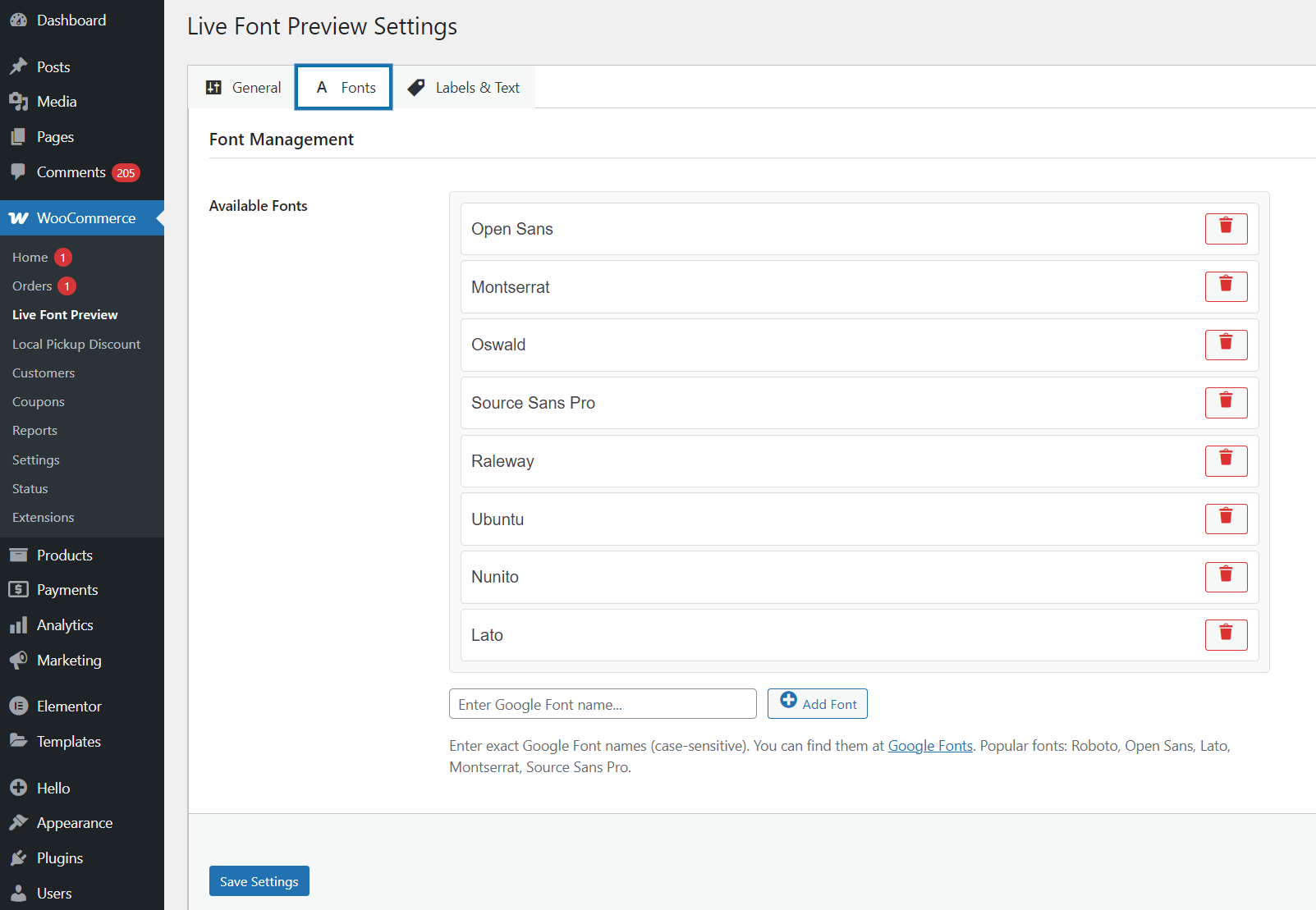
Managing available Google Fonts for the preview.
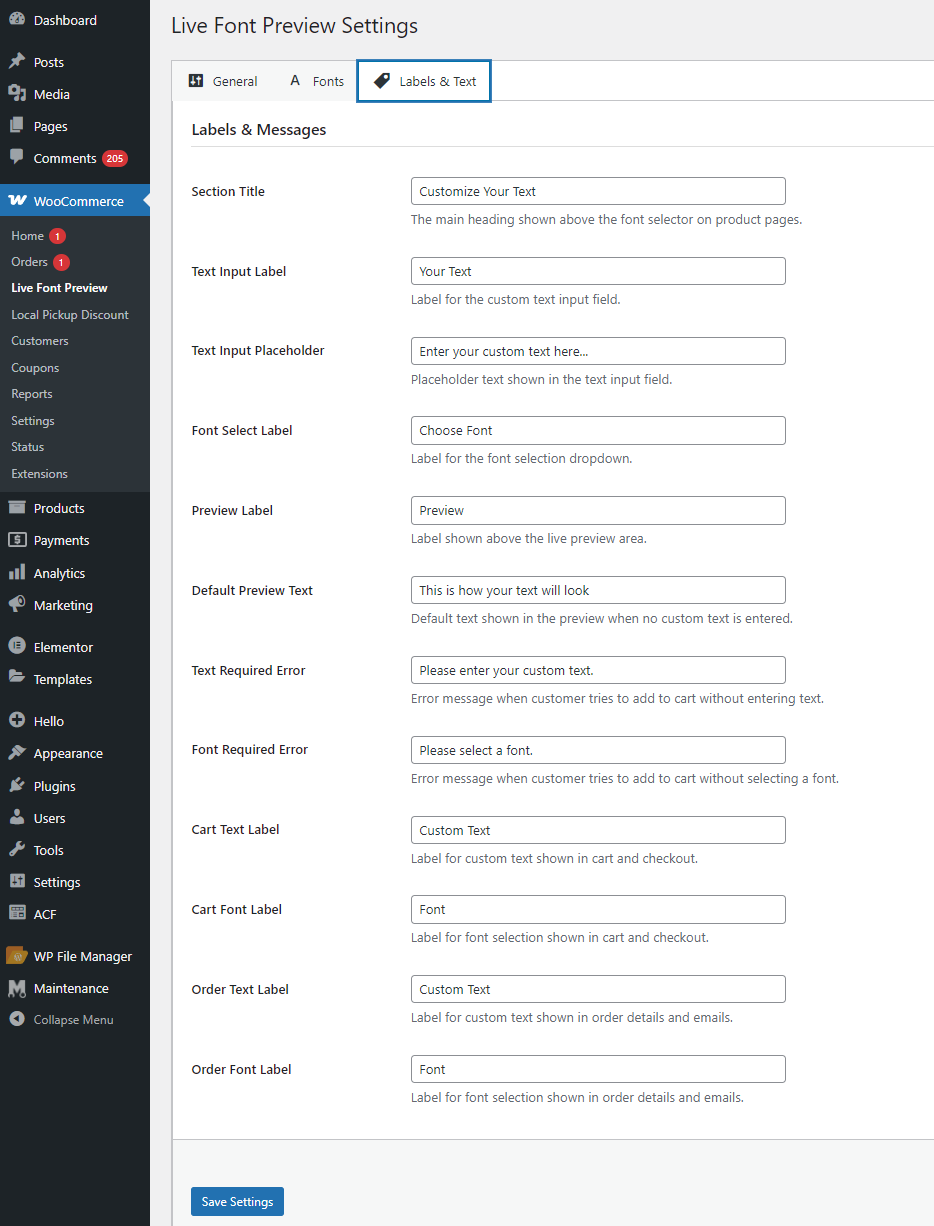
Customize labels and placeholders for the frontend.
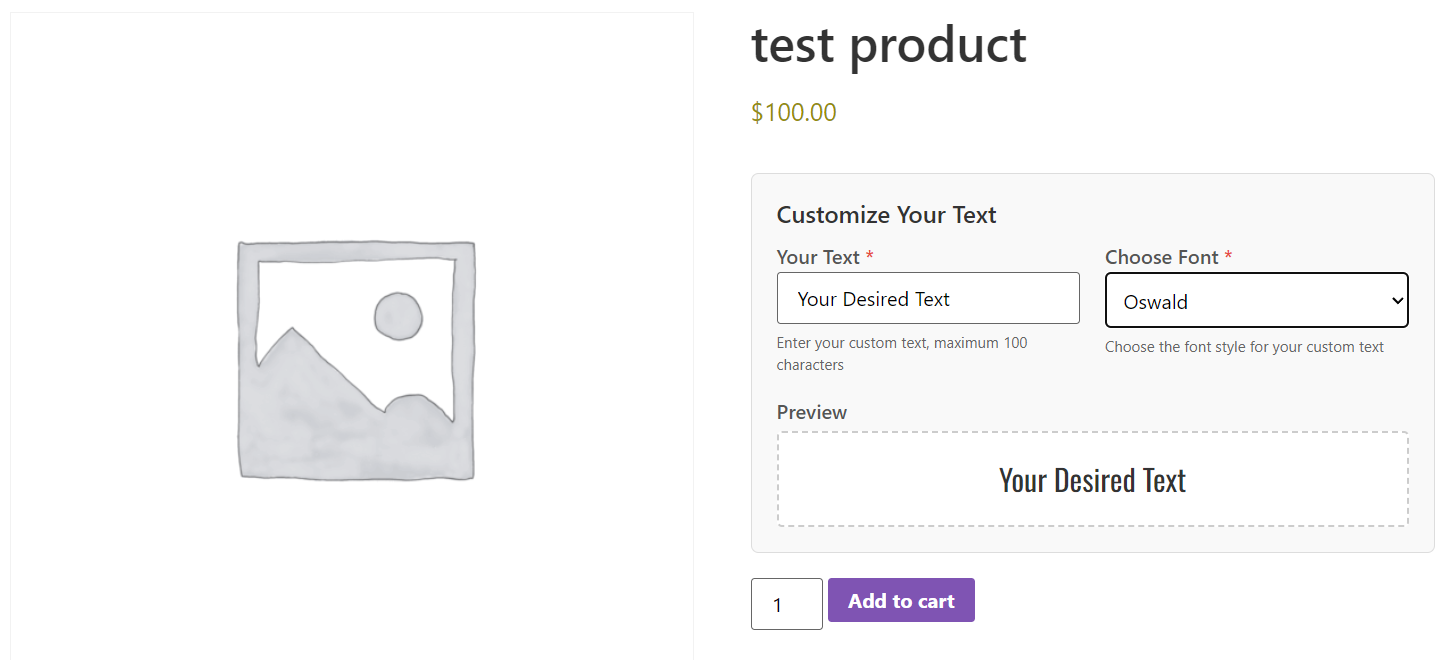
Frontend view: Live font preview on a product page.
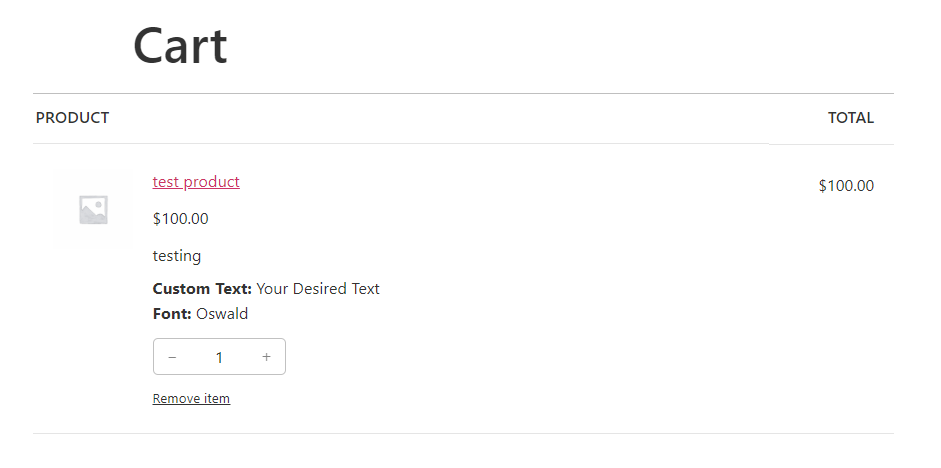
Cart page displaying the selected custom font and text.
Order details showing the customer's font choice.
Faq
Yes, this plugin is compatible with both the traditional WooCommerce checkout experience and the new WooCommerce Blocks checkout.
Currently, the plugin supports a curated list of Google Fonts. Custom font upload support is planned for a future version.
Yes, this plugin is fully compatible with WooCommerce’s High-Performance Order Storage (HPOS).
Yes, the “Font” and “Custom Text” fields are saved as order item metadata, so they will appear in the admin order view and in customer emails.
Reviews
Changelog
1.0
- Initial release
- Added live font preview with Google Fonts
- Added High-Performance Order Storage (HPOS) support
- Compatible with both classic checkout and WooCommerce Blocks