Login Me Now – Passwordless, Magic Link, OTP & Social Login for WordPress
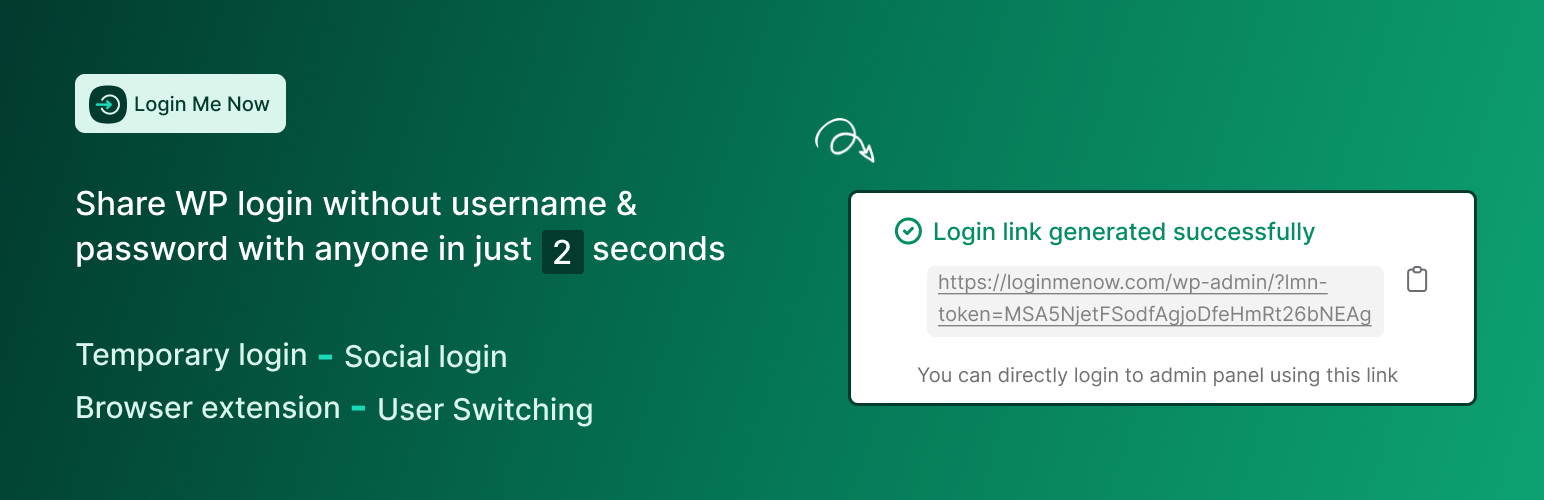
Login Me Now – Passwordless, Magic Link, OTP & Social Login for WordPress
Description
What is Login Me Now?
Login Me Now is a modern login and access control solution for WordPress. It helps you:
- Grant temporary access with secure one-time links
- Log in without passwords
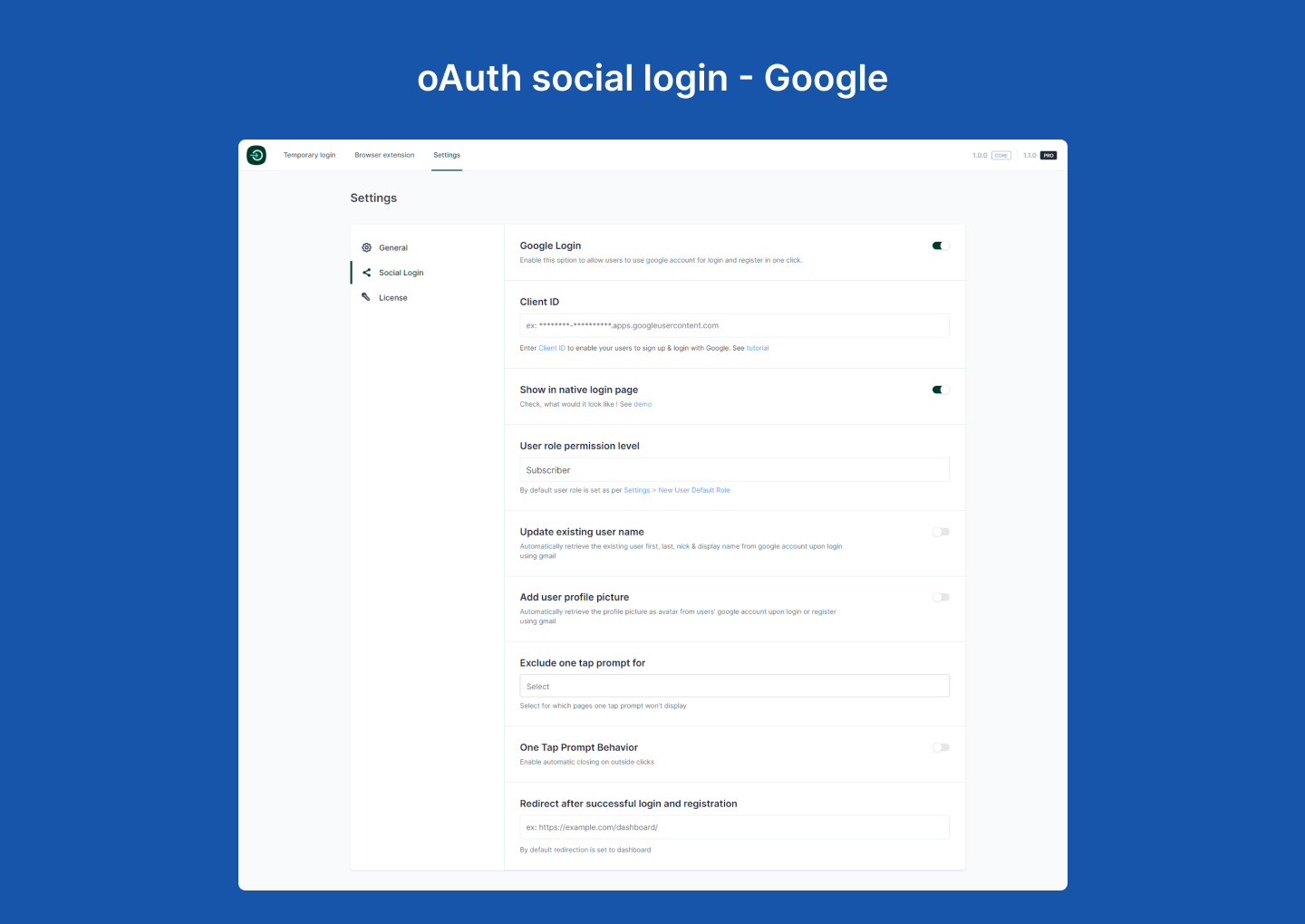
- Offer Google and Facebook social login
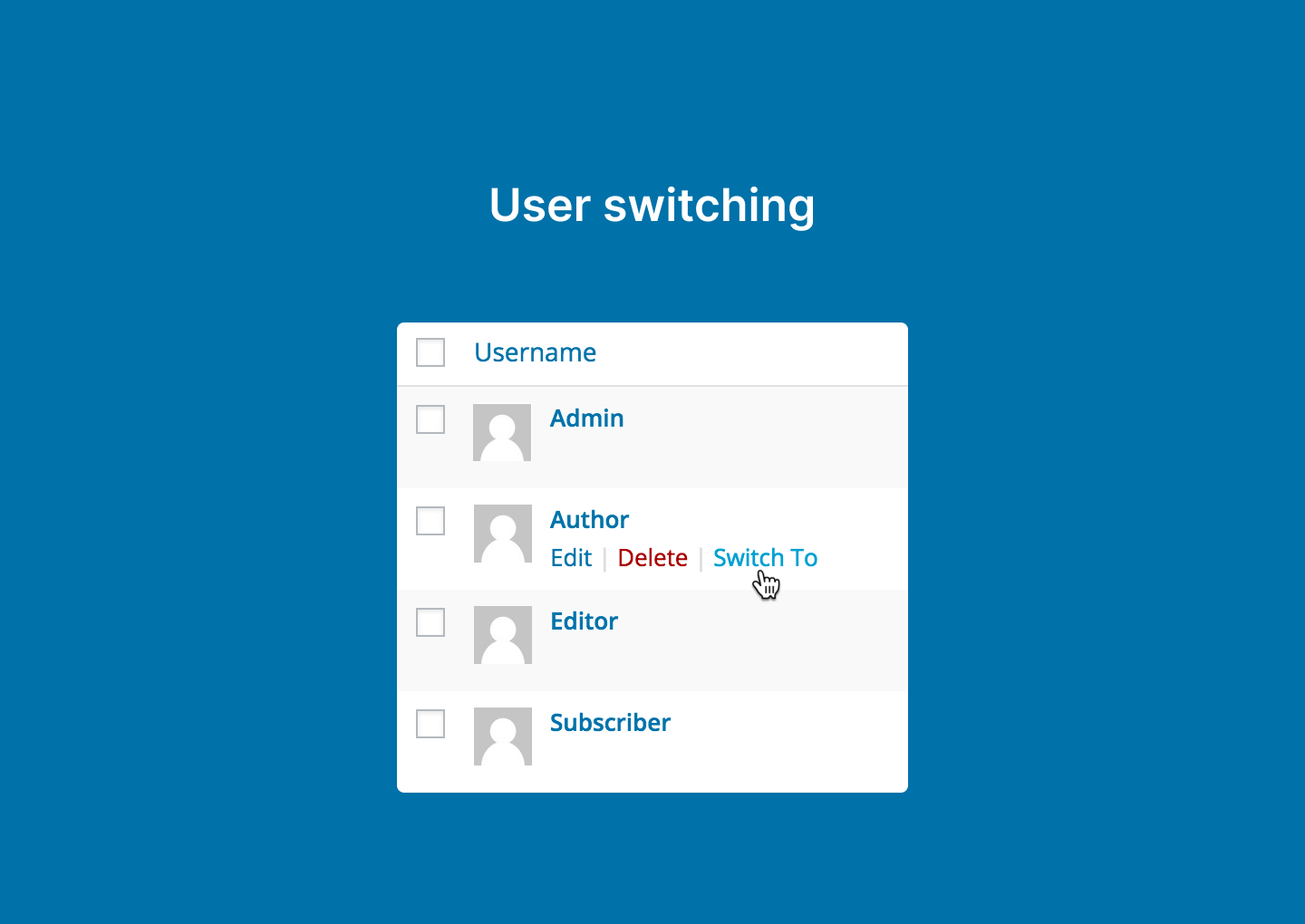
- Switch between user accounts instantly
- Use browser extensions for one-click dashboard access
- Verify users with SMS-based one-time passwords
- Track login history and activity
- Manage modules, integrations, and features from a single hub
New: Phone OTP Login
Allow users to verify identity with one-time passwords delivered via SMS using Firebase or Twilio.
Improved Email Magic Link
Refined modal, confirmation step, and updated email template for a more professional experience.
Video Overview
Watch a quick 38-second overview of the problem, solution, and features:
Key Features
Passwordless & Temporary Login
- Generate secure login links with expiration time (hours or days)
- No passwords needed — secure login with one click
- Control access using validity periods and conditional settings
Social Login
- Google and Facebook login support
- Use shortcodes to place login buttons anywhere
- Pro: Sync profile photo and name
- Pro: Redirect users to any page after login
Phone OTP Login (New)
- OTP delivery through Firebase or Twilio Verify
- Rate limiting, resend cooldown, and reCAPTCHA supported
- Country flag selector and restriction options
- Store and normalize phone numbers in user profiles
- Works via shortcode or wp-login.php login provider interface
User Switching
- Instantly switch between user accounts
- No logout/login cycles required
Email Magic Link
- Single-use secure login links
- Clean modal with validation and success confirmation
- Friendly email template with clear CTA
Activity Log
- Integrates with Simple History
- Track who logged in and how they authenticated
Browser Extensions
- Chrome Extension
- Firefox Add-on
- Uses encrypted JWT tokens for secure and fast access
- No passwords are stored in the extension
Modules Hub (New)
- Toggle modules, integrations, and upcoming features from one dashboard
- Search, filter, and manage active, available, and upcoming modules
- Module state persists automatically
Shortcodes
Use these shortcodes to display login buttons anywhere:
[login_me_now_google_button]
[login_me_now_facebook_button]
[login_me_now_phone_otp_button]
[login_me_now_email_magic_link_button]
Use Cases
- Site Owners: Give temporary access without sharing passwords
- Developers: Request secure client access instead of asking for admin credentials
- Agencies: Switch between multiple user accounts easily
Integrations
- All-in-One Content Restriction
- WooCommerce
- Easy Digital Downloads
- Directorist
- Simple History
- Fluent Support
Coming Soon: Tutor LMS, BuddyBoss, BuddyPress, Dokan, bbPress
Why Choose Login Me Now?
- Encrypted, time-sensitive authentication
- Faster, smoother login flows
- Works for both beginners and power users
- Actively updated and maintained
Pro Features
- Social login profile sync (name, avatar)
- Custom redirect after login
- More integrations (coming soon)
- WooCommerce express login (coming soon)
- Advanced OTP enhancements (coming soon)
- Priority support
Pro version:
https://loginmenow.com/pricing/
FIND AN ISSUE?
Support forum:
https://wordpress.org/support/plugin/login-me-now/
Please search existing topics before opening a new one.
Installation
- Install via the WordPress.org plugin repository or upload manually.
- Activate the plugin.
- Configure settings under “Login Me Now” in the WordPress dashboard.
- (Optional) Install the Chrome or Firefox extension for one-click multi-site access.
Screenshots


Faq
No. The extension is optional. You can generate links directly inside WordPress.
No. Passwords stay safely stored by WordPress. The plugin and extension never access them.
Yes. With Simple History, you can track logins and interactions.
Yes. All links are time-limited and single-use.
Use these shortcodes:
[login_me_now_google_button]
[login_me_now_facebook_button]
Reviews
One of the Best Login Plugin Without Password
By 
Great tool to use when an outsider support need to access your site backend.
Efficient Login Management Tool
By 
I’ve recently started using the Login Me Now plugin, and it’s become a valuable tool for my daily tasks. The convenience of 1-click passwordless login, combined with features like temporary login, social login, and user switching, has made managing multiple accounts and clients smoother than ever.
The plugin is well-designed and easy to set up, and it eliminates the hassle of memorizing multiple passwords, which saves a lot of time. It’s particularly helpful if you handle multiple users or need quick access without compromising security. Highly recommended for anyone looking to streamline their login processes and improve workflow efficiency!
It brought me a lot of convenience
By 
I have used a lot of temporary login links, but they are very tedious to create successfully. Using this plug-in allows me to generate login links in a few seconds, which is very convenient. Now social accounts have Google and Facebook login methods. I look forward to using them. There are options to log in to Twitter and other social accounts. I hope the platform can launch more channels to log in to social accounts.
Easy to use for project
By 
its a great plugin for client end . Thanks a lot for this <3
Great Plugin for Sharing Access
By 
Amazing Plugin
By 
Amazing Experience. very easy to use and helpful. keep up the good work.
Easy To use
By 
I've been using OneClickAccess for quite some time now, and I'm thoroughly impressed with its features. The one-click login has made accessing my WordPress admin area a breeze, saving me valuable time.
The ability to create self-expiring login links is a game-changer. It takes just a few clicks to generate a secure and temporary access link, and the control over the login's validity period is fantastic.
I also appreciate the upcoming features mentioned in the roadmap. It shows the developers are committed to improving an already excellent product.
Overall, OneClickAccess has simplified my workflow, and I can't recommend it enough. Keep up the great work!
Take Love ❤️
Streamlined Login and Increased Registrations
By 
Excellent plugin! and outstanding support! team have truly impressed me. This plugin effectively addresses the login issue, enabling users to log in within a matter of seconds. Ever since I started using this plugin, the rate of user registrations on my website has more than doubled.
Additionally, the feature that allows managing multiple websites is incredibly convenient, especially for those overseeing numerous sites.
My heartfelt gratitude goes to the developer for creating such a remarkable login plugin.
Amazing!
By 
Thank you to the author for providing such a login tool, which makes it very convenient for me to manage multiple websites!
If anyone also need to manage logins for multiple websites, don't miss out on this plugin.
Changelog
1.17 – Aug 29, 2026
- Security: Hardened browser-extension token authentication. Token signing secrets are now generated from a cryptographically secure source, existing secrets are rotated automatically on update, and tokens are strictly bound to their owner during validation. Props to Wordfence for the responsible disclosure.
1.16 – Apr 29, 2026
- Add: Magic Link User Access Mode setting for Pro.
- Add: Hooks for Pro Magic Link new-user registration and popup copy.
- Improved: Magic Link access mode defaults to existing users only.
1.15 – Apr 4, 2026
- Fix: Restored Firebase reCAPTCHA site/secret key fields in Phone OTP settings.
1.14 – Jan 12, 2026
- Add: JWT leeway for Google Login
- Fix: Redirect URL Issue
1.13 – Dec 12, 2025
- Add WodPress Latest compatibility
1.12 – Nov 16, 2025
- Fix: Settings Issues
1.11 – Nov 06, 2025
- New: Option to show or hide country flags for phone numbers.
- New: Country restriction and default country settings.
- Fix: OTP digits issue for WooCommerce login.
1.10 – Oct 26, 2025
- New: Phone OTP login with Firebase/Twilio.
- New: Modules hub with search and grouping.
- New: Phone OTP login provider inside wp-login.php.
- Improved: Magic link modal styling and accessibility.
- Improved: Magic link email template.
- Fix: Conflict between magic link UI and wp-login form layout.
1.9 – May 9, 2025
- New: Fluent Support integration.
- New: Integration-specific settings.
- New: Settings page.
- Fix: Google OneTap issue.
- Fix: EDD login page redirect issue.
1.8 – Apr 11, 2025
- New: Email Magic Link.
1.7.3 – Feb 27, 2025
- Improve: Browser token login security.
1.7.2 – Jan 27, 2024
- Add: WooCommerce account registration email support.
1.7.1 – Nov 29, 2024
- Fix: Translation warning.
1.7.0 – Nov 8, 2024
- Add: Easy Digital Downloads integration.
- Add: Appsero user consent.
1.6.2 – Sep 5, 2024
- Fix: Social login shortcode button display issue.
1.6.1 – Jul 18, 2024
- Fix: Profile update error.
1.6.0 – Jul 01, 2024
- Add: Directorist compatibility.
- Fix: Google and Facebook login redirect issues.
- Fix: Browser extension creation bug.
- Fix: OneTap redirect mismatch.
- Update: User switching package.
- Improved: Simple History logging.
(and previous changelog entries continue unchanged)