LoginTC Two Factor Authentication
LoginTC Two Factor Authentication
Description
LoginTC is a unique form of two-factor authentication which adds an additional layer of security to existing password based systems. LoginTC leverages something the user already has: a smartphone. Without sacrificing usability and without the common use of One Time Passwords, LoginTC gets the right users in and keeps the wrong ones out.
To get started register an account at: https://cloud.logintc.com/panel/register
Frequestly Asked Questions
How does LoginTC work?
LoginTC is a next generation two-factor authentication plugin which augments existing username / password systems with an additional layer of security. The second factor is something you have: a smartphone or tablet. The LoginTC platform page contains a wealth of information on the process.
How do I get started?
LoginTC is free to use. Simply (sign up)[https://cloud.logintc.com/panel/signup] for an administrator account and get started!
Does LoginTC only work with WordPress?
No! Our goal is to augment virtually any system with with an additional layer of security. Whether you are securing remote access to your network, protecting a web portal or augmenting an identity and access management system, LoginTC has a connector to meet your needs. There is even a REST API!
Installation
- Register a LoginTC account at: https://cloud.logintc.com/panel/register
- Install the plugin by downloading it from https://www.logintc.com/downloads/logintc-authentication-wordpress.zip
- Navigate to Plugins menu and activiate
- Navigate to Plugins > LoginTC > Settings and configure
- Test and begin using LoginTC!
Full instructions of the LoginTC WordPress Connector can be found as part of LoginTC documentation.
Screenshots

The screen shown to the user post username / password authentication.

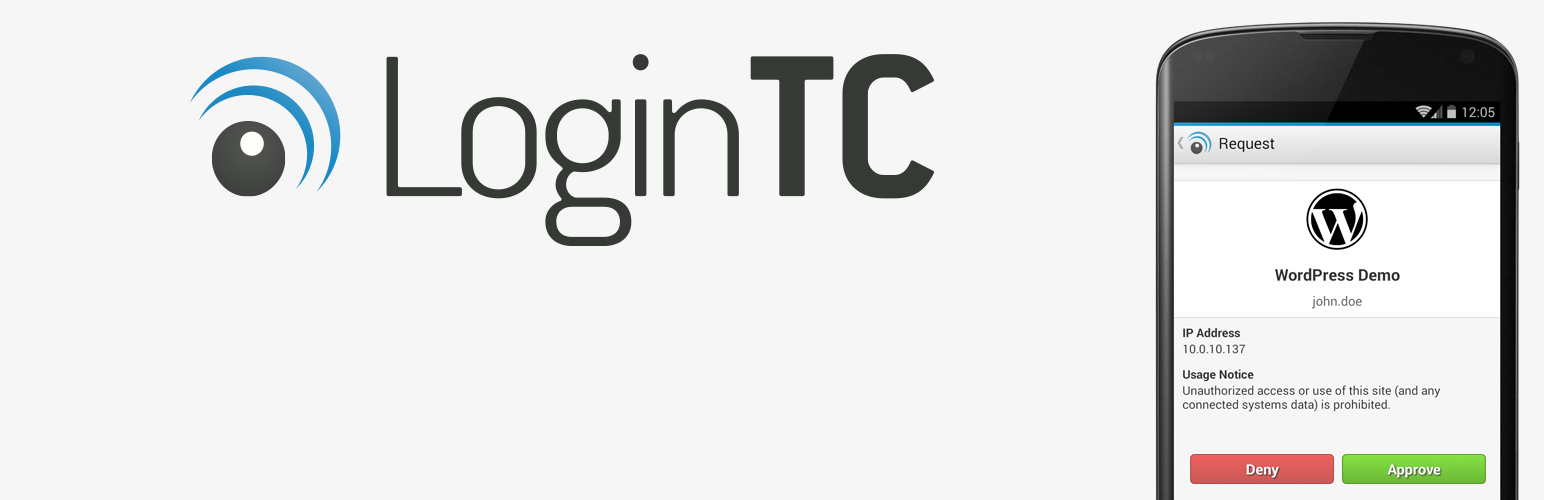
An approve / deny screen shown on the users LoginTC provisioned device.
Reviews
Changelog
1.0.0
- Initial release