Logo Slider – Logo Carousel, Client Logo Slider & Brand Showcase for WordPress

Logo Slider – Logo Carousel, Client Logo Slider & Brand Showcase for WordPress
Description
👉 Live Demo | Documentation | Support | Get Pro
Logo Slider WP is the most flexible way to display client logos, partner brands, sponsor logos, affiliate badges, press logos, or a full company logo wall on any WordPress site. Build a beautiful logo carousel, logo gallery grid, or fluid flexbox layout — then embed it anywhere with a single shortcode. No coding. No page-builder lock-in. No logo display limits.
Displaying trusted logos on your website sends one clear signal to every visitor: “Others believe in us — and you can too.” Logo Slider WP makes that first impression effortless to create, and genuinely impressive to look at.
🆕 What’s new in version 5.5
This update is one of the most user-friendly releases in the plugin’s history.
- Unlimited logo display — now free for everyone. The front-end 20-logo cap has been completely removed. Every logo you add is now shown in full, in the free version, with zero restrictions. No upgrade. No workaround. Just your logos, all of them, on screen.
- Preloader is now free for all users. Your showcase stays hidden until the page fully loads — giving every visitor a clean, flicker-free first impression. No more paying for basic polish.
- Confirmed compatibility with WordPress 7.x. Fully tested and verified against the latest WordPress release. Install with confidence.
- Shortcode Generator improvements. A cleaner, faster settings experience with better section organisation and clearer field guidance throughout the admin panel.
- Performance and maintenance updates. Internal code improvements for a leaner, more reliable plugin on every site.
Already using Logo Slider WP? Update now — your existing showcases, settings, and logos are untouched. You just get more, for free.
Why a logo showcase matters for your business
Every website with a “trusted by”, “featured in”, or “our clients” logo wall sees the same result: visitors trust faster, engage longer, and convert better. A well-placed customer logo showcase communicates social proof before a single word is read. Whether you are building a sponsor logo slider, a press logo strip, an affiliate logo gallery, or a full company logo wall — Logo Slider WP gives you the tools to build that credibility section beautifully, from the very first install.
What makes Logo Slider WP different
✅ Display ALL your logos — no 20-logo cap, ever
Other logo plugins quietly cap your front-end display at 20 logos. You add your 21st client logo — and half your sponsors silently disappear from the page. Logo Slider WP removes that wall entirely. Whether you have 5 logos or 500, every single one is shown — completely free, with no upgrade required. Set Item Limit to 0 (the default) and everything displays. Always.
✅ Three showcase types — Carousel, Grid, and Flexbox
Most logo plugins give you one layout and stop there. Logo Slider WP gives you three fundamentally different display types, each with its own dedicated settings tab. Pick the right layout for every context — a sliding carousel for the homepage, a grid for the clients page, a flexbox layout for mixed-width brand marks.
✅ Works in every WordPress editor and page builder
Logo Slider WP works wherever WordPress accepts a shortcode — which is everywhere. Drop [lgxlogoslider id="39"] into Elementor’s Shortcode widget, a Gutenberg Shortcode block, Divi, WPBakery, Beaver Builder, or the Classic Editor. No native block is required. One shortcode. Any builder. Any theme.
✅ Full visual control — no rigid theme system
Rather than locking you into a small set of pre-built themes you cannot fully change, Logo Slider WP gives you granular control over every visual detail directly from the admin panel: colours, spacing, borders, fonts, backgrounds, overlays, image dimensions, alignment, and more. Want to go further? Add your own custom CSS. Total design freedom without touching a theme file.
✅ Genuinely zero admin notice banners
Plugin notice banners clutter your dashboard and slow your workflow. Logo Slider WP has none. A clean admin is a feature we take seriously.
✅ Built and supported by the core developer team
When you reach out, you talk to the developers who actually built the plugin. All support — free and Pro — is handled at logichunt.com. Pro users get direct access via priority email, phone, and WhatsApp — plus free hands-on installation assistance.
Three showcase types — one plugin
🎠 Carousel
A smooth, touch-enabled logo carousel with autoplay, infinite loop, swipe navigation, arrows, and pagination dots. Enable Ticker mode for a continuously scrolling logo strip — perfect for sponsor logo walls, partner logo sliders, and “as featured in” press badge strips. Standard slide transition is free; Coverflow 3D is Pro.
🖼️ Grid
A clean static logo gallery grid with fully independent column control across four device breakpoints. All logos are visible at once — ideal for client logo walls, customer logo showcases, and company logo grids where nothing should be hidden behind a scroll.
⚡ Flexbox (New)
A modern CSS flexbox layout where logos wrap naturally and spacing adjusts fluidly. No rigid columns. No awkward gaps from variable-width brand marks. The cleanest solution for affiliate logo galleries, press logo strips, and mixed-size company logos with different aspect ratios.
Each type has its own dedicated settings tab (Carousel / Grid / Flexbox) that appears automatically when you select that showcase type. Every showcase instance is fully independent — mix and match types and settings across every page on your site.
Free version — everything you need to get started
Display & output
* Display ALL your logos — no front-end limit, no hidden cap, ever
* 3 showcase types: Carousel (with Ticker mode), Grid, and Flexbox
* Multiple independent showcases on the same page
* Separate settings per shortcode — every instance is its own configuration
* Standard slide transition for Carousel (clean, smooth, professional)
* Simple and Outline grid styles
* Lazy loading for fast page performance
* Preloader — showcase stays hidden until the page fully loads
Responsive control (all 4 breakpoints free)
* Large desktop (1200px+): set your column or item count
* Desktop (992px+): set independently
* Tablet (768px+): set independently
* Mobile (below 768px): set independently
Logo management
* Add unlimited logos
* Show or hide brand name per showcase
* Custom company URL per logo with link target control (same tab or new tab)
* Logo image height and width control with unit support (px, %, rem)
* Logo position (top, centre, bottom) and info alignment (left, centre, right)
* Category-based filtering — filter which logos appear per showcase
* Item limit — optionally cap the number of logos shown (0 = show all, no limit)
* Drag & drop ordering
* Sort by title, date, drag & drop, or randomly (ASC/DESC)
Carousel controls (free)
* Autoplay with configurable speed and delay
* Infinite loop
* Ticker mode — continuous auto-scroll
* Touch and swipe navigation
* Mouse draggable
* Navigation arrows: show/hide, position, colour, background, icon type
* Pagination dots: show/hide, colour, active colour
* Space-between items control
* Item vertical alignment
* Lazy load spinner type
Grid & Flexbox controls (free)
* Grid Style: Simple and Outline options
* Outline colour control
* Item vertical alignment
Section & layout
* Showcase max width and container type (fluid/fixed)
* Background colour and overlay colour per showcase section
* Section top and bottom margin control
Header
* Section header with custom title and subtitle text
* Header alignment (left, centre, right)
Tooltip
* Enable/disable tooltip per showcase
* Content type: brand name or custom text
* Position: top, bottom, left, right
* 5 animation styles: Fade, Shift-Away, Scale, Perspective, and more
* Trigger type: hover or click
Styling
* Hover effect dropdown (free: None; Pro effects available on upgrade)
* Title colour and font size
* Description colour and font size
* Image border: enable/disable, colour, hover colour, border width
* Item margin
* Custom CSS support — add your own styles, scoped to each showcase
General
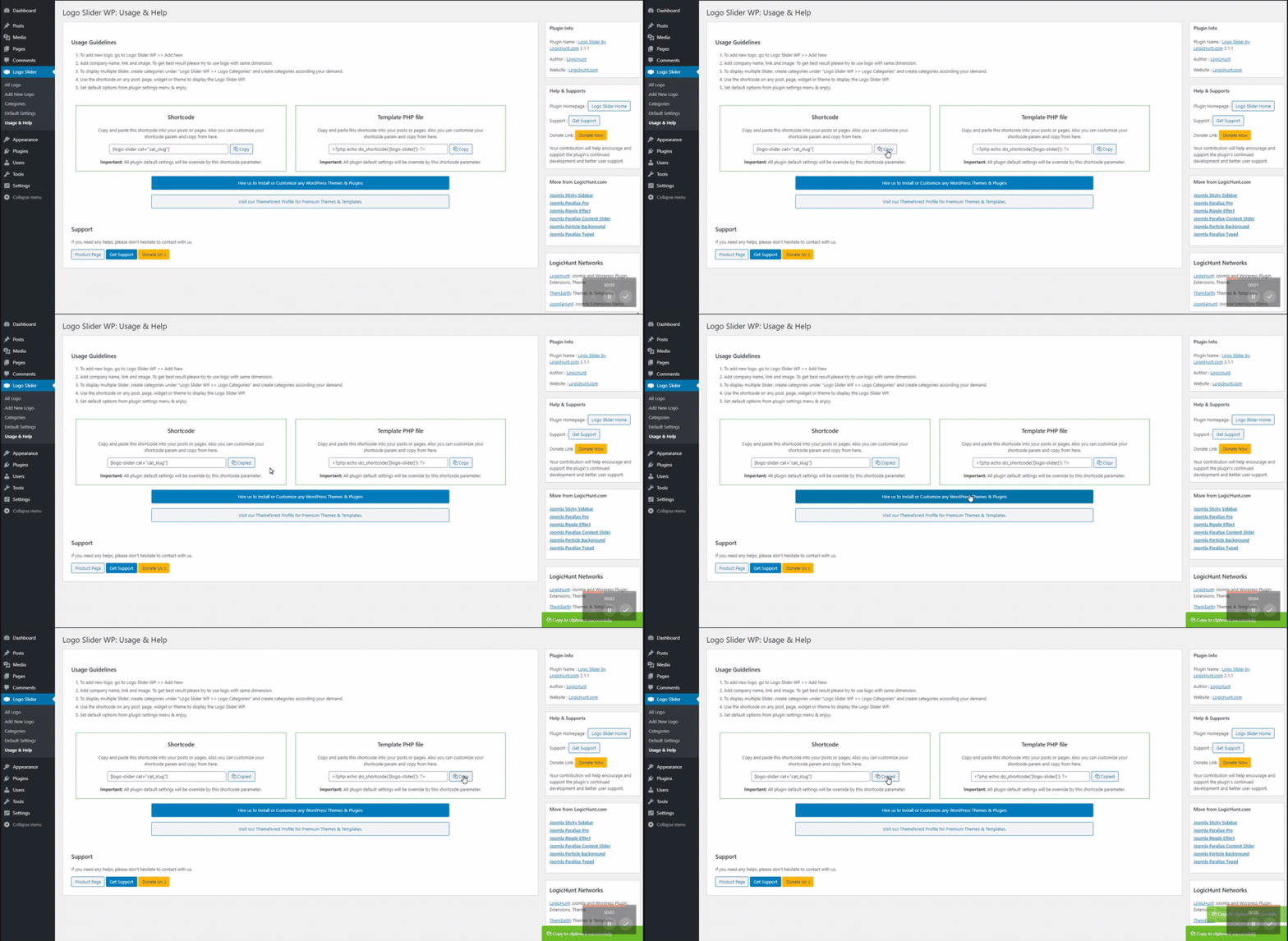
* One-click shortcode generator — no manual coding
* PHP template tag: <?php echo do_shortcode('[lgxlogoslider id="39"]'); ?>
* Zero admin notice banners
* Works with all WordPress themes
Pro version — make your logos come alive
The free version handles everything functional. Thousands of sites use it as-is, and it works beautifully. You upgrade to Pro when you want your logo section to be memorable, not just present.
Visual effects that transform your showcase
-
100+ hover animations — powered by Animate.css, the industry-standard CSS animation library. Every animation in the full library is available as a per-showcase hover effect: bounce, fade, flip, zoom, rotate, shake, wobble, heartbeat, and many more. This is the single biggest visual upgrade available — one setting changes a static logo row into something visitors notice and remember.
-
Coverflow 3D transition — the carousel effect that makes people stop scrolling. A 3D depth transition that turns your logo slider into a visual feature. See it on the live demo — you will understand the upgrade immediately.
-
Grayscale On Over — logos display in greyscale; full colour is revealed on hover. The standard technique used by leading agency and enterprise sites for a polished, consistent logo row.
-
Grayscale Always — logos stay greyscale permanently, regardless of hover state.
-
Grayscale Remove On Over — logos display in full colour by default; greyscale is applied on hover. Useful for subtle, understated brand presentations.
-
Box Shadow — adds depth to logo items on hover only.
-
Box Shadow Always — permanent depth effect, not triggered by hover.
-
Hover Overlay with Link — a colour overlay appears on hover, turning each logo into a clearly clickable branded element.
-
Hover Overlay with Link + Title — the overlay also reveals the brand name. Turns a logo grid into an interactive partner showcase your visitors actually engage with.
Advanced Grid & Flexbox controls (Pro)
* Column Gap — precise gap between columns (px, rem, %)
* Row Gap — precise gap between rows
* Item Min Height — set a minimum height for consistent logo card sizing
Advanced Carousel controls (Pro)
* Coverflow 3D transition effect
* Pause on hover — autoplay stops when the user’s cursor is over the slider
* RTL direction — right-to-left carousel scrolling for Arabic, Hebrew, and RTL sites
* Dynamic pagination bullets — bullet size grows for the active slide
* Pagination hide on mobile
* Mouse wheel scrolling — scroll through slides with the mouse wheel
* Grab cursor — pointer changes to a grab icon on hover
* Nav visible on hover — arrows only appear when the user hovers
* Nav button font size, width, height, and margin fine-tuning
* Nav hide on mobile
* Vertical nav left/right position fine-tuning
Advanced styling (Pro)
* Image border radius
* Item border: colour, hover colour, width, and radius (border around the full logo item)
* Item background colour and hover background colour
* Item padding
* Title font weight and bottom margin
* Sub-title font size, colour, font weight, and bottom margin
* Description font weight and bottom margin
* Nofollow link attribute — tells search engines not to follow logo links (important for SEO)
Advanced tooltip (Pro)
* Tooltip min and max width
* Animation duration and delay
* Distance from logo item
* Tooltip text colour and padding
* Background colour, border colour, border width, border radius
* Arrow (speech bubble pointer): enable/disable, background colour, border colour
* Minimum intersection control
* Timer (auto-hide delay)
Advanced section (Pro)
* Background image for showcase section (with attachment type and background size control)
* Section top and bottom padding
Advanced header typography (Pro)
* Title font size, colour, font weight, and bottom margin
* Sub-title font size, colour, font weight, and bottom margin
Branded preloader (Pro)
* Custom preloader icon — upload your own brand loading icon
* Preloader background colour
Priority support (Pro)
* Direct access to the core developer team
* Priority email support
* Phone support
* WhatsApp support
* Free hands-on installation assistance
Free vs Pro — honest, complete comparison
Feature
Free
Pro
Showcase Types
Carousel type
✅
✅
Grid type
✅
✅
Flexbox type (New)
✅
✅
Ticker mode (inside Carousel)
✅
✅
Logos & Display
Display ALL logos — no front-end cap
✅
✅
Unlimited logos added
✅
✅
Category filtering
✅
✅
Drag & drop ordering
✅
✅
Multiple showcases per page
✅
✅
Custom URL + link target per logo
✅
✅
Brand name show/hide
✅
✅
Brand description show/hide
❌
✅
Nofollow link (SEO)
❌
✅
Responsive
4-breakpoint column control
✅
✅
Carousel Controls
Autoplay, loop, speed, delay
✅
✅
Touch, swipe & mouse drag
✅
✅
Navigation arrows & pagination
✅
✅
Standard slide transition
✅
✅
Coverflow 3D transition
❌
✅
Pause on hover
❌
✅
RTL direction
❌
✅
Mouse wheel scroll
❌
✅
Dynamic pagination bullets
❌
✅
Grab cursor
❌
✅
Nav visible on hover
❌
✅
Nav hide on mobile
❌
✅
Pagination hide on mobile
❌
✅
Grid & Flexbox Controls
Grid styles (Simple, Outline)
✅
✅
Column gap & row gap
❌
✅
Item min height
❌
✅
Visual Effects
Hover effects (grayscale, overlay, shadow)
❌
✅
100+ Animate.css hover animations
❌
✅
Styling
Title & description colour and size
✅
✅
Image border colour & width
✅
✅
Background & overlay colour
✅
✅
Custom CSS
✅
✅
Image border radius
❌
✅
Item border (full item frame)
❌
✅
Item background colour
❌
✅
Item padding
❌
✅
Typography fine-tuning (weights, margins)
❌
✅
Section
Background colour & overlay
✅
✅
…
Installation
Option 1: From the WordPress dashboard (recommended)
- Log in to your WordPress admin panel.
- Navigate to Plugins Add New.
- Search for “Logo Slider WP”.
- Click Install Now, then Activate.
Option 2: Upload a ZIP file
- Download
logo-slider-wp.zipfrom WordPress.org. - Go to Plugins Add New Upload Plugin.
- Select the ZIP file and click Install Now.
- Click Activate.
Option 3: Manual FTP upload
- Unzip
logo-slider-wp.zipon your computer. - Upload the
logo-slider-wpfolder to/wp-content/plugins/. - Activate from the Plugins menu in your WordPress dashboard.
After activation, a Logo Slider menu appears in your WordPress admin sidebar.
Quick start in 3 steps
- Go to Logo Slider Add New Logo and upload your logos — add as many as you need, there is no limit.
- Go to Logo Slider Shortcode Generator, create a showcase, select your type (Carousel, Grid, or Flexbox), and configure your settings.
- Copy the shortcode and paste it into any page, post, widget, or page builder block.
Example: [lgxlogoslider id="39"]
Screenshots
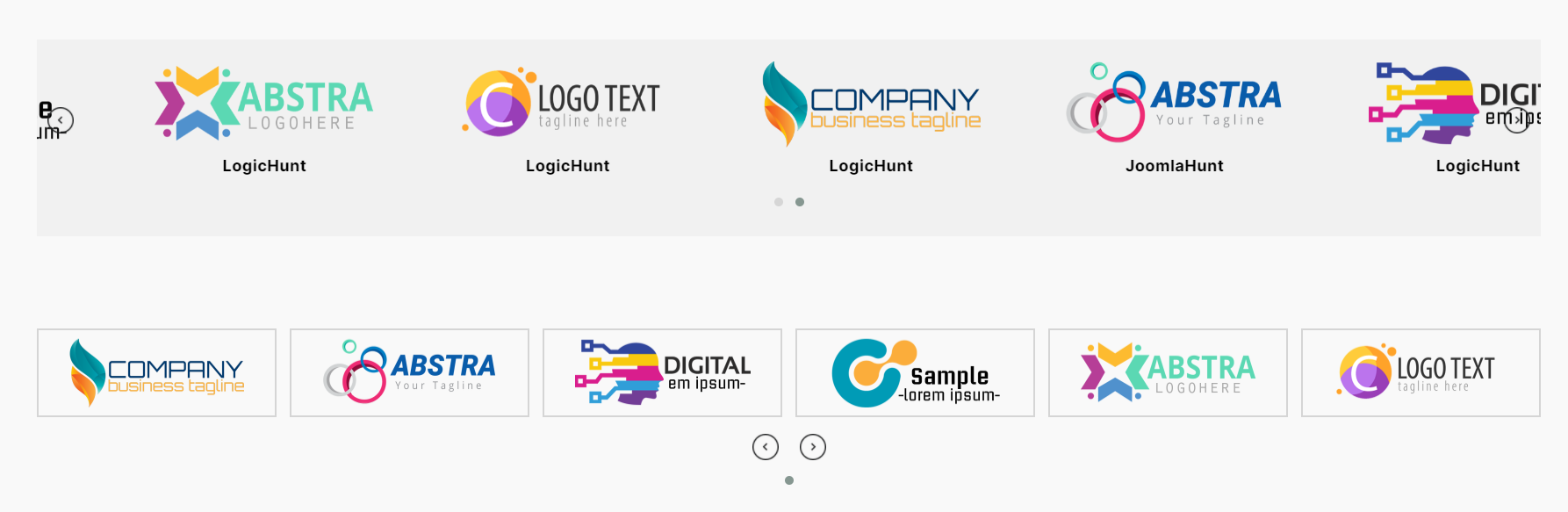
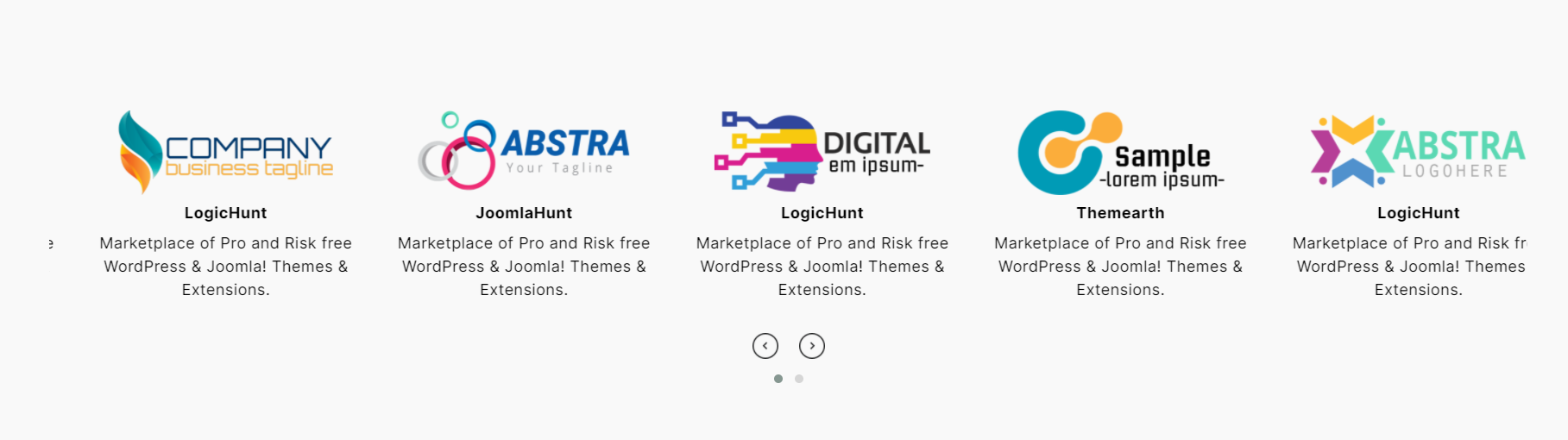
Carousel type — smooth autoplay slider with navigation arrows and pagination dots
Ticker mode (inside Carousel) — continuously scrolling logo strip, perfect for sponsor and partner sections
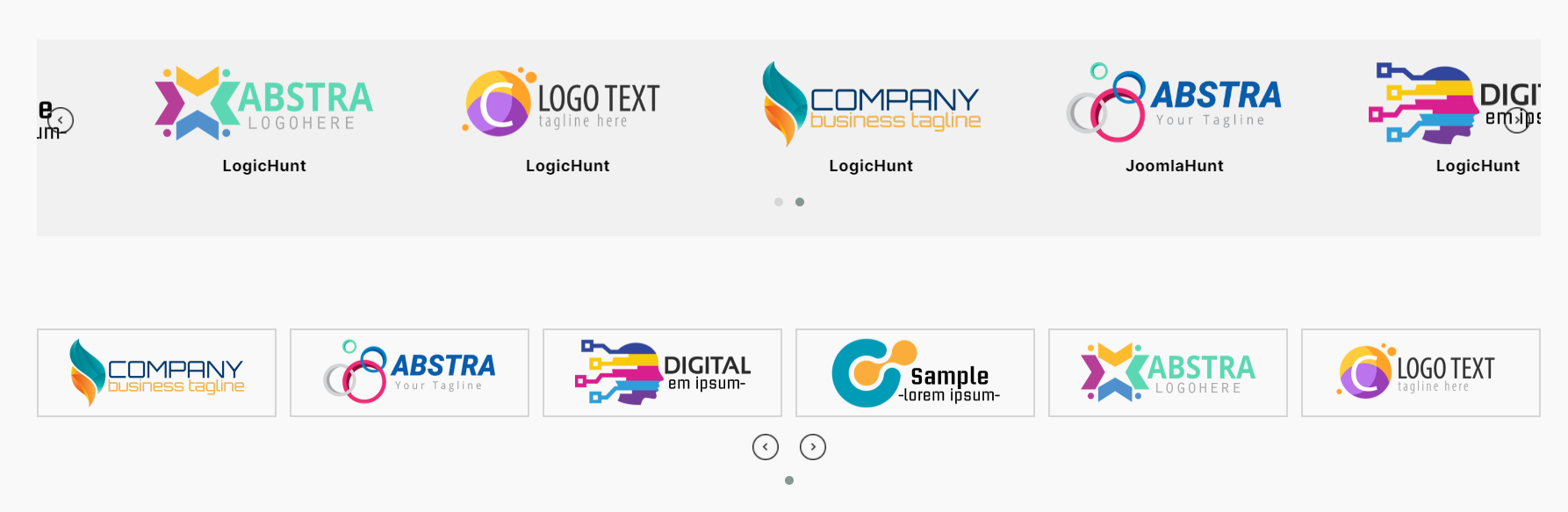
Grid type — responsive static grid with all logos visible, adjustable columns per device

Flexbox type — fluid CSS flexbox layout, logos wrap naturally without rigid column gaps
Coverflow 3D transition (Pro) — depth effect carousel that makes visitors stop scrolling

Grid with hover effects (Pro) — box shadow and grayscale-to-colour transition
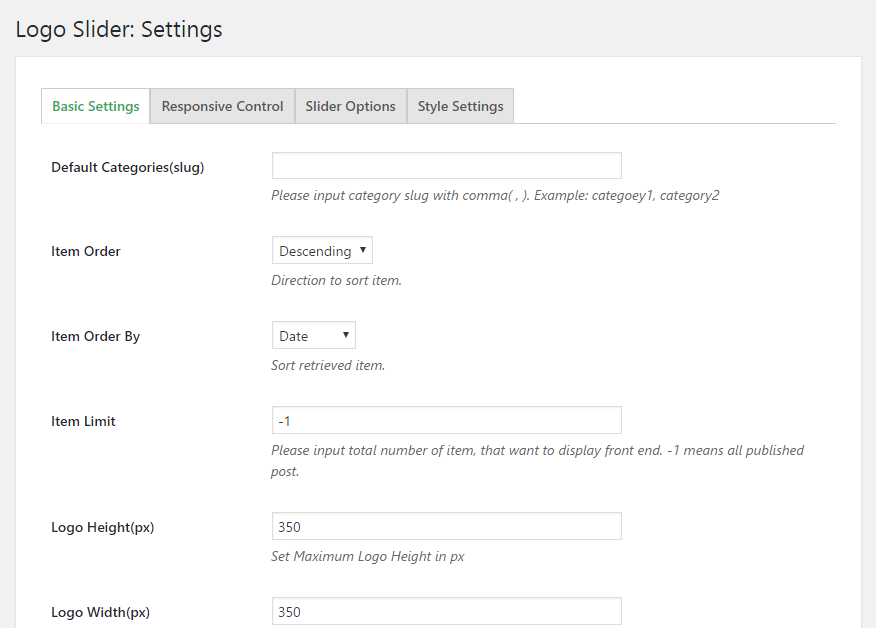
Admin: General tab — display settings, image settings, and query settings with category filter
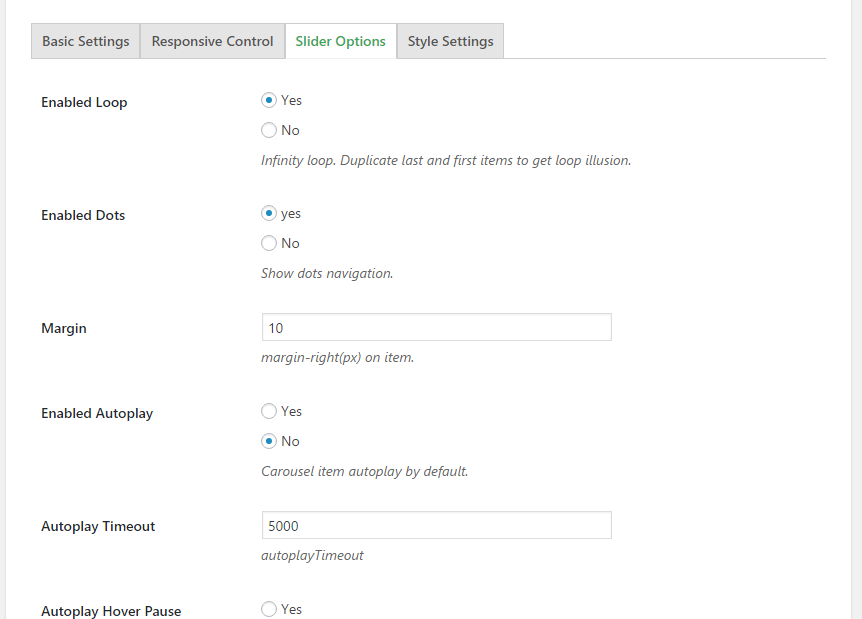
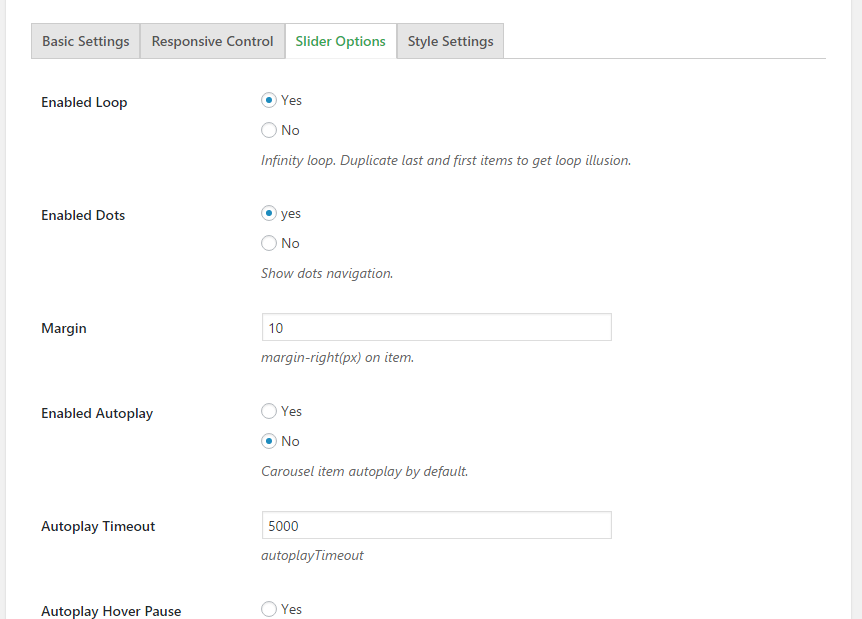
Admin: Carousel tab — autoplay, loop, speed, ticker mode, navigation and pagination settings
Admin: Grid tab — grid style, outline colour, and Pro gap controls
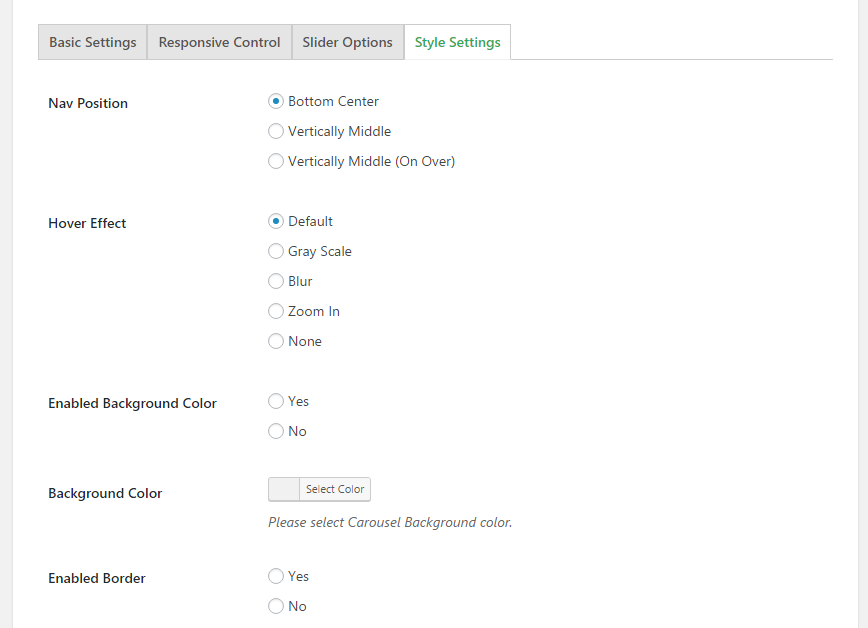
Admin: Styling tab — hover effects dropdown, title and description styling, image border settings
Faq
Go to Logo Slider Shortcode Generator, create a showcase, select your preferred type (Carousel, Grid, or Flexbox), configure your settings, then copy the generated shortcode and paste it into any page, post, widget, or page builder shortcode field.
No — and this is one of our clearest advantages. Some logo plugins restrict front-end display to 20 logos in the free version, even when more have been uploaded. Logo Slider WP has no such restriction. Every logo you add is displayed, in full, for free. Set Item Limit to 0 (the default) to show all logos with no cap.
Carousel — a sliding carousel with autoplay, infinite loop, swipe, and navigation. Enable Ticker mode inside Carousel for a continuously scrolling strip. Grid — a static responsive grid where all logos are visible at once. Flexbox — a fluid CSS flexbox layout that wraps logos naturally without rigid column constraints, ideal for mixed-width brand marks.
Ticker is a mode within the Carousel type, not a standalone type. When you select Carousel as your showcase type and enable Ticker Mode in the Carousel settings tab, logos scroll continuously without pause. This is perfect for sponsor strips, partner bands, and “as featured in” sections.
Yes. Logo Slider WP works wherever WordPress accepts a shortcode. Paste [lgxlogoslider id="X"] into:
- Elementor — use a Shortcode widget
- Gutenberg (Block Editor) — add a Shortcode block
- Divi — use the Code module or Shortcode module
- WPBakery — use a Raw HTML or Shortcode element
- Beaver Builder — use an HTML module
- Classic Editor — paste directly into any page or post
The same shortcode works identically in every environment. No native block required.
No. Logo Slider WP only loads its scripts and styles on pages that actually contain a showcase shortcode — not globally. Lazy loading is built in so logo images load only as they enter the viewport, and the plugin generates zero admin notice banners that consume dashboard resources.
Yes. Each showcase is fully independent. Create multiple showcases — different types, different settings, different logos — and paste each shortcode wherever you need it. Multiple instances on the same page work without conflict.
Assign logos to categories when adding them under Logo Slider Categories. In your Shortcode Generator settings, use the Select Logo Category dropdown under General Query Settings to filter the showcase to a specific category.
In the Shortcode Generator under Query Settings, choose from Drag & Drop, title, date, or random ordering — in ascending or descending direction.
Select Carousel as your showcase type, open the Carousel settings tab, and enable Autoplay and Infinite Loop. Ensure the total number of logos exceeds the number of visible slides for the loop to work correctly.
Yes. Use your browser inspector to identify element classes, then add custom CSS via Appearance Customize Additional CSS or your theme’s custom CSS field. Each showcase generates a unique wrapper class you can use to scope styles precisely.
RTL carousel direction is a Pro feature. If you need logos to scroll right-to-left for Arabic, Hebrew, or other RTL languages, the Pro version includes full RTL directional control.
Flexbox uses modern CSS flexbox layout to arrange logos. Unlike Grid, which forces logos into rigid equal-width columns, Flexbox lets logos sit side by side and wrap naturally based on available space. Use it when your logos have very different widths or aspect ratios and a rigid grid would create awkward empty columns.
The free version includes all three showcase types (Carousel, Grid, Flexbox), unlimited logos displayed with no cap, category filtering, preloader, four-breakpoint responsive control, ticker mode, and shortcode compatibility with all page builders. Pro adds advanced visual effects (100+ Animate.css hover animations, Coverflow 3D, grayscale effects, box shadow, hover overlays), column and row gap control for Grid and Flexbox, full typography control, RTL direction, background images, branded preloader, and direct developer support via phone, WhatsApp, and priority email.
Yes. See all three showcase types and Pro effects at demo.logichunt.com/logo-slider-wp.
Yes: <?php echo do_shortcode('[lgxlogoslider id="39"]'); ?>
Reviews
The Most Reliable & User-Friendly Logo Slider for WordPress
By 
I’ve tried several logo carousel plugins for my clients’ websites, and this one by LogicHunt is easily the most intuitive and reliable option on the market. If you need a professional way to display partners, sponsors, or client logos, look no further.
No support even for the paid version
By 
Purchased Pro version, sent 6 emails, tried online chat tool, nobody replied ever.
Logo slider (PRO) has stopped working on our website and nobody cares
By 
We are using the PRO version of Logo Slider plugin, however, it suddenly stopped working and is no longer displaying on our website. We have tried creating a new slider, but there is always an infinite spinning loading circle where the logo slider should be. We have been trying to contact their support for months, but they have not responded! So, we are leaving this review in hopes that they will finally notice us!
Slider not smooth
By 
Too bad, the slider doesn't work well. With each image the loop stops and continues. This may be for a critical eye, but still. Reported several times but they do not respond to anything. Too bad, fortunately there are much better sliders available.
Limited free version
By 
At least in the free version make it so you can disable hover effect
Love it!
By 
Love this - it's exactly what I was looking for - and support was quick to solve my user-created issue. Very happy!
Execellent Support
By 
Works perfect. it has option for round corners and tikker mode.
Top plugin !
By 
Geweldige plugin , professioneel support.
Works flawlessly
By 
is already being used on several sites and the customers are also satisfied.
wonderfulllll !
By 
hello, I have never seen such a perfect seller, I bought many plugins and themes, but they are really interested, thank you
Changelog
5.5
- Improvement: Removed front-end logo display limit — all logos now display in the free version with no cap.
- Improvement: Preloader is now available in the free version for all users.
- Maintenance and compatibility updates.
5.3
- Added Flexbox showcase type.
- Maintenance and compatibility updates.
5.0.0
- Security: Fixed stored XSS vulnerability.
- Security: Improved input validation for Shortcode Generator.
4.9.0
- Security: Fixed stored XSS in multiple colour picker fields.
- Security: Added sanitisation on save and escaping on output for all colour settings.
- Security: Improved Shortcode Generator input validation.
- Compatibility: Confirmed compatibility with WordPress 7.0.
4.8.0
- Compatibility check with latest WordPress.
4.7.0
- Compatibility check with latest WordPress.
4.6.0
- Security vulnerability resolved.
- Compatibility check with latest WordPress.
4.5.0
- Fixed cross-site scripting (XSS) issue.
- Compatibility check with latest WordPress.
4.1.0
- Improved plugin security.
- Compatibility check with latest WordPress.
4.0.0
- Fixed cross-site scripting (XSS) issue.
- Updated security hardening.
- Compatibility check with latest WordPress.
3.9.2
- Fixed image border and radius display issue.
3.9.0
- Code optimisation.
- Updated usage guidelines.
3.7.0
- Code optimisation.
- Rearranged admin fields.
- Updated demo and styles.
3.6.0
- Security improvements following security researcher feedback.
3.5.1
- Added image location options.
- Added content alignment option.
3.5.0
- Updated styles.
- Added section header.
- Added max height and width controls.
- Fixed navigation hide issue.
3.4.0
- Added new grid style.
3.2.3
- Added tooltip min and max width fields.
3.2.0
- Added item order sorting.
- Grid logo vertical alignment control.
3.0.0
- Added Shortcode Generator.
- Core system upgraded.
- File structure rearranged.
2.5.0
- Added ticker mode for Carousel type.
- Added autoplay timeout speed control.
2.3.4
- Added drag and drop logo order sorting.
1.0.0
- Initial public release.