LT Invoices for WooCommerce
LT Invoices for WooCommerce
Description
What it does
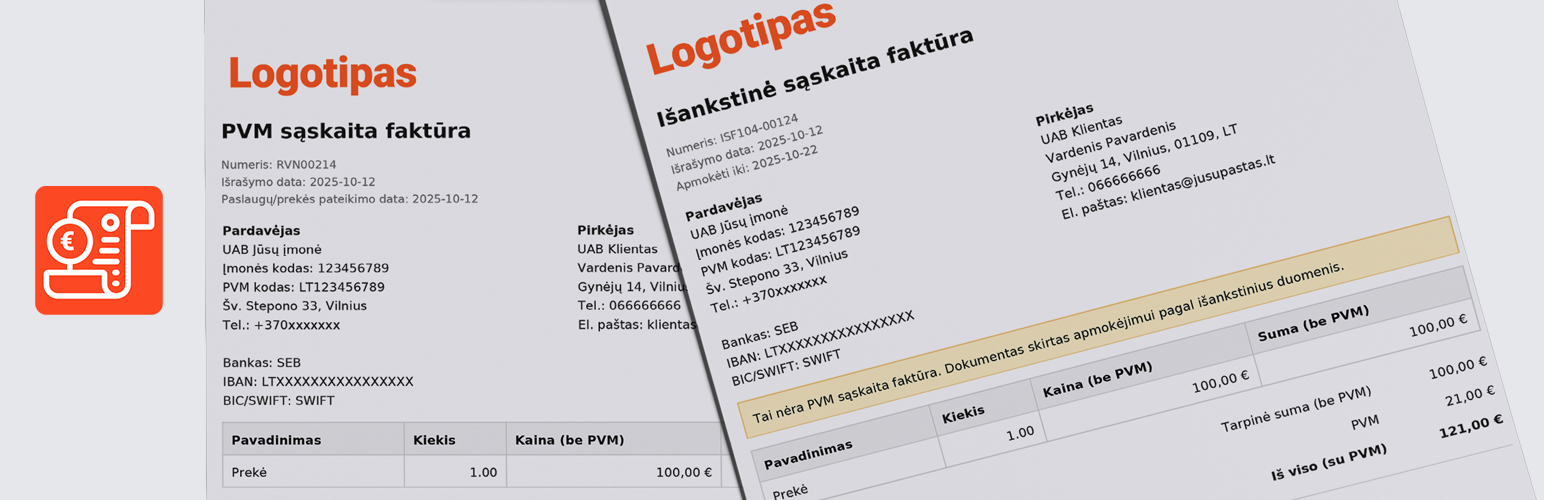
– Generates a Proforma Invoice (ISF) for unpaid orders (e.g., BACS).
– Generates a VAT Invoice for paid orders.
– LT company details (seller/bank), numbering series, prefixes/suffixes, “Start from” / “Next number”.
– PDF attachments in emails: ISF (on-hold), VAT (processing/completed).
– Unique protected download URLs (token + TTL) or “logged-in only”.
– Templates can be overridden in your theme: /yourtheme/lt-invoices-for-woocommerce/*.
Notes
– The VAT summary automatically follows WooCommerce tax settings.
– PDF generation is handled by Dompdf (bundled).
– Variables for showing client ID/VAT: billing_company_code, billing_company_id, company_id, billing_company_vat, company_vat, billing_vat_number, billing_vat
Installation
- Install and activate the plugin.
- Go to WooCommerce Settings Invoices (LT) and fill in your company details and numbering settings.
- Order pages will show buttons to download ISF / VAT PDFs.
Screenshots

Settings page in WooCommerce

Proforma (ISF) PDF example

VAT invoice PDF example
Faq
Copy files from plugins/lt-invoices-for-woocommerce/templates/ to yourtheme/lt-invoices-for-woocommerce/ and edit them there.
Yes. In settings, choose Logged-in only (auth only).
Reviews
Labai patiko
By 
Dekoju uz puiku iskiepi ir pagalba kilus papildomiems klausimams.
Changelog
0.2.3
- Compatibility: tested with WordPress 7.1.
0.2.2
- Fix: donwload button dublicate
0.2.1
- Product code added
0.2.0
- Visual update
0.1.5
- Fix: bugs
0.1.5
- Fix: shipping VAT calculation when a discount is applied.
0.1.4
- Show shipping on invoices.
0.1.3
- Show discount on invoices.
0.1.2
- Minor tweaks.
- Allow downloading the invoice in incognito from the Thank You page.
0.1.1
- New: Proforma (ISF) shows payment due date “Pay by: YYYY-MM-DD” based on the “Payment term (days)” setting.
- Changed: removed the “Signature image ID or URL” setting.
- Changed: PDF filename no longer uses the
pvm-prefix when WooCommerce taxes are disabled and the VAT summary is hidden. - Fixed: settings saving (nonce/sanitization), minor WPCS/PHPCS compliance.
- Added: informational promo block “Our other products – XML product export” shown only on the plugin settings screen.
0.1.0
- Initial release.