MahimZaman Build-a-Bundle for WooCommerce
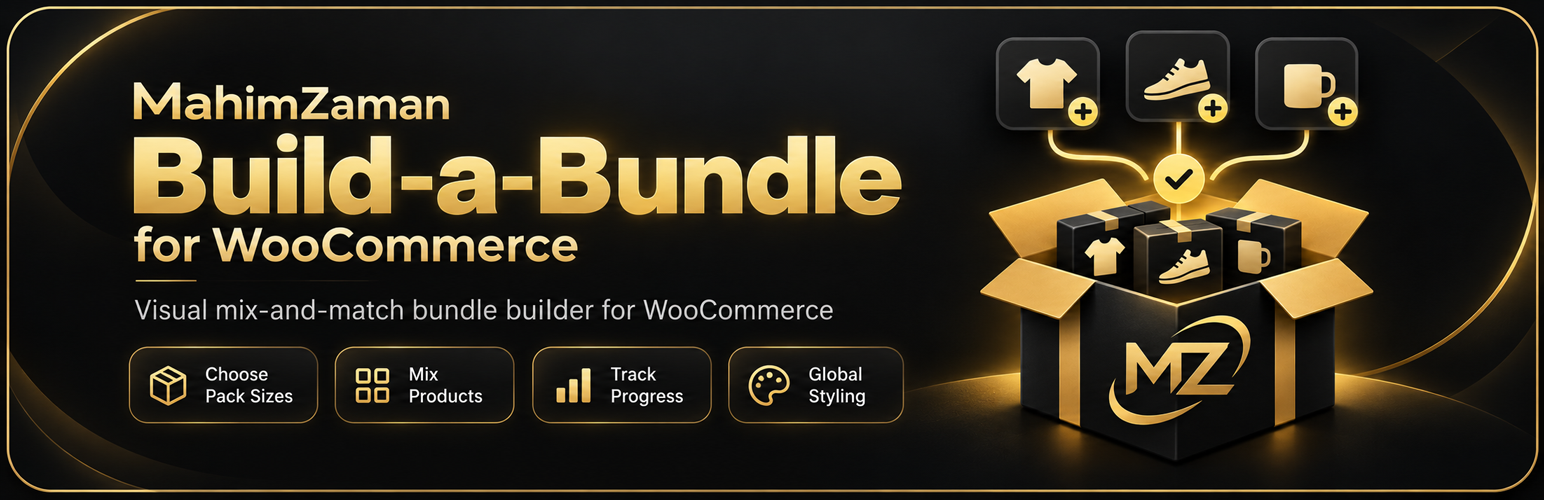
MahimZaman Build-a-Bundle for WooCommerce
Description
MahimZaman Build-a-Bundle for WooCommerce lets store owners create simple visual mix-and-match product packs.
MahimZaman Build-a-Bundle for WooCommerce is an independent extension and is not affiliated with or endorsed by WooCommerce or Automattic.
Customers can choose a pack size, select products, track their progress, and add the completed bundle to their cart.
Features include:
- Configurable pack sizes.
- Fixed pack pricing.
- Calculated product pricing.
- Selected-product or category-based bundles.
- Mix-and-match quantities.
- Live pack progress.
- Component stock validation.
- Bundle editing from the cart.
- WooCommerce order integration.
- High-Performance Order Storage compatibility.
- Cart and Checkout Blocks compatibility.
- Responsive frontend interface.
- Translation-ready strings.
MahimZaman Build-a-Bundle for WooCommerce currently supports simple WooCommerce products as bundle components.
Installation
- Install and activate WooCommerce.
- Upload and activate MahimZaman Build-a-Bundle for WooCommerce.
- Go to Products > Add New.
- Select “Build-a-Bundle” from Product data.
- Open the Build-a-Bundle tab.
- Configure pack sizes, pricing, and eligible products.
- Publish the product.
Screenshots


Faq
Yes. Enable “Multiple quantities” in the Build-a-Bundle product settings.
Yes. Pack quantities are configurable and are not limited to 3, 6, or 12.
Yes. A bundle can use manually selected simple products or products from selected categories.
Variable products are not supported as bundle components in version 1.0.
Yes. Component quantities are preserved in WooCommerce orders so stock can be managed against the underlying products.
Reviews
Changelog
1.0.0
- Initial public release.
- Added configurable Build-a-Bundle bundle product type.
- Added configurable pack sizes.
- Added fixed and calculated pricing.
- Added product and category eligibility.
- Added visual frontend bundle builder.
- Added live quantity and progress controls.
- Added cart editing.
- Added bundle validation and stock checks.
- Added order component handling.
- Added HPOS support.
- Added Cart and Checkout Blocks support.