Mahjong Tiles
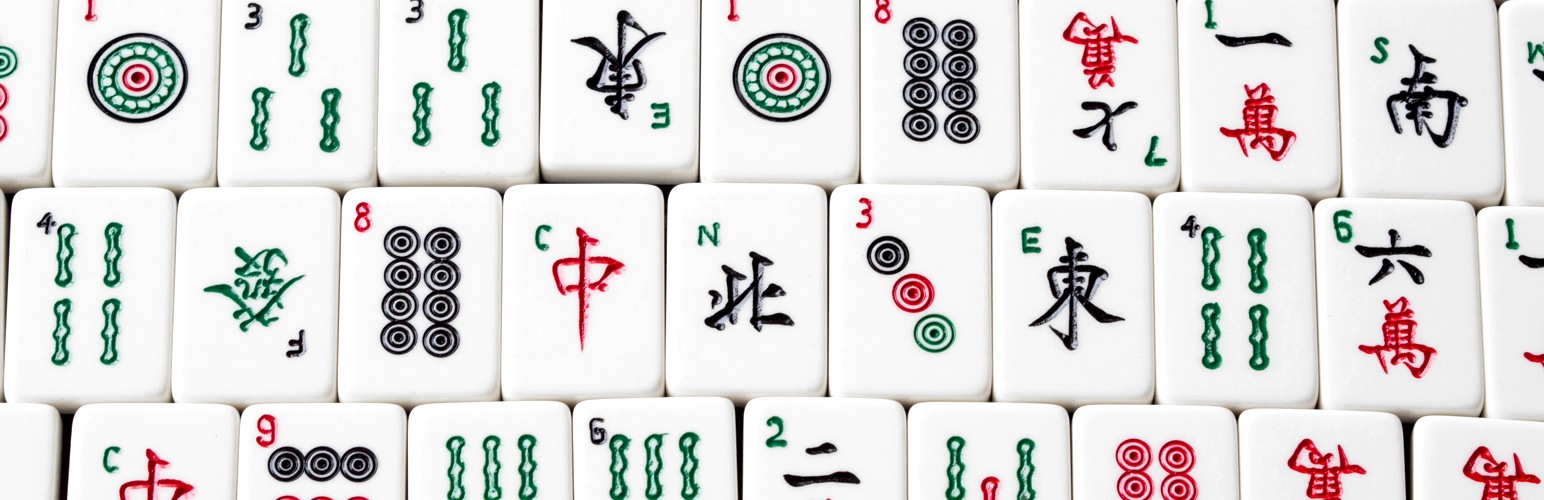
Mahjong Tiles
Description
Mahjong Tiles adds a shortcode [tile] that makes adding Mahjong tiles to your posts easy. The plugin comes with a set of tile images (CC licensed images, courtesy of Jerry Crimson Mann).
Installation
- Upload
mahjong-tilesfolder to the/wp-content/plugins/directory - Activate the plugin through the ‘Plugins’ menu in WordPress
- Use the
[tile]shortcode in your posts
Screenshots

Tiles displayed on page.
Faq
The format of the shortcode is [tile tile="X"], where X is a two-letter abbreviation for the tile.
The basic tiles – dots, bamboos and characters – are numbered d1-d9 for dots, b1-b9 for bamboos and
c1-c9 for characters.
Winds are ew (East), sw (South), ww (West), and nw (North).
Dragons are rd (red), gd (green), and wd (white).
Seasons are s1-s4 and flowers are f1-f4.
The tile identifiers are case-insensitive.
The default tile images are stored in /wp-content/plugins/mahjong-tiles/tile_images/ folder. If
there’s a tile_images folder in your theme folder (for example /wp-content/themes/twenty-fifteen/tile_images/,
the plugin will prefer the tile images found in that folder.
The tile images need to be in PNG format and named exactly as they are in the plugin folder.
Mahjong Tiles also registers shortcode [mahjongtile], which can be used instead of [tile].
The image tiles that come with the plugin are created by Jerry Crimson Mann and can be used under
CC BY SA 3.0 license.
Reviews
Changelog
1.0
- First version.