Mailto Link Form
Mailto Link Form
Description
Mailto Link Form lets you build contact forms that continue in the visitor’s email app.
Key features:
* Create and manage multiple forms in wp-admin.
* Configure To, Subject, and Body Template per form.
* Map <select> values into body placeholders such as {{your_field_key}}.
* Embed forms anywhere with a shortcode.
This plugin does not send email directly from your server.
It generates a mailto: URL and opens the user’s default email app.
Usage
- Go to Mailto Forms and create a form.
- Configure recipient email, subject, body template, and select fields.
- Place shortcode like
[mailto_link_form id="123"]into a page.
Installation
- Upload the plugin folder to
/wp-content/plugins/. - Activate the plugin through the “Plugins” screen in WordPress.
Screenshots
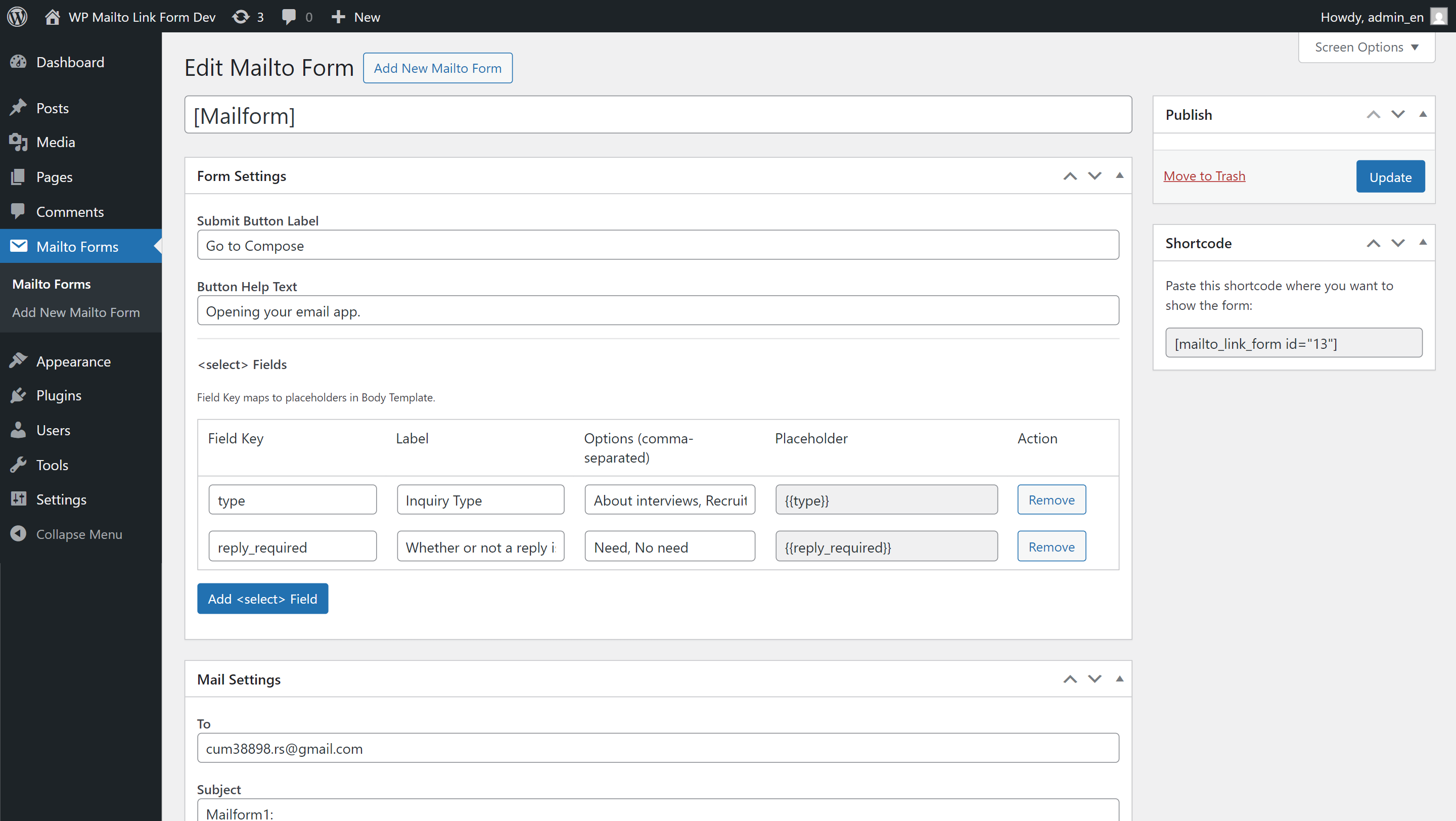
Mailto Form edit screen (Form Settings and Mail Settings).
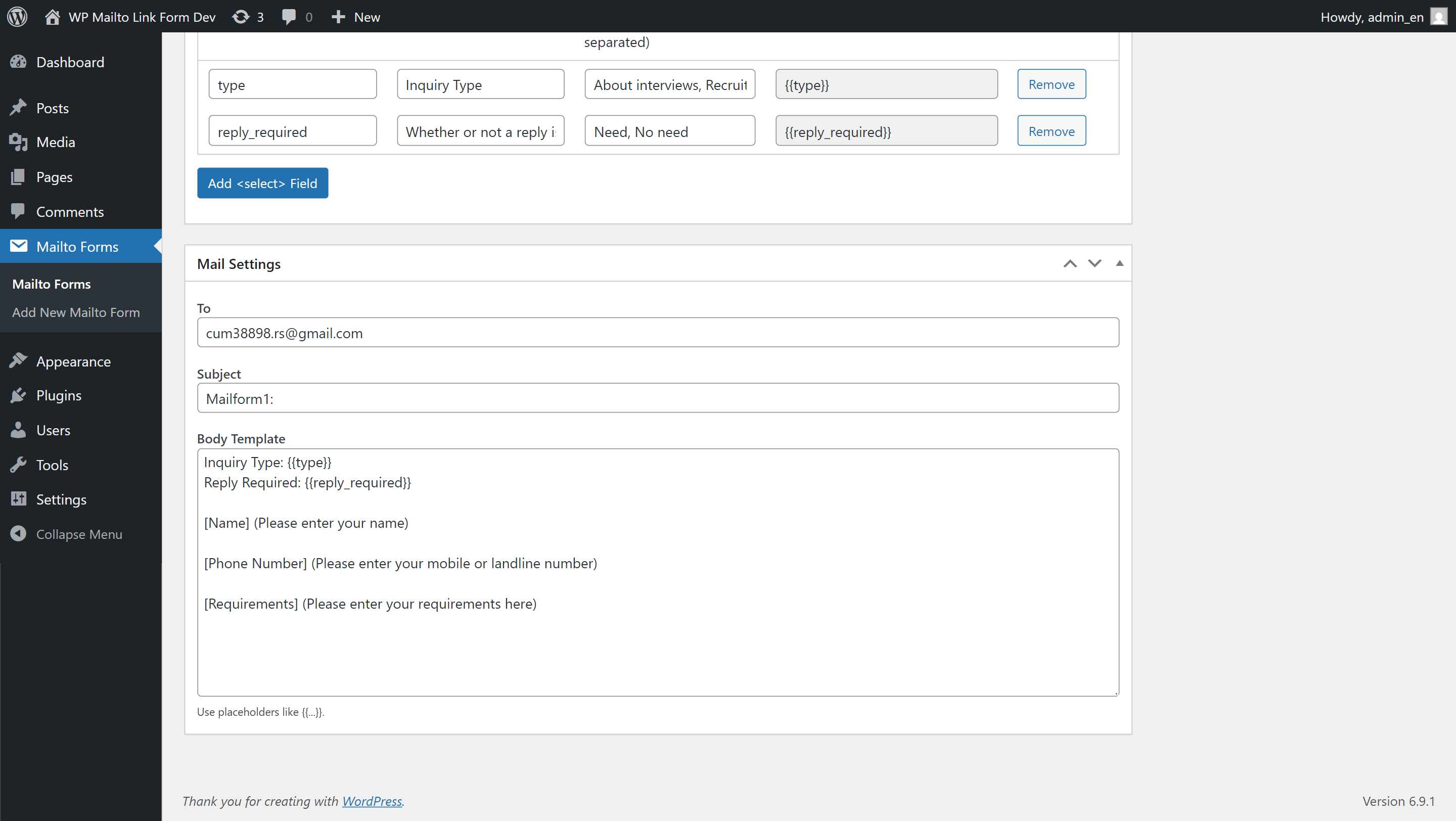
Placeholder mapping in Body Template.
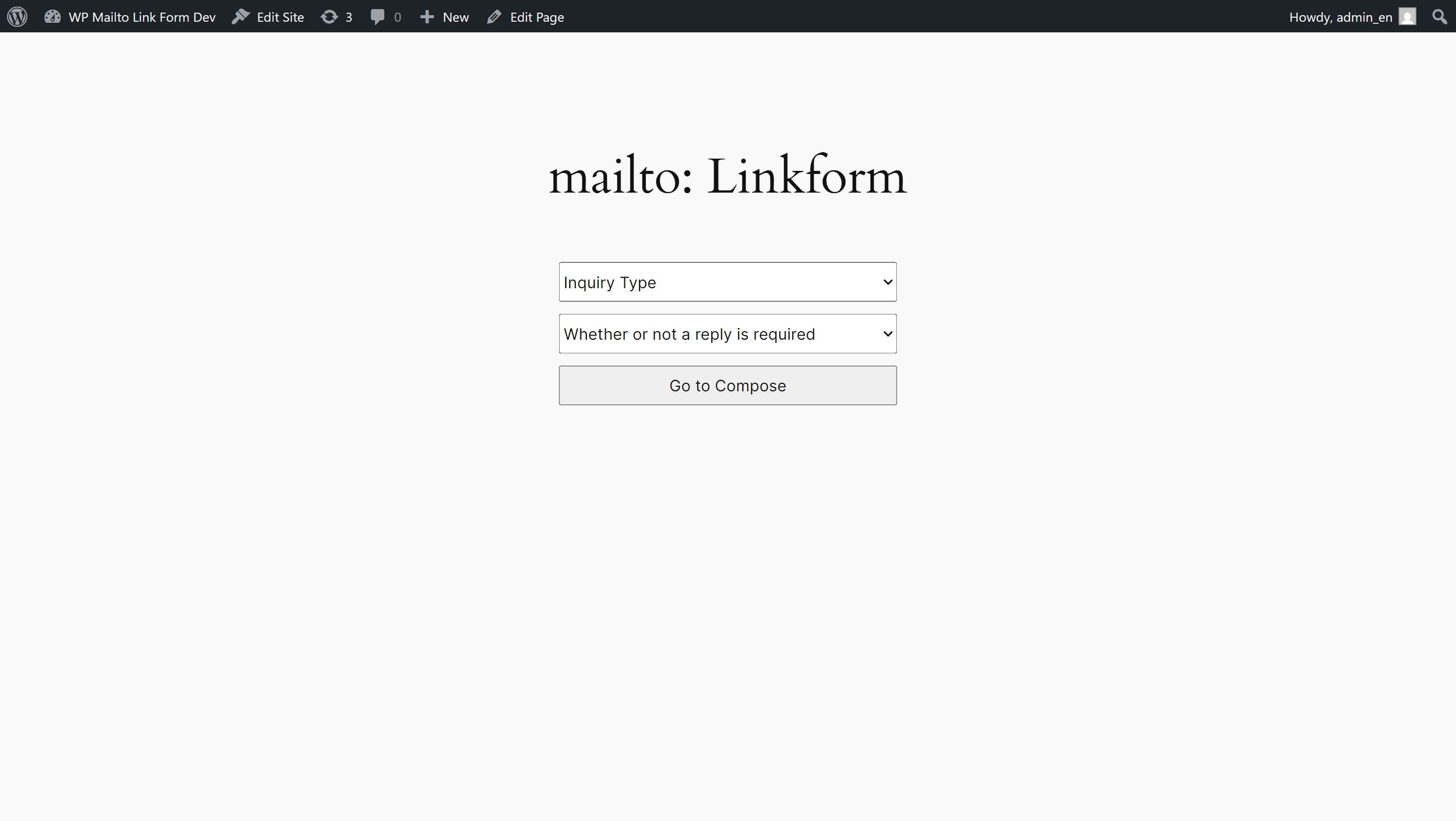
Frontend form rendered from shortcode.
Faq
No. This plugin builds a mailto: URL and opens the user’s default mail client.
Check your default email app settings in your browser/OS.
If needed, copy the form details and create the email manually.
Reviews
Changelog
0.1.2
- Move frontend inline script to enqueued external file.
0.1.1
- Fix plugin-specific prefix.
0.1.0
- Initial functional release.