Manage
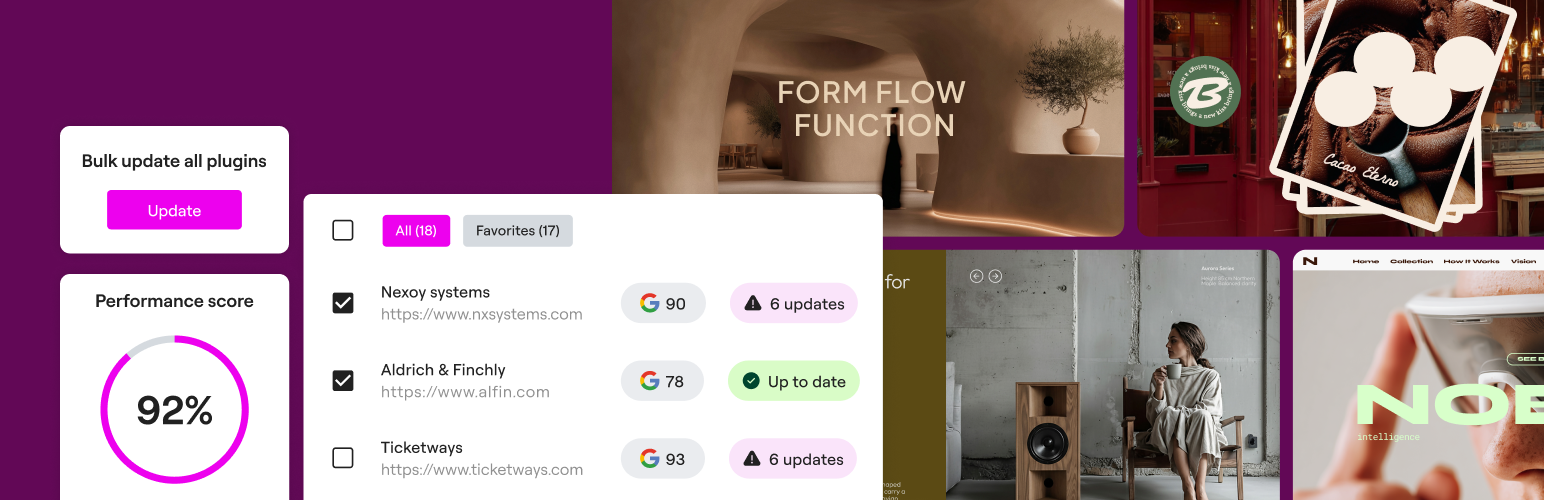
Manage
Description
Manage is your control panel for keeping multiple WordPress sites up to date from a single place.
It brings together monitoring, safe updates, and management features directly into the Elementor ecosystem.
Key Features
- Bulk plugin, theme, and core updates with Safe Updates
- Database cleanup across sites
- Performance and page speed monitoring
- One-click login to any managed site
- Per-site activity logs
Manage helps agencies, freelancers, and site owners save time and reduce risk when working with multiple sites.
External Services
This plugin connects to an external APIs from Elementor https://my.elementor.com/manage/api/ to enable centralized website management and remote actions within Manage when used with an Elementor account. It facilitates synchronization between the user’s site and Elementor’s infrastructure services to ensure accurate site insights, update and database management.
Elementor’s terms and conditions: https://elementor.com/terms/
Privacy Policy: https://elementor.com/about/privacy/
Full details regarding Manage remote feature can be found on: https://elementor.com/products/manage/ and the Elementor Help Center at https://elementor.com/help/
Data Sent:
The plugin sends limited technical information from your site to Elementor so it can appear in your dashboard and be managed remotely. This includes:
– Site metadata: URL, WordPress and PHP versions, plugin and theme names with their versions.
– Health and status info: update and activation availability, and results of safe updates or rollbacks. Performance is measured independently from this plugin using Google PageSpeed.
– Connection details: a unique site ID and secure authentication token tied to your Elementor account. List of users are shared with Elementor to enable one-click access to the site.
Data Received:
From Elementor’s side, your site receives data and instructions needed for management actions. This includes:
– Update and rollback commands for plugins, themes and core.
– Configuration data to sync your site with the dashboard.
All communication is encrypted and verified through signed tokens to ensure only authorized actions are performed.
Support
For support and documentation, visit https://elementor.com.
Installation
- Upload the plugin file or install it directly through the WordPress Plugins screen.
- Activate the plugin through the Plugins screen in WordPress.
- Click “Connect to Start” or navigate to Elementor Site Management in your dashboard to connect.
Screenshots
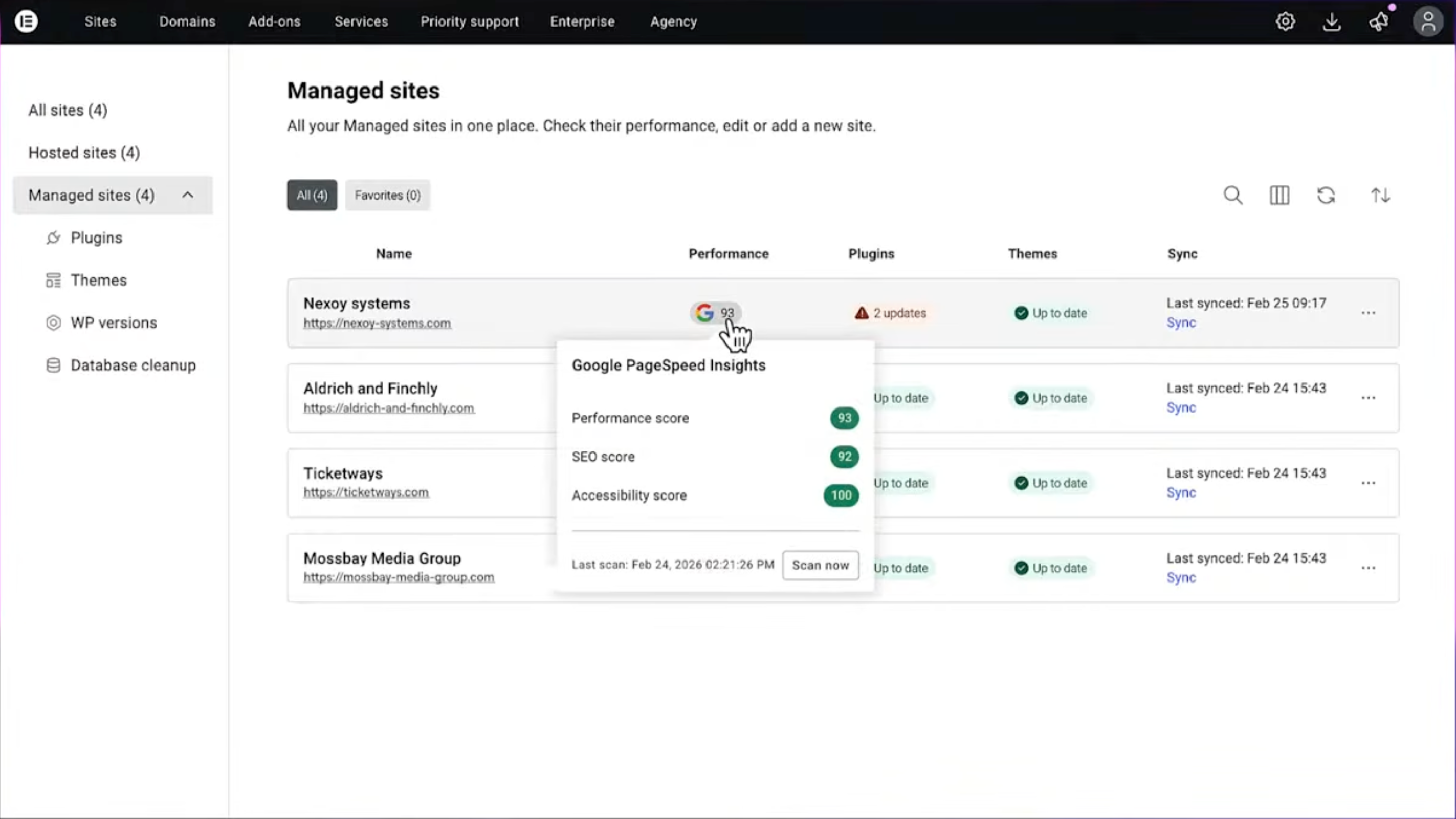
Main dashboard with site overview
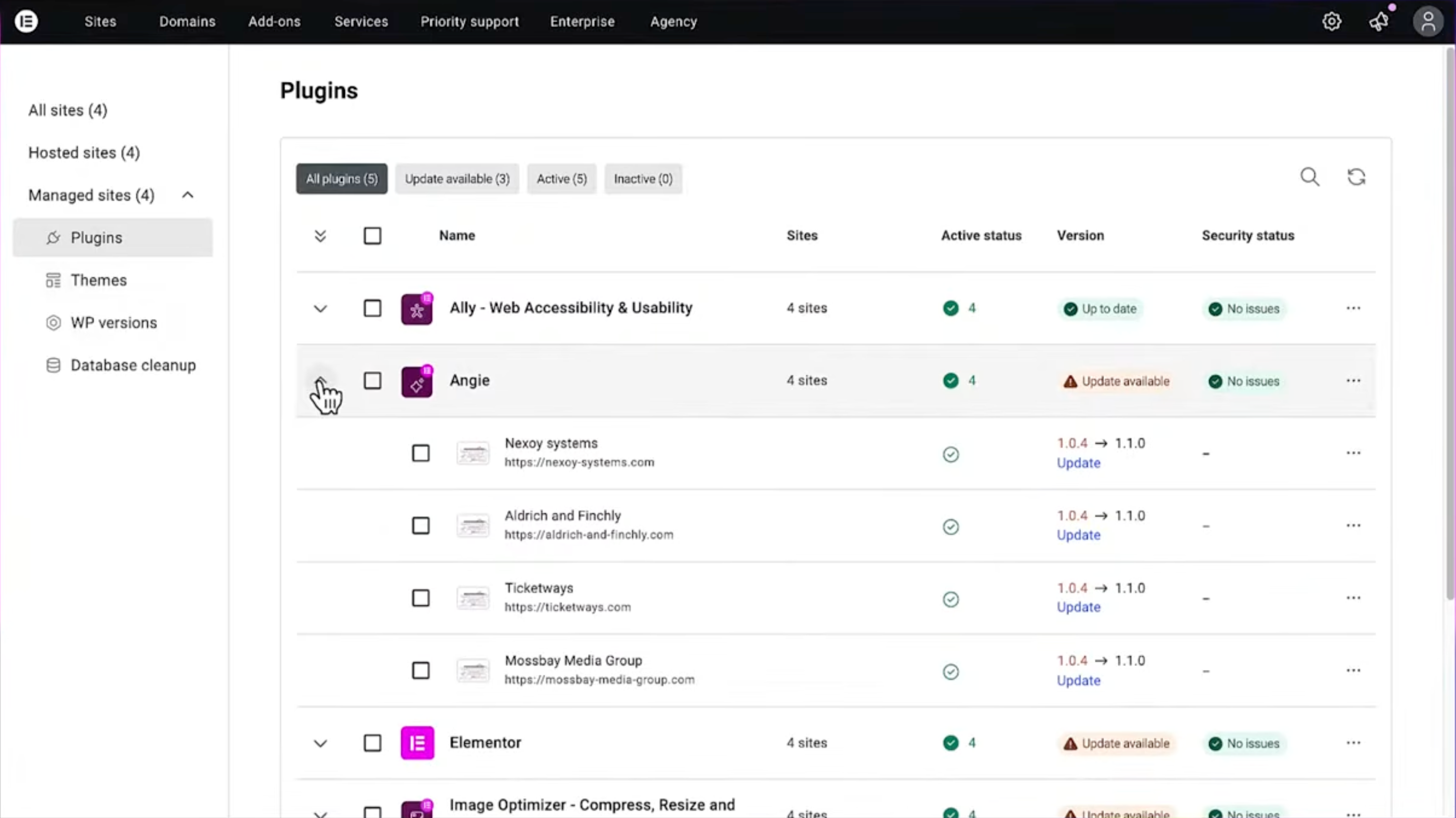
Bulk update panel for plugins and themes
Faq
No. Manage works with your WordPress installation—no need for any other Elementor plugin.
Yes. Any WordPress site can be connected through Manage. Bulk operations require an Elementor One subscription.
Yes. The free version includes unlimited connected sites with view-only monitoring.
Site connections are unlimited, even on the free plan.
Reviews
Changelog
1.0.0
- Initial release