Admin Tweaks

Admin Tweaks
Description
With Admin Tweaks you’ll be able to simplify and make deep customizations in the administrative interface.
It’s a compilation of hooks for enhancing, styling and reducing WordPress backend.
Do you like to adjust and style the backend as much as the frontend?
So, we are together!
Main Features
- Admin Bar: remove, add and modify menu items.
- Admin Menus: remove menu and submenu items; sort Settings menu; rename “Posts”.
- Appearance: hide general elements; create admin notices.
- Dashboard: remove and add widgets.
- General Settings: enable arcane Link Manager; privacy; other misc options.
- Listings: customize rows and columns for post types, users and plugins.
- Media: custom columns; re-attachment; sanitize filenames; jpeg quality; audio/photo/video metadata.
- Plugins: many row modifications; live filter by keyword/active/inactive; move plugins menus from the main menu into the Tools menu (Code Snippets, The SEO Framework, Hide Admin Notices).
- User Profile: remove almost everything; add custom CSS.
- Login: redirects; errors; modify almost everything; add custom CSS.
- Maintenance Mode: with minimum Role allowed and possibility to block only the backend.
Acknowledgments
- Everything changed after WordPress Stack Exchange
- Plugin interface using @bainternet’s Admin Page Class
- CSS for hiding help texts adapted from Admin Expert Mode
- Everything started with Adminimize, by Frank Büeltge, which does an awesome job hiding WordPress elements, but I wanted more, and these are some of the great resources where I found many snippets: Stack Exchange, WPengineer, wpbeginner, CSS-TRICKS, Smashing Magazine, Justin Tadlock…
- The option to hide the help texts from many areas of WordPress uses the CSS file of the plugin Admin Expert Mode, by Scott Reilly.
Installation
- Upload
many-tips-together.zipto the/wp-content/plugins/directory. - Activate the plugin through the Plugins menu in WordPress.
- Go to Settings -> Admin Tweaks and have fun.
Uninstall
The ‘reset’ button doesn’t delete the database entry, but if you delete the plugin, the entry will be deleted (via unsinstall.php)
Screenshots
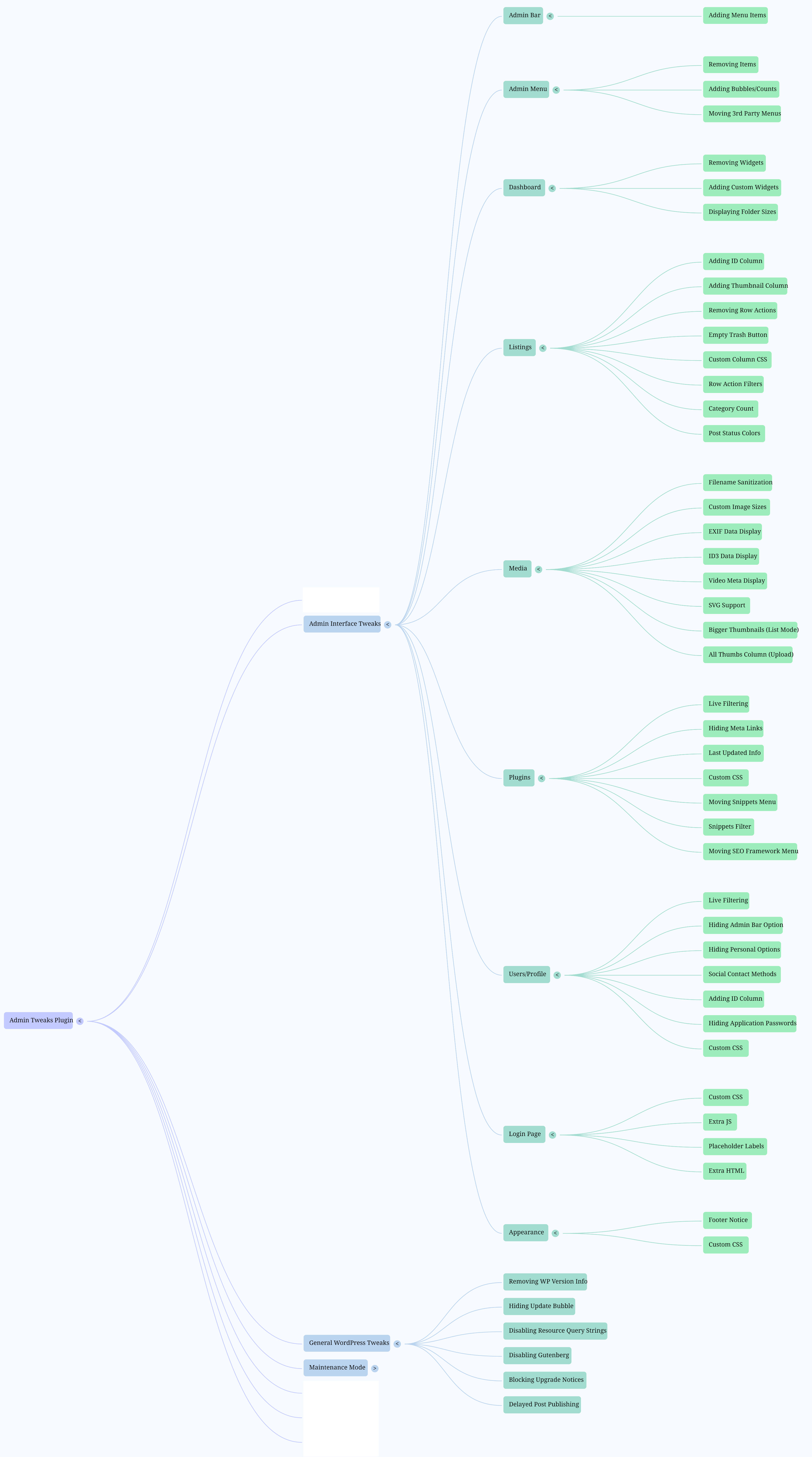
Mind map with all features
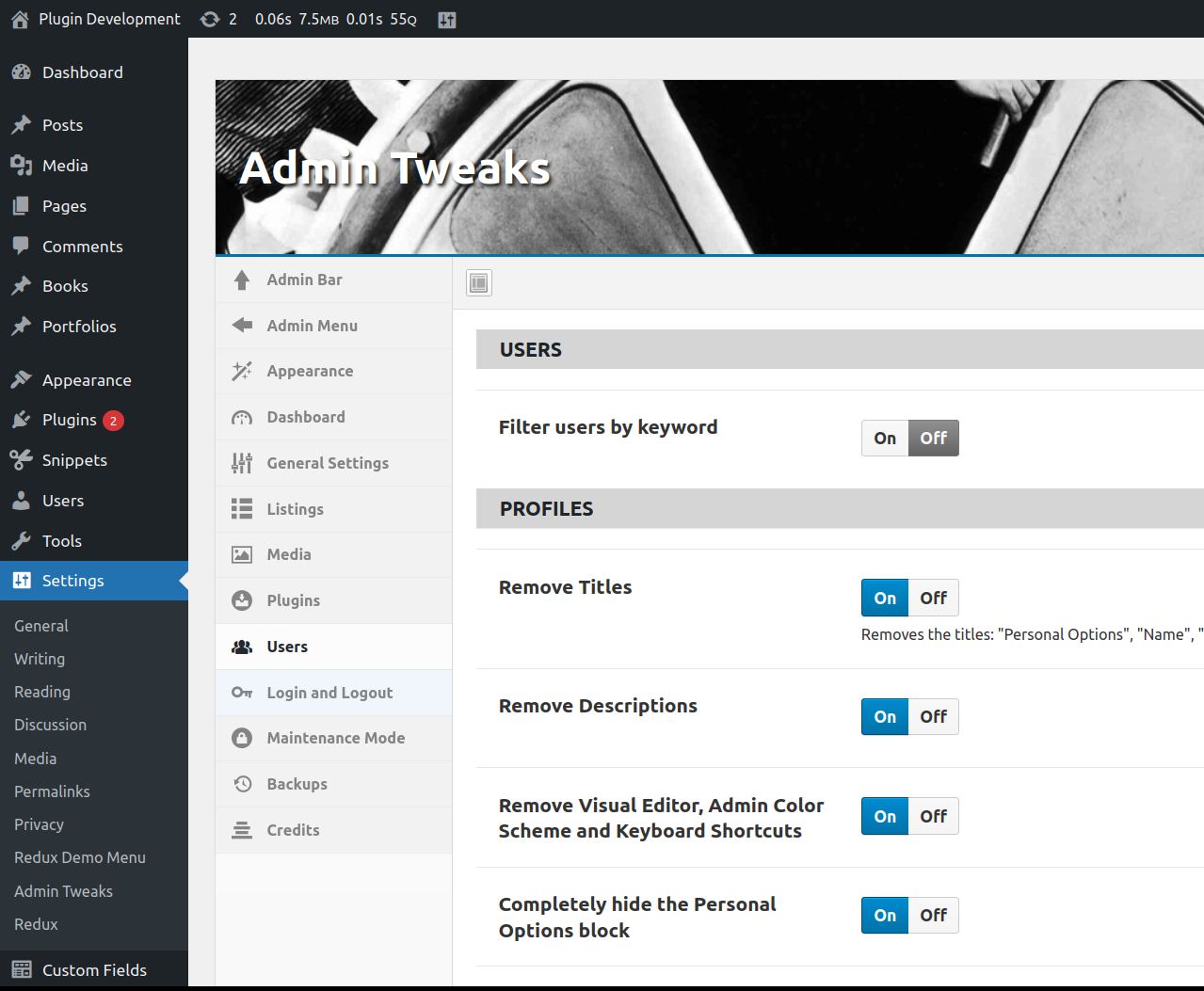
Plugin settings, Profile page adjustments
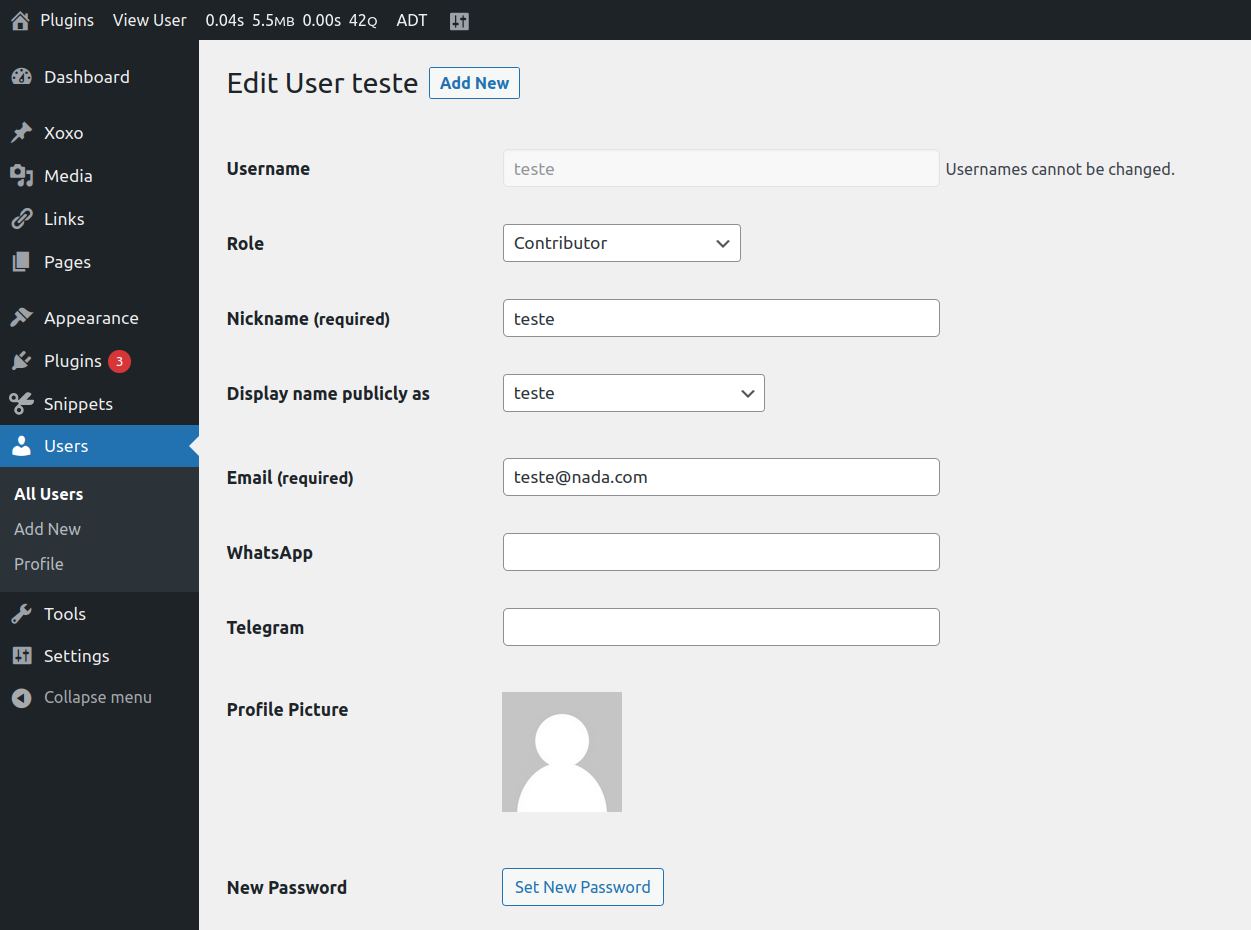
Profile page with adjustments
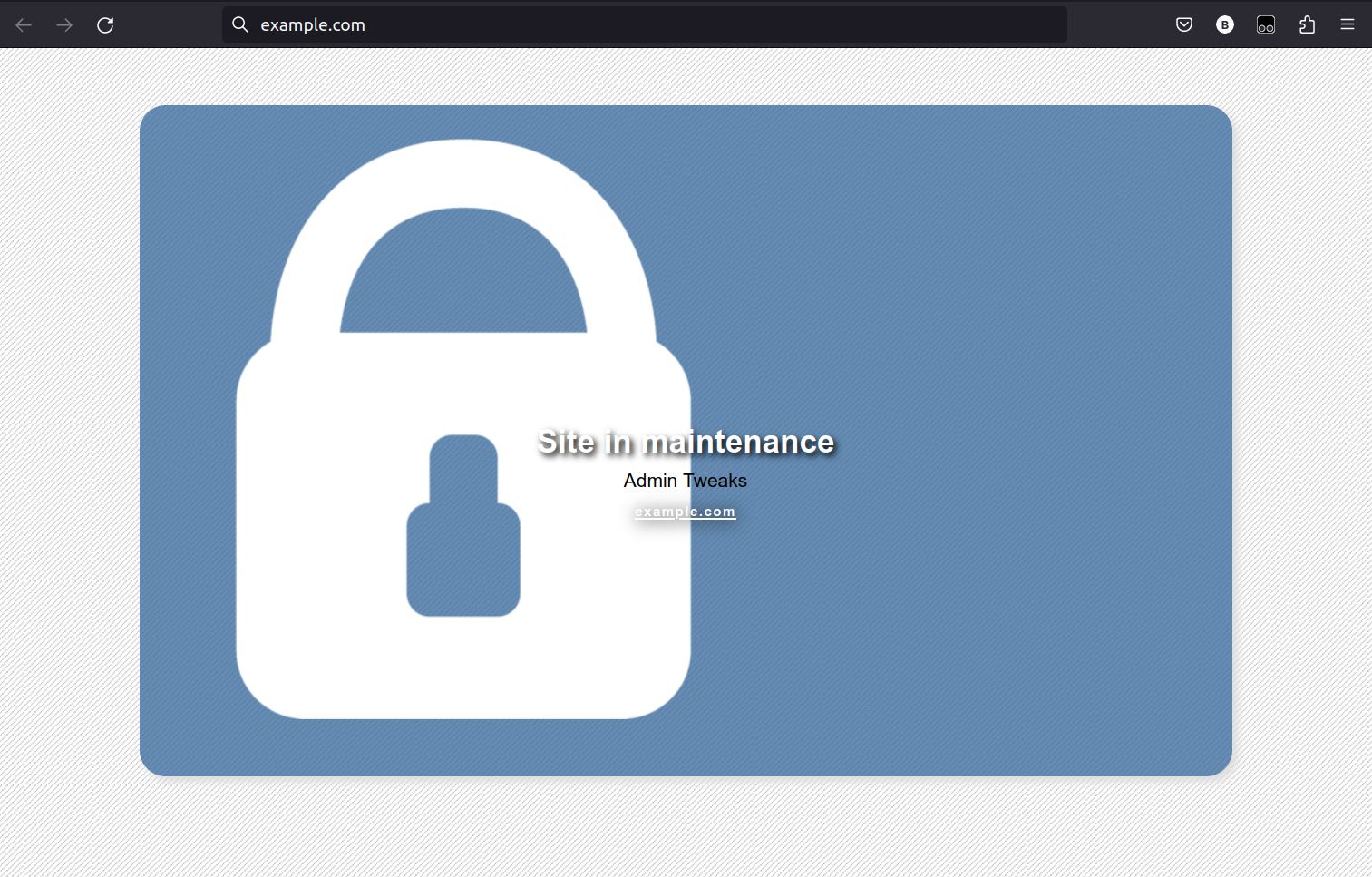
Website with Maintenance Mode enabled
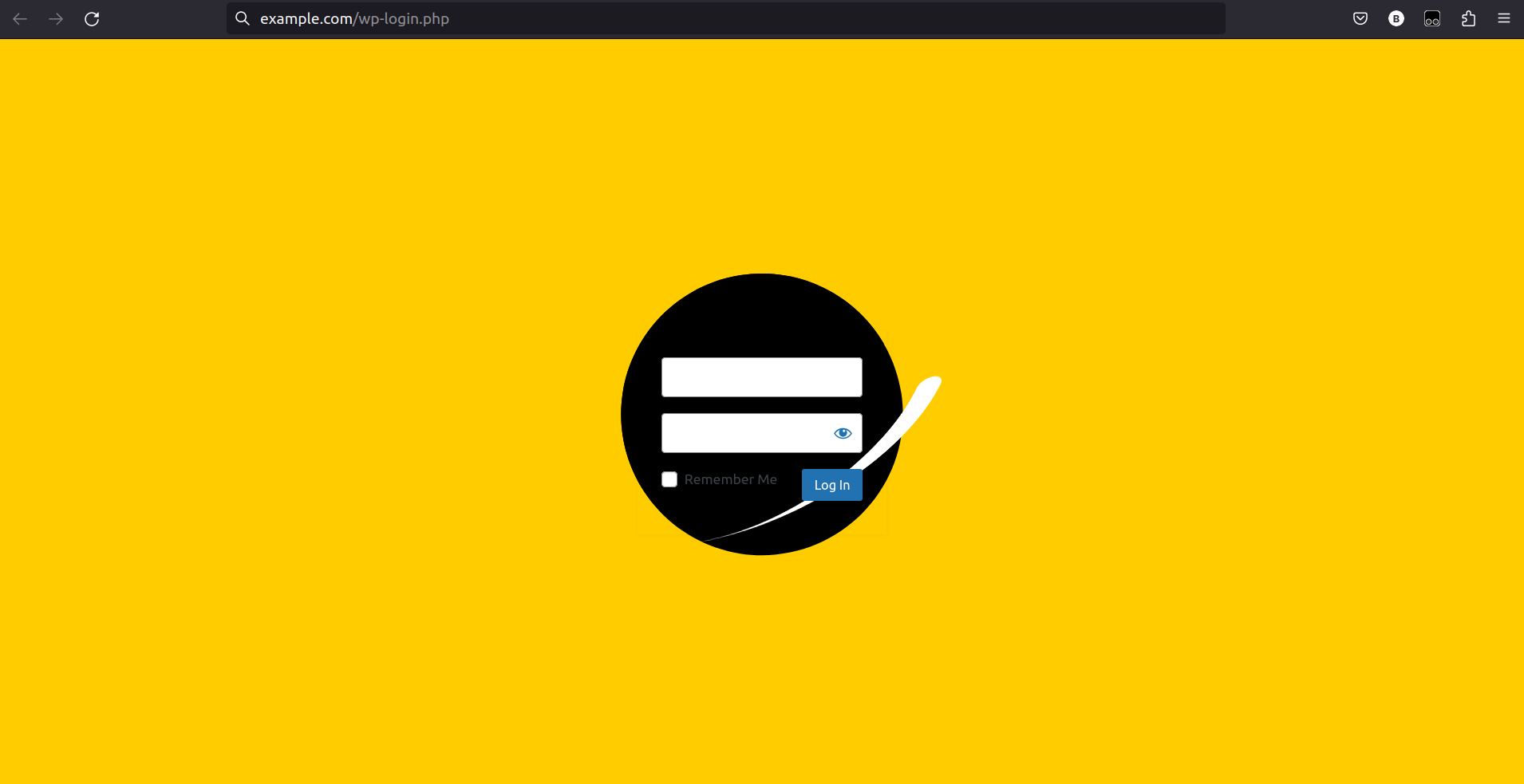
Customized Login page
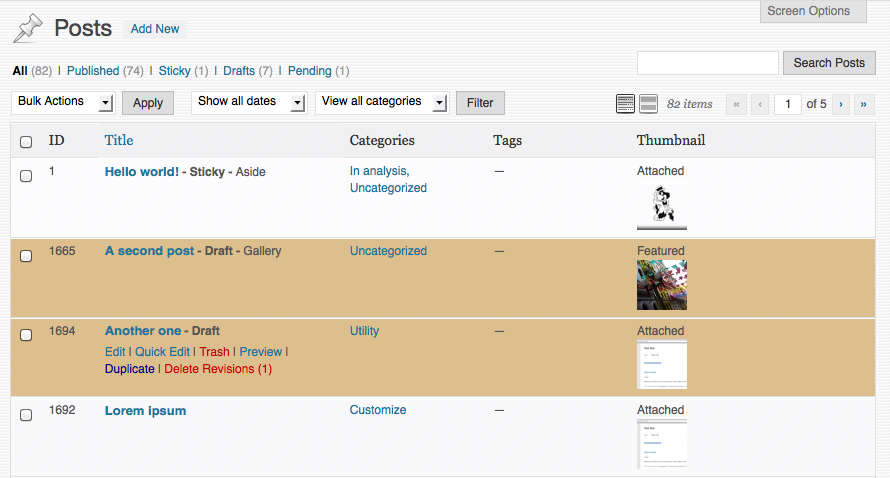
Post Listing with ID and Thumbnail columns. Draft posts with another background color. Help tab hidden.
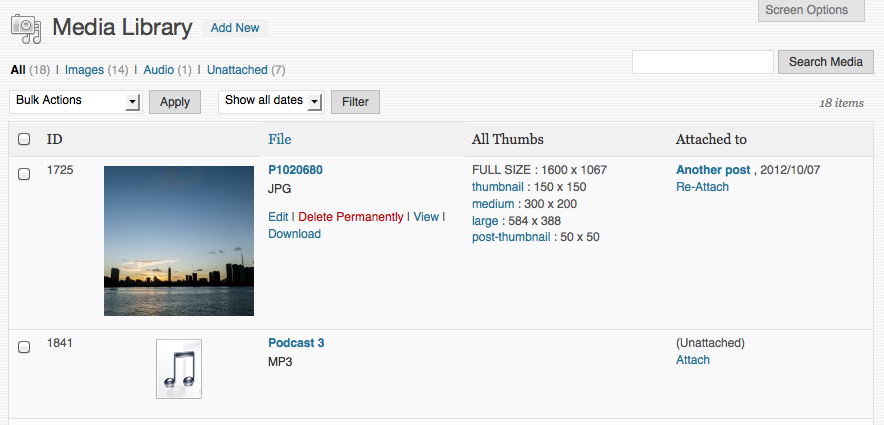
Media Library with ID column, bigger Thumbnails and All Thumbs listing. Download button in action rows.
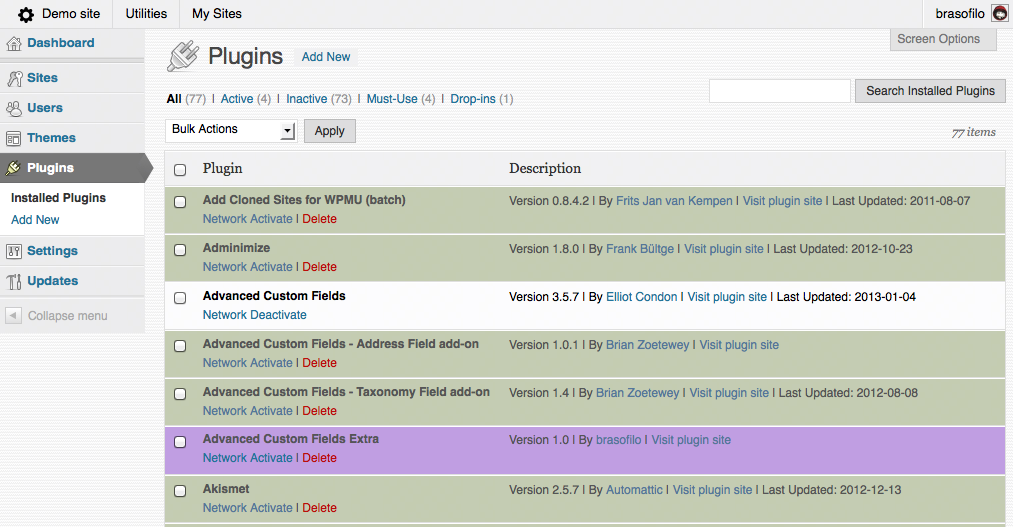
Plugins page with different color for Inactive and custom color for selected authors. Simpler description and Last Updated information.
Faq
The first version of the plugin was a compilation of snippets.
It evolved to a General Admin Tweak plugin.
Most of the users who left feedback complained about it: too cryptic and hard to find.
Well, I agree, but I’m just changing the Display Name.
The Repository URL, Directory Name and Database Option Name are still keep original name.
Look for inspiration at CodePen.io.
Don’t hesitate in posting a new topic here in WordPress support forum.
Reviews
Awesome
By 
3 bugs in 5 minutes
By 
A must have
By 
wonderful!
By 
GREAT
By 
A must have
By 
Excellent.. has many tweaks,
By 
Nice admin plugin
By 
Simply awesome!
By 
Fantastic
By 
This plugin works for version 4.3 of WP and it's fantastic !!!
It does everything and more!! So, if your looking to change the admin look of your admin panel and more this is the plugin that's a must have.
Great Job !!!
Changelog
Version 3.3.3
- Improved plugin filtering: better show/hide descriptions
Version 3.3.2
- Bug fixes
Version 3.3
- Added option to not create attachment pages automatically
- Code reviewed and small bugs fixed
- Removed ACF menu handling
Version 3.2.1
- Admin Menu: option to Re-add the Customize submenu if your theme removes it
- Admin Menu: bug fix for submenus not being listed on Remove Submenu Items
- Post Edit: option to disable fullscreen editor at startup
Version 3.2
- Gutenberg: new option to disable Gutenberg editor on Posts and Pages
- Adjusted mobile CSS
- Updated Redux Framework
Version 3.1
- Admin Bar: improved “Remove default items”
- Admin Menu: new option to remove submenus
- Admin Menu: new option to move third party to the submenu Tools: ACF, Code Snippets and Notification Center
Version 3.0.5
- Fix CSS error
Version 3.0.4
- Updated Redux Framework
- Added ID columns for Users listing
- Cleaned Multisite features
- Added feature to disable the prompt to confirm admin email
- Better filtering for listings
- Reposition plugins’ tweaks
Version 3.0.3
- Added the feature Extra HTML on login page
- Added links to code snippets with animated backgrounds for the login page
Version 3.0.2
- Added the feature Blog Visibility warning
Version 3.0.1
- Fixing SVN error
Version 3.0
-
New interface using Redux Framework; reviewed all features, some removed, some updated.
-
Old options loss: the options scheme changed and I didn’t make a migration tool, sorry for that to any lost soul still using version 2.4.1 😐
Version 2.4.1
- Review for WordPress 4.8
Version 2.4
- General revision to update to WP 4.7
- Removed obsolete tweaks
- Bug fixes
Older versions