Map My Posts
Map My Posts
Description
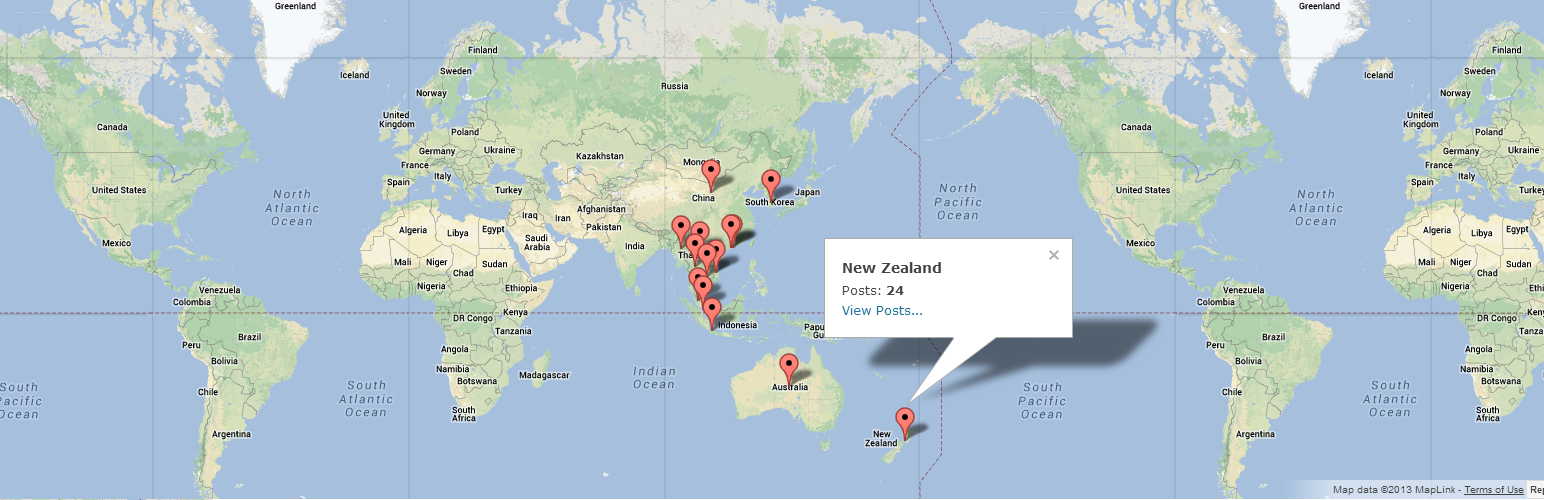
With Map My Posts, you can easily create maps plotting the location of your posts, based upon your existing tags or categories.
- 3 map types available: Google Maps, Google Static Maps (PNG image), and Geochart Visualizations.
- Embed maps on any page using the shortcodes [mmp-map], [mmp-staticmap], and [mmp-geochart]
- Associate with a country or any specific map location.
- Map My Posts uses existing category or tag names to help define country associations.
- Widgets available to display maps in the sidebar.
- Full control over size, colors, and click functions.
- Perfect for travel bloggers, touring musicians, or anyone else that wants to Map My Posts!
Get Help
Please leave a message on the wordpress.org support forum for Map My Posts
Installation
Requirements
- WordPress 3.0 or higher
- PHP 5.1.2 or higher
- Download Map My Posts to
/wp-content/plugins/directory and activate plugin. - Go to the Map My Posts Settings Menu and enter Google API Key and specify defaults.
- There is a courtesy limit of 25,000 Google Maps, Geocoding API, and Google Static Map requests per day. Google API keys are available through the APIs console
- Under Posts->Categories or Posts->Tags, associate your existing taxonomy with locations. You can also add new categories or tags with locations for Map My Posts in this area.
- Add one of the Map My Posts widgets to the sidebar, if desired.
- Edit a post or page and add a Map My Posts shortcode.
Screenshots

Define a country or search for a specific place when adding or editing categories and tags.

The Geochart Widget will show your category or tag name and the post count on mouse hover.

Full control of Google Map types and controls.

Maps and Geocharts can be added to any post or page using the shortcodes.
Faq
More information is available at the Map My Posts guide on Around This World.
Reviews
Your original idea is awesome
By 
Not Updated; No longer works
By 
Awesome plugin!!!
By 
Thank you for this plugin! Exactly what I was looking for, I especially enjoy the geochart! Good job!
Changelog
1.0.6
Fixed admin category/tag geocoding
1.0.5
Fixed issues with Google API Key
1.0.4
Adjusted admin permissions. Spanish translation thanks to Web Hosting Hub!
1.0.3
Fixed bug: shortcode not appearing in correct location on pages and posts.
1.0.2
Included POT file for plugin translation.
1.0.1
Removed assets directory from plugin package to reduce filesize.
1.0
Initial public release.