MariaDB Health Checks

MariaDB Health Checks
Description
MariaDB Health Checks helps you debug your MariaDB database with advanced information from your database.
- Shows relevant information about the Database, Logs, Locale, Connnections, Character Set and Collation, and Options.
- Shows a graph of the MariaDB average execution time (7 days by default) and its data.
- Allows enabling of MariaDB optimizer histograms for improved MariaDB performance.
- Checks that your MariaDB version is still supported.
Contributors
Installation
Automatic download
Visit the plugin section in your WordPress, search for [MariaDB Health Checks]; download and install the plugin.
Manual download
Extract the contents of the ZIP and upload the contents to the /wp-content/plugins/mariadb-health-checks/ directory. Once uploaded, it will appear in your plugin list.
Screenshots
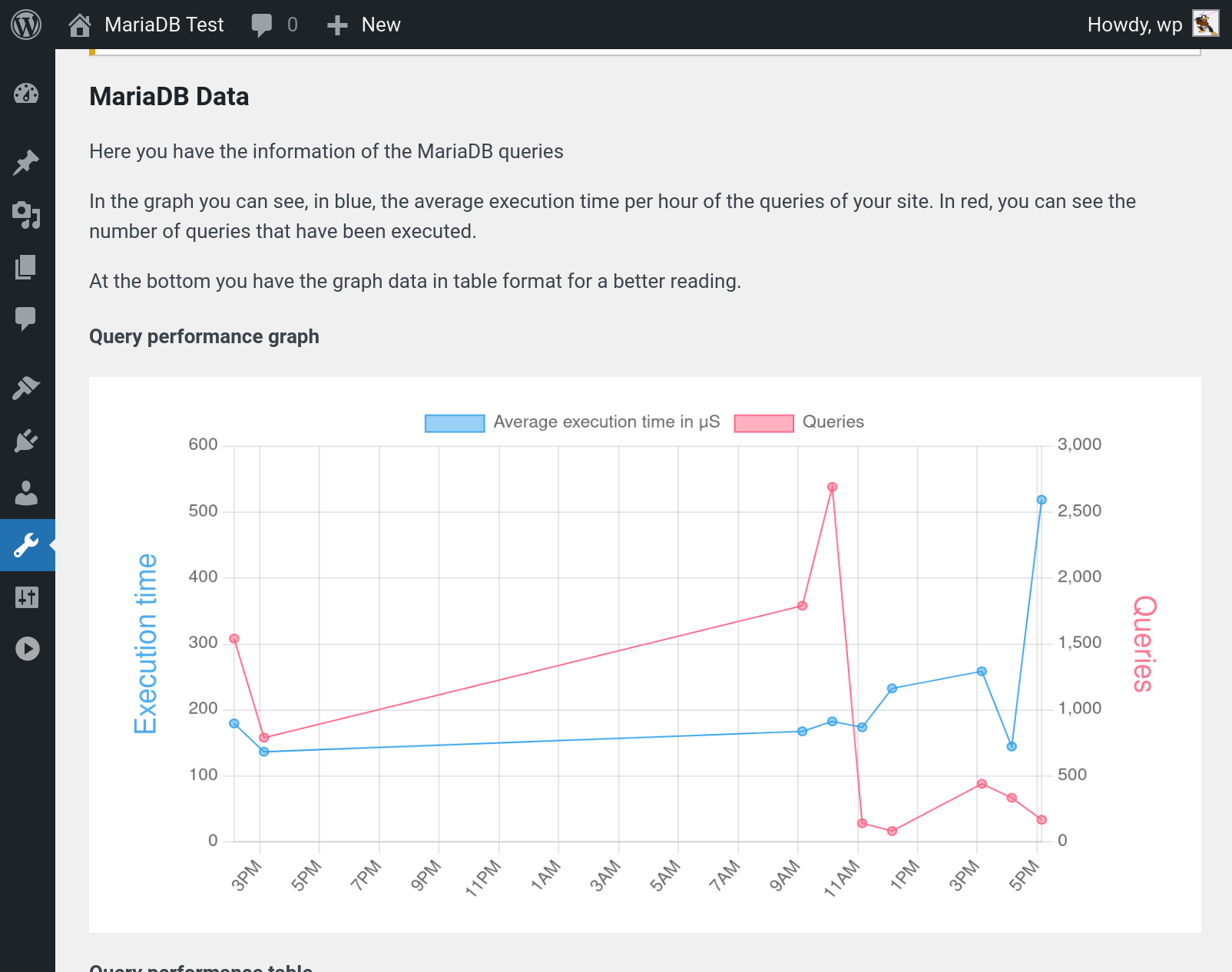
Graph of MariaDB average execution time and number of queries
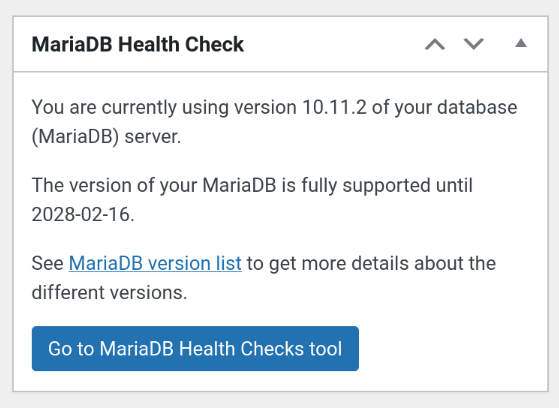
Graph of MariaDB Health Checks Panel
Reviews
Handy for MariaDB users
By 
The database is often the bottleneck for WordPress, so using this plugin to quickly identify what is going on with the database is very handy!
Changelog
1.1.0
The “I did way too much hacking at WordCamp” release 🙂
Note: graph data from earlier versions will be rendered incorrectly in this version. But legacy data should roll-over after 24 hours.
- Make graph data easier to understand
- Add more useful metrics to the graph
- Fix version check for MariaDB < 10.2
- Drop plugin’s tables on uninstall
- Use SAVEQUERIES data if exists
1.0.3
- Fix DB error that can happen on install
- Add 11.0 to MariaDB versions table
- Make MariaDB versions table update on upgrade or activation
1.0.2
- Fix division by zero bug
- Fix query result double-free bug
- Update translations
- Add package type
1.0.1
- Graph data cleanup moved to cron
- Suppressed DB error that doesn’t need to go to log (as we catch and use it anyway)
- Fix project URLs
- Add GitHub Plugin URL
- Fix issues found by WordPress review team
1.0.0
- First Release
- Shows relevant information about the Database.
- Shows a Histogram and its data.