Linkentra for WordPress

Linkentra for WordPress
Description
Linkentra for WordPress is a permanently free WordPress plugin for creating and managing dynamic URL QR codes directly on your own website.
Each QR code uses a local short URL on your WordPress installation. This QR redirect points to the current destination URL, so you can change the destination later while the printed QR code stays the same.
Features:
* unlimited dynamic URL QR codes
* destination URLs can be changed at any time
* local QR redirects on your own WordPress domain
* QR code preview
* PNG and SVG download
* print view for browser-based PDF output
* shortcode output
* simple scan counter and last-scan timestamp
* cookie-free counting without storing full IP addresses
* no license key required
The free edition works entirely inside your own WordPress installation. It does not require an external license server, has no time limit, and does not impose a usage quota.
Linkentra also exists as separate self-hosted software independent of WordPress: https://linkentra.de/ . Purchasing that software does not unlock this plugin. There is no automatic migration or synchronization in this plugin. A seven-day software demo is available at https://demo.linkentra.de/app/?page=register (QR export and printing disabled in the demo).
Third Party Libraries
The plugin includes a local QR code JavaScript library based on Kazuhiko Arase’s QRCode Generator under the MIT License. License and copyright notices are included in THIRD-PARTY-LICENSES.txt and in the library files.
Installation
- Install the plugin ZIP through Plugins > Add Plugin > Upload Plugin.
- Activate the plugin.
- Open Settings > Permalinks and click Save Changes once.
- Open Linkentra for WordPress > New QR Code and enter a title, slug, and destination URL.
- Save the QR code, test it with a smartphone, and then export it as PNG/SVG or use the print view.
Screenshots
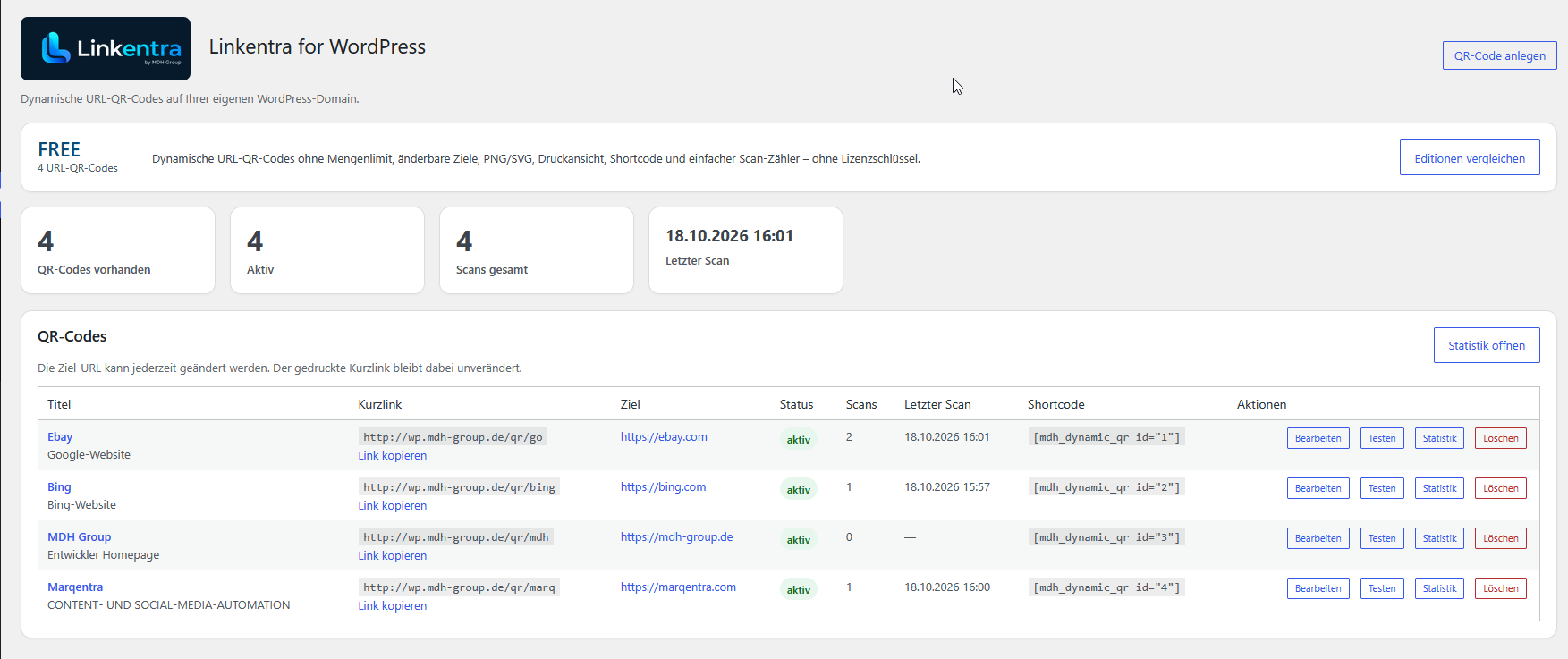
QR code overview with four dynamic short URLs, editable destinations, scan counts, shortcodes, and quick actions.
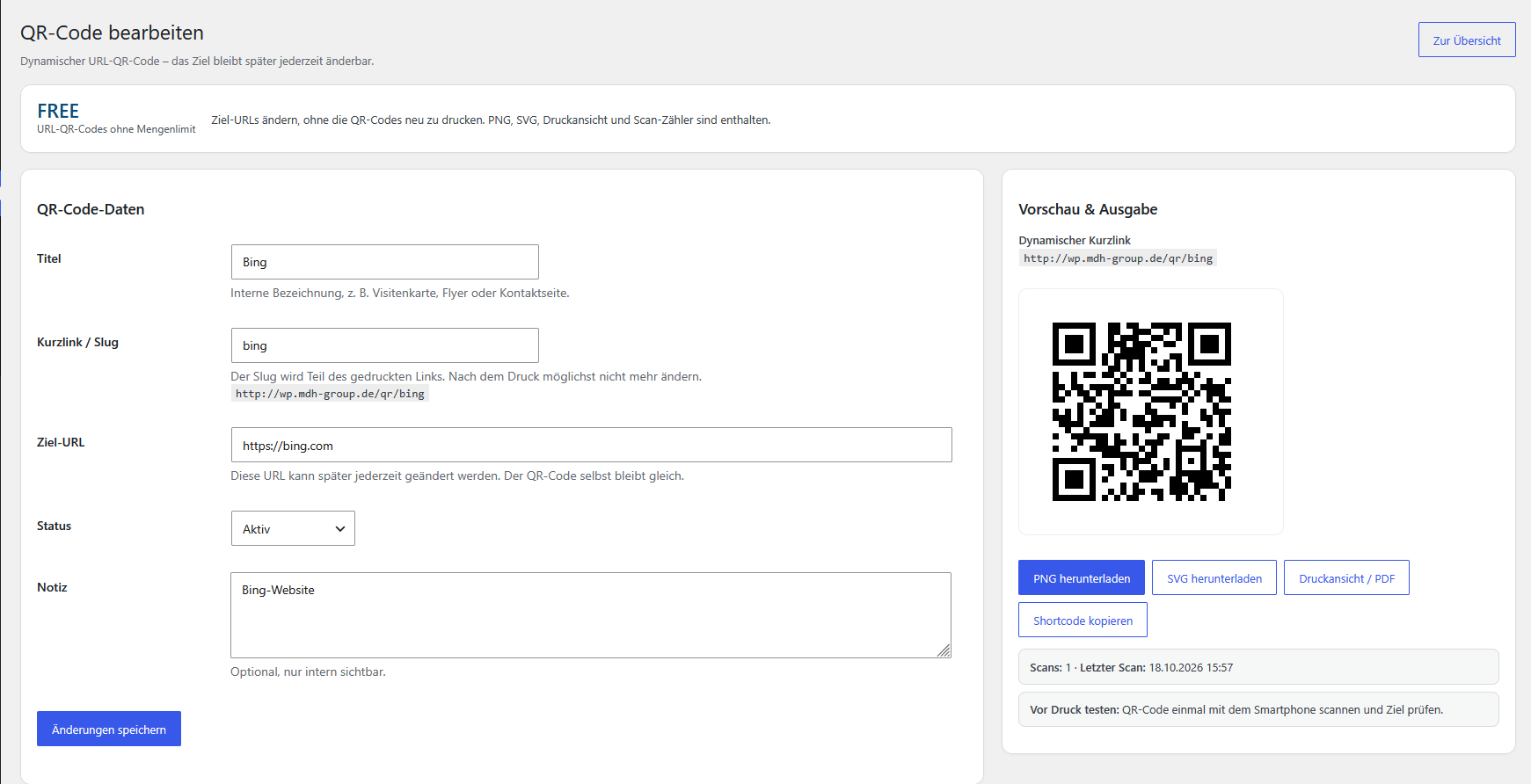
Edit a QR code: change its destination, preview the code, download PNG or SVG, open the print view, and copy the shortcode.

Cookie-free scan statistics for all QR codes, including scan totals and the last scan time.

Create a dynamic URL QR code with a title, custom slug, destination URL, status, and an internal note.
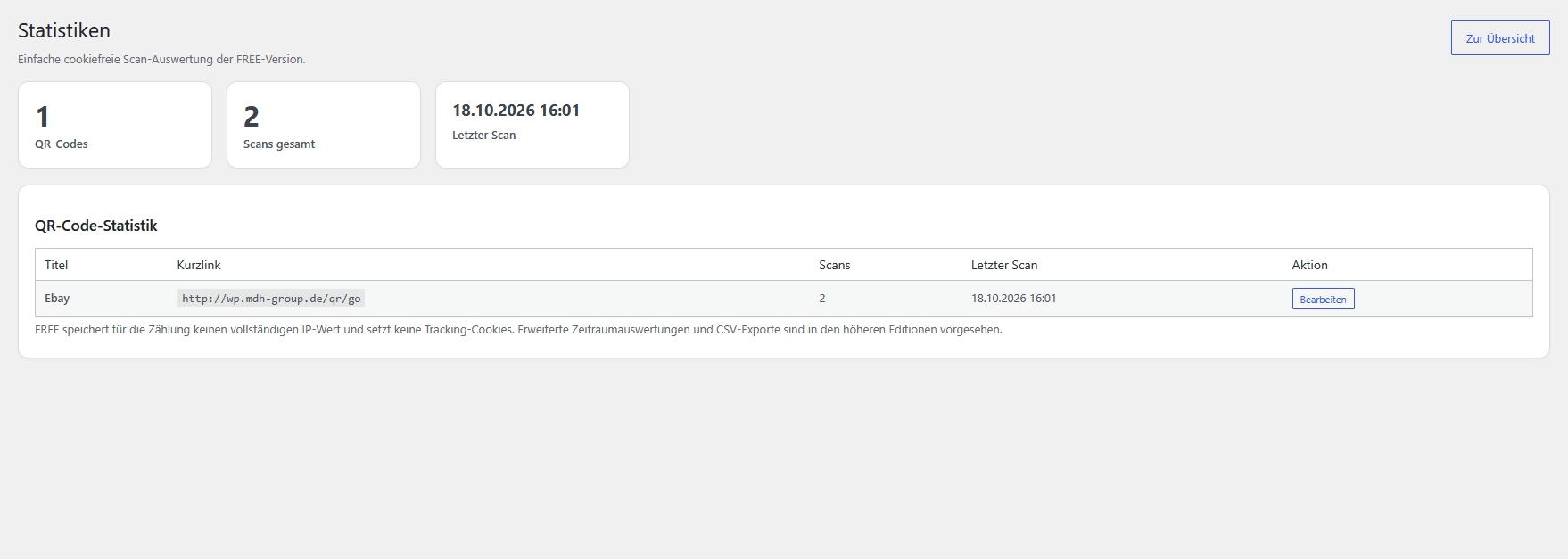
Scan statistics filtered to one QR code, showing its scan count and last scan time.
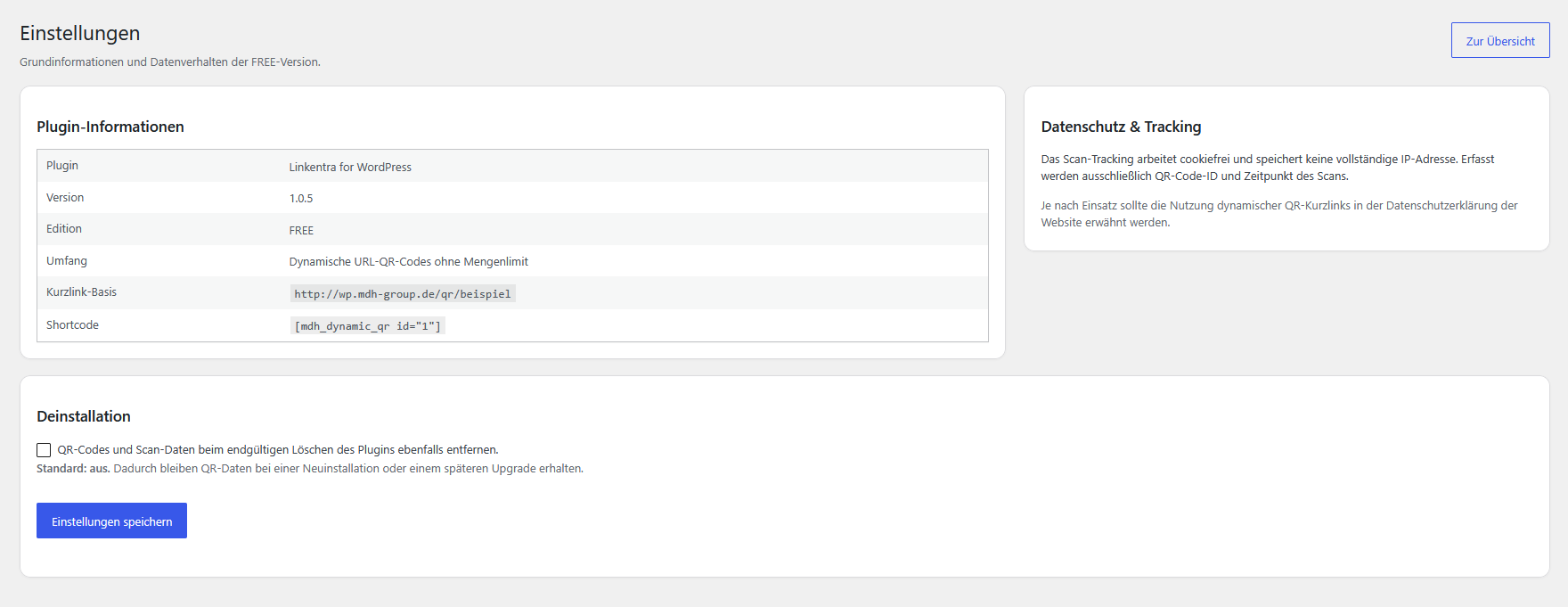
Plugin settings with version information, privacy details, shortcode, and optional data removal on uninstall.
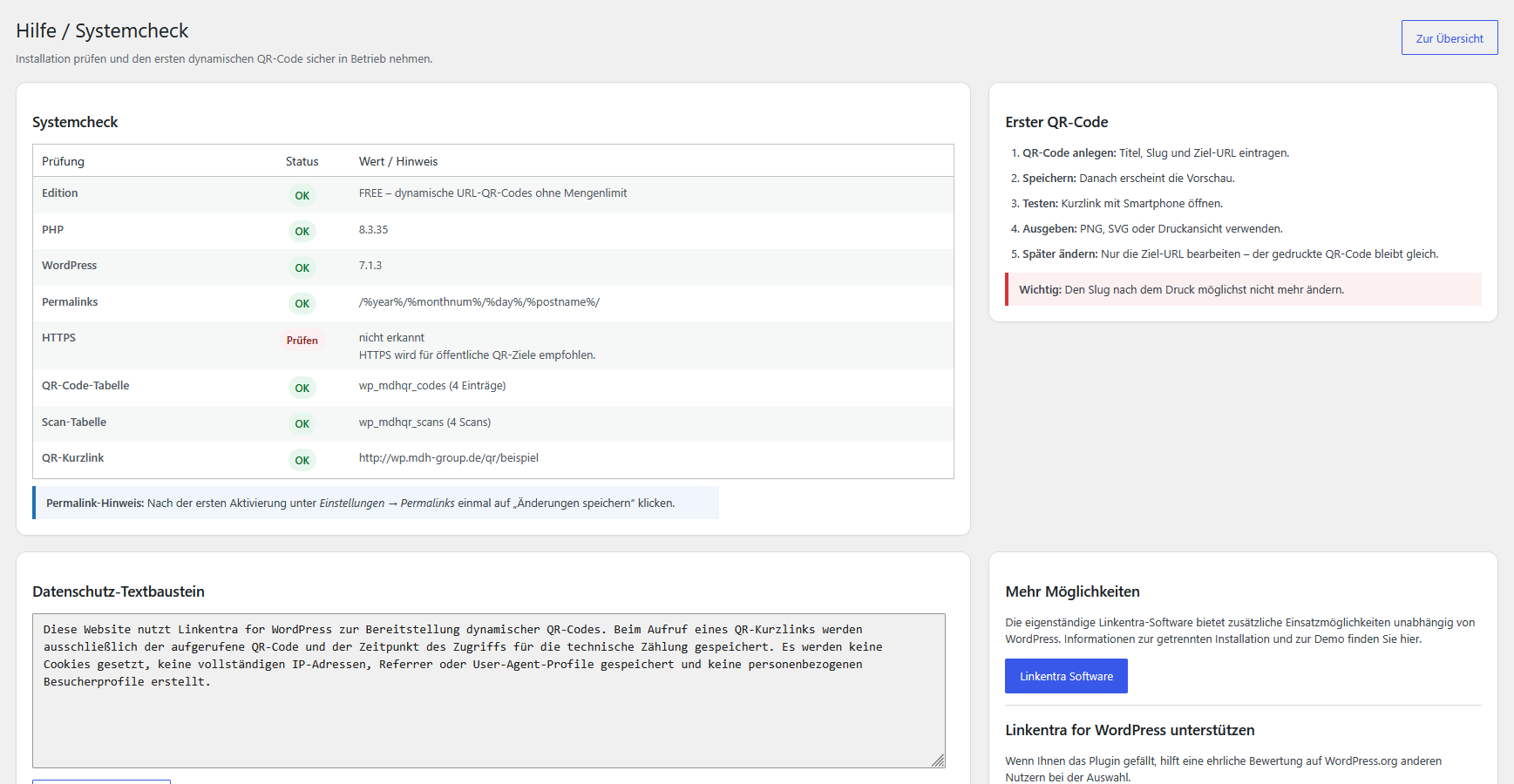
Help and system check with PHP, WordPress, permalinks, HTTPS detection, database status, and first-use guidance.
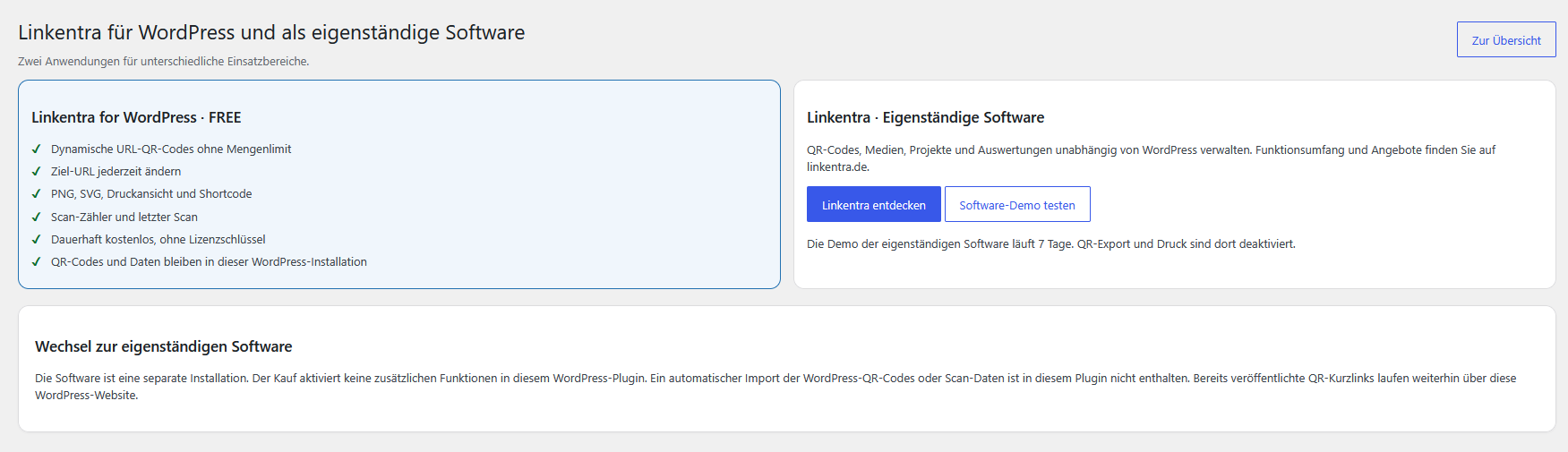
Explanation of the free WordPress plugin and the separate Linkentra software, including website and demo links.
Faq
Yes. That is the purpose of the dynamic short URL. As long as the slug remains unchanged, the printed QR code does not need to be replaced.
No. The free edition can be used permanently without a license key.
The WordPress.org edition does not limit the number of dynamic URL QR codes.
No. The simple scan counter does not store full IP addresses and does not use tracking cookies.
Updating this WordPress plugin preserves its existing local QR codes and scan data. Moving to the separate Linkentra software is not an automatic plugin upgrade; no migration tool is included.
No. The QR code library is bundled locally with the plugin. The free edition has no external updater and does not contact a license server.
Reviews
Changelog
1.0.5
- Rebranded the interface as Linkentra for WordPress (formerly MDH Dynamic QR).
- Replaced the former product website with linkentra.de and added the software demo link.
- Clarified the difference between the free WordPress plugin and the independent software; removed automatic upgrade/migration claims.
- Kept the plugin basename, text domain, shortcodes, QR routes and database schema unchanged.
1.0.4
- Added WordPress.org screenshot descriptions for the real FREE plugin interface.
- Optimized the readme and tags for relevant searches such as QR code, dynamic QR, and QR redirect.
- Added a neutral “Plugin bewerten” button in Help / Systemcheck that opens the official WordPress.org review page.
- Revalidated compatibility with WordPress 7.1.
- No database-schema or QR-data changes.
1.0.3
- Renamed the WordPress.org display name to MDH Dynamic QR and changed the intended plugin slug/text domain to mdh-dynamic-qr.
- Moved admin JavaScript into an enqueued external asset.
- Removed plugin-generated inline script and style tags from PHP templates.
- Reworked the QR print view to use an external stylesheet and DOM event listeners.
- Replaced the custom inline-styled QR error page with WordPress’ standard error renderer.
- No database-schema or QR-data changes.
1.0.2
- Converted the WordPress.org readme description and metadata text to standard English.
- Documented read-only admin query parameters so Plugin Check no longer treats them as state-changing form requests.
- Prefixed variables used by admin view templates with the plugin prefix.
- Documented intentional direct database access to the plugin’s own custom tables for WordPress Coding Standards and Plugin Check.
- No feature or database-schema changes.
1.0.1
- Prepared the WordPress.org submission candidate.
- Removed the quantity limit for dynamic URL QR codes.
- The free edition is separated from commercial editions by features rather than usage quotas.
- Set Tested up to to WordPress 7.0.
- Prepared dynamic custom-table identifiers with identifier placeholders in runtime queries.
- Revalidated external QR redirect destinations before output.
- No license server, external updater, or locked premium code is included in the free edition.
1.0.0
- Initial standalone free edition based on MDH Dynamic QR v2.9.0.
- Permanently free and usable without a license key.
- Dynamic URL QR codes with changeable destination URLs.
- PNG, SVG, print view, shortcode, scan counter, and last-scan timestamp.
- Removed license-server, import/export, media, logo, template, and advanced analytics features from the free edition.
- Kept the data model compatible with the existing commercial product line.