Member Content Visibility
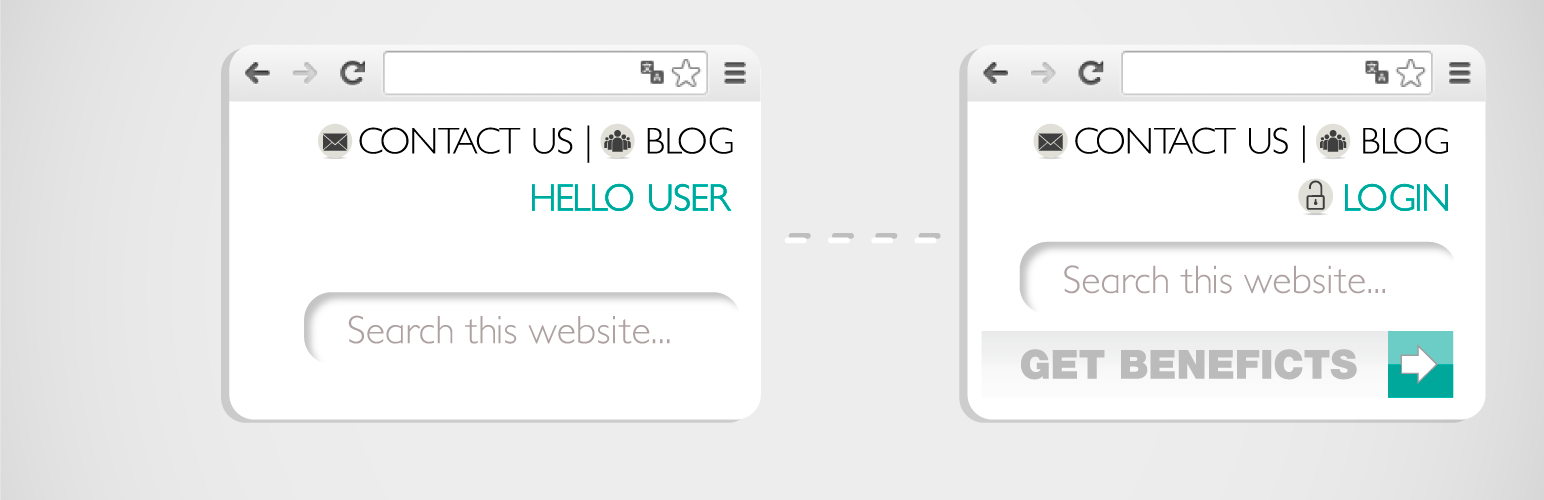
Member Content Visibility
Description
This plugin allows to display content sections only to logged in users, or only to non-logged in users.
After activating the plugin use the shortcode [member_container] to encapsulate the content you want to show exclusively to members or non members. For example:
[member_container show=”non-members”] Join now! [/member_container]
The shortcode has only one parameter:
– show: Determines the kind of user that is the content for. Possible values are: “members”, “non-members”.
If you have Visual Composer installed, an element called “(non) Member Container” will appear under the category “Content”, when it is inserted you can choose if the content will be for members or non members
The plugin is available in Github. We receive patches to fix bugs and translation files.
Installation
- Visit Plugins > Add New
- Search for Member Content Visibility
- Activate Member Content Visibility from your Plugins page.
Reviews
Lightware
By 
Since years doe's what it should 🙂
Excellent!
By 
Awesome and simple plugin
By 
Do what it says
By 
great plugin!
By 
Perfect and just work as i need
By 
i think visual composer integration is great , Thanks for this plugin 🙂
It work perfectly!
By 
Works perfectly both with shortcode and Visual Composer!
Thanks for this plugin!
Changelog
1.0
- Initial version
1.1
- Making non-member content visible for admins.