MemberSpace – Sell community access, content, online courses, memberships and paid subscriptions
MemberSpace – Sell community access, content, online courses, memberships and paid subscriptions
Description
Advanced membership and subscription software with more flexibility and more control, made simple and backed by real human support.
Build a membership community directly on your WordPress website and start accepting payments in minutes. With MemberSpace, you can lock access to any page and give members a dedicated portal where they can access everything they’ve paid for in one place.
Sell membership subscriptions to:
- Private community (comments, posts and engagement)
- Content library
- Online courses
- Newsletters
- Videos
- And more
A better way to run your membership
Gate content directly on your website
Easily lock access to any page on your WordPress site. Choose exactly what content is free and what requires a membership or subscription, without changing how your site is built.
An organized content hub for your members
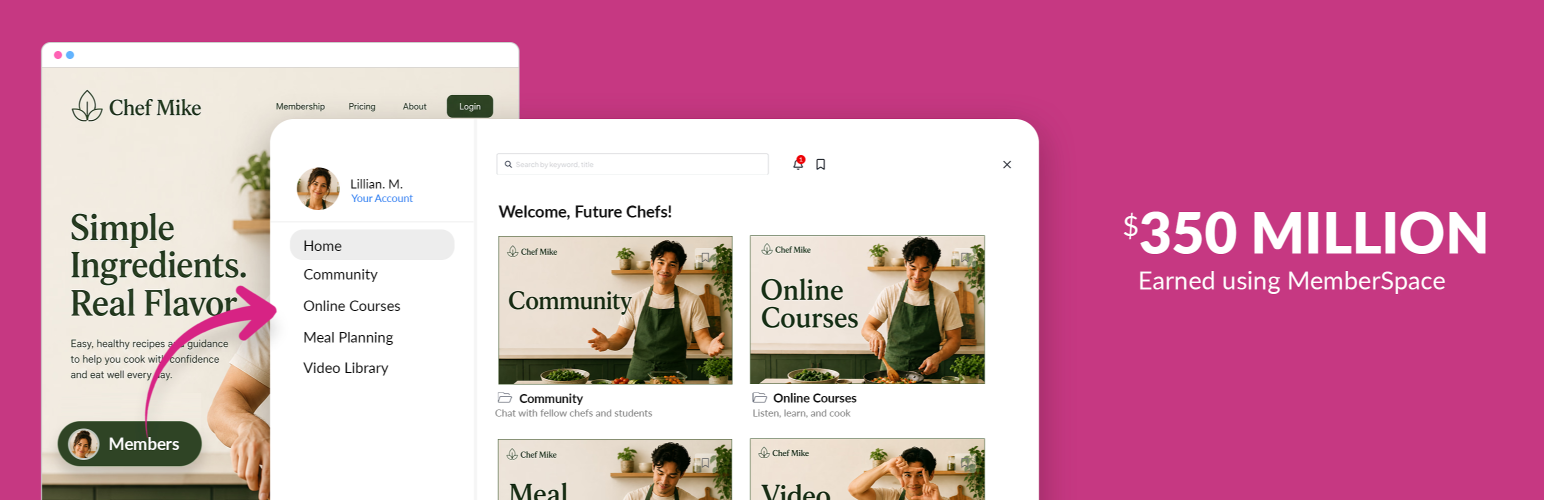
MemberSpace also includes a built-in member portal that acts as a central hub for your community. It automatically appears on your website and gives your members a simple, organized way to access everything they’ve paid for.
- Upload files, embed videos, write posts, and more
- Organize content with folders and Spaces
- Let members save bookmarks
- Enable search across content and files
Together, page gating and the member portal give you full control over how your membership content is structured and experienced.
Why Choose MemberSpace?
1. No coding required
You don’t need technical skills to run a membership or subscription business. MemberSpace is designed to be simple so you can focus on your community, not your setup.
2. Your business, your platform
Most membership plugins lock you into WordPress. MemberSpace works across all major platforms, so you can move your site anytime without disrupting your members or their payments.
3. Real human support
Get fast, thoughtful help via live chat or email. Our team is known for being responsive and hands-on, with support available when you need it.
4. Everything happens on your website
Your members stay on your site for signup, login, payments, and accessing content. You keep full control over your brand and community experience.
5. Free migration
If you already run a membership or subscription elsewhere, we’ll help you move your members and payments over for free whenever possible.
Membership Features
Explore all features here: https://www.memberspace.com/features/.
Popular MemberSpace Features
- Unlimited members
- Tiered access across plans
- Plan upgrades and downgrades
- Abandoned signup recovery
- Failed payment recovery
- Cancellation alternatives
- Instant payouts
- Connect multiple websites
Flexible subscriptions and payments
- Accept recurring subscriptions and one-time payments
- Free trials with flexible lengths
- Choose billing dates
- Drip content over time
- Coupon codes and promotions
- Custom signup fields
- Multiple currencies
- Member approvals
Built to increase conversions and retention
- Apple Pay and Google Pay for faster payments
- Google signup and login for easier onboarding
- Trial periods to reduce friction and improve conversion
- Automated retention tools to reduce cancellations and save revenue
Designed for your members and community
- Member portal with organized navigation
- Upload and manage content in one place
- Bookmarks and search for easy access
- Sell the same content across multiple plans
Integrations
Stripe, Zapier, Rewardful, and more
Simple and customizable
- Mobile responsive
- Custom styling and wording
- Export and manage members
- Manually add members
- Member emails
- API access
Secure and reliable
- Member analytics
- Invoices and payment tracking
- Encrypted security
- Tax collection
- Unlimited content protection
- Multiple admins
Installation
Getting started with MemberSpace is quick and simple. No coding required.
1. Create your account
Go to MemberSpace.com and create your free account.
2. Choose your platform
When prompted, select WordPress as your website platform.
3. Install the plugin
In your WordPress dashboard, install the MemberSpace plugin. It takes about 2 minutes.
4. Verify your install
Head back to MemberSpace and click “Verify Install” to confirm everything is connected.
5. Start building
You’re ready to go. Set up your member portal to protect any premium content, community forums, courses, or simply gate pages on your site. Offer whatever membership pricing you want.
Screenshots

Sell access to online courses with modules and lessons.

Sell membership and subscription access to digital products and content.

Sell access to a private community with member posts, comments and emoji reactions.

Let members signup and login using Google

Upload and sell access to videos, templates, downloads and more.

Manage your membership business from one dashboard.

Customize your membership business portal and pages with your colors, and branding.

Accept Apple Pay and Google Pay to scale memberships and paid subscriptions faster.
Faq
No. MemberSpace is built for non-technical users. You can install it, gate pages, and start selling memberships without writing any code.
Yes. You can gate access to any page or section of your site and choose exactly which members or plans can access it.
The MemberSpace portal is a built-in hub where your members can log in and access all of their content in one place. It automatically appears on your site and includes navigation, search, bookmarks, and more.
Yes. You can accept recurring subscriptions, one-time payments, multi-payments, and free trials. MemberSpace integrates with Stripe to handle payments securely.
Yes. You can create multiple plans and control which content each plan can access. You can also offer upgrades, downgrades, and sell the same content across different tiers.
Yes. MemberSpace works with WordPress and other platforms like Webflow, Squarespace, Wix, and more. You’re never locked into one system.
Yes. Signup, login, payments, and content access all happen directly on your website, so you keep full control over the experience.
Yes. You can create trial periods, coupon codes, and special offers to increase conversions and grow your membership.
You can automatically show offers like discounts or extended trials to encourage members to stay and reduce churn.
Yes. We offer a free migration service and can help move your members and billing details whenever possible.
Most people are up and running in minutes. Installing the plugin takes about 2 minutes, and you can start gating pages and accepting payments right away.
Yes. MemberSpace uses secure payment processing through Stripe and includes tools like content protection, member authentication, and encrypted data handling.
Yes, MemberSpace is GDPR, CCPA, and SCA compliant. We use privacy and security rules to protect your personal information and keep your data safe.
Reviews
More about collecting personal info
By 
seem to be more concerned about collecting personal information rather than functionality. promptly deleting
Happy with support
By 
I've been using Memberspace for almost a year. Unlike most people using it, I'm NOT using it to sell anything. But I do need it to attract and manage free 'members' (having these members drives revenue for my business). The support team has always been really quick to respond and resolve any issues I've had as a non-techie, which is really important (I'm writing this review now because the lady who helped me asked me to, and I'm more than happy to do it). I would say the price is fairly high given I only use the free tier, but it's a price I'm happy to pay because it's easy to use and the support is good (I only knock a mark off as I wish they had an entry-level tier for those not using it for paid subs).
Great customer service & troubleshooting
By 
Ive used Memberspace for years now- whenever I have an issue their customer service is outstanding. Recently I had an issue that we had gone back and forth many times trying to troubleshoot and they really stuck with it and got it figured out for me. Amazing- thank you so much CP.
Be careful with Stripe x MemberSpace.
By 
The plugin hides information about payment processing via Stripe. You can add any currency, however not all are supported and there is no documentation, warning or impediment, to date, about this limitation. The result is that when a tool is activated for the public, the user is unable to pay because Stripe does not support it in some countries. So, with MemberSpace support, you discover this and they offer a monthly upgrade of US$100. Check before starting any project if payment is supported in your country or if you will have to pay an extra US$100 per month. Frustrating.
So easy to install, use, and manage!
By 
We needed to switch over to a new membership management software and after extensive research MemberSpace had all the fundamental features we needed, an easy migration process, and a helpful customer service team and FAQ section. We now have a smooth UX for our members and an easy backend admin dashboard for our team.
Excellent membership plugin
By 
Easy to use membership plugin
By 
Easiest way to run a membership site!
By 
Memberspace is A+++ I use it on +4 websites.
By 
Very easy to use + fantastic support
By 
Changelog
2.3.1
- Test against WordPress 7.1
2.3.0
- Improved first-time setup with automatic MemberSpace connection detection
- Clearer error notices and help links on the settings page
- Replaced settings page heading with the MemberSpace logo
- Hide unrelated admin notices on the MemberSpace settings page
- Simplified the settings page by removing unused tabs
2.2.1
- Improvements to the listing and installation instructions
2.2.0
- MemberSpace now has its own menu in the WordPress admin sidebar
- Added a redirect to MemberSpace settings after activating the plugin
- Updated plugin description and screenshots
- Other miscellaneous tweaks and fixes
2.1.18
- Fix MemberSpace content not displaying when it contains emoji characters
2.1.17
- Test against WordPress 7.0
2.1.16
- Fix PHP warning for undefined error property on API response
2.1.15
- Test against WordPress 6.9
2.1.14
- Security improvements
2.1.13
- Test against WordPress 6.7
2.1.12
- Test against WordPress 6.6
2.1.11
- Test against WordPress 6.5
2.1.10
- Test against WordPress 6.4
2.1.9
- Test against WordPress 6.3
2.1.8
- Update API Base URL
- Update admin URL structure
2.1.7
- Test against WordPress 6.2
2.1.6
- Update readme
2.1.5
- Update signup url
2.1.4
- Fix php warning on registration complete query param check
2.1.3
- Test against WordPress 6.1
2.1.2
- Update readme
2.1.1
- Add missing query params for registration form prefill
2.1.0
- Adding internationalization
2.0.1
- Update readme
2.0.0
- Require minimum PHP 7.4, the oldest PHP version with official security support
1.1.1
- Update readme
1.1.0
- Only relying on site autodiscovery, manually providing a site subdomain is no longer supported
1.0.1
- General bugfixes
- Improved error reporting
1.0
- Initial release