Memorizer
Memorizer
Description
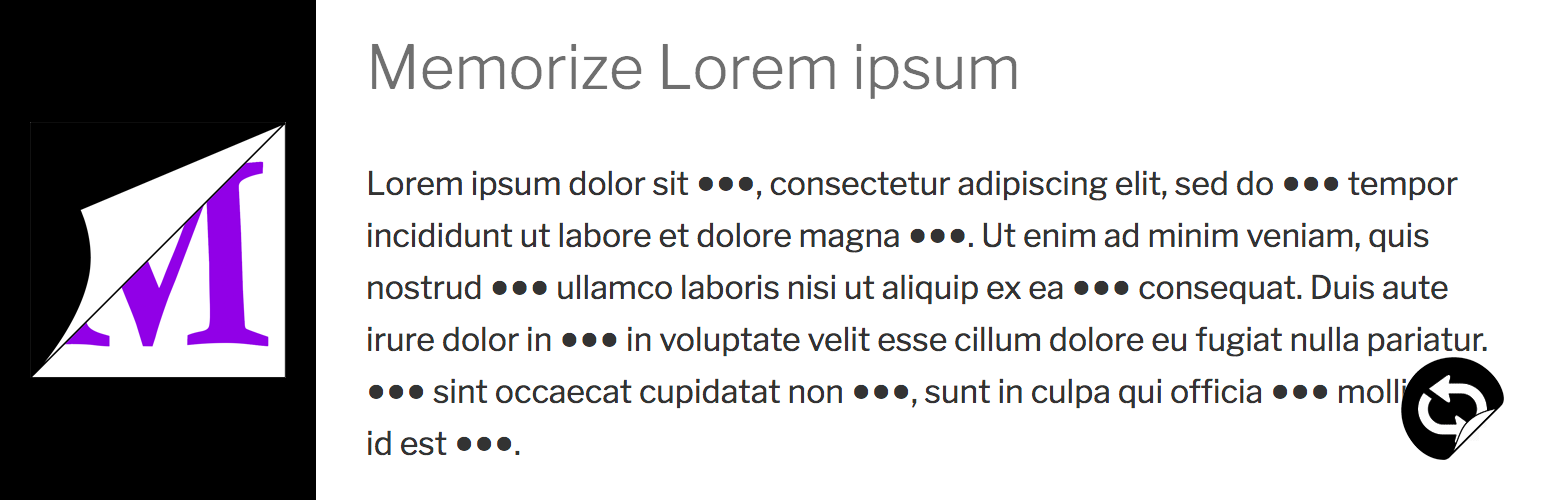
Masking a part of content by [memorizer] shortcode, and unmask it by click.
You can make word books, quizzes and exams by using this plugin.
How to use
- In post edit screen, enclose some words where you want to hide in [memorizer] shortcode. The words will be shown as ‘●●●’.
◯demo shortcode
[memorizer]text[/memorizer] - By a first click on a cetain ‘●●●’, the hidden words would be displayed. After that, each click alternates ‘●●●’ with the hidden.
- By clicking ‘Mask’ icon in the bottom right of a page, all enclosed words’ display condition would be switched at once.
Installation
- Upload the ‘memorizer’ folder to the ‘/wp-content/plugins/’ directory.
- Activate the plugin through the Plugins menu in WordPress.
Screenshots


Reviews
I love this plugin!!!
By 
Easy to use and fun!
Well done
By 
Good plugin
Changelog
1.0.3
- Add a block to automatically input [memorizer] shortcode
1.0.2
- readme update Tested up to 5.0.1
1.0.1
- Refactoring
1.0.0
- First commit.