MenuMax – Digital Restaurant Menus
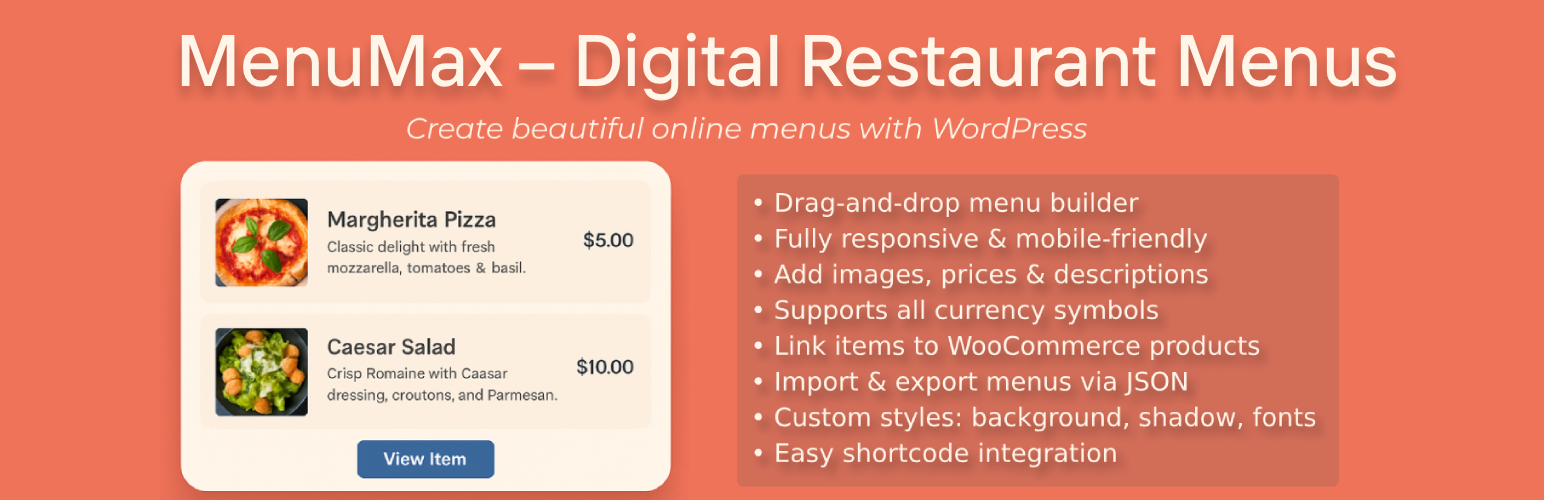
MenuMax – Digital Restaurant Menus
Description
MenuMax – Digital Restaurant Menus lets you build and showcase elegant food and drink menus directly on your WordPress website.
With customizable display settings, multi-currency support, drag-and-drop organization, WooCommerce product integration, import/export functionality, and responsive layout options, it’s perfect for restaurants, cafes, food trucks, and catering businesses looking to create dynamic online menus.
Features include:
- 🧾 Custom post types for Menus and Menu Items
- 📱 Fully responsive design
- 💲 Supports all currency symbols
- 🖼️ Menu item images and descriptions
- 🔗 Link Menu Items to WooCommerce products
- 🗂️ Export and Import Menus and Menu Items in JSON format for easy backup or transfer
- ⚙️ Drag-and-drop organization in the admin
- 🎨 Customizable styles: background color, box shadow, fonts
- 🧩 Easy shortcode integration to display anywhere on your site
Installation
- Upload the plugin files to the
/wp-content/plugins/menumax-digital-restaurant-menusdirectory, or install the plugin through the WordPress plugins screen directly. - Activate the plugin through the ‘Plugins’ screen in WordPress.
- Navigate to MenuMax > Menus to create a new menu.
- Add Menu Items and assign them to your menus.
- Link Menu Items to WooCommerce products if desired.
- Use the
[crm_menu id="x" columns="2" background="#f9f9f9"]shortcode to display your menu on any page or post. - Use the Export and Import submenu options under MenuMax to backup or restore menus via JSON files.
Screenshots
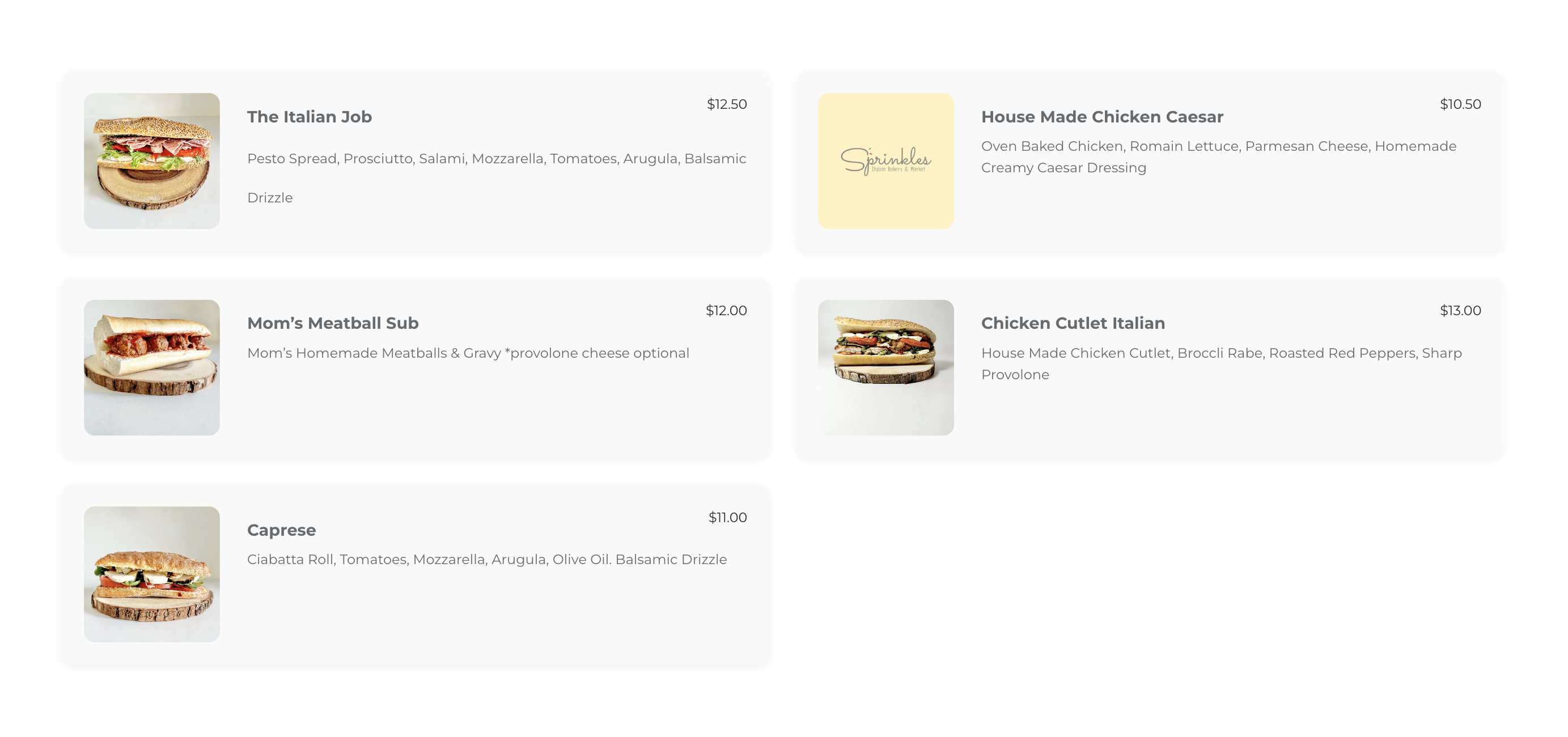
Frontend view of a restaurant menu with images and prices
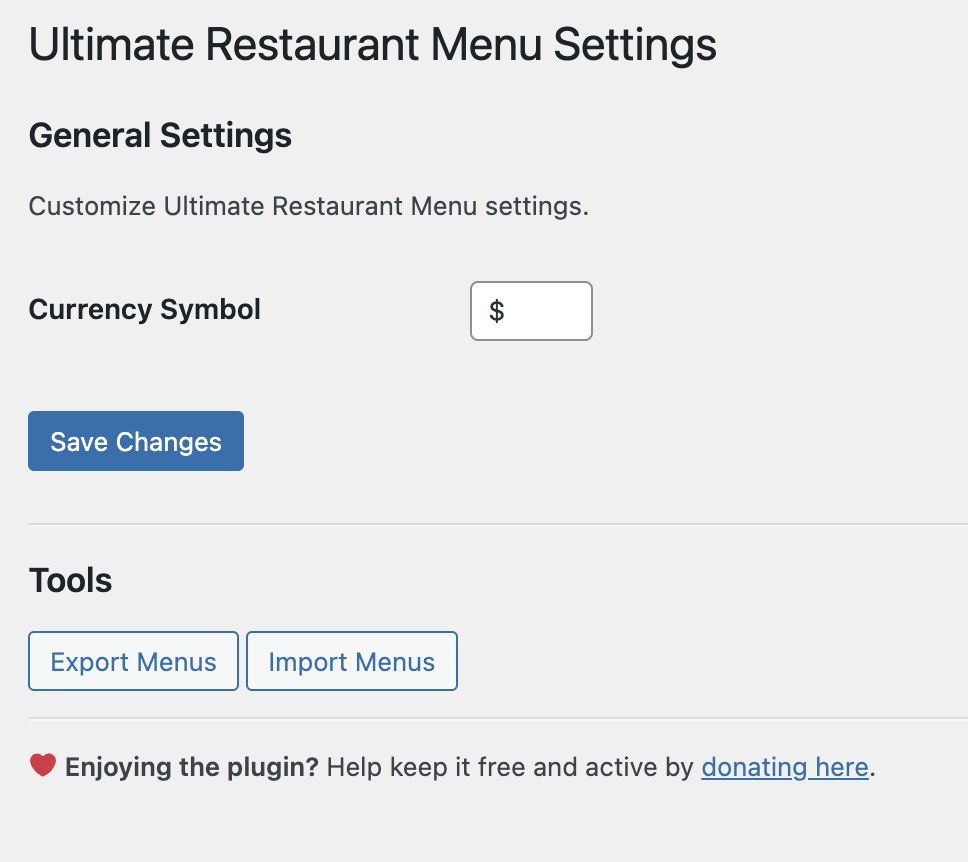
Admin settings interface
Faq
Use the [crm_menu id="x" columns="2" background="#f9f9f9"] shortcode on any page or post, replacing “x” with your menu ID.
Yes! Customize layout, background color, shadows, currency symbols, and more. Additional visual controls are coming soon.
You can link any Menu Item to an existing WooCommerce product in the admin. If linked, the frontend menu will link directly to the WooCommerce product page.
Use the Import and Export submenu pages under MenuMax to export your menus and items as JSON files or import them back for backup or migration purposes.
Yes. Menus display beautifully on all screen sizes.
Reviews
Changelog
1.0.0
- Initial release: custom post types, basic menu display shortcode, multi-currency support, WooCommerce product linking, import/export functionality, responsive layout.