MetaViewer – Debug Meta Data
MetaViewer – Debug Meta Data
Description
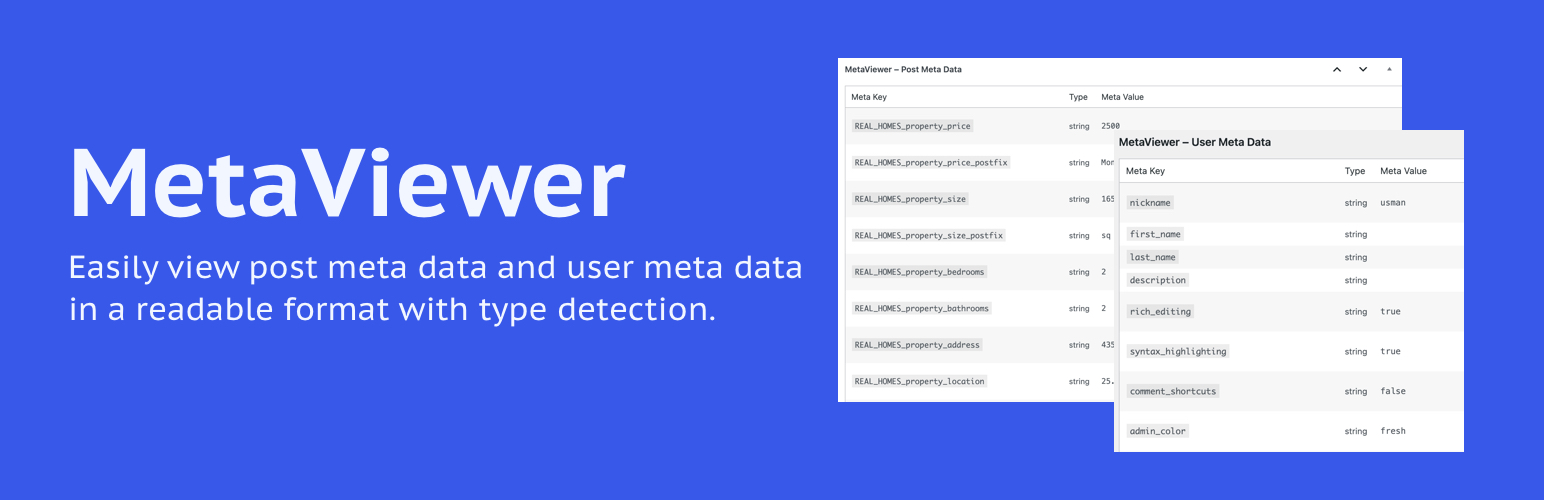
MetaViewer helps developers, site builders, and advanced users inspect post meta, user meta, and custom field data in a clear admin table. It supports public custom post types and displays the detected data type for each value.
Use it while debugging custom fields, checking plugin data, reviewing user meta, or understanding what is stored behind a WordPress screen.
Key Features:
- View post meta data on the edit screen of all post types.
- View user meta data on user profile pages.
- Clean tabular layout with zebra striping.
- Auto-detects and displays data types (string, int, array, etc.).
- Translation ready and lightweight.
- Compatible with PHP 7.4 and newer.
License
This plugin is licensed under the GPLv2 or later.
Installation
- Upload the plugin folder to the
/wp-content/plugins/directory. - Activate the plugin through the ‘Plugins’ menu in WordPress.
- Go to any post, page, or custom post type to view its meta data in a meta box.
- Visit any user profile (edit screen) to view user meta.
Faq
Only logged-in users who can access the admin panel (typically editors, admins, etc.).
Yes, it supports all public custom post types.
No, this plugin only displays data, it doesn’t handle export.
Reviews
Changelog
1.0.1
- Updated WordPress compatibility metadata.
- Improved plugin tags and readme copy for clarity.
1.0.0
- Initial release.