Mevabi – Daily Word Puzzle
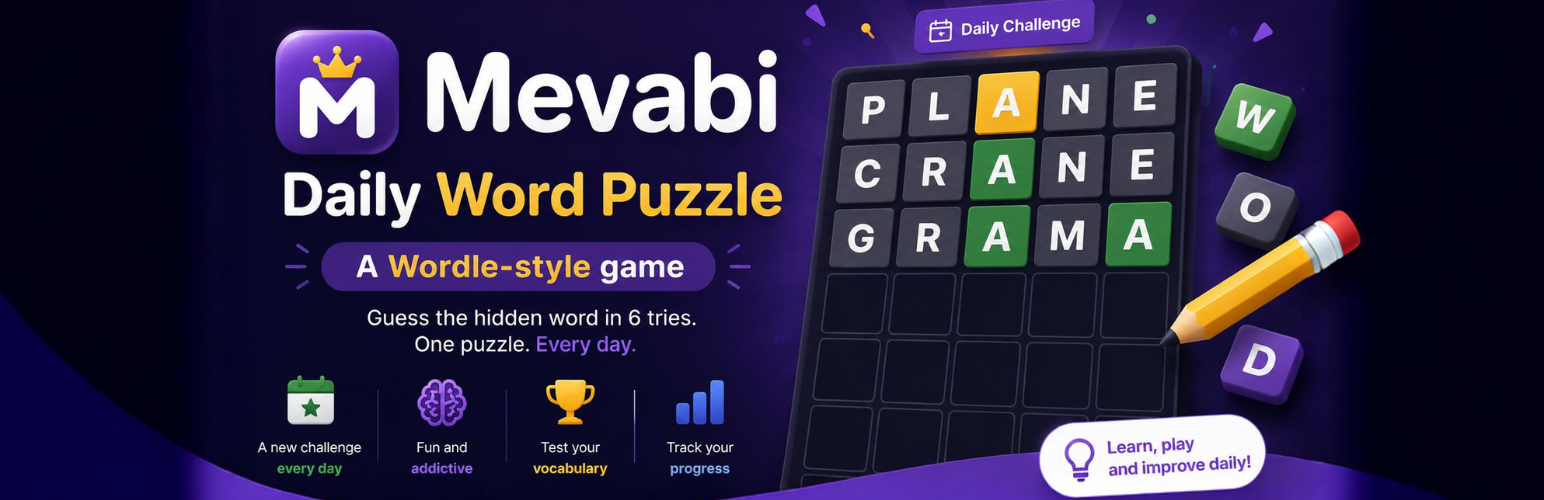
Mevabi – Daily Word Puzzle
Description
Mevabi – Daily Word Puzzle lets you create interactive word puzzle games, word guessing games, and customizable letter-based challenges directly in WordPress.
Create your own puzzles using the words you choose and embed them anywhere on your website. The game is inspired by the popular daily word puzzle format, where players try to discover a hidden word using a limited number of attempts.
Use it for daily word games, vocabulary activities, educational games, classroom activities, language learning, entertainment websites, blogs, and interactive WordPress content.
You control the word used in each puzzle, making the plugin suitable for creating your own custom word challenges instead of relying on a predefined word list.
Create your own word puzzles
Choose a word and turn it into an interactive guessing game. Players enter letters and receive visual feedback after each attempt:
- 🟩 Correct — the letter is in the correct position.
- 🟨 Present — the letter is in the word but in the wrong position.
- ⬛ Absent — the letter is not in the word.
The simple gameplay makes the plugin suitable for both casual visitors and educational activities.
Multiple difficulty levels
Create puzzles with different words and difficulty levels by choosing the words you want players to discover.
Use easier words for beginners and more challenging vocabulary for advanced players. You can create separate puzzles for different groups, topics, lessons, or audiences.
Custom Word Games for WordPress
The plugin gives you complete control over the hidden word instead of forcing you to use a predefined puzzle database.
This makes it useful for:
- Daily word puzzles
- Word guessing games
- Vocabulary games
- Educational word games
- Classroom activities
- Language learning exercises
- English vocabulary practice
- Spelling activities
- Interactive quizzes
- Brain games
- Word challenges
- Website engagement
- Daily challenges
- Custom Wordle-style games
Shortcode
Create a puzzle using the shortcode:
[mevabiwd 1="HOUSE" correct="#6aaa64" present="#c9b458" absent="#787c7e"]
The 1 attribute defines the hidden word, while correct, present, and absent let you customize the colors used for the game tiles.
Gutenberg block
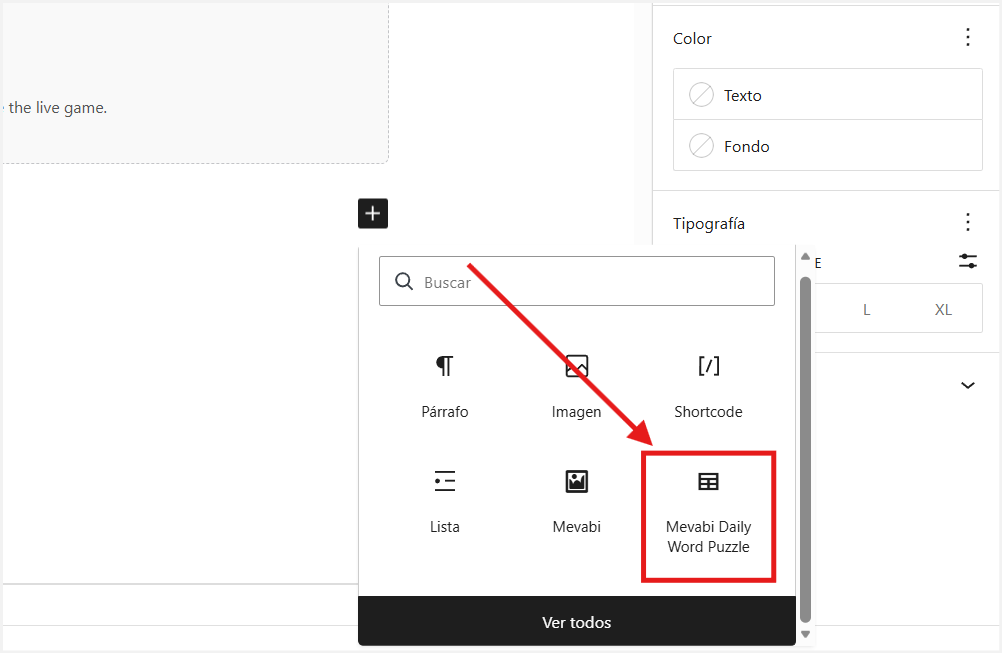
Add the Mevabi Daily Word Puzzle block directly from the WordPress block editor.
Configure the puzzle and colors from the block settings without writing a shortcode manually.
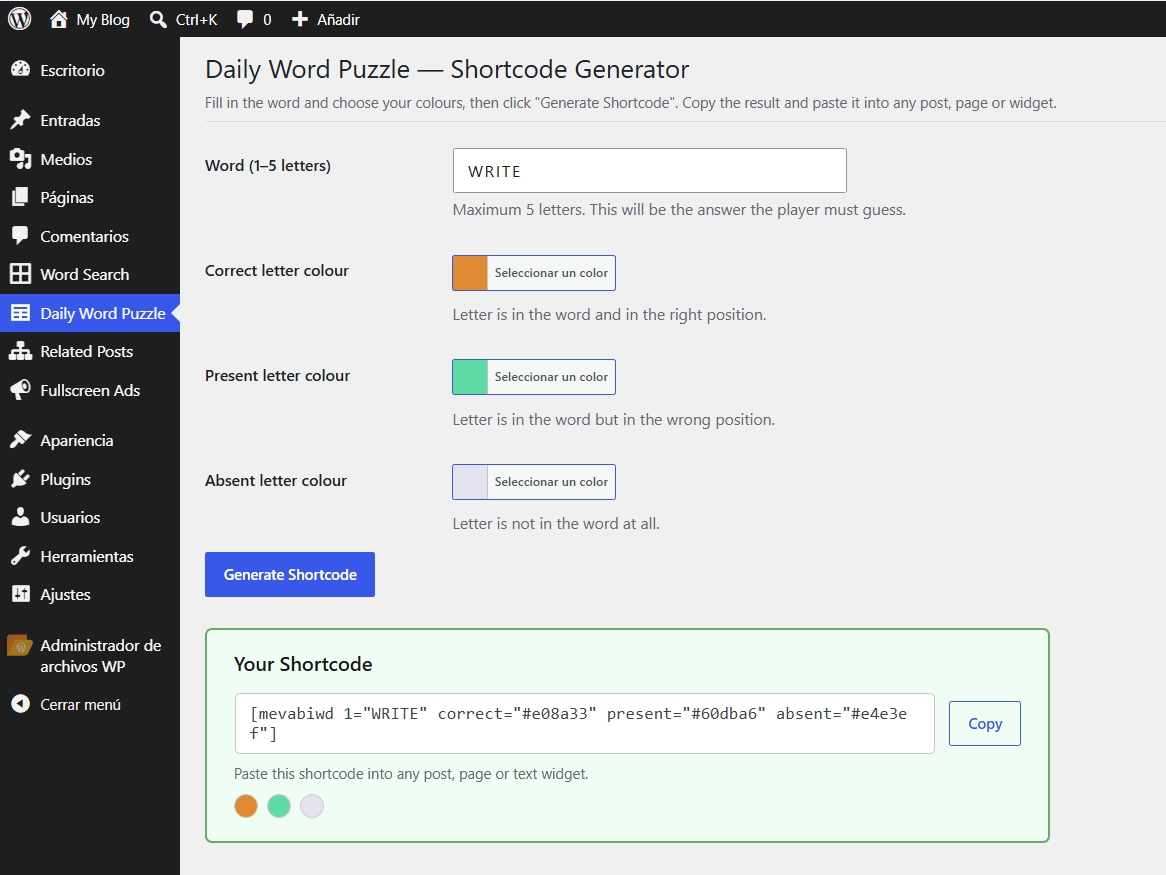
Shortcode Generator
The plugin includes an administration tool at:
Daily Word Puzzle Shortcode Generator
Choose your hidden word, customize the tile colors, and copy the generated shortcode ready to use on your website.
Features
- Create custom word guessing games with your own words.
- Build daily word puzzle and daily challenge content.
- Use multiple independent puzzles on the same page.
- Gutenberg block support.
- Shortcode support.
- Shortcode Generator in the WordPress admin.
- Up to 5-letter words.
- Up to 6 attempts per puzzle.
- Custom colors for correct, present, and absent letters.
- Physical keyboard support.
- On-screen keyboard for touch devices.
- Responsive design for desktop, tablet, and mobile.
- Keyboard navigation.
- ARIA live regions for accessibility.
- Dark mode support through
prefers-color-scheme. - Vanilla JavaScript with no jQuery dependency.
- Internationalisation-ready with a
.pottranslation file included.
Educational Word Games
Because the hidden word is completely customizable, the plugin can be used to create interactive learning activities.
Teachers can create puzzles using:
- Vocabulary from a lesson
- Subject-specific terminology
- Foreign-language words
- Key concepts
- Names and places
- Spelling exercises
- Revision activities
For example, a teacher could create a physics vocabulary puzzle using words related to waves, motion, energy, or forces.
Word Puzzle for Your Website
Use the plugin to add an interactive word game to posts, pages, widgets, landing pages, educational websites, blogs, or other WordPress content.
Each shortcode or Gutenberg block can contain its own independent puzzle, allowing you to create several different word games throughout your website.
Installation
- Upload the plugin folder to
/wp-content/plugins/or install it through Plugins Add New. - Activate the plugin.
- Go to Daily Word Puzzle Shortcode Generator.
- Enter the word you want players to guess.
- Customize the puzzle colors if desired.
- Copy the generated shortcode.
- Paste the shortcode into a post, page, widget, or shortcode-enabled area.
You can also add the Mevabi Daily Word Puzzle block directly from the Gutenberg editor.
Screenshots

Front-end custom word guessing game.
Daily Word Puzzle with default tile colors.
Admin Shortcode Generator with customizable color pickers.
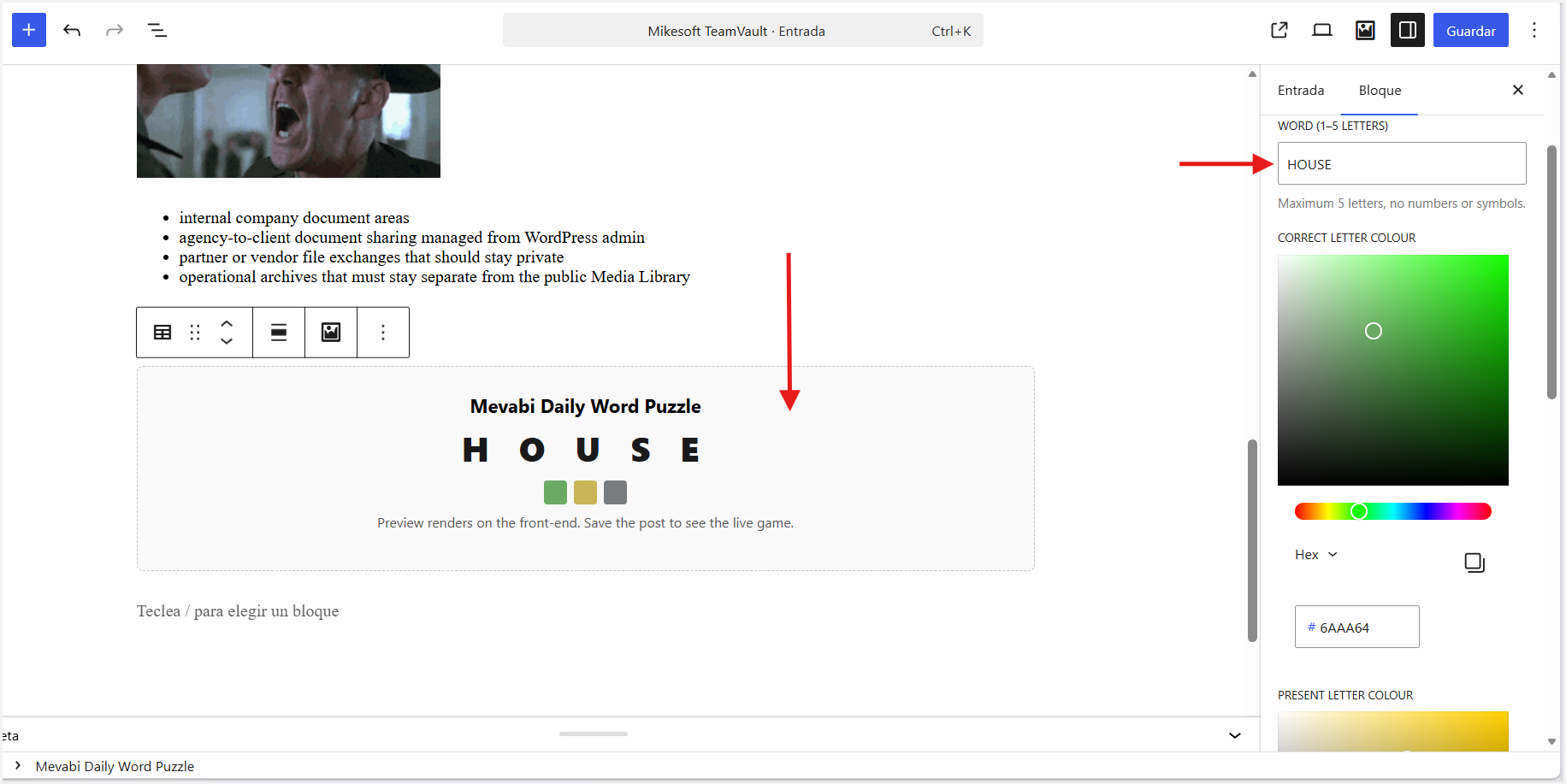
Gutenberg block with puzzle settings and editor preview.

Multiple independent word puzzles displayed on the same page.
Faq
A word guessing game challenges players to discover a hidden word by entering letters. The plugin provides visual feedback showing which letters are correct, present in another position, or absent from the word.
Yes. You can create your own custom word guessing puzzle by choosing the hidden word. The plugin provides a similar letter-guessing gameplay format without requiring a predefined word list.
Yes. The hidden word is defined by you when creating the shortcode or configuring the Gutenberg block.
The maximum word length is 5 letters.
Players have 6 attempts to discover the hidden word.
Yes. Every shortcode and Gutenberg block instance is independent, so you can create different puzzles with different words.
Yes. Multiple independent word puzzles can be displayed on the same page.
Yes. You can customize the colors for correct letters, letters in the wrong position, and letters that are not present.
Yes. The puzzle supports touch devices and includes an on-screen keyboard for mobile users.
Yes. Visitors can play using a physical keyboard on desktop and laptop computers.
Yes. Letters from the extended Latin range (À–ÿ) are supported.
Reviews
Very good
By 
For a first version of this plugin, it's excellent. The graphical interface, customization options, and functionality are all very good.
Changelog
1.0.1
- Compatibility tested with WordPress 7.1.
- Minor compatibility and maintenance updates.
1.0.0
- Initial release.