Migratico Lite
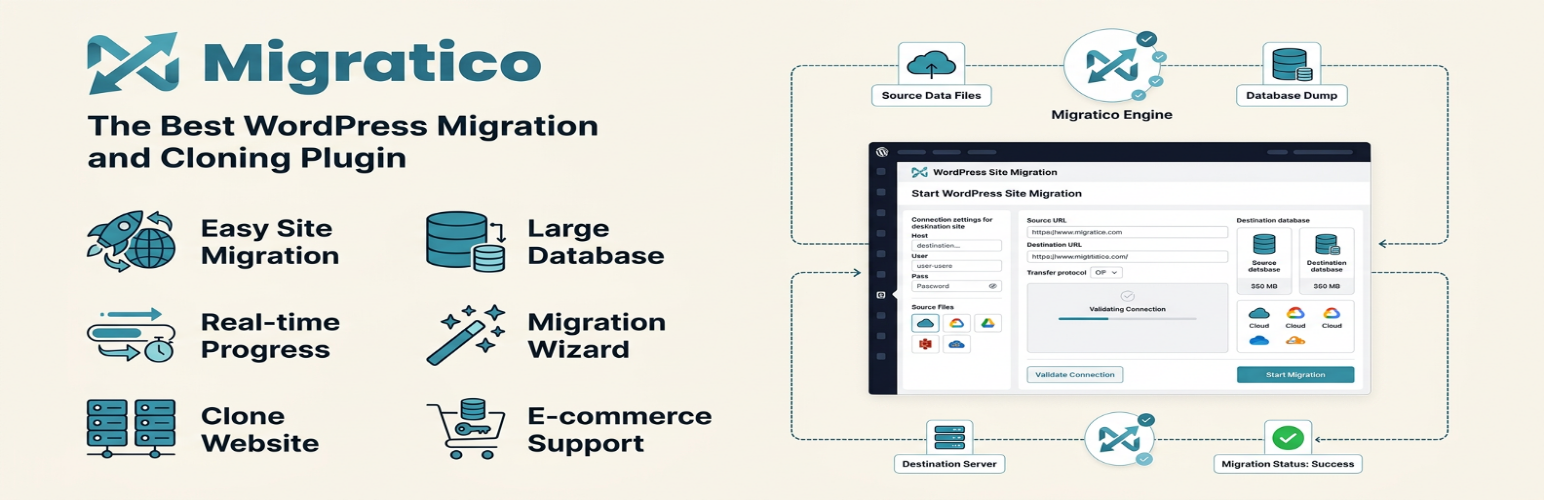
Migratico Lite
Description
WordPress Migration & Backup Plugin
Migratico Lite provides a simple way to move WordPress sites, create reliable backups, or clone a site for development. With Migratico, you can easily migrate, transfer, or clone your WordPress site between domains or hosts with no downtime. Create full backups of your website, or package your entire site to download and install elsewhere with only a few steps.
At Migratico, reliability, security, and ease of use are our top priorities. Our intuitive migration wizard and real-time progress tracking make Migratico one of the most beginner-friendly backup and migration plugins on the market. You don’t have to hire a developer. Create a backup and migrate sites in just a few minutes.
Easy Site Migration, Backup, and Cloning
Migratico streamlines site migrations by packaging your website files and database into downloadable archives. Download and re-install your backup on any new WordPress location or server without dealing with complicated setups. The installer works on an empty server – no need to install WordPress first.
Fast WordPress Migrations
Migratico makes WordPress website migrations fast and stress-free. Quickly move to a new host, domain, or server. No downtime, no data loss, and no coding required.
Reliable WordPress Backups
Create complete backups of your WordPress site including database and files. Perfect for:
– Pre-update backups
– Development site copies
– Disaster recovery
– Moving to new hosting
WooCommerce Migration Support
Migratico offers reliable WooCommerce migration and backup. Easily migrate your entire online store including:
– Products and categories
– Orders and customers
– Payment settings
– Custom product data
Large Database Support
Migratico handles databases of any size with automatic timeout recovery:
– Chunk-based import prevents memory issues
– Automatic resume after PHP timeouts
– No file size limits
– Tested with databases over 1GB
Real-time Progress Tracking
Watch your migration in real-time with streaming progress updates:
– Live progress bar during installation
– Detailed status messages
– Automatic recovery from timeouts
– Up to 50 automatic resume attempts
Smart Migration Wizard
Migratico’s smart migration wizard makes transferring your website effortless:
– 4-step installation process
– Environment compatibility check
– Database connection testing
– Automatic URL rewriting
– wp-config.php updates
Clone WordPress Website
Migratico clones your entire WordPress website quickly and easily. Perfect for:
– Staging sites
– Development environments
– Testing updates
– Client demos
Key Features
- Complete Site Export – Database and files in one package
- Automatic ZIP Splitting – Large sites split into manageable archives
- Real-time Progress – Live updates during installation
- Auto-Resume – Continues after server timeouts
- Smart URL Rewriting – Updates all URLs automatically
- Database Connection Test – Verify settings before installation
- Multi-language – Available in Czech, German, and English
- No External Dependencies – Everything runs on your server
- Security Focused – No data sent to external servers
Who Should Use Migratico?
Migratico is perfect for:
– Website Owners moving to new hosting
– Developers creating staging sites
– Agencies migrating client sites
– E-commerce Sites with large databases
– Anyone needing reliable WordPress backups
Usage
Creating a Migration Package
- Go to Migratico Lite > Create Package
- Enter a package name
- Set maximum ZIP file size (recommended: 100MB for most hostings)
- Optionally exclude directories (cache, logs, etc.)
- Click Create Package and wait for completion
Downloading the Package
- Go to Migratico Lite main page
- Click download buttons for your created package:
migratico.php– Installation wizarddatabase.sql.zip– Database exportfiles_001.zip,files_002.zip, etc. – Site files
Installing on New Server
- Upload all package files to your new server
- Open
migratico.phpin your browser - Follow the 4-step wizard:
- Step 1: Environment check
- Step 2: Database settings (with connection test)
- Step 3: Site settings
- Step 4: Installation with real-time progress
- After successful installation, delete all package files for security
Security
The wp-content/uploads/migratico/ directory is sensitive: migration packages contain the full database (including user hashes) and a copy of the site files. Migratico Lite protects this directory with deny-all .htaccess / web.config rules, a per-package migration secret that must be entered manually in the installer, and automatic package expiration after 4 hours (adjustable via the migratico_package_ttl filter).
nginx users: nginx does not process .htaccess files. Add this to your server block:
location ^~ /wp-content/uploads/migratico/ { deny all; return 403; }
The plugin detects nginx and displays a warning in the WordPress admin until this is configured.
Notes:
– Package files are downloaded only through a nonce- and capability-protected (manage_options) AJAX endpoint.
– The generated installer (migratico.php) refuses every request — page views, form submissions and AJAX endpoints — until the per-package migration secret is entered on its welcome screen. Only the SHA-256 hash of that secret is stored in the package and embedded in the installer; the raw secret is shown once in the WordPress admin when the package is created and is never written to disk, logs or URLs.
– Migration packages (completed or interrupted) are automatically deleted after their TTL via WP-Cron.
Credits
Developed by Miroslav Novotny
Website: https://migratico.com
Support: https://migratico.com/support
License
This plugin is free software; you can redistribute it and/or modify it under the terms of the GNU General Public License as published by the Free Software Foundation; either version 2 of the License, or (at your option) any later version.
This plugin is distributed in the hope that it will be useful, but WITHOUT ANY WARRANTY; without even the implied warranty of MERCHANTABILITY or FITNESS FOR A PARTICULAR PURPOSE. See the GNU General Public License for more details.
Installation
- Upload the
migraticofolder to the/wp-content/plugins/directory - Activate the plugin through the ‘Plugins’ menu in WordPress
- Navigate to “Migratico Lite” in the admin menu
Screenshots

Admin Dashboard - Main interface showing package management and statistics

Create Package - Package creation form with export options

Statistic - Comprehensive website and server diagnostics to ensure a safe migration process

Performance Optimization - Adjust export presets to match your server capacity and view detailed file counts for database and assets

Scanning Files - Progres bar

Scan Resoluts - Select directories or files to skip during export

**Export package

Installer Step 3 - Site settings

Installer Step 4 - import files

Installer Step 4 - Finish

Installer Step 2 - Database settings
Faq
Migratico is perfect for website owners, developers, and agencies who need to:
– Migrate WordPress sites to new hosting
– Create development or staging copies
– Backup sites before updates
– Clone sites for testing
– Move WooCommerce stores
Minimum requirements:
– WordPress 5.3 or higher
– PHP 7.4 or higher
– ZipArchive PHP extension
– Sufficient disk space for backups
Most modern hosting providers meet these requirements.
No! Migratico is designed for users of all skill levels. The 4-step wizard guides you through the entire process with clear instructions and real-time progress updates.
No. Migratico only runs when you’re creating a backup or during installation. It has no impact on your site’s front-end performance.
Yes! Migratico fully supports WooCommerce migrations including:
– Products and categories
– Orders and customers
– Payment gateway settings
– Custom product data
– Large product catalogs
Migration time depends on your site size:
– Small sites (< 100MB): 1-5 minutes
– Medium sites (100MB-1GB): 5-20 minutes
– Large sites (1GB+): 20+ minutes
Progress is shown in real-time during the process.
Migratico has automatic timeout recovery:
– PHP timeouts are handled automatically
– Progress is saved every few seconds
– Installation resumes from where it stopped
– Up to 50 automatic resume attempts
Yes! Migratico supports databases of any size:
– Chunk-based import prevents memory issues
– Automatic resume after timeouts
– No file size limits
– Tested with databases over 1GB
Yes, comprehensive URL rewriting includes:
– WordPress core URLs (siteurl, home)
– Post content URLs
– Custom field URLs
– wp-config.php constants
– Serialized data in options and postmeta
Yes! Security features include:
– No data sent to external servers
– Protected export files with .htaccess
– Secure installation process
– Files should be deleted after migration
Migratico works on all modern hosting:
– Shared hosting (Hostinger, Bluehost, SiteGround)
– VPS and dedicated servers
– Cloud hosting (AWS, DigitalOcean)
– Local development (XAMPP, Local, MAMP)
Yes, you can exclude:
– Cache directories
– Log files
– Temporary files
– Specific plugins or themes
– Upload directories
Restoration uses the same installer:
1. Upload migratico.php and ZIP files
2. Run the installer wizard
3. Your site is restored to backup state
Support is available at:
– Support Forum
– Documentation
– Contact Form
Yes! Visit migratico.com for:
– Installation guides
– Troubleshooting tips
– Video tutorials
– Best practices