Milan's Shipped Order Tracking for Woo
Milan's Shipped Order Tracking for Woo
Description
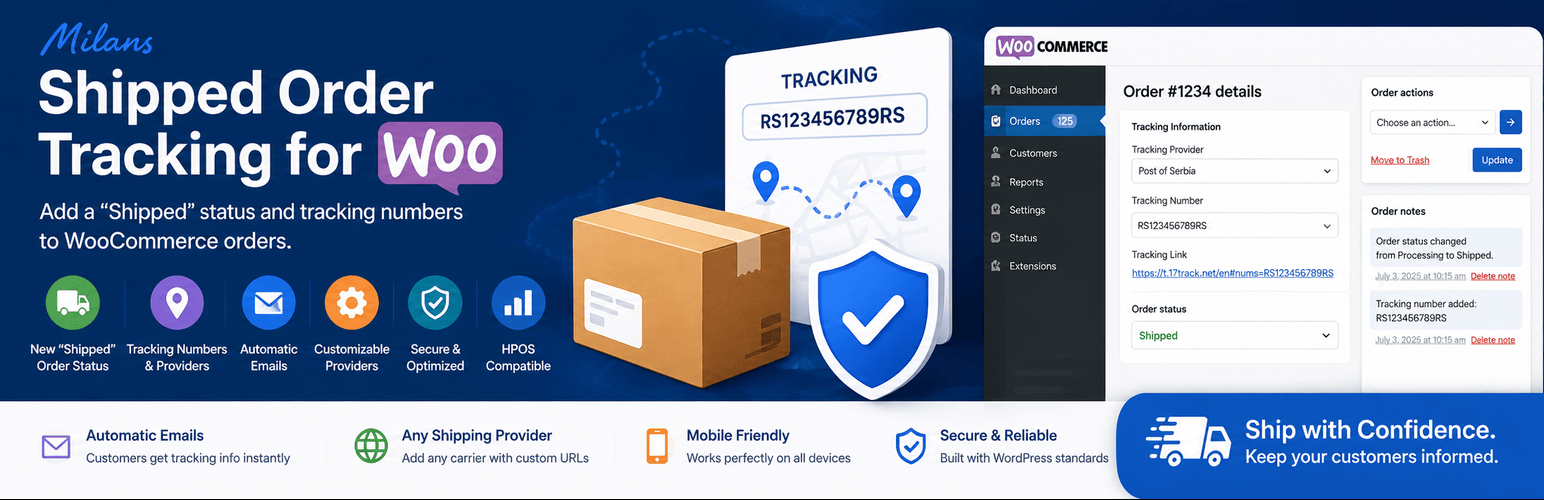
Streamline your order fulfillment process with the Milans Shipped Order Tracking for WooCommerce plugin. This powerful yet lightweight extension adds a dedicated “Shipped” order status and comprehensive tracking capabilities to your WooCommerce store.
Key Features
- New “Shipped” Order Status – Clearly mark orders as shipped with a dedicated status
- Tracking Number Fields – Add tracking numbers and select shipping providers for each order
- Automatic Customer Emails – Send professional shipment notifications with tracking details
- Admin Dashboard Integration – View tracking info directly in order management
- Customizable Tracking Providers – Add your own shipping carriers with tracking URLs
- HPOS Compatible – Fully compatible with WooCommerce’s High-Performance Order Storage
- Translation Ready – Fully translatable with included language files
- Secure & Optimized – Built with WordPress coding standards for maximum security
Why Choose This Plugin?
- 🚚 No Third-Party Accounts – Works directly with your WooCommerce store
- 📧 Automated Notifications – Customers receive tracking info instantly when orders ship
- 🔧 Flexible Configuration – Add any shipping provider with custom tracking URLs
- 🎨 Clean Integration – Blends seamlessly with your WooCommerce admin interface
- 📱 Mobile Responsive – Works perfectly on all devices
Perfect For
- E-commerce stores looking to improve customer communication
- Businesses wanting to reduce customer service inquiries about shipping
- Store owners needing better order status management
- Anyone wanting to professionalize their shipping process
Support
For support, bug reports, or feature requests, please visit:
– GitHub: https://github.com/milangru/milans-shipped-order-tracking-for-woo
– Create an issue or pull request
Contribute
Contributions are welcome! Whether you want to report a bug, suggest a feature, or submit a pull request:
1. Fork the repository
2. Make your changes
3. Submit a pull request
Translations
The plugin is fully translation ready. If you would like to translate it to your language:
1. Copy languages/milans-shipped-order-tracking-for-woo.pot
2. Rename to your language (e.g., milans-shipped-order-tracking-for-woo-sr_RS.po)
3. Translate the strings
4. Create a pull request
Credits
Developed by Milan Grujić
Plugin URI: https://github.com/milangru/milans-shipped-order-tracking-for-woo
Installation
Manual Installation
- Upload the
milans-shipped-order-tracking-for-woofolder to/wp-content/plugins/ - Activate the plugin through the ‘Plugins’ menu in WordPress
- Go to WooCommerce Settings Emails and enable the “Shipped Order” email
- Configure your tracking providers in the email settings
Configuration Steps
-
Add Tracking Providers:
- Navigate to WooCommerce Settings Emails
- Click on “Shipped Order” email settings
- Add providers in format:
provider_key|Provider Name|tracking_url
-
Mark Order as Shipped:
- Open any WooCommerce order
- Add the tracking number and select a provider
- Change the order status to “Shipped”
-
Customer Notification:
- Email is automatically sent to customer
- Includes tracking number and direct tracking link
Example Tracking Providers Format
post_of_serbia|Post of Serbia|https://t.17track.net/en#nums=
fedex|FedEx|https://www.fedex.com/apps/fedextrack/?tracknumbers=
dhl|DHL|https://www.dhl.com/en/express/tracking.html?AWB=
ups|UPS|https://www.ups.com/track?tracknum=
Screenshots

Tracking Fields in Order Admin - Add tracking numbers and select shipping providers

Customer Email Template - Professional email with tracking information

Shipped Order Status - Visual order status highlighting in admin

Email Settings - Configure tracking providers and email options
Faq
Yes. You can add any shipping provider by specifying the provider name and tracking URL. The plugin includes default providers like Post of Serbia and FedEx.
Yes. When you change an order status to “Shipped”, the plugin automatically sends a customized email to the customer with all tracking details included.
Yes. The email template can be customized by overriding templates/customer-shipped-order.php in your theme. Simply copy it to [your-theme]/woocommerce/emails/ and modify as needed.
Yes. The plugin adds its own “Shipped” status but works seamlessly alongside other custom order statuses you may have.
Yes. The plugin is fully compatible with WooCommerce’s High-Performance Order Storage (HPOS).
Go to WooCommerce Settings Emails Shipped Order and add your providers in the “Tracking Providers” field using the format: provider_key|Provider Name|https://tracking-url.com?tracking_number=
No. The plugin is lightweight and optimized for performance. It only loads additional resources when needed.
No. This plugin works independently and does not require any third-party accounts or API keys.
Reviews
Changelog
2.0.4
- Added: Admin notice asking users to leave a review after successfully shipping 20+ orders, with dismiss/snooze options.
2.0.3
- Tweaked: Updated plugin display name.
2.0.2
-Fix: The Recipient(s) column on WooCommerce > Settings > Emails now correctly displays “Customer” plus any configured additional recipients for the Order Shipped email.
2.0.1
- Fixed: Email class naming convention (WC_Shipped_Order_Email SOTW_Shipped_Order_Email)
- Fixed: WordPress coding standards compliance
- Fixed: Template variable prefixes
- Improved: Error handling in email triggers
- Removed: Debug code from production
2.0.0
- Enhanced: WordPress coding standards compliance
- Improved: Better prefixing for all functions
- Added: HPOS compatibility
- Fixed: Security improvements
- Updated: Plugin architecture
1.2.0
- Increased security
- Code improvements
1.0.0
- Initial release
- Added “Shipped” order status
- Added admin fields for tracking number & provider
- Added automatic email notifications
- Added default provider list (Post of Serbia, FedEx)
- Full internationalization support