Minecraft Map to Image
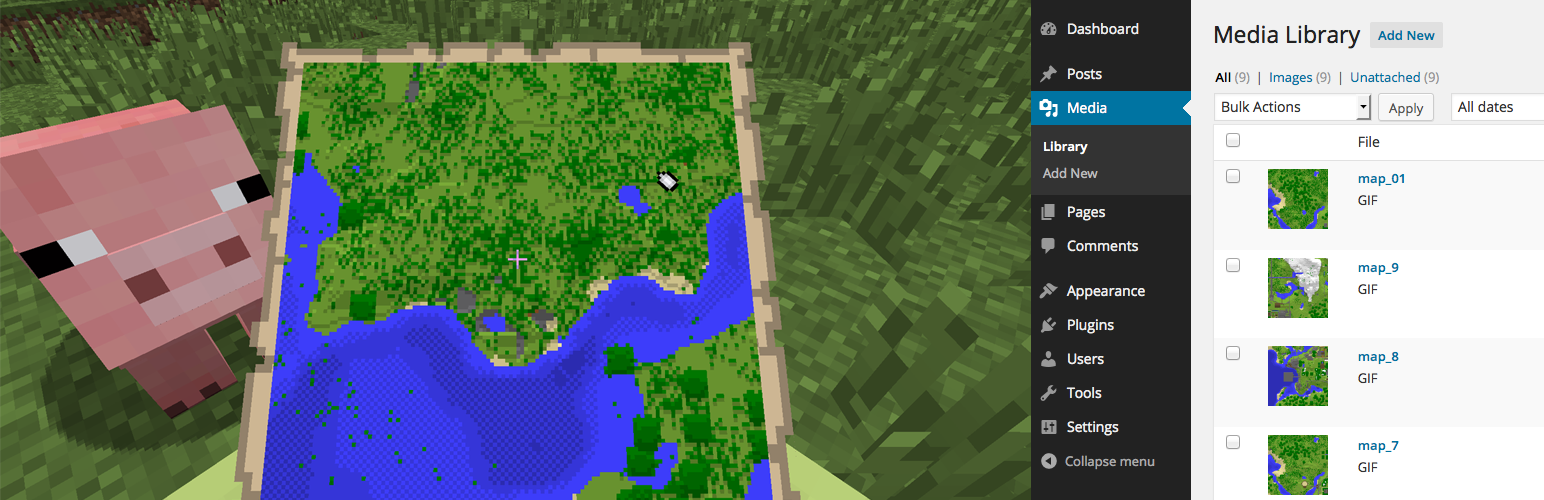
Minecraft Map to Image
Description
Minecraft Map to Image converts and saves Minecraft map (.dat) files as images to the Media Library
When you create a map in Minecraft, it stored as a .dat file on the disk. With this plugin you can upload that file and convert it back to an image.
Convert Minecraft map files to an images
Select a .dat map file and automatically convert the map to an image
View the meta-data of a map
See the in-game x-position, z-position and scale of the map
Save to the Media Library
1-click save the generated image to the Media Library
Installation
- Upload the
minecraftmaptoimagefolder to the/wp-content/plugins/directory - Activate the Minecraft Map to Image plugin through the ‘Plugins’ menu in WordPress
- Start by uploading Minecraft maps by going to the
Minecraft Map to Imagemenu that appears in your admin menu underTools
Screenshots

Saving a converted map in the Minecraft Map to Image plugin dashboard

Minecraft map images saved to the Media Library
Faq
Where can I find Minecraft map (.dat) files?
Minecraft stores your in-game maps as files in the /saves/[your_world]/data/ folder in Minecraft. They are named like map_01.dat, map_02.dat and are no larger than 10kb.
Where can I find my Minecraft saves folder?
Windows: %appdata%\.minecraft\saves\
Mac OSX: [username]/Library/Application Support/minecraft/saves
Reviews
Changelog
1.0
First stable release of the Minecraft Map to Image plugin