Minimalist editor
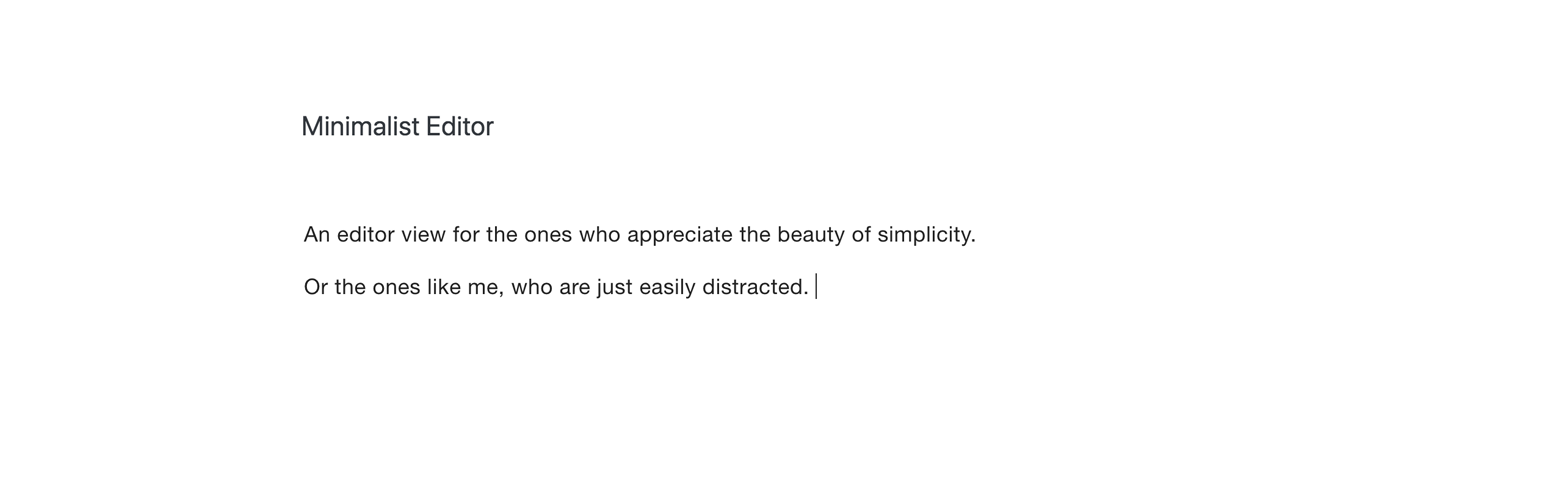
Minimalist editor
Description
When you just want to focus on what you’re writing, the default WordPress editor can feel cluttered, with distractions surrounding your content.
Minimalist Editor turns your post editor into a digital typewriter, with nothing else left on the screen than what you’re writing.
Inspired by editors such as WriteRoom.
Works by installing the plugin and activating Distraction Free Writing mode.
Features
- Typewriter style post editor
- Light and dark mode
- Sans serif typeface option
Installation
- Upload the Minimalist Editor plugin folder to the “/wp-content/plugins/” directory, or search for it under Plugins -> Add new in you WordPress backend.
- Activate the plugin through the Plugins menu in WordPress.
- Activate the Distraction Free Writing Mode in the WordPress new post page.
- Find additional options under Appearance -> Minimalist Editor
Screenshots

Minimalist Editor view

Darkmode view

Minimalist Editor options page
Reviews
Excellent Minimalist UI for WP
By 
Very well executed minimal writing UI. I love Byword for Mac and this plugin brings that kind of true distraction free writing to the WordPress editor. Nice work! Featured on the iThemes Plugin Roundup for October 2018.
Changelog
1.05
- Added dark mode screenshot
1.0
- Hello world!