Mirror App – Professional Feed
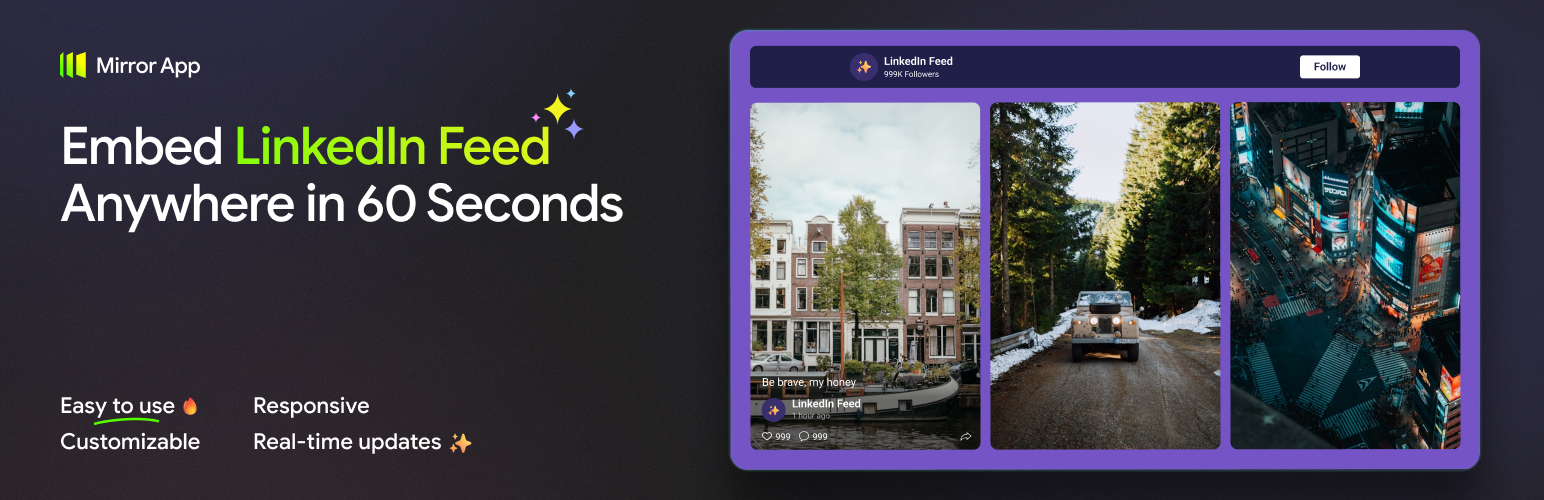
Mirror App – Professional Feed
Description
Bring your LinkedIn presence to life on your WordPress site.
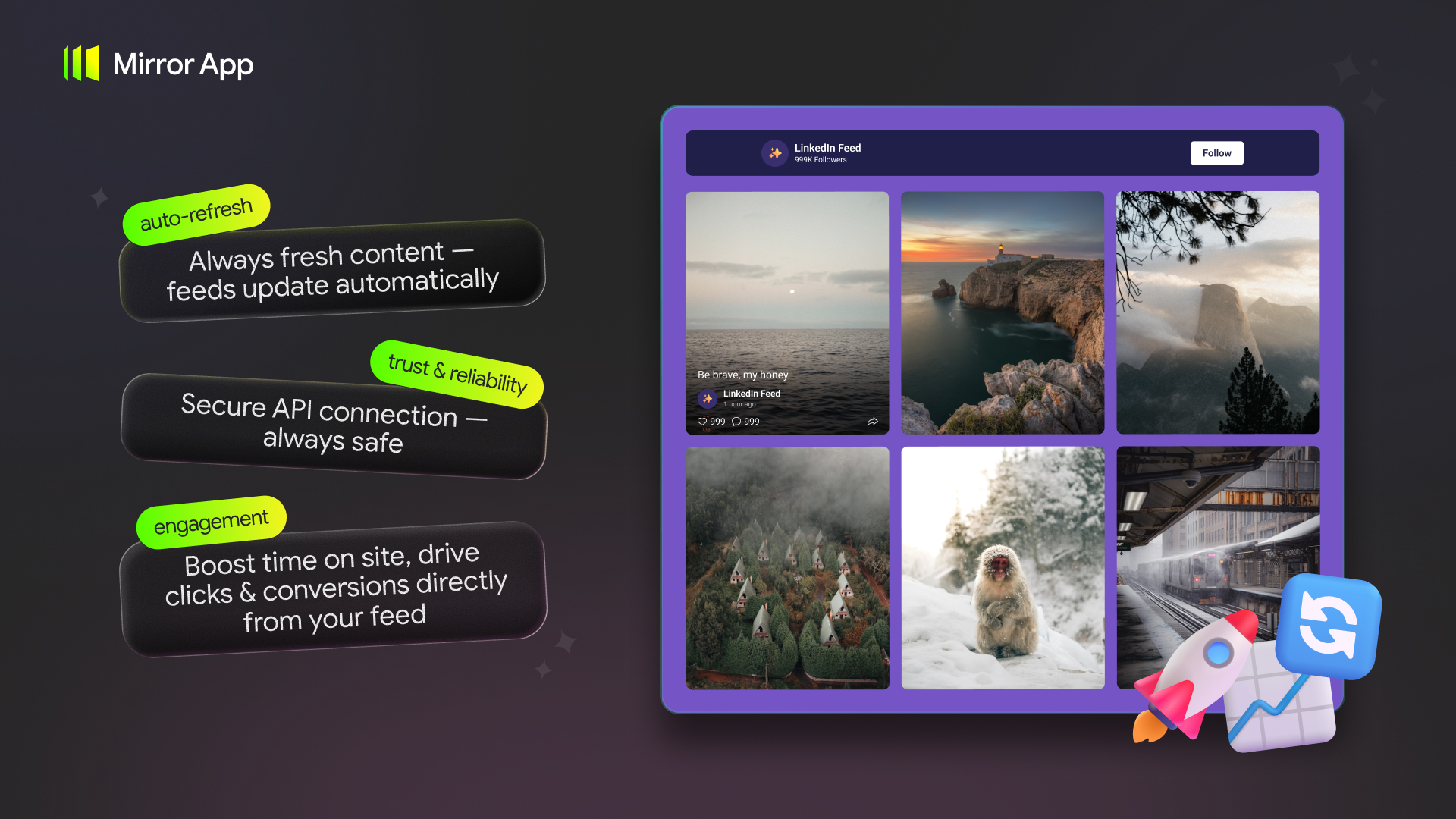
Showcase your latest posts, company updates, and media in a clean, fully customizable feed that looks native to your brand. Connect your LinkedIn profile or company page in the Mirror App dashboard, tailor the design to match your website, and embed it anywhere with a simple shortcode — no API keys, no coding, no hassle.
The Mirror App – Professional Feed plugin is a lightweight embed layer. It does not authenticate with LinkedIn inside WordPress and does not fetch LinkedIn data from your server. You create and manage the feed in Mirror App, then paste a shortcode into WordPress.
What you can display
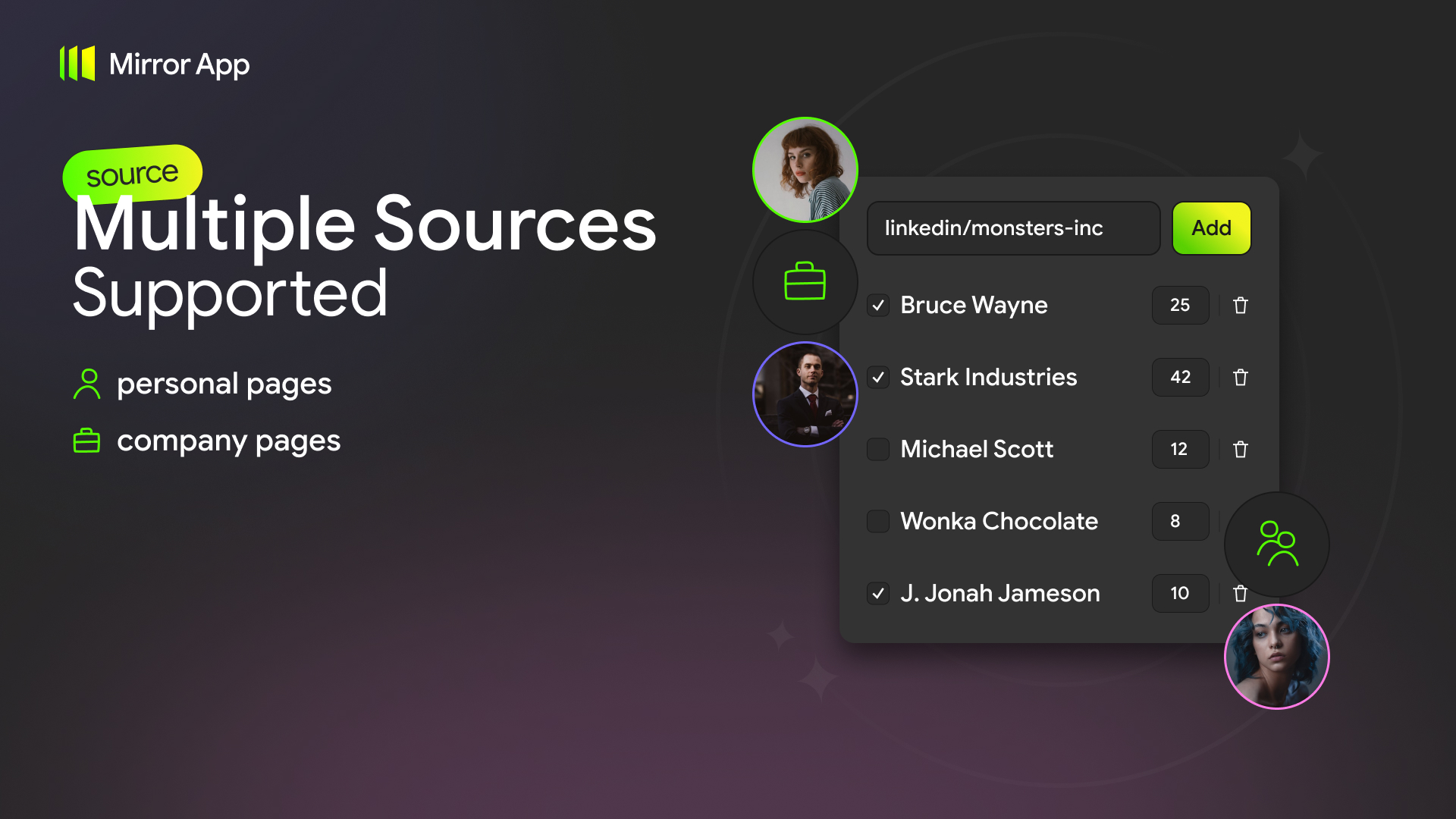
- LinkedIn company pages
- LinkedIn personal profiles
How it works
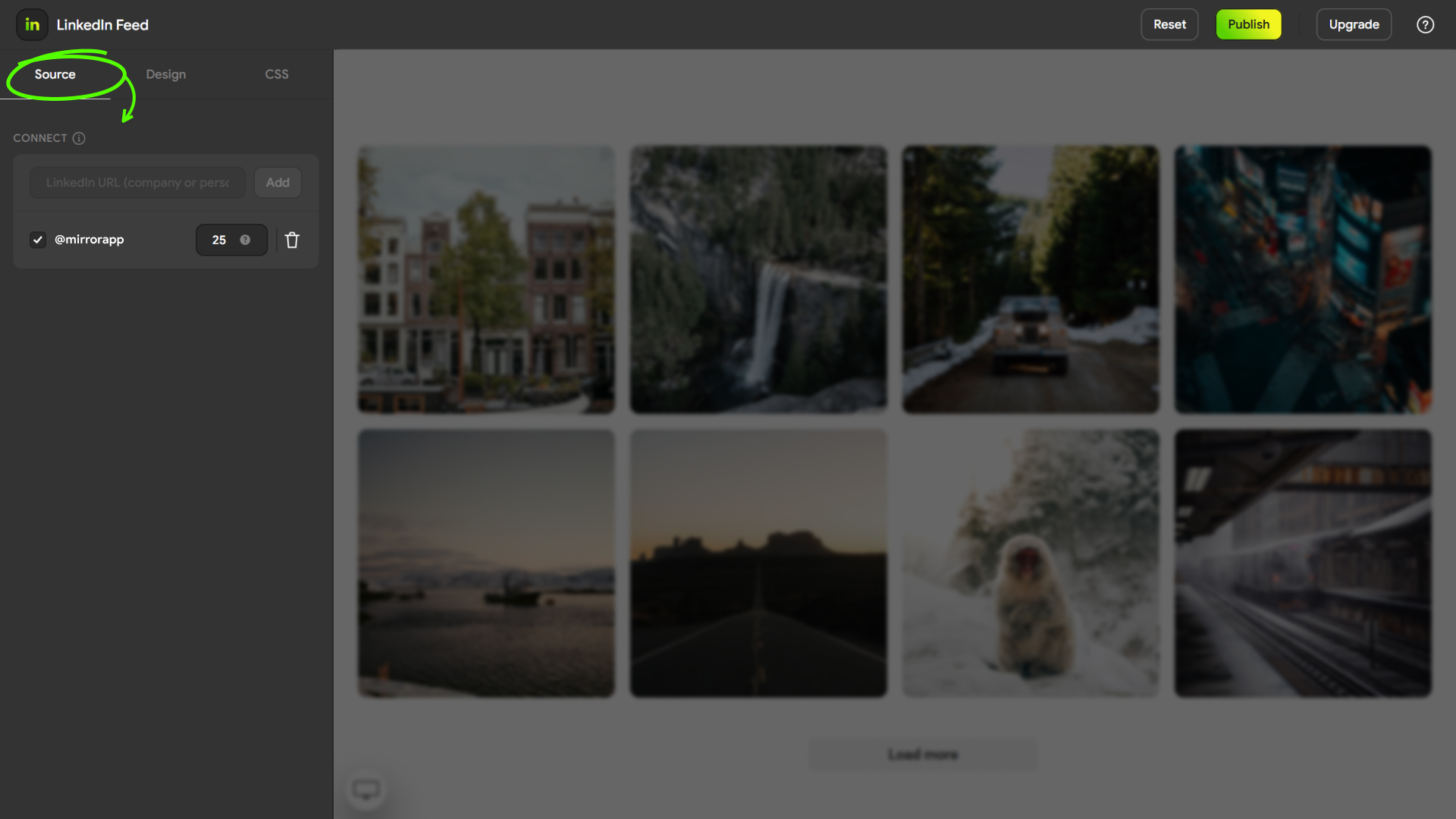
- Create a LinkedIn feed in your Mirror App dashboard.
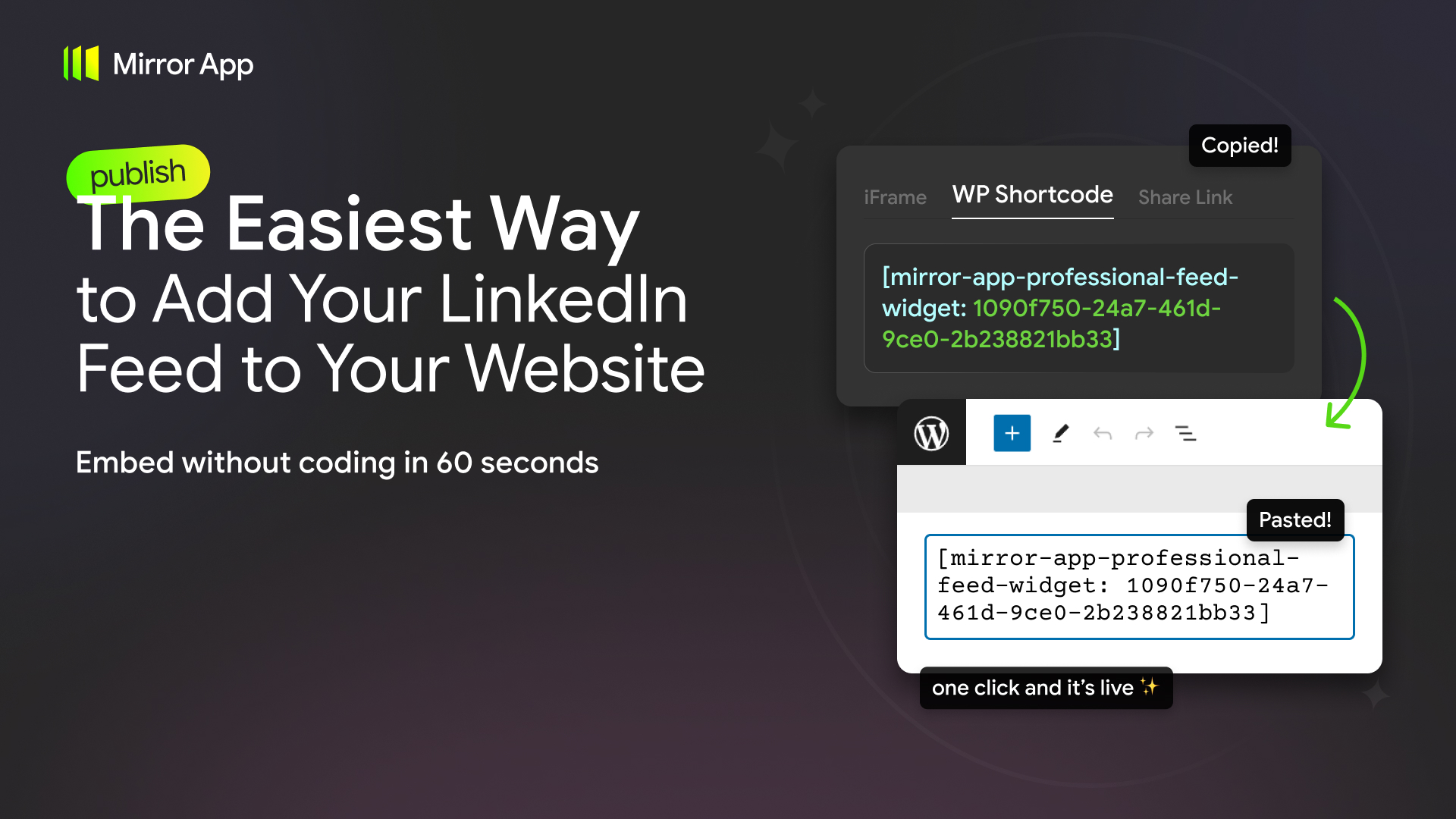
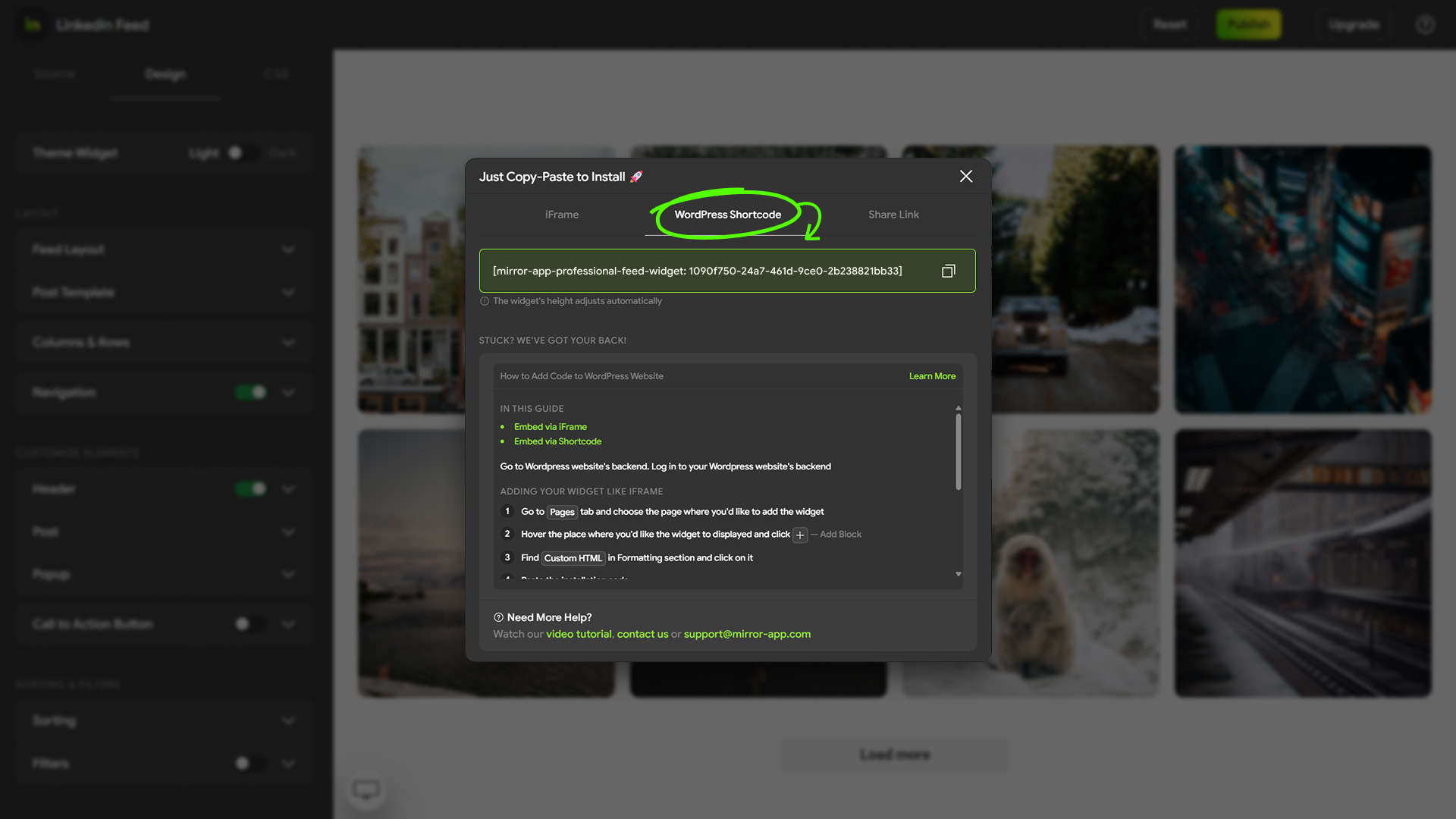
- Copy the generated shortcode.
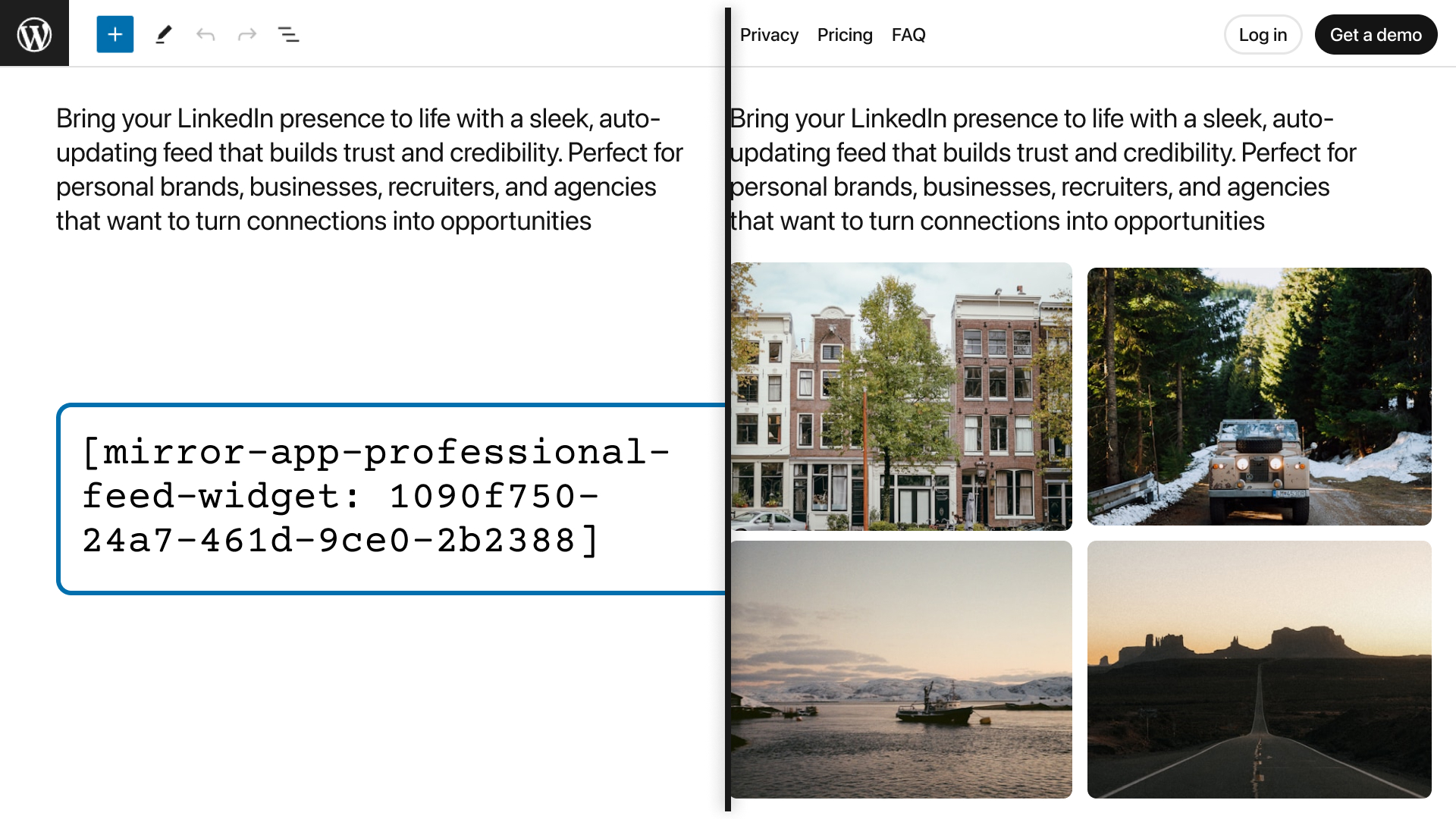
- Paste it into any post, page, or widget area — the feed appears instantly.
Dashboard link: Mirror App dashboard
Why this plugin
- Simple setup — configure everything inside Mirror App (no API keys or tokens in WordPress).
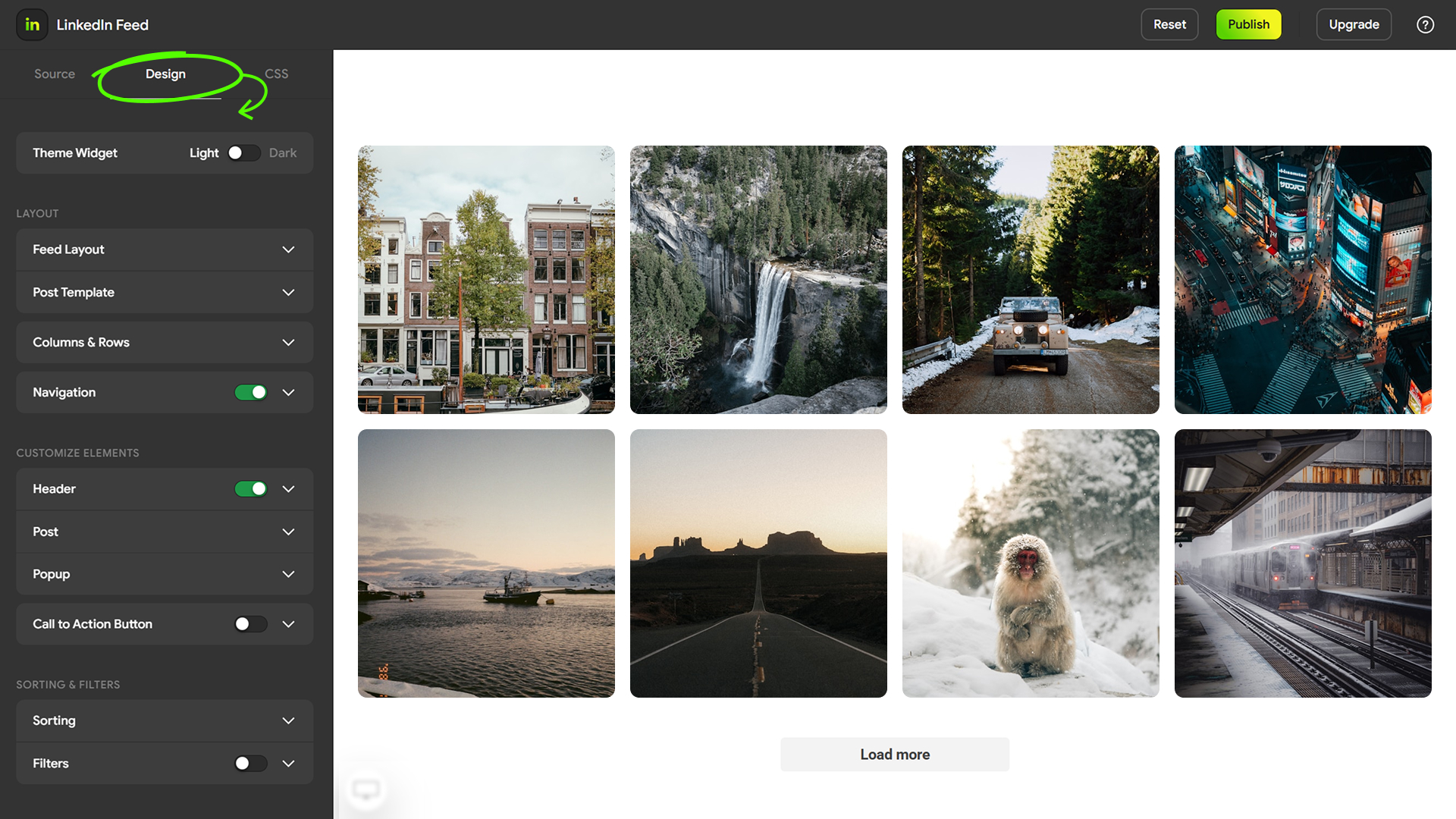
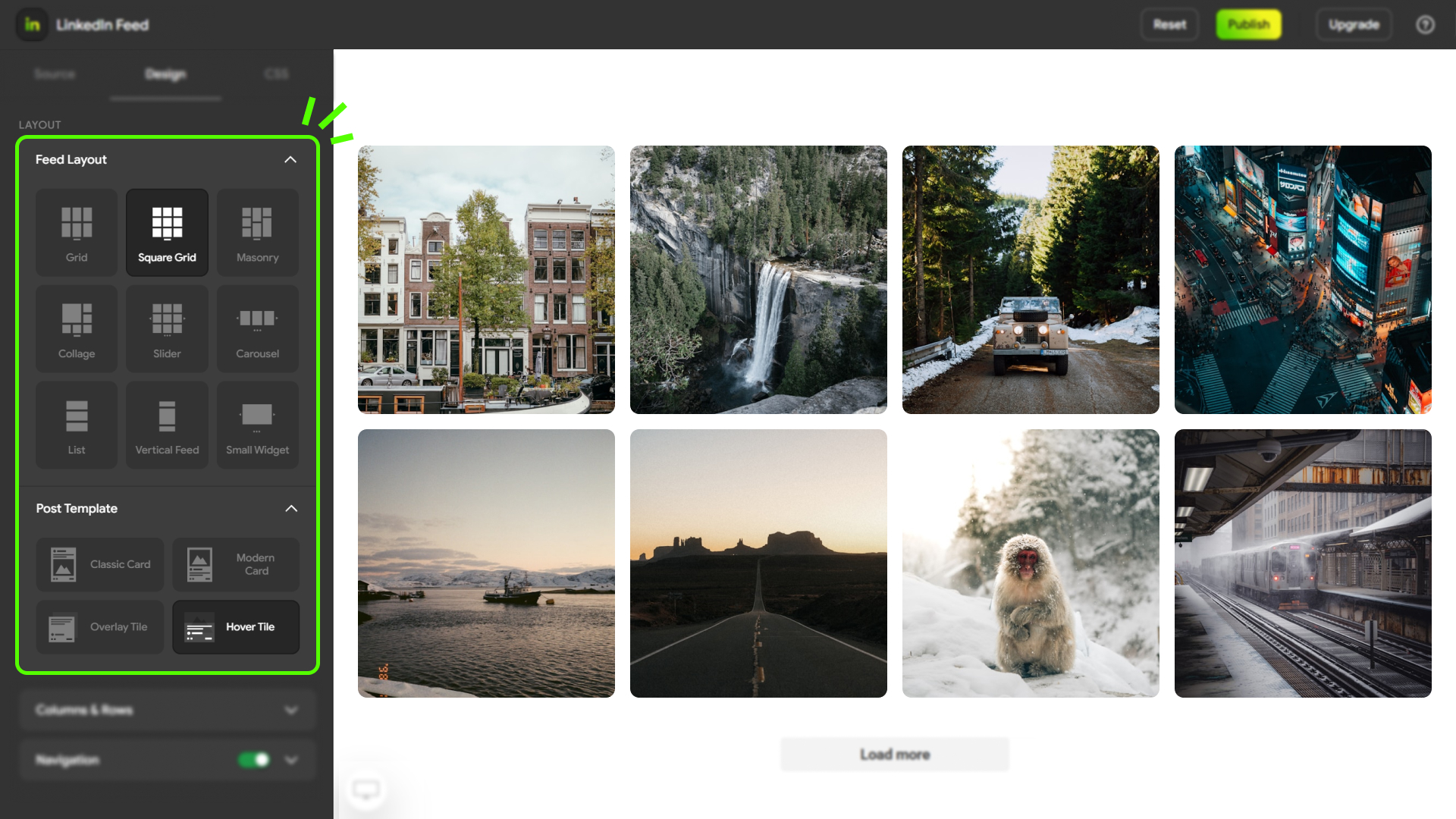
- Customizable design — layouts, spacing, fonts, colors, templates.
- Responsive — looks great on desktop and mobile.
- Multi-feed support — place multiple feeds on one or several pages.
- Works with popular builders — Gutenberg, Elementor, Divi, Classic Editor.
Features
- Shortcode embed:
[mirror-app-professional-feed 12345678-aaaa-bbbb-cccc-1234567890ab] - Responsive iframe embed
- Optimized script (loads once per page)
- Custom layouts and templates
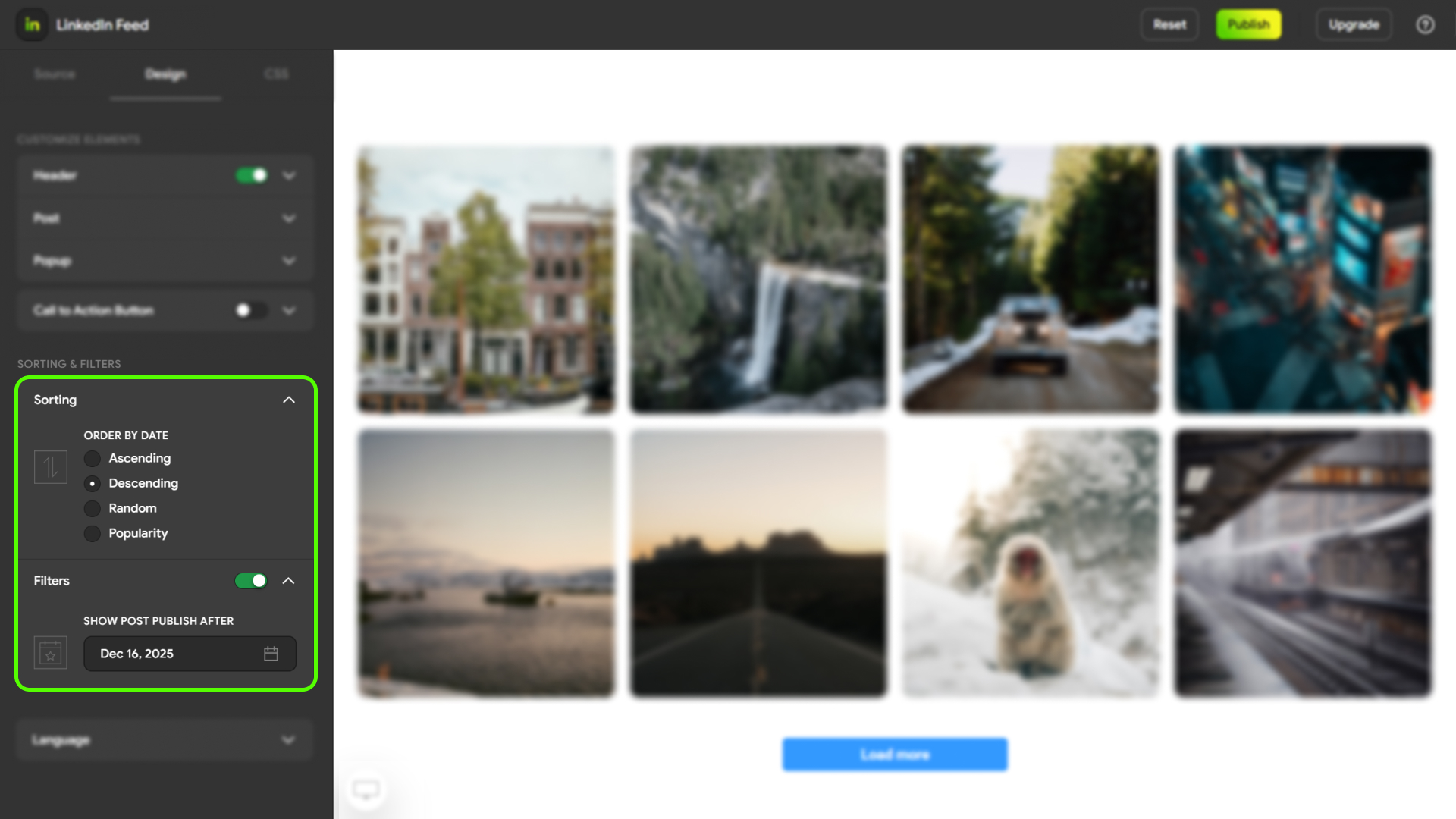
- Sorting and filtering options (configured in Mirror App)
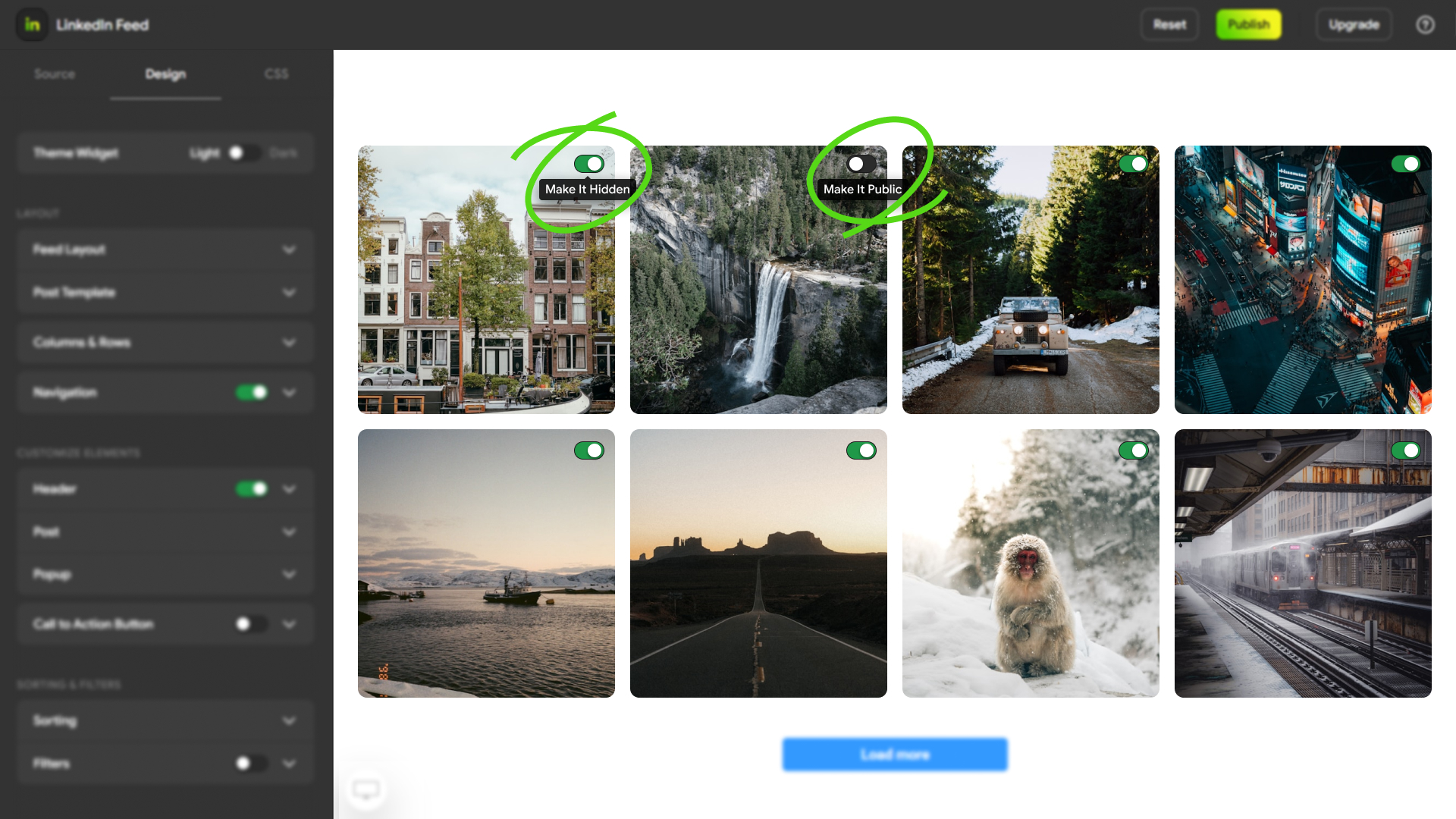
- Popup view for posts (configured in Mirror App)
- Call-to-action button support (configured in Mirror App)
External Services
This plugin embeds a feed widget created in Mirror App and displays it on your site via an iframe. The feed content, account connection, moderation, and updates are handled by the Mirror App service outside of WordPress.
Service: Mirror App
Service page: Mirror App – Professional Feed
Terms of Service: Terms of Service
Privacy Policy: Privacy Policy
Legal
The plugin requires an active Mirror App account to create and manage widgets.
This plugin is not affiliated with or endorsed by LinkedIn Corporation.
All trademarks are owned by their respective holders.
Developers
The plugin uses the @mirrorapp/iframe-bridge library to support responsive iframe resizing and secure message communication between WordPress and the embedded feed.
Documentation:
vendor/iframe-bridge/README.md
Installation
- Upload the plugin files to the
/wp-content/plugins/mirror-app-professional-feed/directory, or install the plugin directly from the WordPress Plugin Directory. - Activate the plugin through the Plugins menu in WordPress.
- Go to your Mirror App dashboard, connect your LinkedIn profile or company page, customize your feed, and copy the shortcode.
- Paste the shortcode into any post, page, or widget area where you want the feed to appear.
Note: The plugin does not handle authentication or API requests inside WordPress — it only embeds the ready-made widget created in Mirror App.
Screenshots
Example of a Professional Feed embedded in a WordPress page
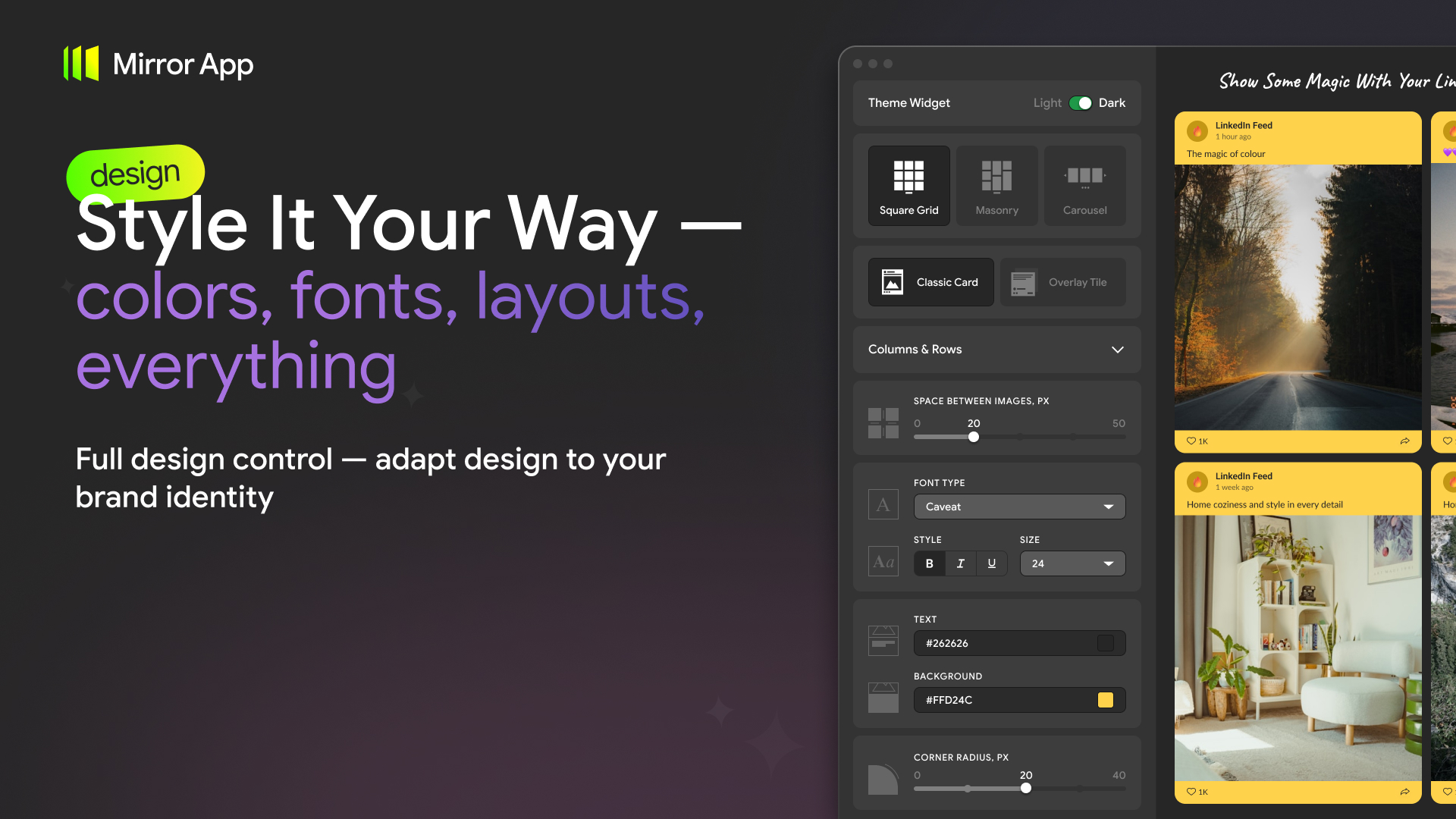
Mirror App dashboard — feed customization
Layout and template selection
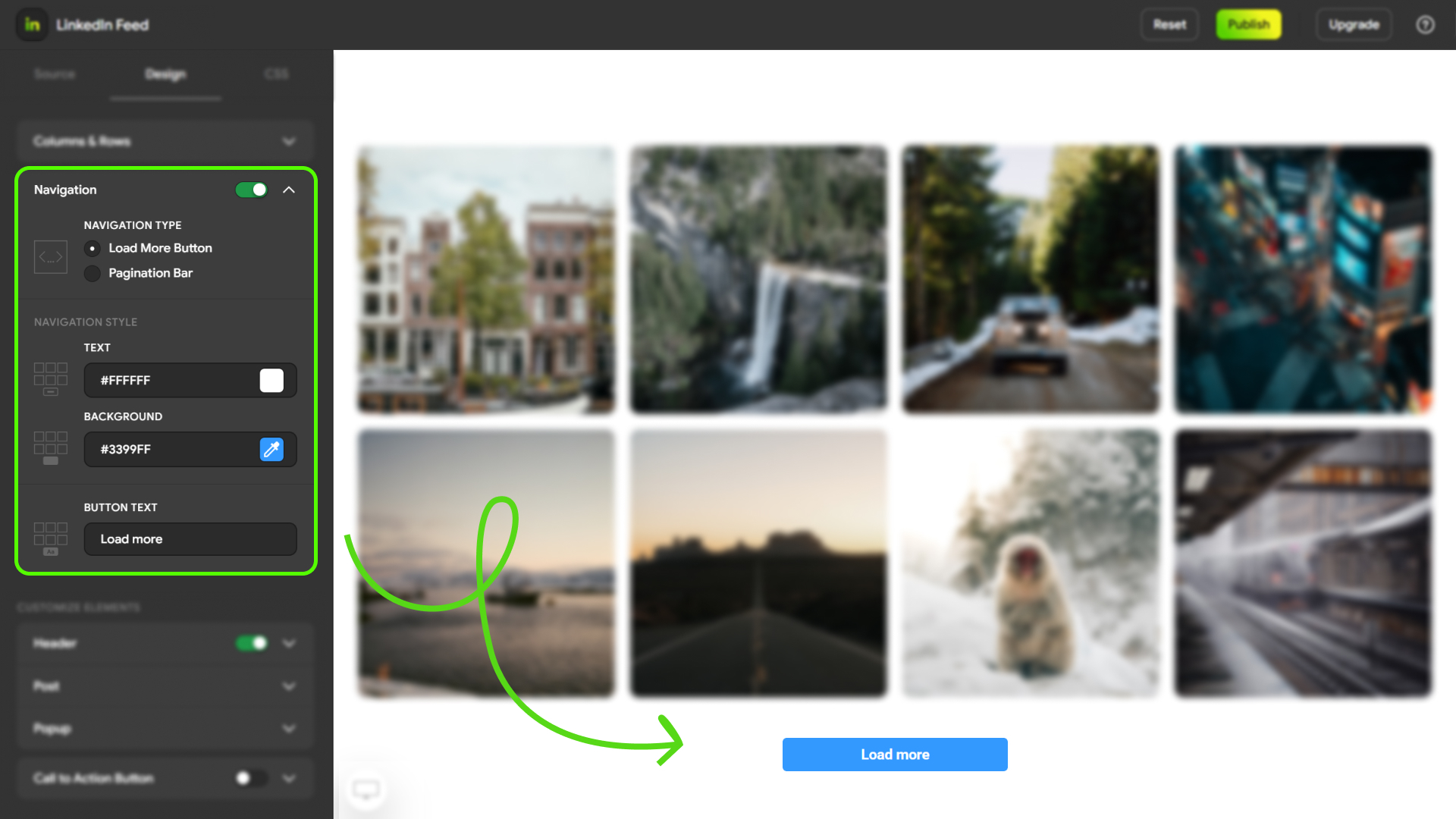
Navigation and header settings
Sorting and filtering options
Example of the popup view
Faq
No. Just copy and paste the shortcode generated in Mirror App.
Yes. The plugin is free. Mirror App offers free and paid plans with additional features.
Yes. The embedded feed automatically adapts to different screen sizes.
All customization — layout, design, connected sources, moderation, and update settings — is done in the Mirror App dashboard.
You can connect multiple company pages or personal profiles in Mirror App, then choose which feed(s) to embed on your site.
No. The plugin does not process data or perform authentication inside WordPress.
All account connection and data handling are managed by Mirror App.
Help Center: Mirror App Help Center
WordPress forum: WordPress Support Forum
Email: support@mirror-app.com
Reviews
Changelog
1.0.0
Initial release: shortcode support for Mirror App – Professional Feed
Supports LinkedIn company pages and personal profiles (configured in Mirror App)
Multiple layouts and templates
Popup view and call-to-action button (configured in Mirror App)
Sorting and filtering options (configured in Mirror App)
Mobile optimization