MKWebTech Conversion Blocks
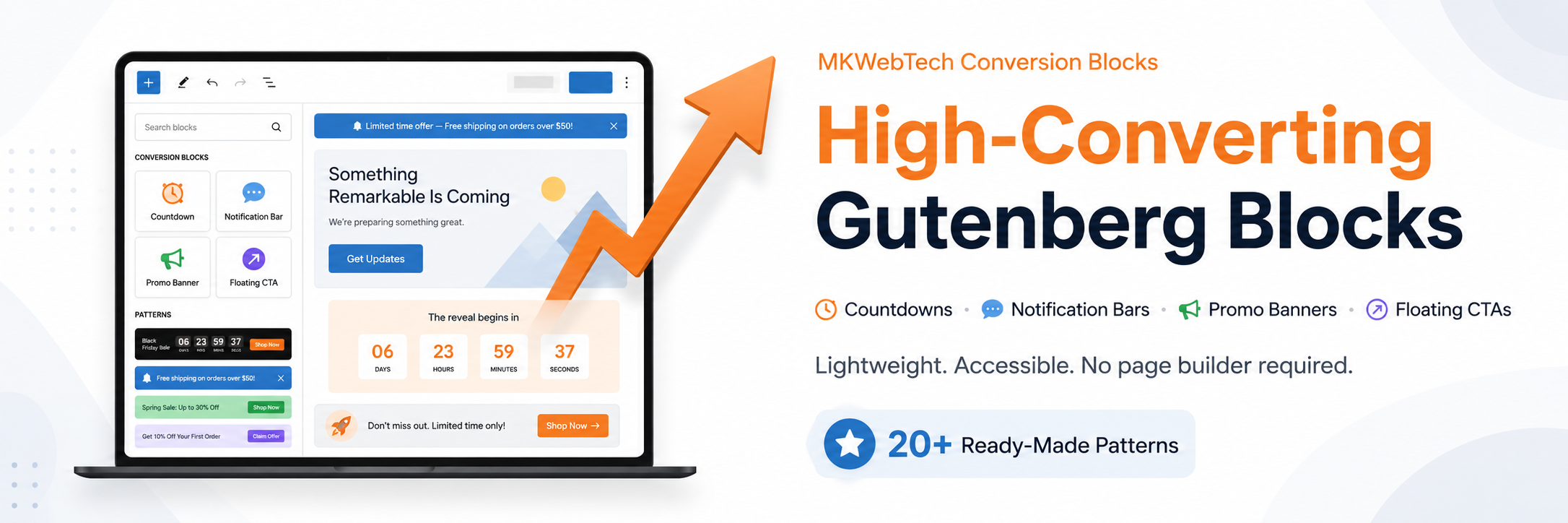
MKWebTech Conversion Blocks
Description
Beautiful, lightweight Gutenberg marketing blocks for sales, promotions, and WooCommerce — without page-builder bloat.
Add countdown timers, notification and announcement bars, promo banners, coupon offers, and floating CTAs directly in the native WordPress block editor — no additional page builder required.
MKWebTech Conversion Blocks is Gutenberg native, WooCommerce compatible, and ready to use with 31 sales, launch, product, and engagement patterns. Choose from original premium templates designed for ecommerce campaigns, SaaS launches, seasonal promotions, and limited-time offers, then customize the content and colors in the editor.
Countdown & Urgency
Build a Gutenberg countdown timer for a fixed date, an evergreen deadline, or a recurring daily or weekly sale countdown. Choose what happens at expiry: leave the timer at zero, hide it, show a message, or redirect visitors. Custom unit labels, zero-unit controls, headings, CTA buttons, responsive digit sizes, and premium countdown templates help the timer fit each campaign.
Notification & Announcement Bars
Create a WordPress announcement bar or Gutenberg notification bar at the top or bottom of a page. Bars can be sticky or static, dismissible, scheduled for a start/end window in the WordPress site timezone, and set to auto-hide. Add rich text, an optional icon, a CTA button, responsive visibility, and display targeting.
Promo Banners
Build promotional hero sections and sale banners with badges, descriptions, primary and secondary CTA buttons, flexible layouts, background images, overlays, responsive visibility, and premium visual presets. Layouts include horizontal, vertical, centered, split, and hero compositions.
Coupon & Offer Box
Present coupon codes and promotional offers in a memorable offer box. Add a discount badge, description, expiry note, CTA, and an accessible copy-to-clipboard button with status feedback and a browser fallback. Premium designs include ticket, SaaS, bold discount, luxury, minimal code, and gradient treatments.
Floating CTA
Keep a conversion prompt visible in a configurable viewport position. Choose device visibility, responsive offsets, heading and description content, an icon, a CTA button, and subtle reduced-motion-aware entrance effects. Compact pill, dock, bubble, mobile action bar, and premium card designs avoid unnecessary page obstruction.
WooCommerce Targeting
WooCommerce is optional. When it is active, each conversion block can target:
- The Shop page
- All product pages
- Product category archives
- Cart or Checkout
- Specific product IDs
- Specific product category IDs, including products in those categories
- Products that are on sale, in stock, or out of stock
Blocks can also display across the entire site, on the front page, posts, pages, selected content IDs, or safe matching URL paths. Logged-in and logged-out audience visibility is available with documented full-page cache guidance.
31 Ready-Made Patterns
Insert complete campaign combinations instead of starting from a blank page. The built-in pattern library includes Black Friday, Cyber Monday, Product Launch, Flash Sale, Free Shipping, New Collection, Coupon Offer, Weekend Sale, SaaS Launch, Holiday Promotion, Limited Time Offer, and other focused sales and engagement patterns.
Lightweight by Design
- WordPress loads a block’s frontend CSS and JavaScript only when that block is used.
- There is no global frontend bundle.
- Interactive behavior uses dependency-free frontend JavaScript.
- No jQuery, external font, icon library, analytics, telemetry, or remote service is required.
- Shared CSS and editor components keep premium templates consistent without turning the plugin into a page builder.
Installation
- Upload the
mkwebtech-conversion-blocksdirectory to/wp-content/plugins/, or install the plugin ZIP from Plugins > Add New. - Activate MKWebTech Conversion Blocks.
- Open the block editor and browse the MKWebTech block category or the bundled pattern library.
Screenshots

Conversion Block Preview in Gutenberg Editor.

Key Features of Conversion Blocks.

Conversion Block Dashboard.

Conversion Blocks Basic Settings Page.


Faq
Yes. All five blocks are built for the native WordPress block editor and provide live editor previews that use the same design classes as the frontend.
No. MKWebTech Conversion Blocks is built for the native WordPress block editor and does not require an additional page builder.
Yes. WooCommerce is optional. When active, it enables store-aware targeting for shop, product, product category, cart, checkout, specific product/category, sale, and stock contexts.
Yes. The Countdown Timer block supports fixed-date, evergreen, daily, and weekly countdowns, plus custom labels, expiry actions, CTA content, and multiple visual templates.
Yes. The Sticky Notification Bar supports top or bottom placement, sticky or static behavior, scheduling, dismissal, optional auto-hide, icons, CTA buttons, targeting, and responsive visibility.
Yes. Target the Shop, product, product category, Cart, or Checkout context. You can also enter specific product or category IDs and target product sale or stock state.
The plugin uses WordPress block metadata for conditional frontend assets. Only assets for blocks present on a page are loaded, there is no global frontend bundle, and frontend scripts do not depend on jQuery. Actual performance depends on the active theme, hosting, content, and other plugins.
Yes. The blocks work in the WordPress block editor and can be used with block themes. Sticky and floating placements should be reviewed with the active theme because headers, footers, and other fixed elements vary between sites.
No. Add blocks and patterns from the editor, choose a template, and customize their settings. Developers can also use the documented filters and standard block metadata.
Reviews
Changelog
1.2.1
- Tested for WordPress version 7.1
- Minor Bug fixes
1.2.0
- Redesigned the template library with 29 new premium visual presets across all five blocks.
- Added accessible visual template preview cards in the block inspector.
- Improved shared spacing, visual hierarchy, responsive layouts, focus states, and reduced-motion behavior.
- Refreshed priority campaign patterns and added a new SaaS Launch pattern.
- Improved the WordPress.org description, feature organization, search intent, FAQ, and performance documentation.
- Preserved existing template IDs and conditional, block-specific frontend asset loading.
1.1.0
- Added generic display and optional WooCommerce targeting.
- Added Notification Bar scheduling in the WordPress site timezone.
- Added daily and weekly countdown resets, custom labels, and zero-unit controls.
- Added the accessible Coupon / Offer Box block.
- Expanded the pattern library to 30 patterns and added a Pattern Library admin page.
- Added first-run guidance and factual performance information.
1.0.0
- Added the initial plugin architecture.
- Added the Countdown Timer block.
- Added the Sticky Notification Bar block.
- Added the Promo Banner block.
- Added the Floating CTA block.
- Added the modular Global Settings framework and administration pages.
- Added the automatically registered Block Pattern Library.