MKWebTech Variation Swatches for WooCommerce

MKWebTech Variation Swatches for WooCommerce
Description
MKWebTech Variation Swatches for WooCommerce transforms the default WooCommerce variation dropdowns into modern visual swatches while keeping the native variation selectors for full WooCommerce compatibility.
Customers can choose product variations using color swatches, dual-color swatches, or image swatches for a faster and more intuitive shopping experience.
The plugin is lightweight, accessible, and designed to work seamlessly with WooCommerce.
Features
- Color swatches
- Dual-color swatches
- Image swatches
- Keyboard accessible controls
- Screen reader friendly
- Native WooCommerce compatibility
- Keep original variation dropdowns for compatibility
- Tooltips for variation values
- Display swatches on single product pages
- Display swatches in shop and archive pages
- Configure unavailable variation appearance
- Responsive design
- Per-term swatch settings
- Customizable swatch styles
- Lightweight with no tracking or analytics
The plugin does not send any store or customer data to external services.
Installation
- Install and activate WooCommerce.
- Upload the plugin to
/wp-content/plugins/or install it from Plugins Add New. - Activate MKWebTech Variation Swatches for WooCommerce.
- Go to Products Attributes and choose the desired swatch type for an attribute.
- Edit the attribute terms to configure colors, dual colors, images, and tooltip text.
- Configure the global settings under WooCommerce MK Swatches.
Screenshots
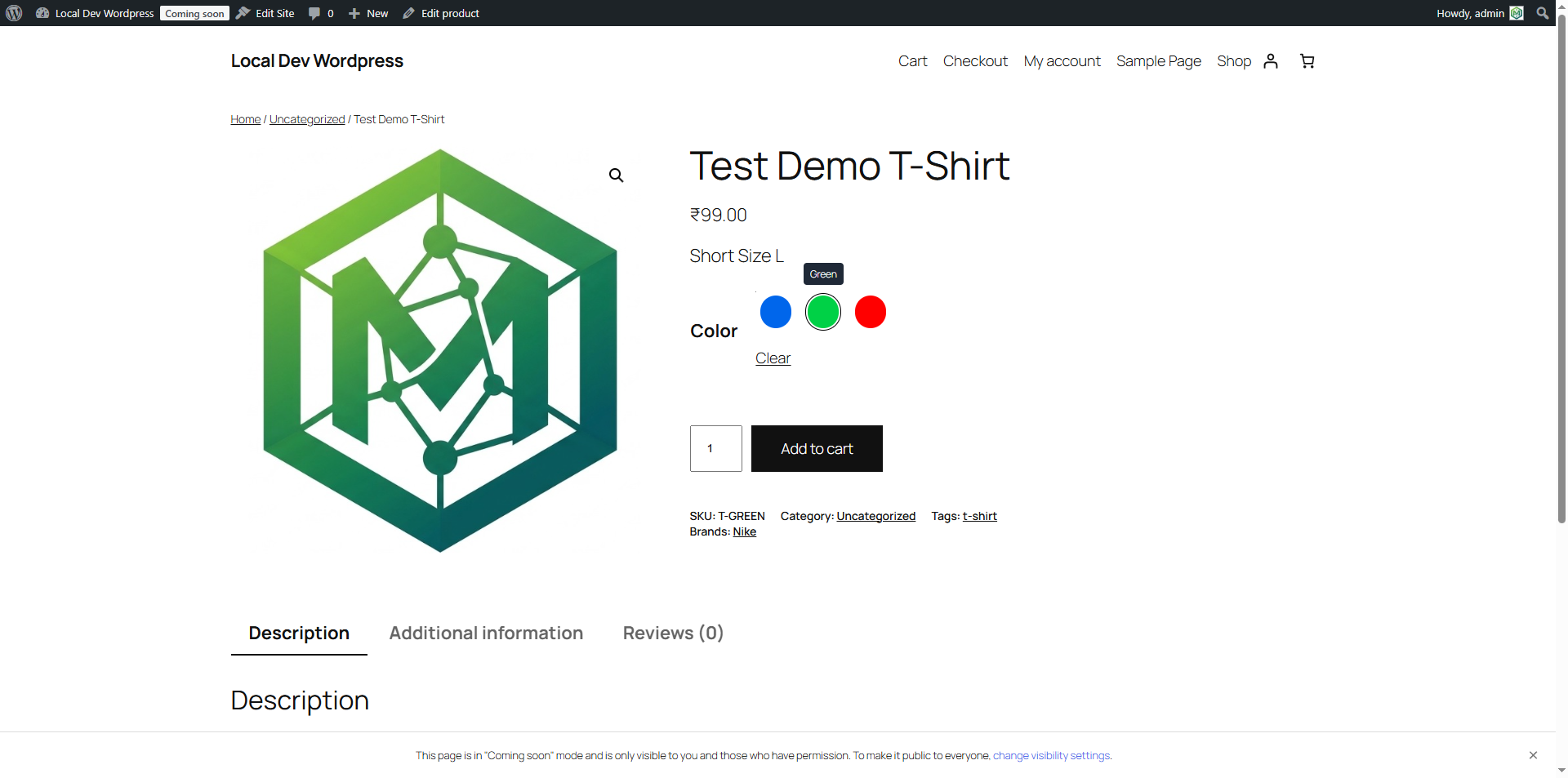
Color variation swatches displayed on a variable product.
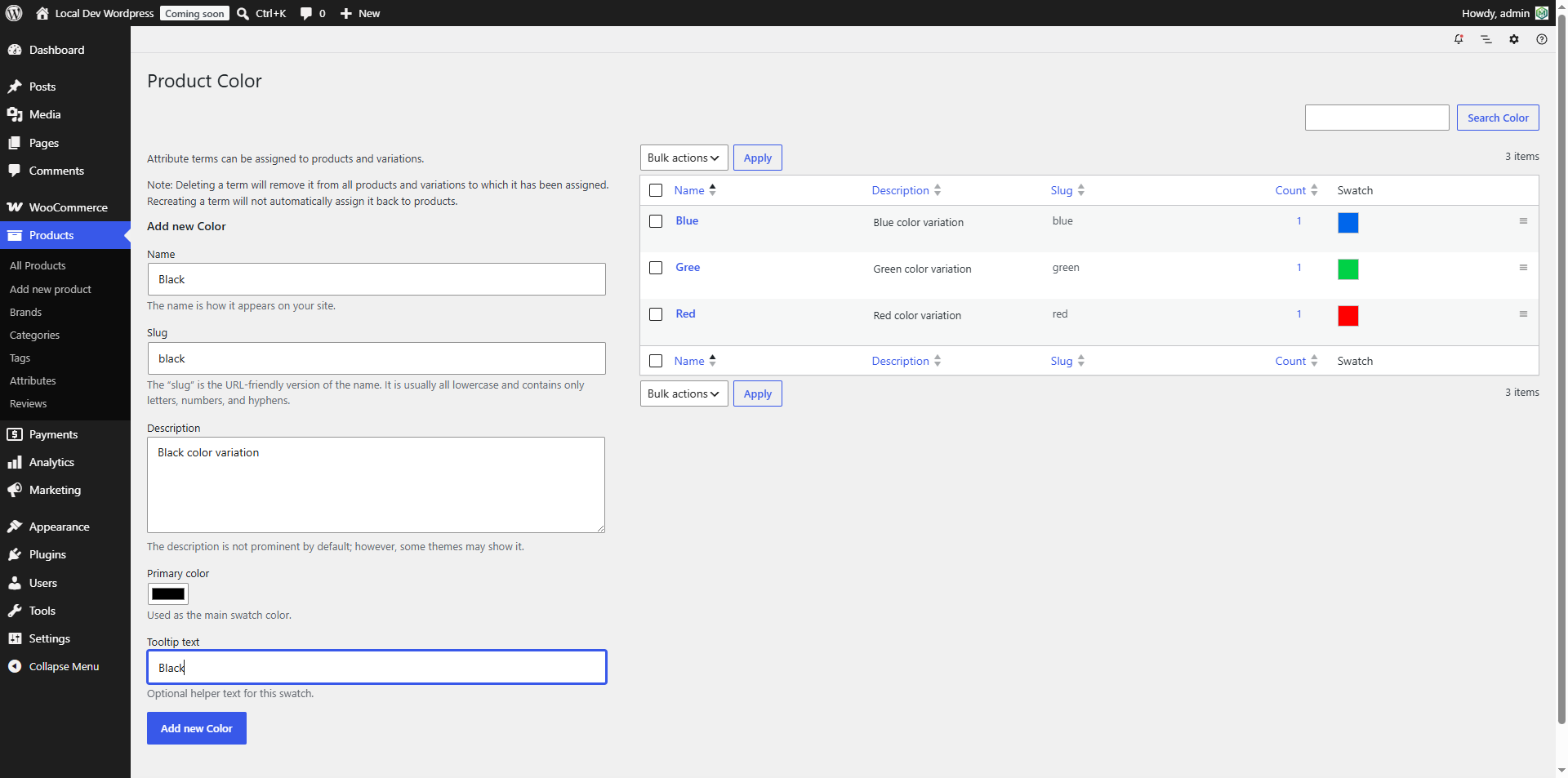
Configure swatch types under Products → Attributes.
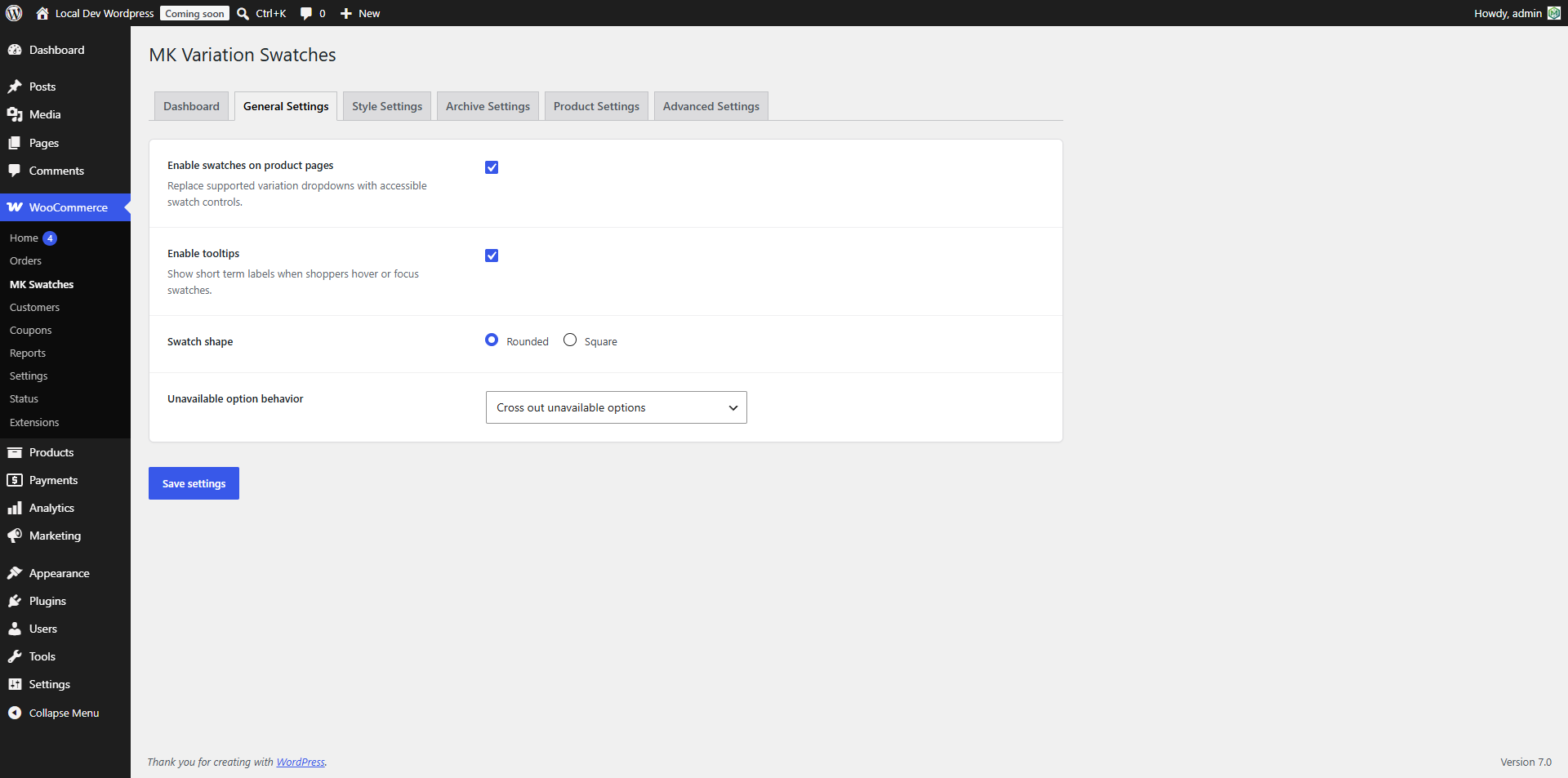
General settings.
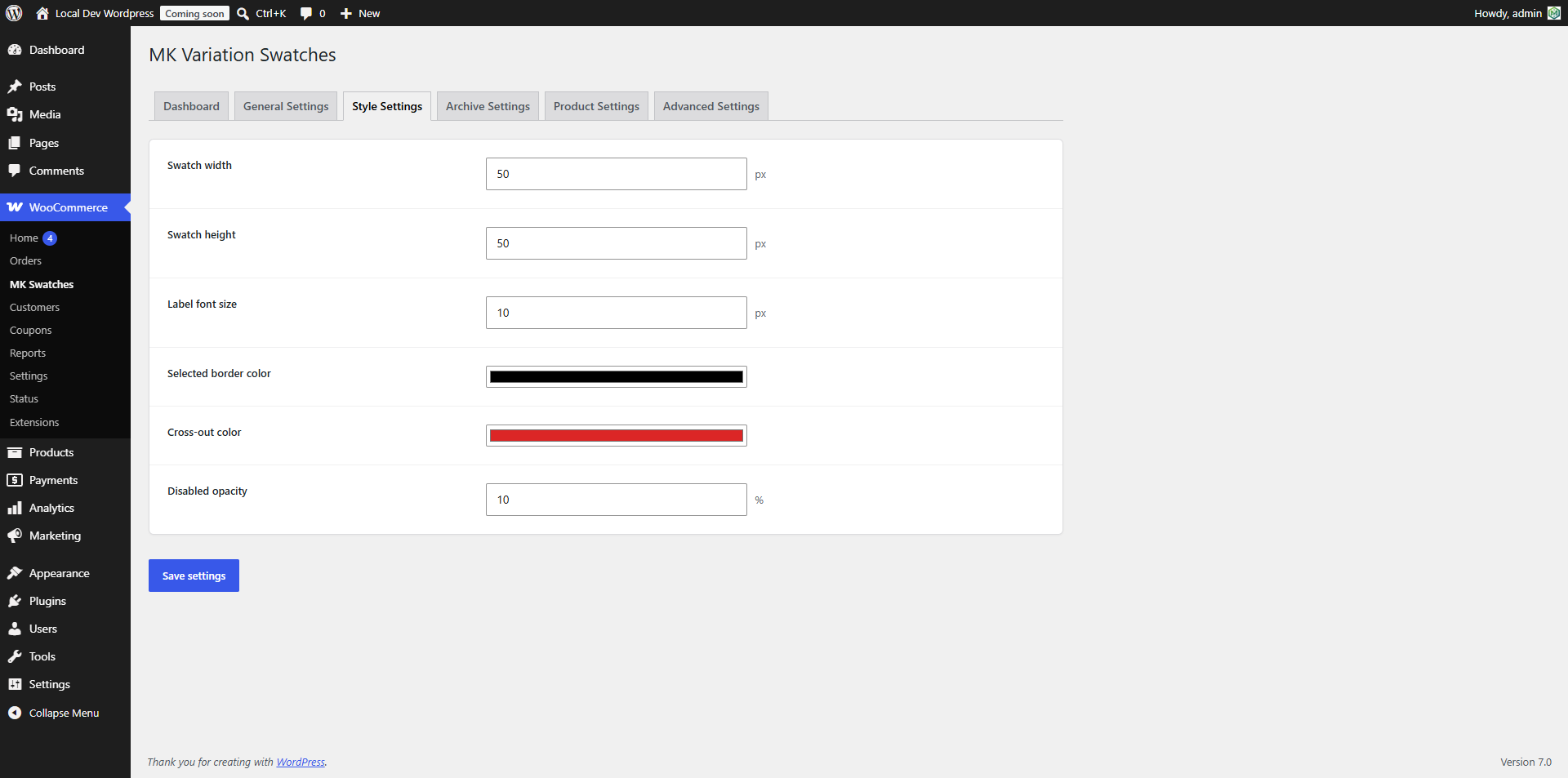
Style settings.
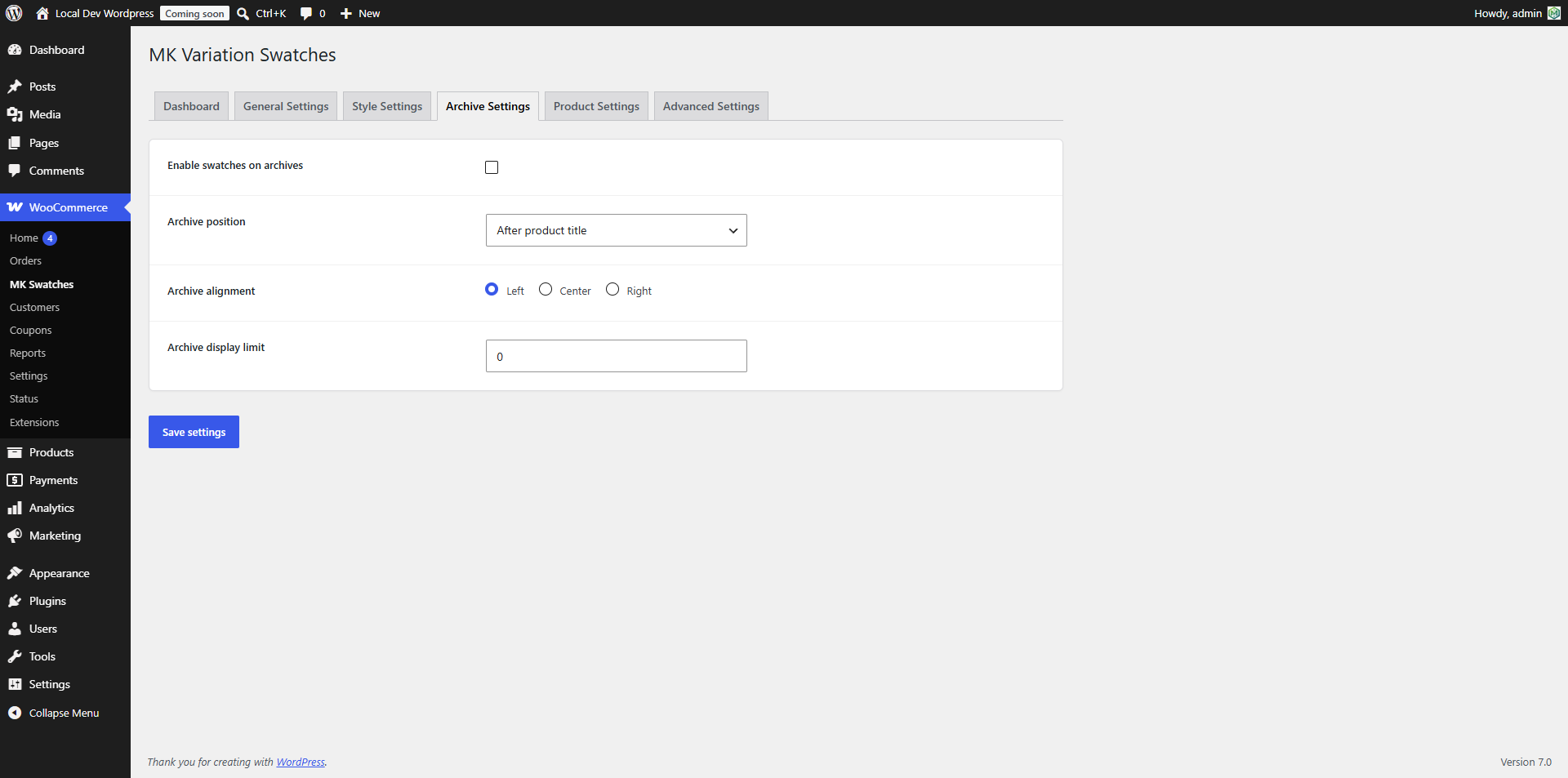
Shop and archive page settings.
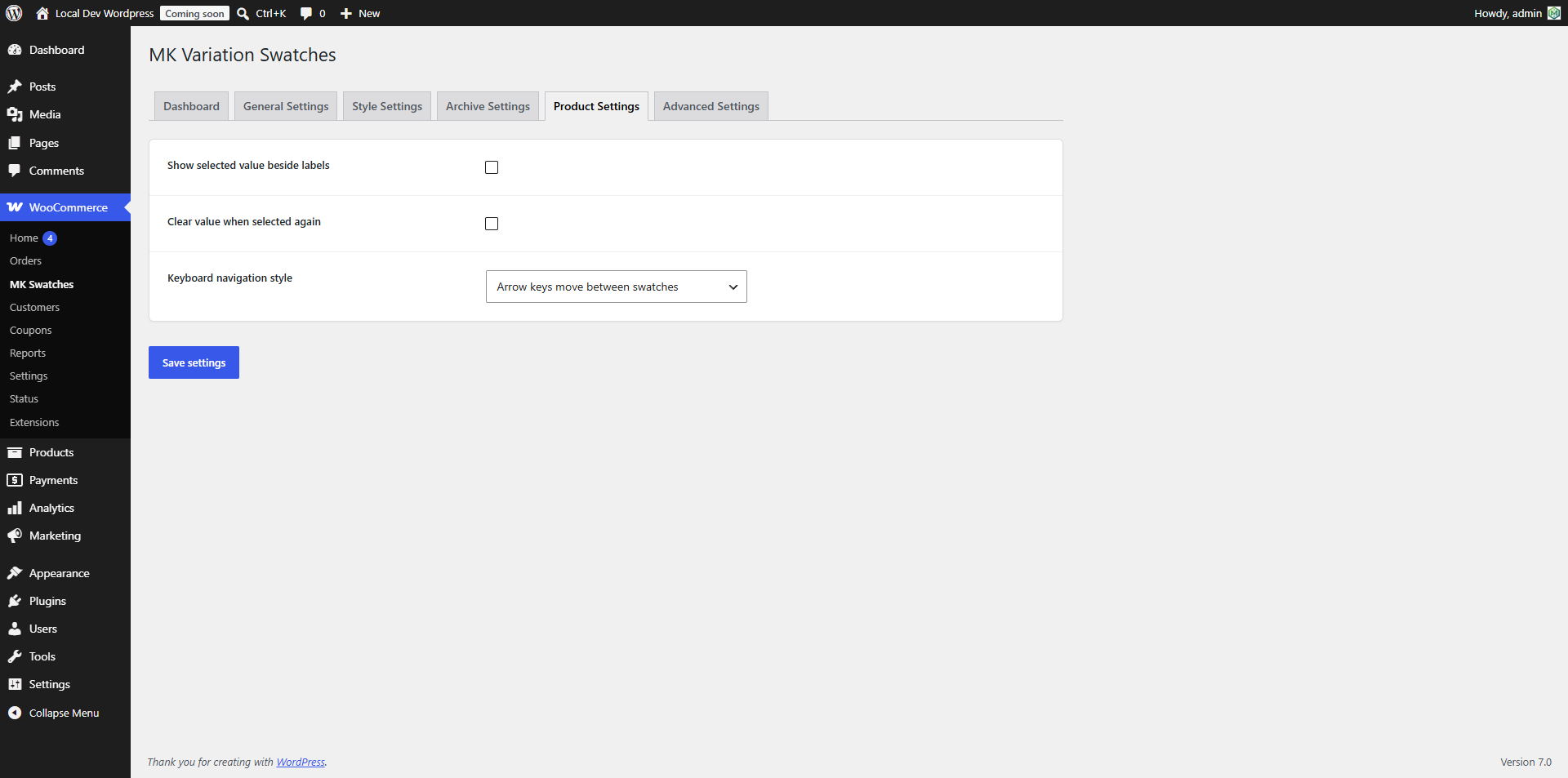
Single product page settings.
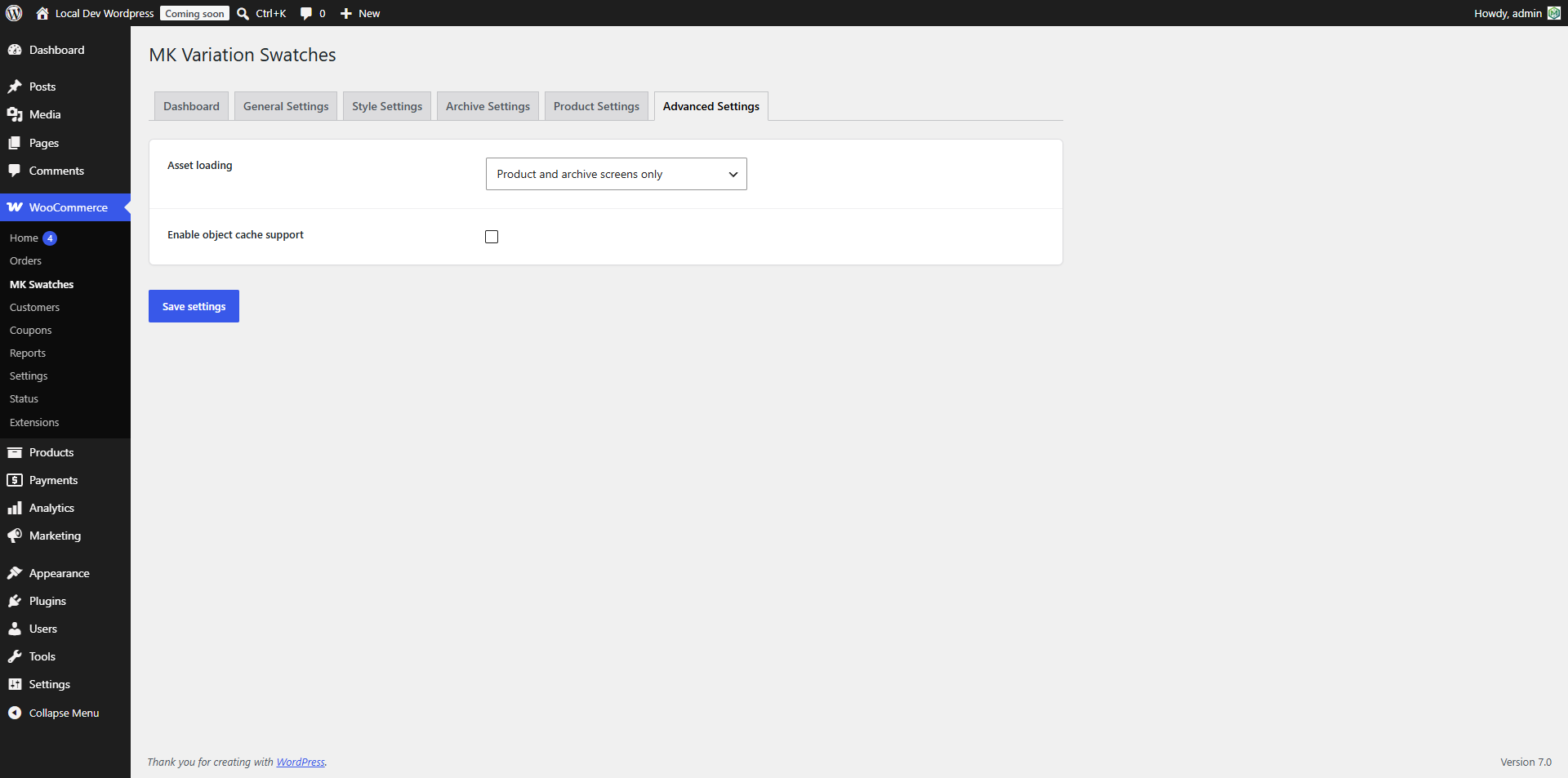
Advanced settings.
Faq
Yes, visually. The original WooCommerce variation dropdowns remain in the page and continue to power variation selection, ensuring maximum compatibility with WooCommerce and other plugins.
The plugin supports:
- Color swatches
- Dual-color swatches
- Image swatches
Yes. Swatches can be displayed on both single product pages and product archive pages.
Yes. The swatches are keyboard accessible and designed to work with screen readers.
No. The plugin does not communicate with external services and includes no analytics or tracking.
Yes. The plugin declares compatibility with WooCommerce High-Performance Order Storage (HPOS).
Reviews
Changelog
1.0.0
- Initial release.