ModernPress Addons
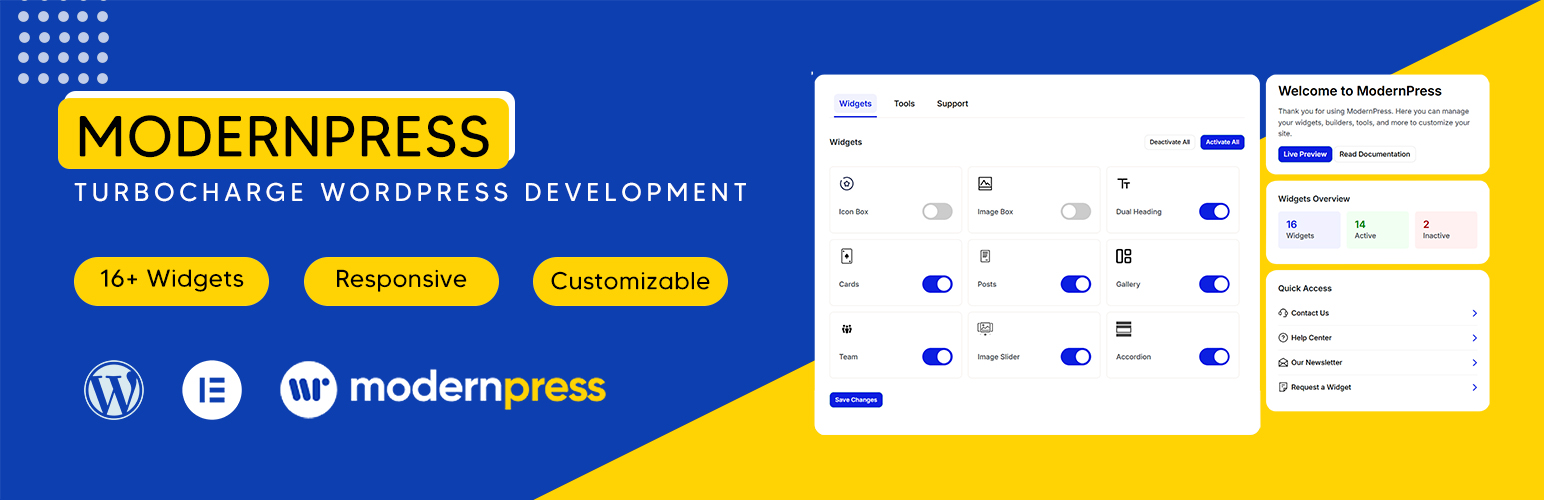
ModernPress Addons
Description
ModernPress Addons provides a suite of Elementor widgets designed to enhance the functionality and aesthetics of your WordPress website. Whether you need advanced design elements, interactive sections, or better content structuring, this plugin helps you achieve a professional look effortlessly.
Features:
✔ 16+ Custom Elementor Widgets
✔ Fully Responsive & Mobile-Friendly
✔ Lightweight & Optimized for Speed
✔ No Coding Required
✔ Regular Updates & New Widgets
Some of the widgets included:
• Posts
• Categories
• Search
• Client Logos
• Cards
• Testimonials
• Team Members
• Accordions
• Social Media Icons
• Image Gallery
• Image Slider
• Tables
• Tabs
• …More widgets to be added soon!
Start designing with ModernPress Addons and make your website stand out! 🚀
Support & Documentation
For support, visit our website: https://modernpress.io
Installation
- Upload via WordPress:
- Go to Plugins Add New.
- Search for “ModernPress Addons.”
- Click “Install Now” and activate.
- Manual Upload:
- Upload the
modernpress-addonsfolder to/wp-content/plugins/. - Activate the plugin through the ‘Plugins’ screen in WordPress.
- Upload the
- Open Elementor and start using the new widgets under ModernPress Addons.
Screenshots

Admin Panel - Widgets Control

Admin Panel - Tools Control

Admin Panel - Support Page

Elementor Widgets

Image Gallery

Posts Widget

Card Widget

Testimonial Widget

Team Members Widget

Post Category Widget

Image Slider Widget

Clients Logos Widget

Accordions Widget

Table Widget

Tabs Widget

Search Widget

Social Icons Widget
Faq
No, ModernPress Addons works with both the free and pro versions of Elementor.
No. The plugin is built for performance and does not add unnecessary bloat.
Yes! It is compatible with any Elementor-compatible theme.
Reviews
Love it !
By 
Outstanding Plugin to build website with theses stunning elementor widget
Changelog
1.0.0
- Initial release with 20+ custom Elementor widgets.
1.0.1
- Added 3 more unique widgets (Heading block, Content block, Call to action)