Moneypenny Live Chat
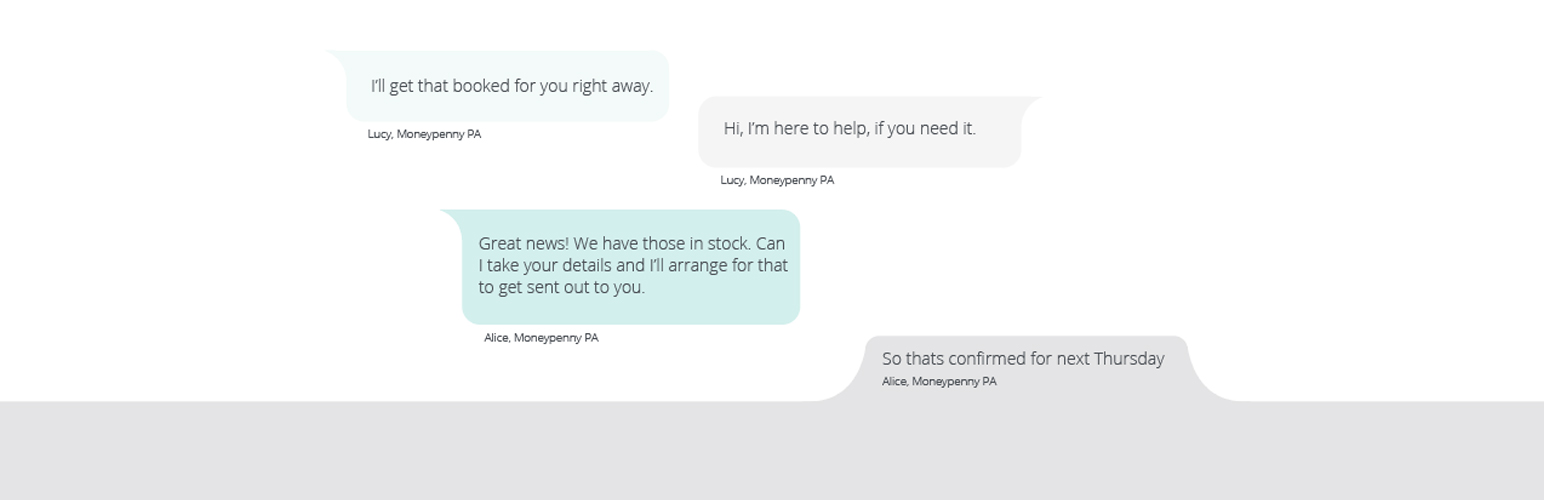
Moneypenny Live Chat
Description
This plugin makes it easy to install and use Moneypenny LiveChat on your WordPress site. Please note: You will need to be a Moneypenny LiveChat client before you can get this plugin to work.
Installation
Automatic Installation:
- You can install this plugin directly from your WordPress dashboard’s ‘Plugins’ section. Go to Plugins > Add New and search for Moneypenny LiveChat
Manual Installation:
- Unzip contents of this .zip file to your
/wp-content/plugins/directory.
After Installation:
- Activate the plugin through the ‘Plugins’ section in WordPress.
- Go to
MP Live Chat - Check enable. Type in your Moneypenny Widget ID.
- Enter your GTM code if you wish to track some events.
- Click “Save Changes”
Screenshots

Plugin via WordPress admin

Plugin on the front end of your website
Faq
Installation Instructions
Automatic Installation:
- You can install this plugin directly from your WordPress dashboard’s ‘Plugins’ section. Go to Plugins > Add New and search for Moneypenny LiveChat
Manual Installation:
- Unzip contents of this .zip file to your
/wp-content/plugins/directory.
After Installation:
- Activate the plugin through the ‘Plugins’ section in WordPress.
- Go to
MP Live Chat - Check enable. Type in your Moneypenny Widget ID.
- Enter your GTM code if you wish to track some events.
- Click “Save Changes”