MooveGO for WooCommerce
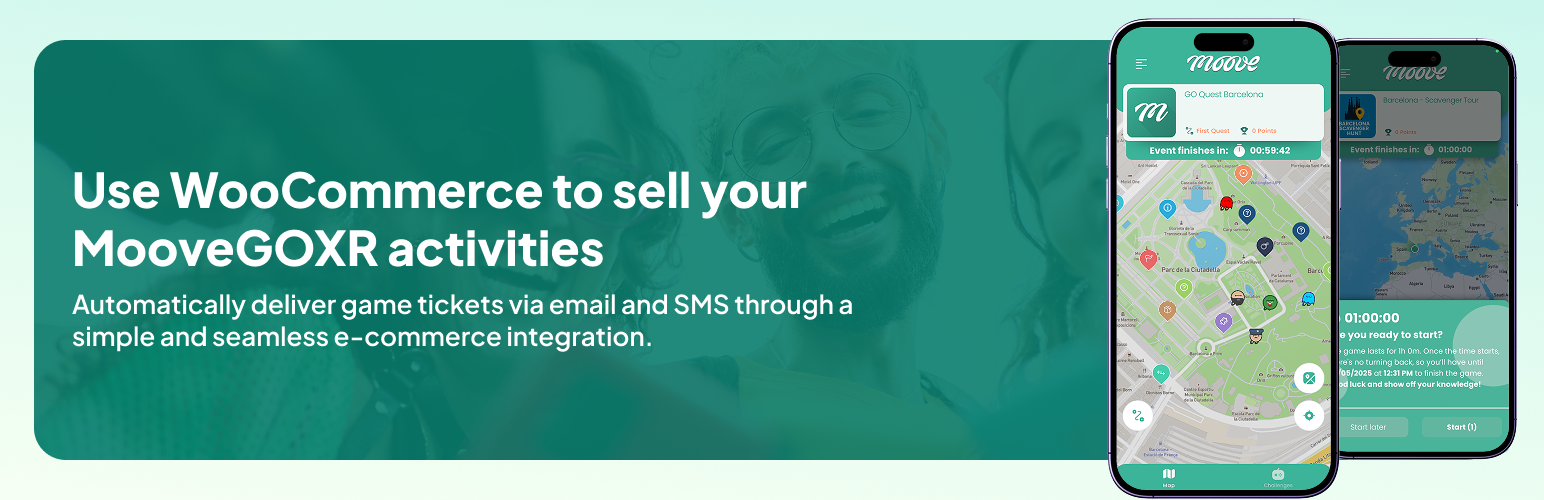
MooveGO for WooCommerce
Description
For every paid order line whose product (or variation) has a Moove Code, the plugin calls the MooveGO API once and stores the result on the order line. It never changes the order status. Failed calls are retried with a bounded backoff, and every request and response can be logged under WooCommerce > Status > Logs (source “moovego”).
Features:
- Send ticket sales automatically on order processing or completion, only once the order is paid
- Supports simple and variable products with per-variation Moove Codes
- Synced order lines are not resent: per-line sync state, idempotency key, and the MooveGO receipt (sale ids and game codes) shown in a “mooveGO” box on the order with a “Resend now” button
- Bounded automatic retries (5 min, 30 min, 2 h, 12 h; at most five API attempts in total) through Action Scheduler; the store owner is emailed once when a line gives up
- “Test connection” button in the settings
- Compatible with WooCommerce High-Performance Order Storage (HPOS)
- API key authentication (X-Moove-Key)
- GDPR-ready: integrates with WordPress privacy tools for data export and erasure
- Debug logging via WooCommerce logs (opt-in)
- Updates distributed by WordPress.org, respecting the site administrator’s automatic-update preferences
- Missing company API keys pause ticket delivery without consuming API attempts; affected orders can be recovered explicitly
- Compatible with PHP 7.4 through 8.3
Settings: WooCommerce > Settings > Integration > MooveGO: server URL, API key, when to send (Processing or Completed), logging and “Test connection”. Update settings are managed by WordPress.
Third-Party Services
This plugin connects to the MooveGO platform operated by Mooveteam to transmit order data for ticket and service fulfillment.
When data is sent: Each time a paid WooCommerce order reaches the configured status (Processing or Completed), the plugin sends an API request to the MooveGO server for every order line that has a Moove Code.
Data transmitted:
- Customer name (billing first and last name)
- Customer email address
- Customer phone number
- MooveGO product code
- Product quantity
- Order reference (order ID, item ID, product ID, product name, item total, site URL)
Service details:
- Default server: https://go.mooveteam.com
- Service website: https://mooveteam.com/
- Terms of Use: https://mooveteam.com/terms-of-use/
- Privacy Policy: https://mooveteam.com/privacy-policy/
Configure the server URL and a company API key for that environment under WooCommerce > Settings > Integration > MooveGO. Save, then test the connection. Without a key, no ticket or connection-test HTTP request is sent. Logging is opt-in; API keys are never included in plugin logs.
Updates
Updates for the directory version are delivered by WordPress.org. Administrators decide whether to enable automatic updates under Plugins > Installed Plugins. The plugin does not fetch update manifests or executable packages from Mooveteam servers and does not override WordPress update preferences.
Installation
- Back up the store and record its settings and pending MooveGO orders before upgrading. Reconcile already issued tickets in the MooveGO backoffice, particularly when upgrading from 1.0-1.2, which may lack reliable sync metadata.
- For 1.5/1.6/1.8 installations in
moovego-for-woocommerce, upload the new zip and choose “Replace current with uploaded”. Do not delete that plugin first: uninstall removes its settings. For 1.0-1.2 inwoocommercemoovegoplugin, deactivate the old plugin and coordinate the replacement with support. Never run both plugins together. - WooCommerce must be active. Activate the new plugin and verify the server URL, product codes and “Send code on” setting.
- In the MooveGO backoffice, generate a company API key using an authorised account (company keys). Use the production key with the production server, or a test key with its matching test server. Do not email the key or include it in screenshots.
- Open WooCommerce > Settings > Integration > MooveGO, enter the key, save, and press “Test connection”. Verify that the expected company is returned. If you cannot generate a key, contact MooveGO support.
- If the key was missing when an eligible order arrived, its line shows
waiting_api_key. After configuring and testing the key, open each affected paid order and use “Resend now”. Saving a key does not send historical orders automatically. - Put the Moove Code on each product (General tab, field “Moove Code”) or on each variation. Run a controlled order and verify its receipt before reopening normal sales.
Faq
The order keeps its status. There are at most five API attempts in total, with retries after 5 minutes, 30 minutes, 2 hours and 12 hours. Missing API keys pause delivery instead of spending those attempts. If every attempt fails the line is marked failed, an order note explains it, the store owner receives one email, and “Resend now” in the mooveGO box of the order sends it again once the cause is fixed. An hourly sweep also re-queues pending lines of orders paid in the last 30 days.
Already synced lines are skipped locally. Each request includes a stable idempotency key so compatible MooveGO servers can return the existing receipt for repeated requests. Before recovering historical orders from older plugins, reconcile their tickets with the backoffice: the new plugin cannot infer successful historical sales where no reliable sync state exists.
The plugin writes an order note; the extra tickets are created manually in the MooveGO backoffice.
Lines version 1.6 had already sent are adopted as synced. Orders 1.6 left on hold while retrying are finished by the hourly sweep and restored to the status they had before.
Yes. All order data is read and written through the WooCommerce CRUD APIs and compatibility is declared.
Customer name, email and phone number, with the product code, quantity and order reference. The plugin integrates with WordPress privacy tools so administrators can export or erase the data it keeps.
Enable logging in the plugin settings, then go to WooCommerce > Status > Logs and select the “moovego” source. Errors are logged even with logging disabled.
WordPress shows a warning on the plugin, WooCommerce settings and order screens. Eligible lines are marked waiting_api_key; no HTTP ticket request is made and no API attempt is consumed. WooCommerce records the order and its payment normally. Configure the key for the correct environment, save and test it, then review affected orders and use “Resend now” individually. A key that is present but rejected with HTTP 401 follows the normal bounded failure handling; correct it before recovery.
With “Send code on” set to Processing, confirm a bank transfer or cheque by moving On hold to Processing, then Completed if needed. Moving directly from On hold to Completed does not automatically send; use “Resend now”. Cash on delivery can send as soon as WooCommerce moves to Processing, before cash is collected. With Completed selected, automatic delivery waits for that status.
No automatic revocation is implemented. Coordinate ticket cancellation in the MooveGO backoffice. Increasing quantity after a line is synced also requires manual handling; synced lines are not issued again.
Reviews
Changelog
1.8.2
- Public release consolidating the internal 1.6.1, 1.7.x and 1.8.x development builds. These intermediate builds were not released on WordPress.org.
- Keep normal WooCommerce order states during ticket delivery and retries. Existing orders put on hold by 1.5/1.6 are restored after their tickets are confirmed.
- Send eligible Processing or Completed orders without requiring a gateway transaction ID or payment date, including cash on delivery and manually confirmed offline payments.
- Track sync state, attempts and receipts per order line. Send stable idempotency keys and never resend lines already marked synced.
- Store sale IDs and game codes from receipts and show line status in the order’s MooveGO box. Resend now handles only unsynced lines of the selected order.
- Require the company API key for ticket and connection-test requests, using the X-Moove-Key header. Add a Test connection button.
- Pause eligible lines when the API key is missing, without HTTP requests or consumed attempts. Add contextual setup guidance and explicit recovery; saving a key does not replay historical orders.
- Bound automatic sending to five API attempts, with retries after 5 minutes, 30 minutes, 2 hours and 12 hours; notify the store administrator when delivery gives up.
- Add an hourly pending-line sweep and restrict legacy migration queries correctly for classic order storage and HPOS.
- Retire legacy 1.5/1.6 scheduled actions during in-place upgrades and recognise previously synced legacy lines immediately on the order screen.
- Restore the Integration settings section on newer WooCommerce versions. Preserve legacy settings and product codes; Advanced Custom Fields is no longer required for the product code field.
- Integrate WordPress privacy export and erasure tools; retain order and product records when uninstalling.
- Make request logging opt-in while preserving existing preferences. Use native WordPress.org updates without an external updater or forced automatic updates.
- Document offline-payment workflows, refund and quantity-change handling, API-key setup and historical migration precautions.
1.6.0
- Orders containing MooveGO products were placed on hold after payment and restored once MooveGO confirmed the ticket (behaviour replaced in 1.8.2 for new orders).
- Store owner emailed on the first sync failure.
- Deactivation hook clears pending retry actions and the sweep transient.
- Fixed a fatal error on retry failure.
1.5.0
- HPOS compatibility declaration, API key authentication, privacy tools (export and erasure), Third-Party Services disclosure, opt-in debug logging, max retry limit, Action Scheduler with WP-Cron fallback, singleton pattern, text domain moovego-for-woocommerce, “Requires Plugins” header.
1.2
- Logging to WooCommerce status logs with an “Enable logging” setting, 45 s request timeout, response body logged.
1.0
- First release: sends order lines with a Moove Code to MooveGO on Processing or Completed; quantity and variation support.