Morkva quick order button
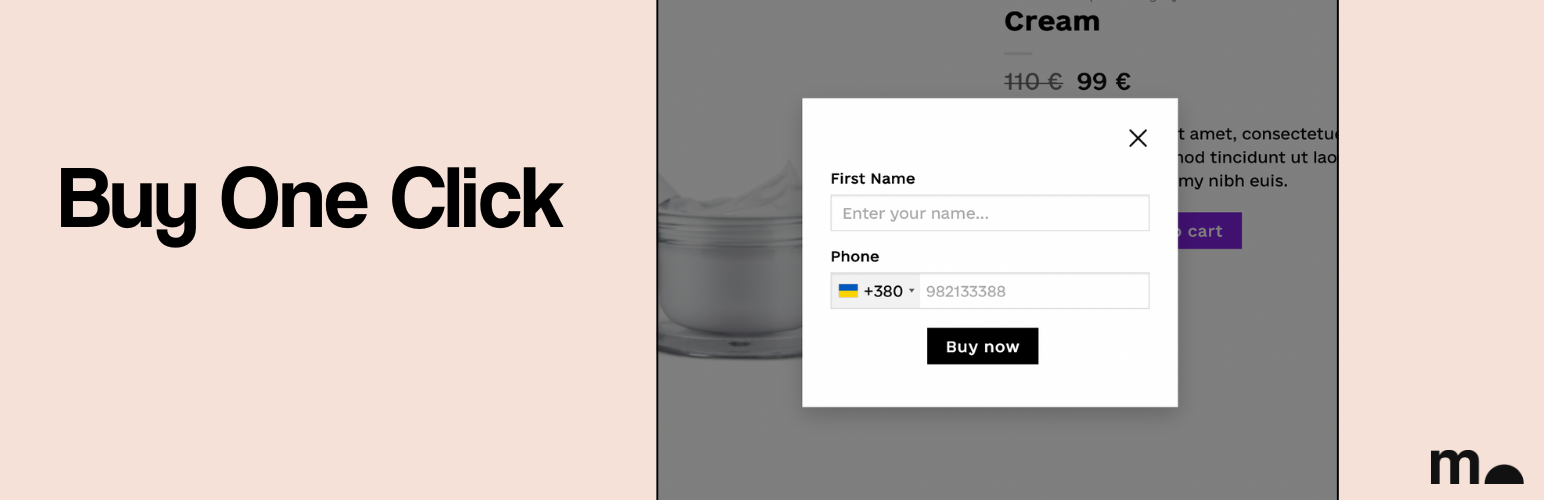
Morkva quick order button
Description
Morkva quick order button is a lightweight plugin that adds a fast and simple “Buy now” button to your WooCommerce product pages. Ideal for stores that want to reduce friction and increase conversions.
🔹 What it does:
- Adds a “Buy now” button below the “Add to cart” button — or use via shortcode.
- Shows a compact form with Name and Phone fields only.
- Instantly creates a WooCommerce order upon submission.
- Sends an email notification to the store manager.
- Customize button text, form labels, and thank-you message.
- Polylang/WPML compatible.
✅ Free version includes:
- Supports Simple Products only.
- Form with 2 fields: Name and Phone.
- Button position: below Add to Cart or via shortcode [mrkv_buy_one_click].
- Orders are always created with “On hold” status.
- Minimal, fast integration — ready in 2 minutes.
💎 PRO version adds:
- Supports Variable products.
- Customize colors, fonts, and button styles.
- Select order status for new quick orders.
License
This plugin is free software, released under the terms of the GNU General Public License version 2 or later.
Installation
- Upload the plugin files to the /wp-content/plugins/mrkv-buy-one-click directory or install through the WordPress admin.
- Activate the plugin through the “Plugins” menu.
- Go to WooCommerce Settings Morkva quick order button to configure the form and button.
- Add the shortcode [mrkv_buy_one_click] if you want to place the button manually.
Screenshots

Basic product page

The quick order form

The success message
Faq
Only in the PRO version. The free version supports simple products.
Yes. You can choose to show it automatically after the Add to Cart button, or insert manually using [mrkv_buy_one_click].
A new WooCommerce order is created with the details. The admin receives a notification email.
Basic customization (text and labels) is available in free. Full style controls (colors, borders, text sizes) are available in PRO.
Reviews
Changelog
0.2.7
- WOO 10.5.0 – compatible
0.2.6
- [new] added default country selection for numbers from WooCommerce settings.
- [fix] fixed the display of the button in the after_add_to_cart_button hook.
0.2.5
- [new] changed plugin name
- [fix] fixed settings field
0.2.4
- WP 6.9 – compatible
0.2.3
- [fix] change order creator function
0.2.2
- [new] added new position
0.2.1
- [fix] fixed settings color button
0.2.0
- Initial release with support for simple products and minimal form.