Mosne Dark Palette
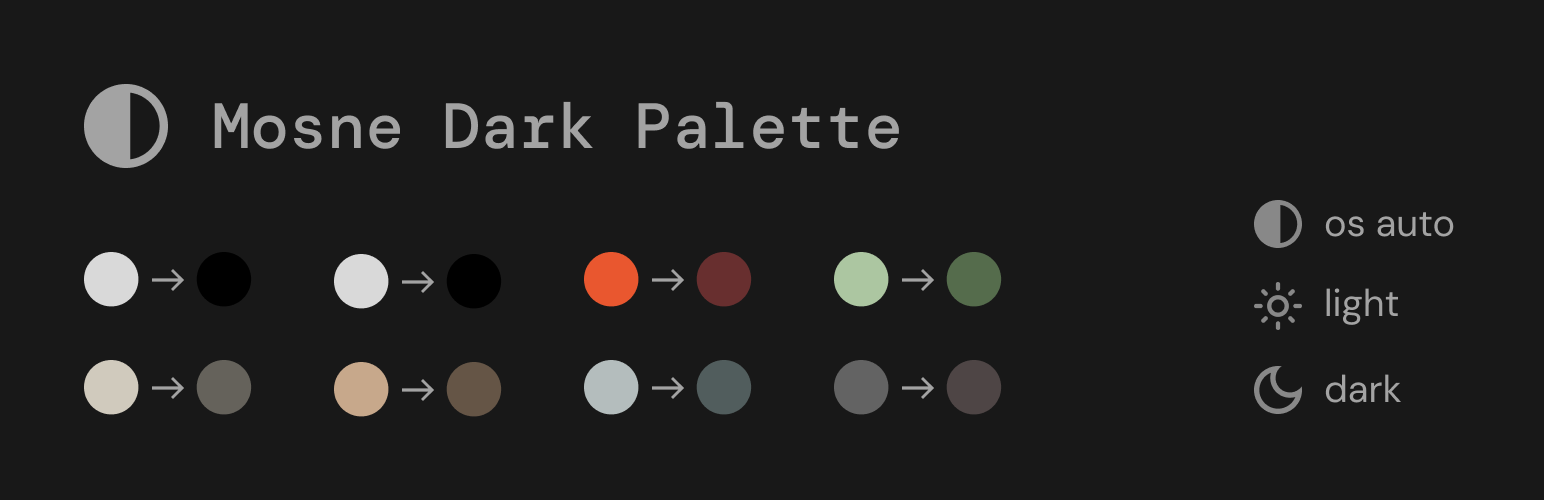
Mosne Dark Palette
Description
Mosne Dark Palette
This plugin provides the following features:
- A Gutenberg block for the navigation menu, serving as a dropdown switcher that enables you to select the desired color mode using custom labels.
- A color picker for seamlessly remapping your color palette.
Key Features
- Dark palette block for the block navigation menu
- Utilize all your custom colors and custom labels
- Accessibility-ready
- No cookies used (GDPR-friendly)
- Performance-optimized and lightweight
- No block library required
- Primarily built with native WordPress components
- Developer-friendly and easy to customize
Stay Connected
Installation
- You have a couple of options:
- Go to Plugins → Add New and search for “Dark Palette”. Once found, click “Install”.
- Download the Dark Palette from wordpress.org and make sure the folder is zipped. Then upload via Plugins → Add New → Upload.
- Activate the plugin through the ‘Plugins’ screen on WordPress.
- Search for the “Dark Palette Switcher” block within the Block Editor (Gutenberg) and add it to a block navigation.
Screenshots

Add custom colors

Setup options and labels

Edit the dark palette
Faq
You can change the desired behavior using CSS in your theme or in the customizer:
html[data-theme="dark"]  {
    /* your CSS here */
    }
html[data-theme="light"]  {
    /* your CSS here */
    }
You can go in the style editor (Appearance > Editor > Styles) and add color to your custom palette.
You can change the icons using CSS in your theme or in the customizer.
.wp-block-mosne-dark-palette.has-icon button.has-icon {
    mask: url("[your svg path]") no-repeat;
}
.wp-block-mosne-dark-palette.has-icon button.has-icon--dark {
    mask: url("[your svg path]") no-repeat;
}
.wp-block-mosne-dark-palette.has-icon button.has-icon--light {
    mask: url("[your svg path]") no-repeat;
}
Reviews
Changelog
0.1.7 – 2025-02-01
- Add version check test, update readme.
0.1.6 – 2025-02-01
- Add toogle mode
- Add on/off on auto mode
0.1.5 – 2025-01-29
- Add default mode option
0.1.4 – 2024-06-09
- First release on WordPress.org
0.1.3 – 2024-06-09
- Fix escaping via wp_kses_data and changelogs
0.1.2 – 2024-06-01
- Fix escaping and changelogs
0.1.1 – 2024-05-30
- Fix security (disallow direct access to files)
0.1.0 – 2024-04-04
- Initial release