MotionUI Addons for Elementor – GSAP animation, widgets, header & footer builder
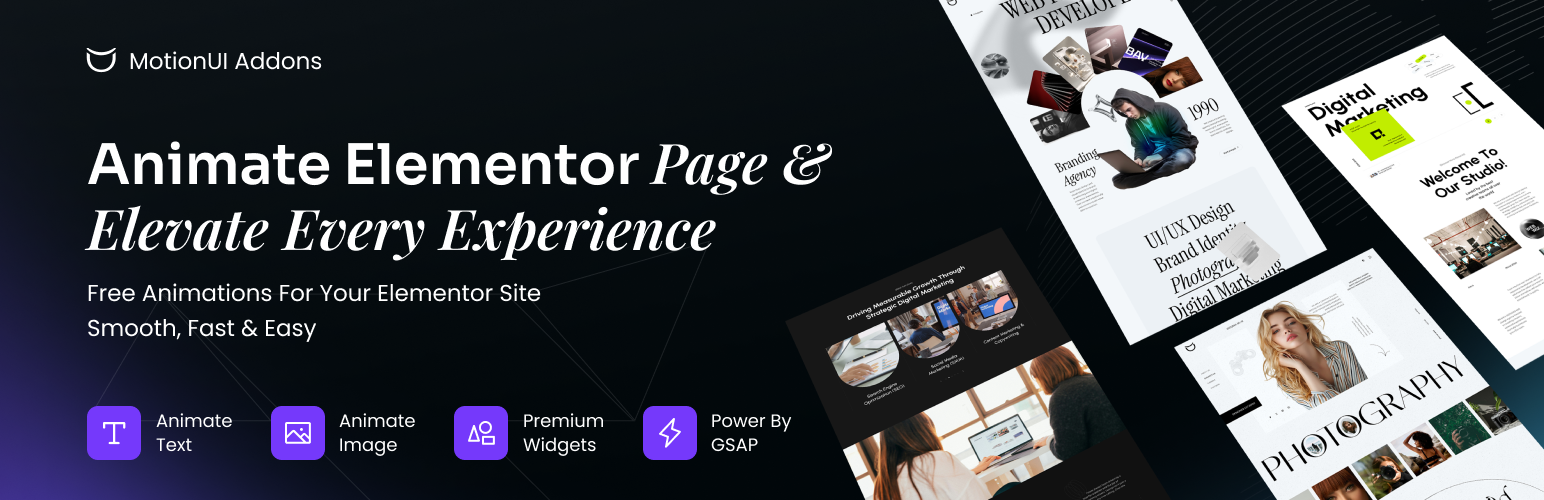
MotionUI Addons for Elementor – GSAP animation, widgets, header & footer builder
Description
MotionUI Addons for Elementor adds professional animations, ready-made widgets and a Theme Builder to the free version of Elementor. Everything is configured visually inside the Elementor editor.
🧱 Theme Builder (new in 1.2.0)
Design your site’s header and footer with Elementor and choose exactly where they appear.
- Create a header or footer from MotionUI Addons Theme Builder Add New Template.
- Design it in the Elementor editor like any other page.
- When you publish, a Display Conditions popup lets you pick where it is used: Entire Site, Archives, or Singular pages — all posts, all pages, a custom post type, a category, an author, or one specific item.
- Add as many Include and Exclude rules as you need. The most specific template wins when several match.
- Reopen the popup any time from the Elementor save menu Display Conditions.
- Works with the free version of Elementor.
✨ Widgets
- Button and Burger Button – animated, character-split button effects.
- Animated Slide – clip-path transitions, thumbnail and dot pagination, touch/swipe and prev/next navigation.
- Typing Heading Motion – animated, typed headings.
- Testimonial – a carousel of customer quotes.
- Image and Gallery – image reveal effects and a masonry gallery with filtering.
🎬 Animations for any widget
- Text Animation – fade-up, reveal, slide-in, scramble and wave. Animate by characters, words or lines, with control over duration, delay, stagger and easing.
- Image Animation – directional, grid and column reveals.
- Scroll Animations – move, rotate, scale, skew and fade elements as they enter the viewport, or tied to scroll position.
- Motion Library – ready-made animations and a custom animation builder.
- Advance Position and Custom CSS – extra layout and styling controls.
🌐 Site-wide effects
- Smooth Scroll – eased, inertia-style scrolling.
- Preloader – a loading screen until the page has loaded.
- Ajax Page Transition – fade between pages when visitors follow internal links.
🎯 Why MotionUI Addons?
- Built on a lightweight animation engine — GPL-licensed and bundled locally, with no external dependencies.
- Deep Elementor integration — every setting lives in the Elementor panel.
- Performance-conscious — scripts load only on pages where the widgets are used.
- Turn on only the widgets, extensions and effects you need from the MotionUI Addons dashboard.
🔧 Requirements
- WordPress 6.4 or higher
- Elementor (free) installed and activated
- PHP 7.4 or higher
Installation
- Upload the
motionui-addons-for-elementorfolder to the/wp-content/plugins/directory, or install it through the WordPress Plugins screen. - Activate the plugin through the Plugins screen.
- Make sure Elementor is installed and activated.
- Go to MotionUI Addons in your dashboard to choose which widgets, extensions and effects are enabled.
- Open any page in Elementor and find the MotionUI widgets in the widget panel.
- To build a header or footer, go to MotionUI Addons Theme Builder and click Add New Template.
Faq
No. MotionUI Addons works with the free version of Elementor, including the Theme Builder.
Go to MotionUI Addons Theme Builder Add New Template, choose Header or Footer, give it a name and design it in Elementor. When you publish, choose where it should display in the Display Conditions popup.
In the Display Conditions popup, choose Singular (or Archives), pick the kind of page, and either leave it on All or search for one specific item. Use Exclude rows to leave pages out.
Yes. Open the template in Elementor and choose Display Conditions from the save menu.
Only on the pages that match your conditions. Everywhere else, your theme’s header and footer are used as before.
Yes. The features described here are free. Some additional widgets are available in the Pro version.
No. Scripts and styles load only on pages where the widgets or effects are used.
It works with any WordPress theme that supports Elementor, including Hello Elementor, Astra, OceanWP and GeneratePress. For the Theme Builder, themes that follow standard get_header() / get_footer() conventions work best.
Visit https://motionuiaddons.com/.
Please use the MotionUI Addons support page.
Reviews
Excellent plugin
By 
This is an amazing plugin. Thank you so much.
Changelog
1.2.0
- New: Theme Builder — create header and footer templates with Elementor.
- New: Display Conditions popup — show a template on the entire site, on archives or on singular pages, with Include and Exclude rules and per-item targeting.
- New: Add New Template popup with template type and name.
- New: Templates list with type and conditions columns and a type filter.
- Improved: Dashboard heading styles are now scoped to the MotionUI Addons screens so they no longer affect other admin pages.
1.0.2
- Initial release