Move Site Icon To Settings
Move Site Icon To Settings
Description
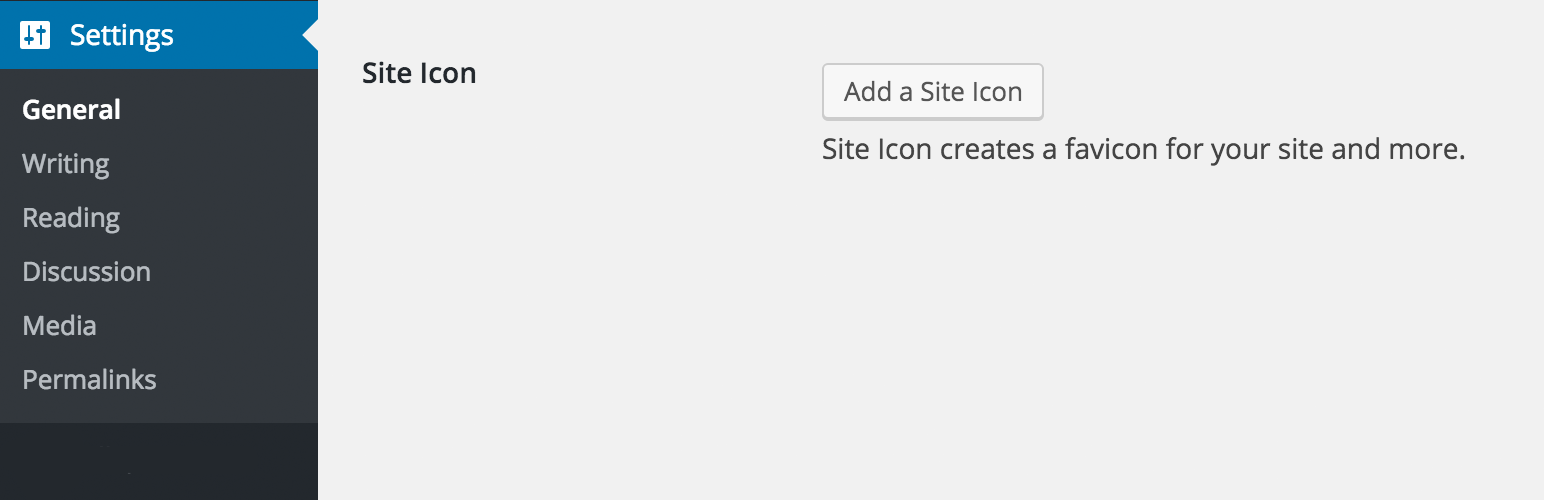
This plugin adds the site icon option to Settings -> General.
If you disable or do not use the customizer, then you will have trouble updating the site icon. The site icon is used for favicons, and the new oEmbed feature. This plugin makes the site icon editable from the general settings page.
The plugin is a modified version of Jetpack\’s site-icon module.
Note: The plugin does not remove the ability to change the site icon from the customizer. It only adds another way to change the site icon.
Installation
- Install
- Activate
- Navigate to the bottom of Settings -> General
- Add/Remove site icon
Screenshots

The option at the bottom of general settings

First select & upload file

Next you will be able to crop the image.

Your site icon gets cropped, resized and saved.

The site icon will now display on the settings page.
Reviews
It Works
By 
Works great in 4.7
By 
Great
By 
Thanks!
By 
As someone who hates the customizer, I'm pleased to be able to use this and then be able to set the site icon from a much more sensible location.
Changelog
1.1
Added screenshots
1.0
Initial Commit