Multisite Language Switcher

Multisite Language Switcher
Description
A simple, powerful, and user-friendly plugin that adds multilingual support to your WordPress multisite installation, whether using multiple subdomains or folders. Multisite Language Switcher allows you to effortlessly manage translations for posts, pages, custom post types, categories, tags, and custom taxonomies.
The plugin uses flag icons from FamFamFam. Thanks to Mark James for his great work. In addition, I would like to thank Jürgen Mayer for creating the plugin’s banner.
Please, don’t forget to rate this plugin! 🙂
Translators
Thanks to all the translators for their great work.
- German (de_DE) – Dennis Ploetner
- Italian (it_IT) – Antonella Cucinelli
- Dutch (nl_NL) – Alexandra Kleijn
- Brazillian Portuguese (pt_BR) – Coolweb
- Spanish (es_ES) – Andreas Breitschopp
- French (fr_FR) – Andreas Breitschopp
- Russian (ru_RU) – Andrey Vystavkin
- Ukrainian (uk) – Victor Melnichenko
- Croatian (hr_HR) – Brankec69
- Romanian (ro_RO) – Armand K
- Polish (pl_PL) – Kamil Frejlich
- Lithuanian (lt_LT) – Ovidijus Pukys
- Catalan (ca_ES) – Joan López
- Czech (cs_CZ) – Rastr
- Hungarian (hu_HU) – RobiG
- Georgian (ka_GE) – Jas Saran
- Greek (el) – Christoforos Aivazidis
- Serbian (sr_RS) – Web Hosting Hub
- Turkish (tr) – Alican Cakil
- Armenian (hy_AM) – Yeghishe Nersisyan
- Bengali (bn_BD) – Md. Nazmul Huda
- Japanese (ja) – ThemeBoy
- Swedish (sv_SE) – Erik Bernskiold
- Traditional & Simplified Chinese (zh_CN & zh_TW) – DrBenson
- Arabic (ar) – Mohamed Elwan
- Norwegian (nb_NO) – Ibrahim Qraiqe
- Bulgarian (bg_BG) – Vencislav Raev
- Mexican Spanish (es_MX) – Fernando Mata
You can translate this plugin on translate.wordpress.org, or if you prefer and have created your language pack, or have an update of an existing one, you can send me your Gettext PO and MO so that I can
bundle it into the Multisite Language Switcher. You can download the latest POT file
from here.
Installation
- Use the WordPress admin to install the plugin from there or
- Download the plugin and uncompress it with your preferred unzip programme and copy the entire directory in the plugin directory of your WordPress blog (/wp-content/plugins)
- Activate the plugin in your plugin administration page (by the network administrator on all the blogs or by the blog administrator for each particular blog).
- After activation, configure the plugin once in each blog under
Settings->Multisite Language Switcher
Now you can:
- Connect your translated pages and posts in
Posts->EditorPages->Edit - Connect your translated categories and tags in
Posts->CategoriesorPosts->Tags - connect your Custom Post Types and Custom Taxonomies across languages
- create a missing translation in one step – straight from the editor metabox, or from the
Add from Translationsubmenu, which lists everything that is not translated yet and can create translations in bulk (Quick Create, new in 3.0) - use the widget, the Gutenberg block, the shortcode [sc_msls] and/or a content_filter which displays a hint to the user if a translation is available
- you can find also a shortcode for the widget [sc_msls_widget]
- optionally you can place the code
<?php if ( function_exists( 'msls_the_switcher' ) ) msls_the_switcher(); ?>directly in your theme files
Review the Multisite Language Switcher Website for more information.
Developers will find the API functions, every action and filter, and a set of integration
snippets in the developer documentation.
Screenshots
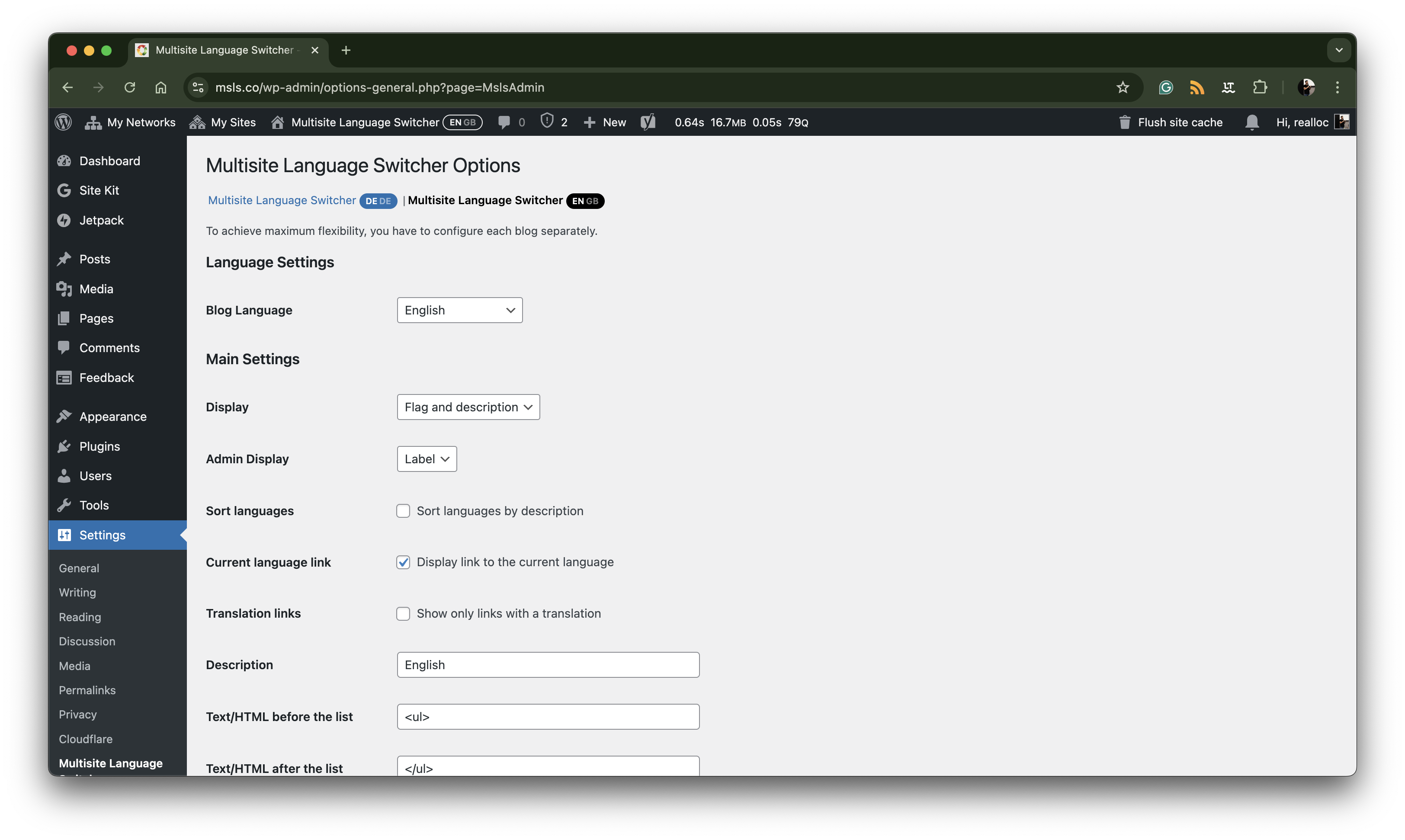
Plugin configuration with labels
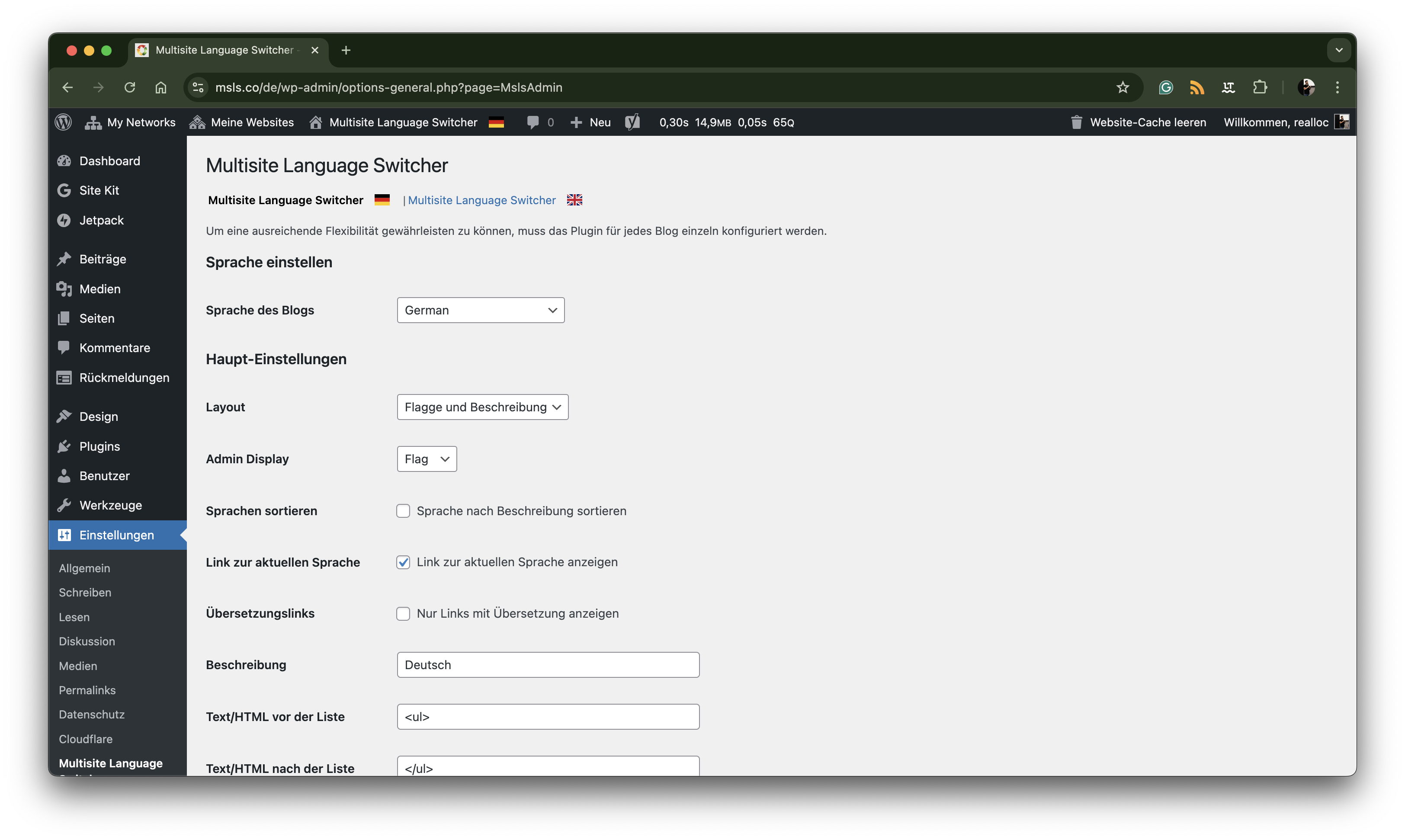
Plugin configuration with flag
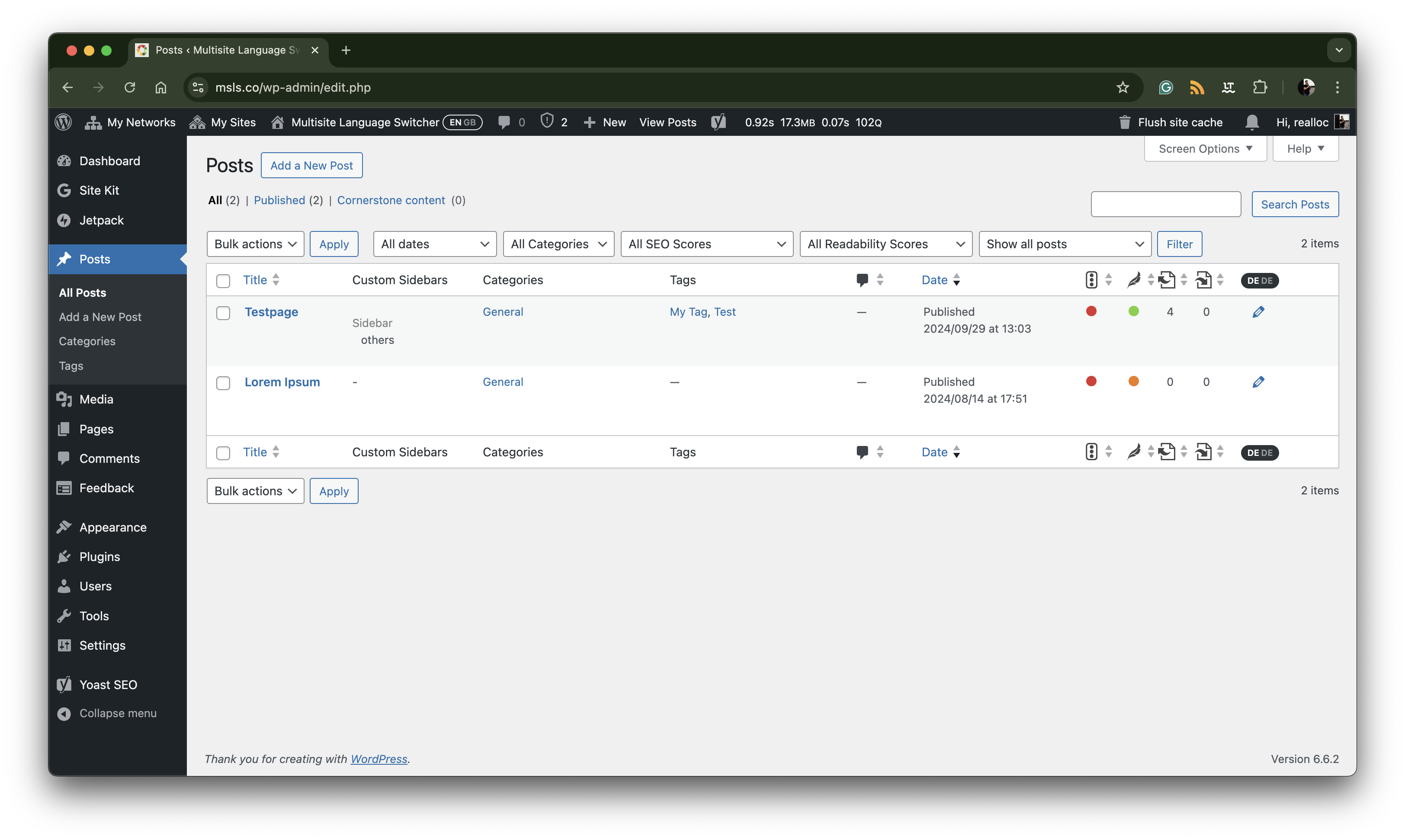
Posts list with label
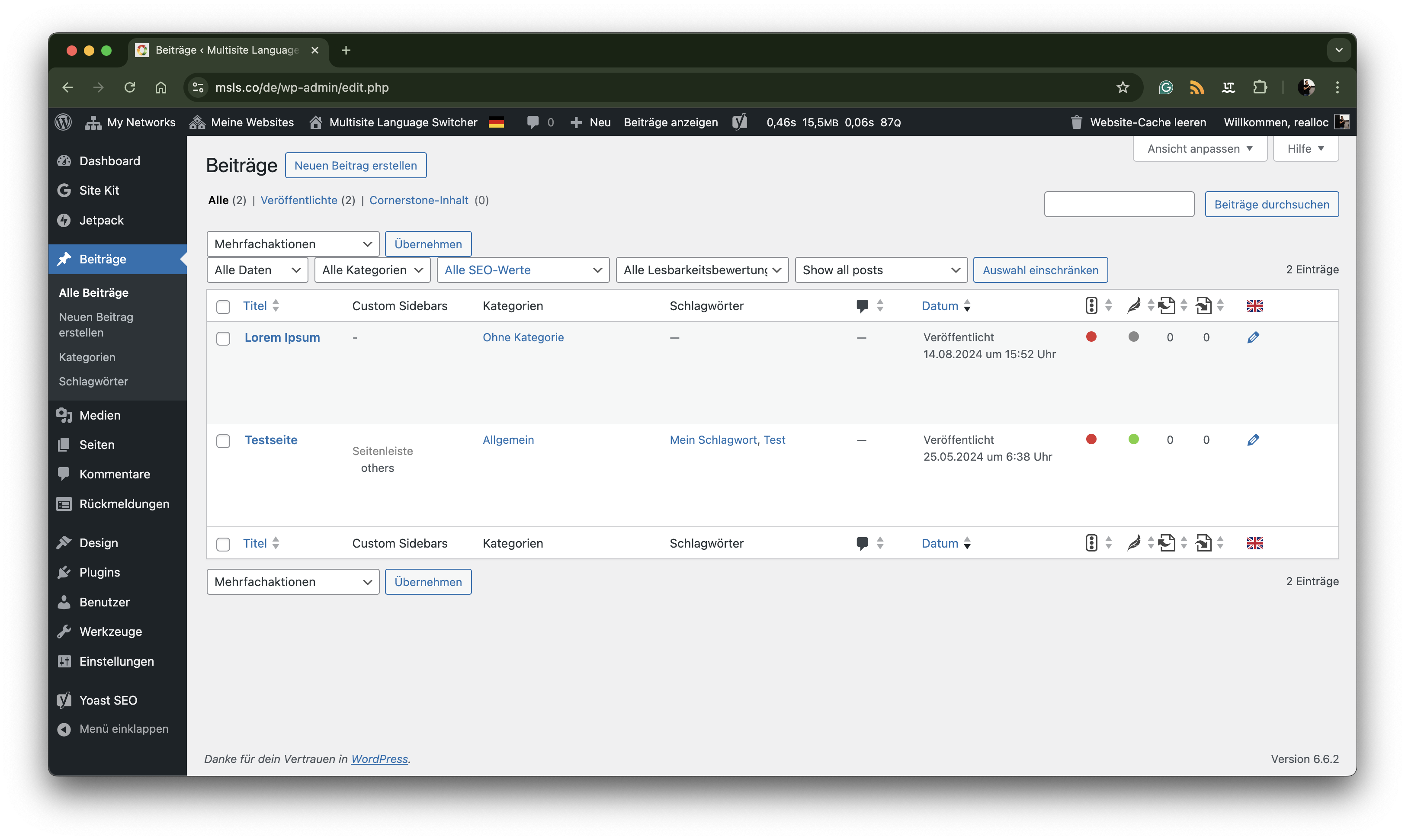
Post list with flag
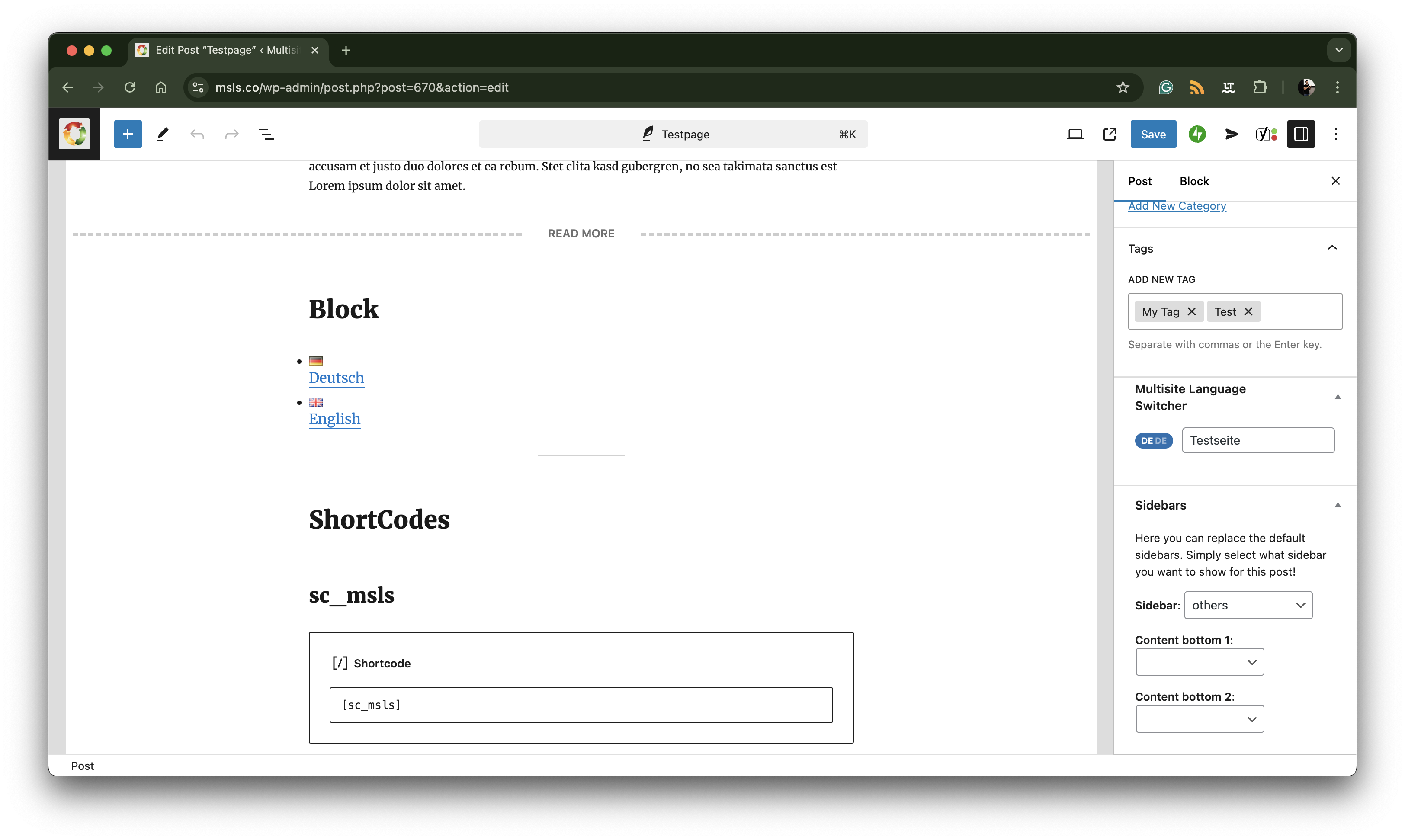
Edit post with label and select2
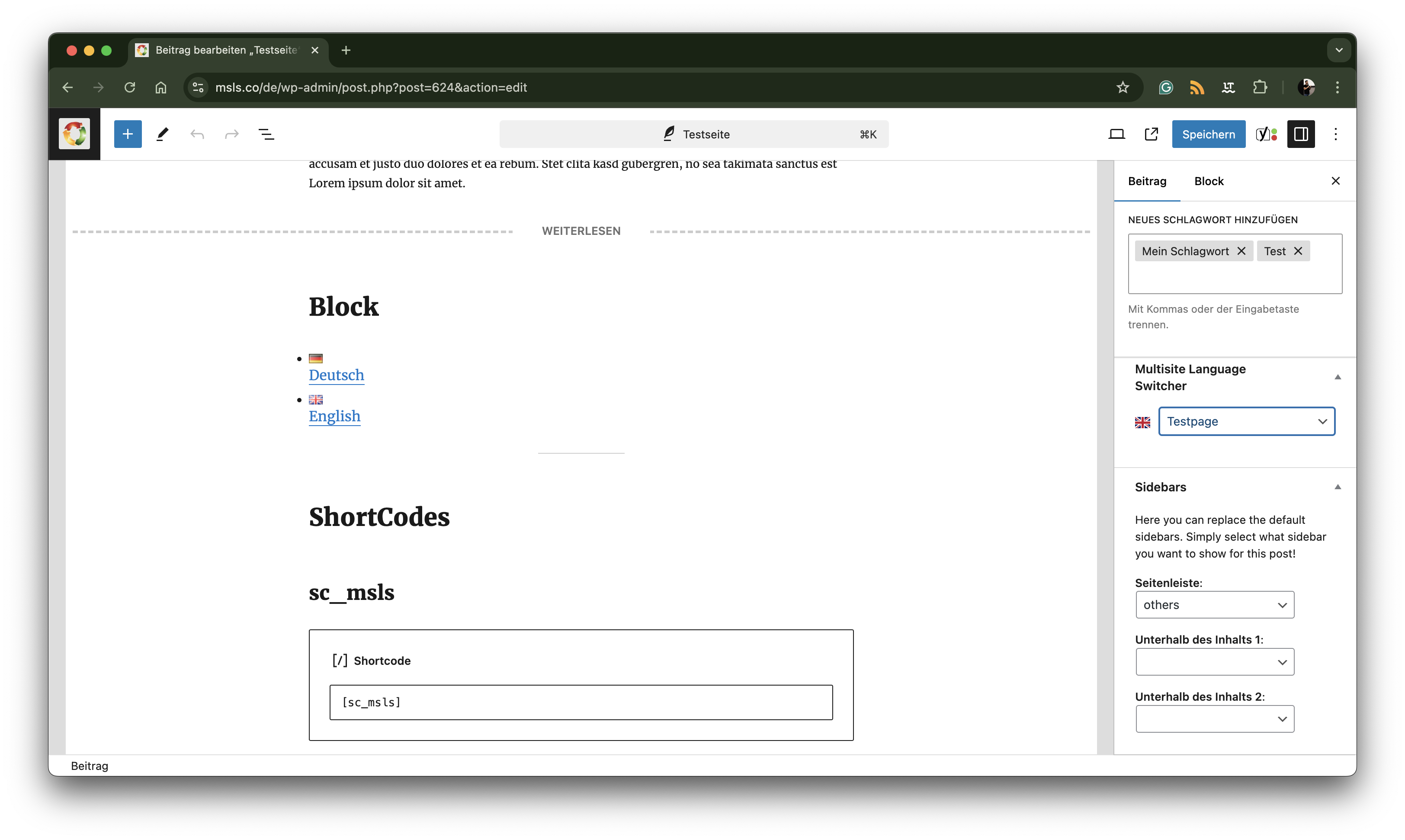
Edit post with flag and dropdown
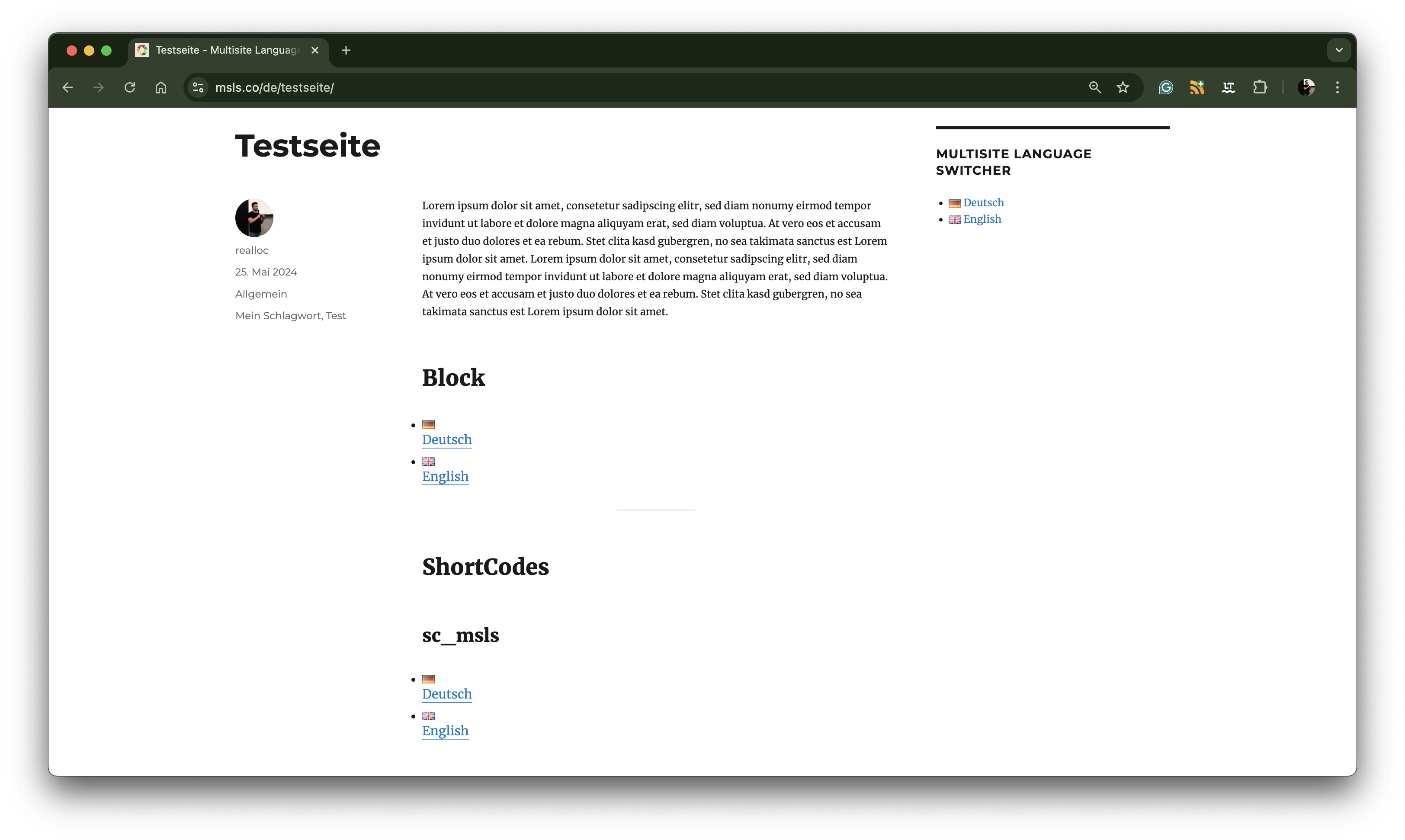
Non-styled output of the widget, block and shortcode
Faq
You might read first WordPress in your language.
You can choose the language of the dashboard in the settings of your user profile.
It’s up to you – of course. But yes, if you want to use the Multisite Language Switcher.
The Multisite Language Switcher does not redirect the users automatically. I’m not sure if the plugin should do that.
Please check the add-on MslsMenu out.
Please check the add-on MslsSelect out.
Yes, you should use the WordPress API function get_locale() but you could also use code like that
$blog     = msls_blog_collection()->get_current_blog();
$language = $blog->get_language();
The class behind it moved to lloc\Msls\Blog\Collection in version 3.0.0. The old name
lloc\Msls\MslsBlogCollection still resolves, so existing code keeps working.
Please visit the MSLS website or use the WordPress support forum for more information.
Reviews
Works like a charm
By 
I gave up the chaotic WPML, MSLS is the solution to deal with multilingual site.
IMHO Most logical option for translating WordPress
By 
Simple yet universally functional. Every language is separate sub-site, so you can have them identical or as different as necessary and plugin provides means to tie it all together.
Have been using it for years and never disappointed.
5 stars are not enough!
By 
At first I had some trouble with the plugin. But now – I wouldn't want to be without it!
I really like the plugin's functional simplicity!
Thanks, Dennis, for this wonderful plugin!
Great plugin and awesome support!
By 
I think we still need to wait some time before WordPress core implementation for Multilingual sites. See WordPress roadmap
I've tried WPML in the past but did not really like it. Haven't tried Polylang plugin yet
In my opinion the best setup for multilingual sites is a wordpress multisite setup.
Then this great Multisite Language Switcher plugin is the way to go.
Simply loving it and also top support deserves a 5 * star rating
please keep up the good work you're doing!
greetings
Becki
Such a useful plugin, and top-rate support
By 
I always use this plugin when creating multi-language multisite wordpress sites.
Easy to set up and very useful.
Top-rate support too
Great Multilanguage Plugin
By 
There is a learning curve and i think someone should make a tutorial how to implement the language switcher and menu and how to work with it. But after all a great plugin.
Fantastic plugin
By 
This is a fantastic plugin: it does exactly what promises to do, it's not bloated with extra features and it's been around for a long time.
I can't thank the plugin author enough for developing this plugin, maintaining it for years and having the patience to deal with occasional 1-star reviews from people who can't be bothered to read the docs.
Superb!
By 
I'm not keen to write reviews, but in this case I was so overwhelmed of this plugin's simple features and ease of use that I had to. This is by far THE easiest multisite multilanguage plugin I ever tried. Over the years I tested several multilingual approachs (plugins for standalone WP sites, multisite "premium" plugins, country domains, etc.). But this here exceeds all my expectactions for its simplicity. Multilanguage should not be an option in WordPress, but part of the core, out of the box. This plugin deserves a 10 of 10. Two thumbs way up! Thank you for this peace of art.
Plugin not showing under settings menu
By 
Couldn't find the plugin under the setting menu
Great plugin but needs one functionality
By 
I am very happy with the plugin's operation - it is extremely easy to use and does not cause any problems.
Works with WordPress Multisite great!
However, there is a feature missing from the plugin that has already been popping up on the web, namely support for reciprocal hreflang (return tag: which is missing Missing x-default).
When I audit any page with this plugin, I get "Missing reciprocal hreflang (no return-tag)", you can find info at Ahrefs site ""Missing reciprocal hreflang (no return-tag)" error in Site Audit"
I will be very grateful if this functionality is added 🙂
As I can see this needs to add one line of code 🙂
Greeting from Poland
Paweł
Changelog
3.0.3
- Fixed: on PHP 7.4 the plugin’s dependencies could not be installed, because one of them required PHP 8. MSLS supports PHP 7.4 again, as documented.
3.0.2
- Fixed: with more than 100 users on a blog, opening the settings page raised a PHP notice that ended up in the error log (and in services such as Sentry). The truncated user list is now reported as a hint below the “Reference user” dropdown instead.
- Changed: MSLS no longer runs
count_users()to detect the truncation, which removes a costly query from the settings page on blogs with many users.
3.0.1
- Fixed: 3.0.0 could not be published on WordPress.org
- The plugin code is identical to 3.0.0.
3.0.0
- New: Quick Create – create the translated post straight from the editor metabox, or pick a source post on the new
Add from Translationsubmenu (single and bulk). Backed by a REST endpoint and switchable in the settings. - New:
msls_quick_create_capabilitylets integrations override the Quick Create permission checks. Additional filters cover the post data, the inserted post, the REST response, the untranslated-posts list and the mapped taxonomy terms. - New: filter hooks for the AJAX suggest results of the post and term metaboxes.
- New: a developer reference in
docs/– public API, every hook, integration snippets and the Playwright setup. - Changed: the
lloc\Msls\namespace is split into per-concern sub-namespaces. Every pre-3.0 class name (MslsOptions,MslsLink,MslsOutput, …) keeps working through a backwards-compatibility alias, so add-ons and custom code do not need changes. - Changed: the public helper functions moved to
includes/api.php, and the$attrargument ofmsls_get_switcher()is now optional. - Fixed: add-ons such as MslsMenu and MslsSelect could be silently disabled because the plugin registered its classes too late. Aliases and API functions are now available the moment the plugin file is loaded.
- Fixed: authorization is checked on the destination post during content import, and the ContentImporter permission and post type checks were corrected.
- Fixed: no
home_url()fallback for taxonomy and query archives anymore. - Fixed: broken links on the page for the latest posts.
- Fixed: several issues in the blog collection.
- Internal: strict typing throughout, PHPStan level 8 clean,
ABSPATHguards, Plugin Check and PHPCS findings addressed, a wp-env based local multisite and a Playwright end-to-end suite.
2.10.1
- Fixed: deprecated function warning pointed to a non-existent function.
- Documentation: README.md code snippets reflect the new function names.
2.10.0
- New: prefixed public helper functions (
msls_get_*,msls_the_switcher) with deprecation shims for the legacy names. - New: action hook names are exposed as constants for safer programmatic use.
- Accessibility:
aria-current="page"on the active language link. - Fixed: path-related issue affecting asset/loader resolution.
The full history is kept in the separate Changelog.