MW Team Gallery

MW Team Gallery
Description
This plugin allows users to add their team profile in wordpress theme and manage their infomation. use Thumbnail picture, Destination, Description, tags, categories.
Shortcode:
[mw_team_gallery]
How it works:
- After activation of MW Team Gallery you can see Team Member Tab in admin panel.
- go to options menu of Team Member Tab.
- copy Shortcode [mw_team_gallery].
- paste where you want to show your team member galley.
Features:
2.your can add new Member.
-
your can edit member details.
-
Add/Edit/Remove categories.
-
Add/Edit/Remove tags
Contribute
If you find this useful and if you want to contribute, there are three ways:
- You can write us and submit your bug reports, suggestions and requests for features;
Installation
Use WordPress’ Add New Plugin feature, searching “MW Team Gallery”, or download the archive and:
- Unzip the archive on your computer
- Upload
MW-Team-Gallerydirectory to the/wp-content/plugins/directory - Activate the plugin through the ‘Plugins’ menu in WordPress
- Go to Dashboard -> Team Member Tab and use it.
Screenshots
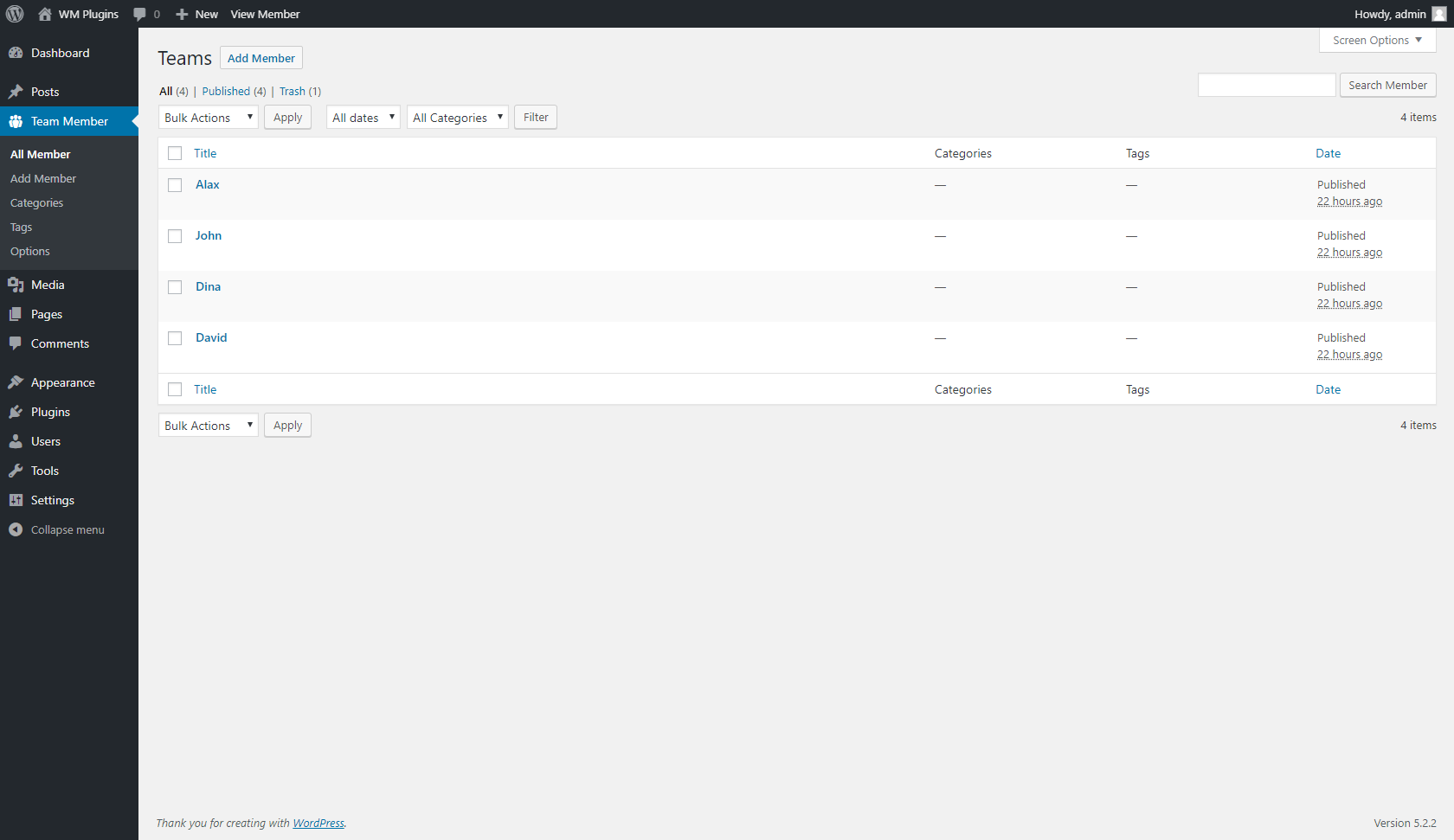
screenshot-1.png
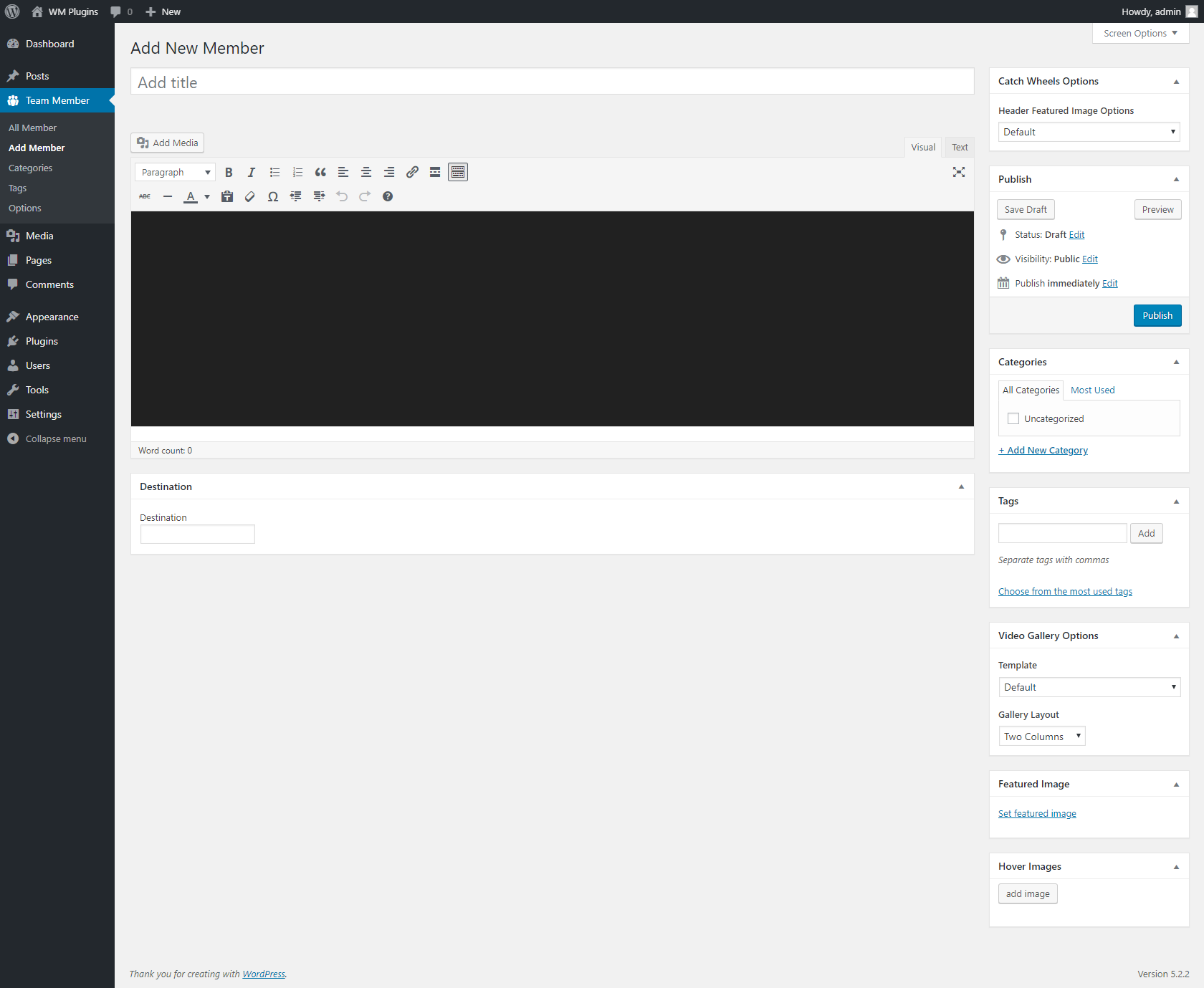
screenshot-2.png
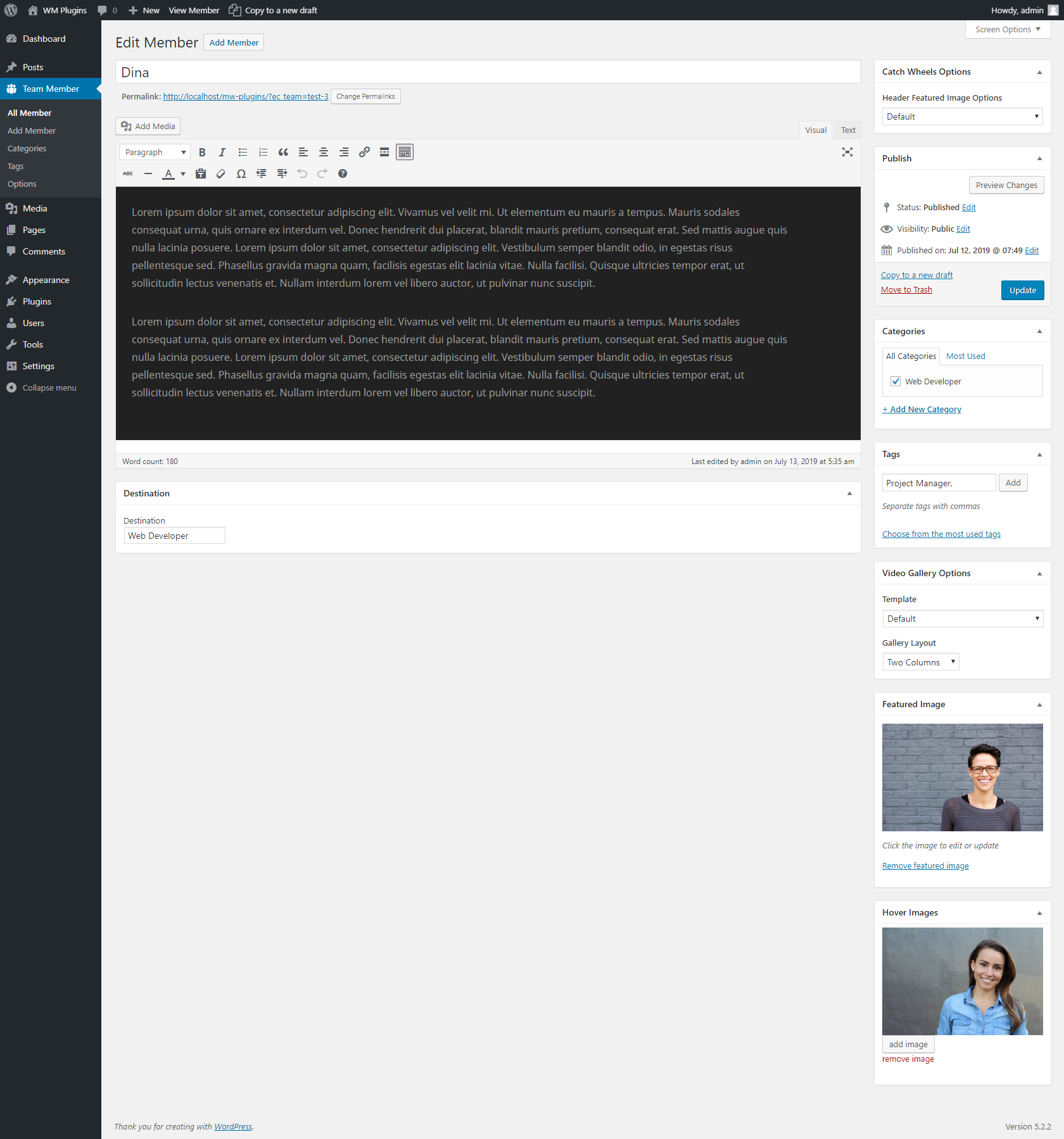
screenshot-3.png
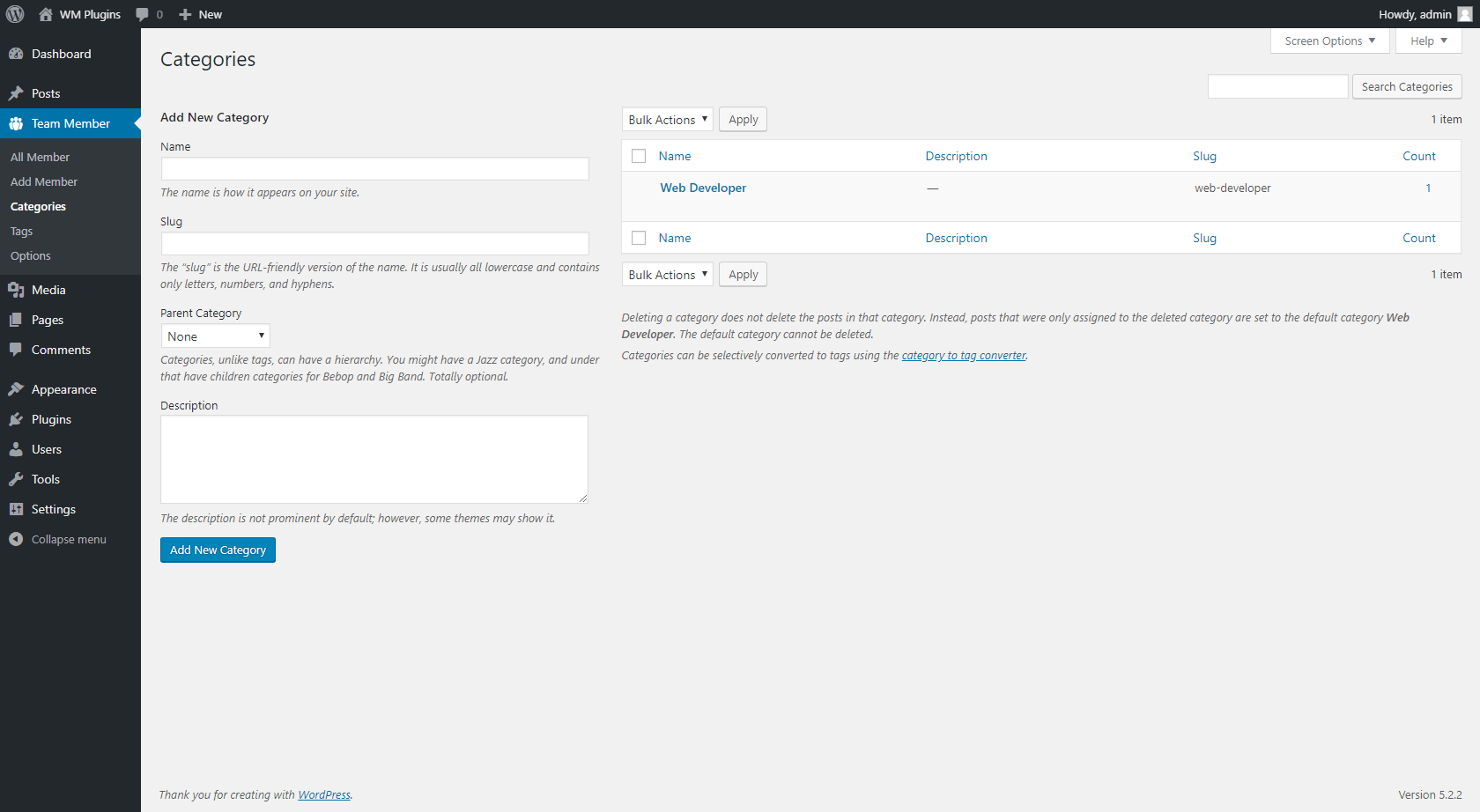
screenshot-4.png
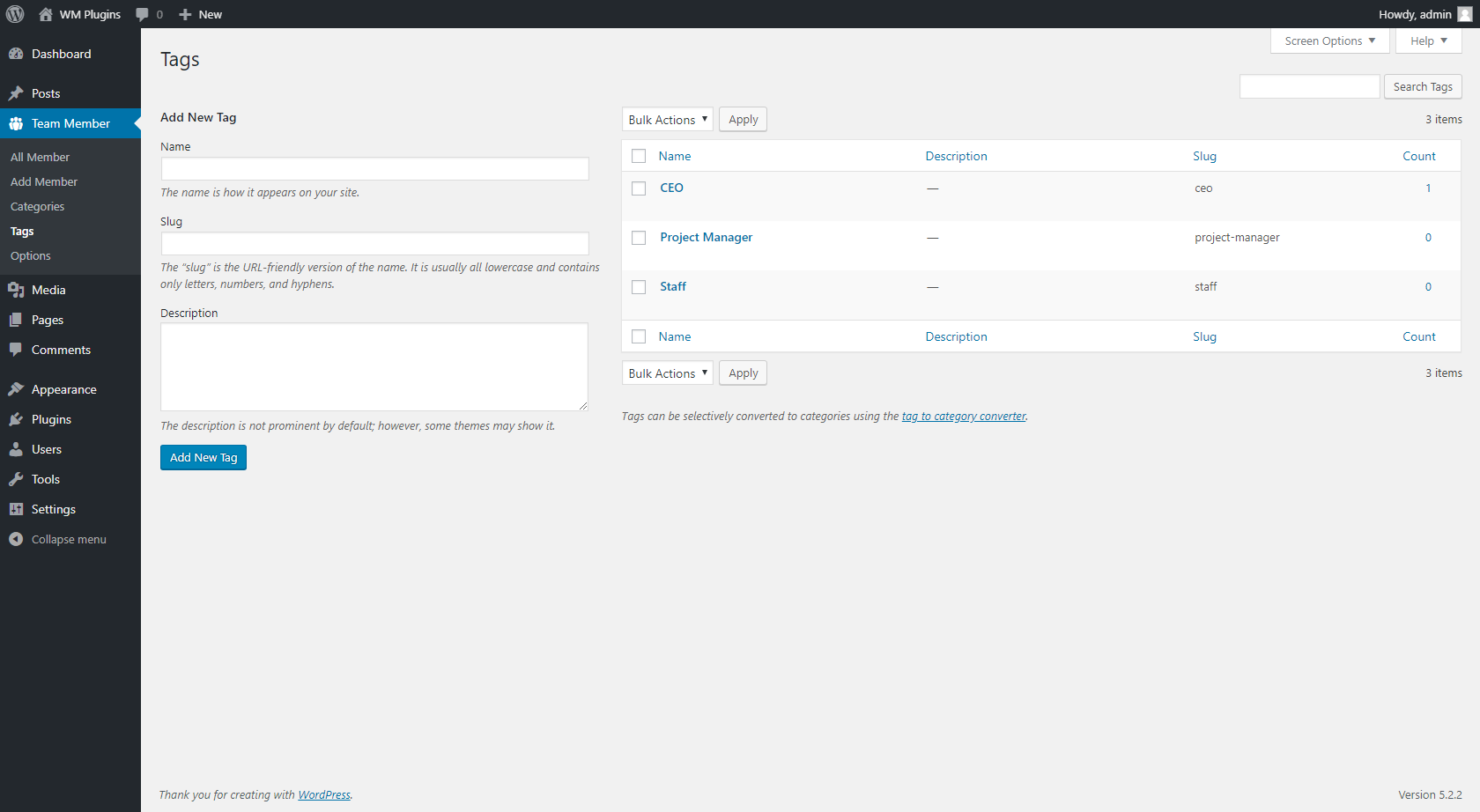
screenshot-5.png
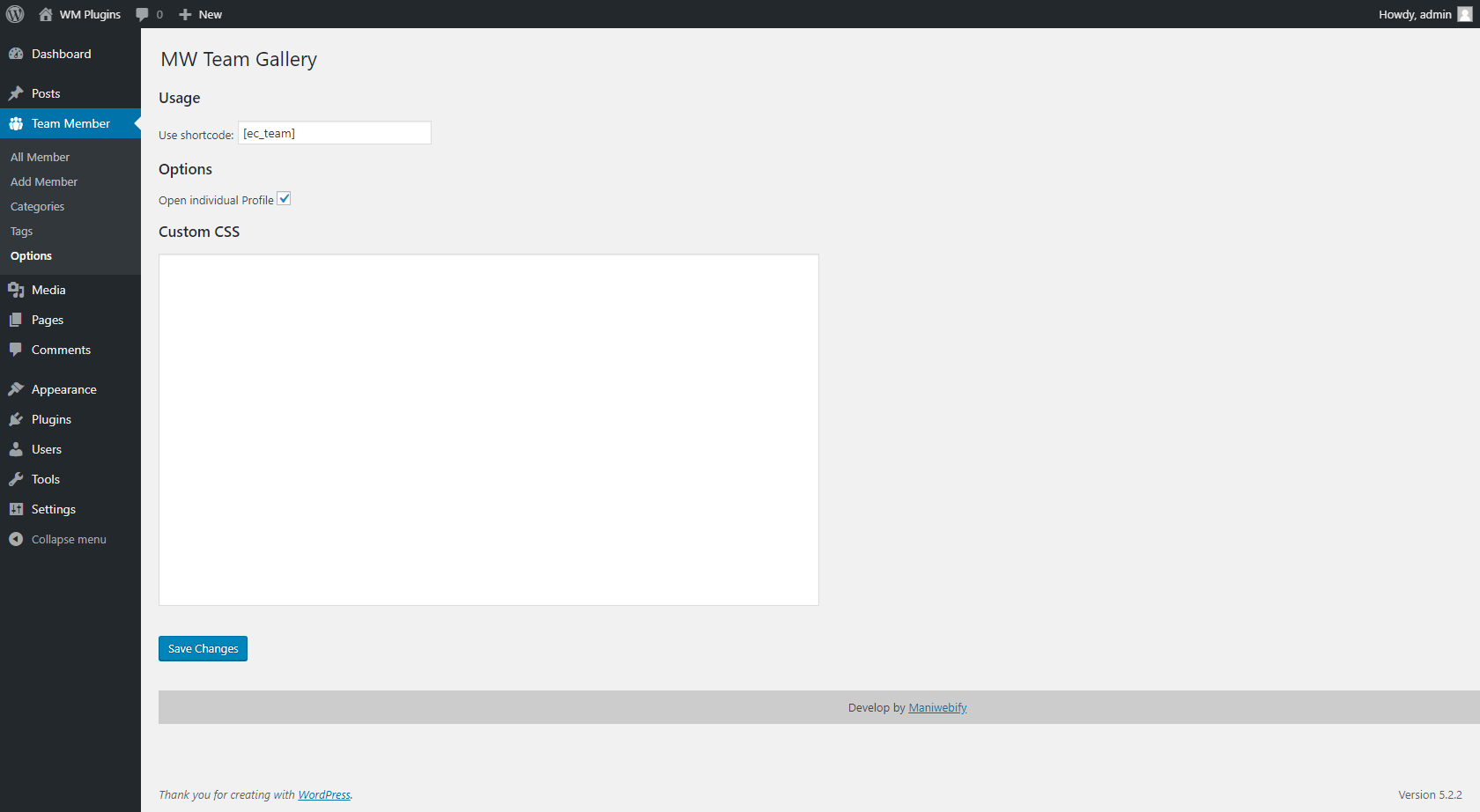
screenshot-6.png