Navigation Posts
Navigation Posts
Description
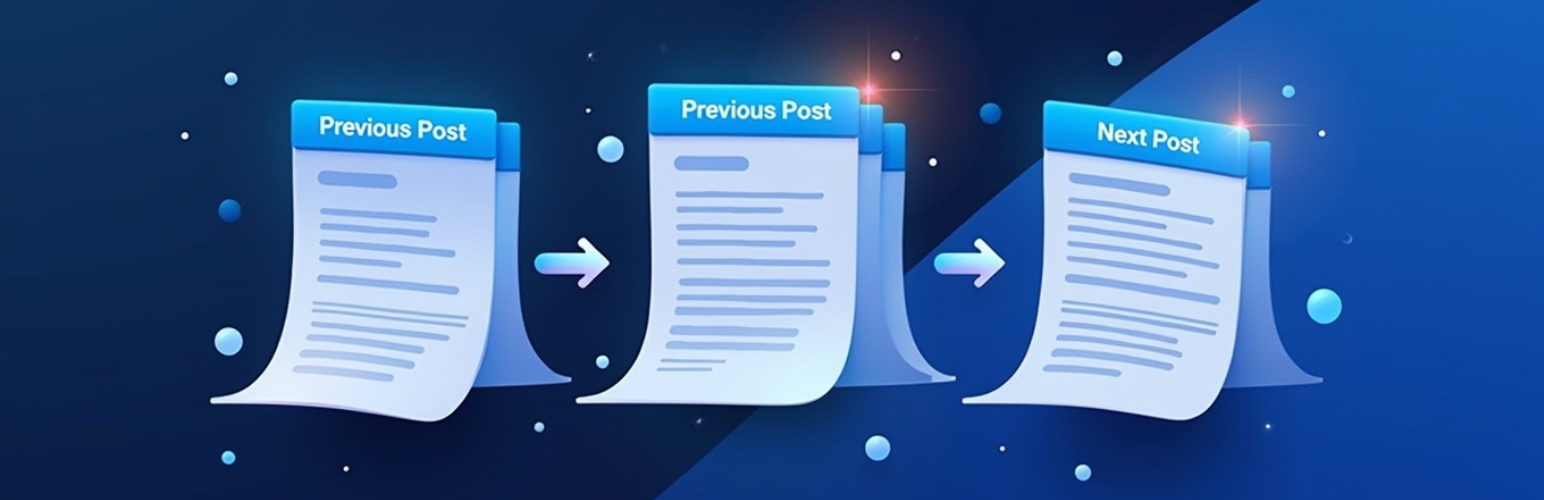
Navigation Posts adds intuitive navigation arrows to your WordPress admin interface, allowing you to easily move between posts while editing or reviewing content. Perfect for content managers and editors who work with multiple posts regularly.
Features:
* Previous and Next post navigation arrows in the admin backend
* Smooth navigation between consecutive posts
* Simple and lightweight implementation
* No configuration needed – works right out of the box
* Compatible with all post types
Installation
- Upload the ‘navigation-posts’ folder to the
/wp-content/plugins/directory - Activate the plugin through the ‘Plugins’ menu in WordPress
- That’s it! The navigation arrows will automatically appear in your post editor
Faq
Yes, this plugin has been tested and verified to work with WordPress version 6.7.1.
No, this plugin doesn’t make any modifications to your database.
Reviews
Changelog
1.0.6
- Updated plugin URI
1.0.5
- Enhanced previous/next navigation arrow styles for better visual appearance
1.0.4
- Tested and verified compatibility with WordPress 6.7.1
- Fixed version compatibility issues
- Improved code structure and organization
- Added proper WordPress core function checks
- Enhanced security with proper escaping
- Updated version numbers for consistency
1.0.3
- Explicitly verified compatibility with WordPress 6.4.2, 6.3, and 6.2
- Enhanced documentation for WordPress version support
- Added compatibility testing information
1.0.2
- Verified compatibility with WordPress 6.4.2, 6.3, and 6.2
- Tested extensively with latest WordPress versions
- Added support for RTL languages
- Improved code documentation
- Minor CSS improvements
1.0.1
- Added plugin assets (banner and icon)
- Updated WordPress compatibility to 6.4.2
- Tested with latest WordPress versions
- Enhanced plugin description
1.0.0
- Initial release
- Added navigation arrows for posts in admin backend
- Compatible with all post types