Contact Form Widget

Contact Form Widget
Description
Contact Form Widget helps you add professional contact forms to your WordPress site without writing any code. It works as both a widget for sidebars and a shortcode for pages or posts.
View Pro Demo: Contact Form Premium Demo
More About Pro: Contact Form Premium Details
Where To Buy: Buy Premium Version
What makes this different from other form solutions? Every form submission gets saved in your WordPress database. You can view, manage, and follow up on all queries from a dedicated Query Table in your admin dashboard. No more lost emails or missed inquiries.
How It Works
- Add the widget to any sidebar or use the shortcode
[contact-form-widget]on any page - Customize labels, colors, and styles from the settings panel
- Visitors submit their queries through the form
- You receive email notifications and can view all submissions in the Query Table
Who Is This For?
This contact form solution works well for:
- Business websites needing a simple inquiry form
- Freelancers and agencies collecting project requests
- Bloggers wanting to hear from readers
- Service providers handling customer support queries
- Portfolio sites with client contact needs
Free Features
- Responsive Design – Forms adapt to all screen sizes automatically
- Query Table Dashboard – View and manage all form submissions in one place
- Shortcode Support – Add forms anywhere with
[contact-form-widget] - Widget Ready – Place contact forms in sidebars and widget areas
- Label Customization – Change form field labels to match your needs
- Template Designs – Choose from pre-built form styles
- PHP Email – Receive notifications via standard PHP mail
- Secure Submissions – Built-in security for safe form handling
Pro Features
Upgrade to Contact Form Premium for additional capabilities:
- Google reCaptcha – Block spam with reCaptcha verification
- SMTP Email Support – Send emails through Gmail or custom SMTP servers
- Auto Email Responding – Send automatic replies to form submitters
- Custom Email Messages – Design personalized email templates
- Error Customization – Set custom validation error messages
- Custom CSS – Add your own styling with custom CSS field
- Multiple Color Schemes – Choose from various color options
- Logo Customization – Add and resize your logo on forms
- Statistical Dashboard – View submission statistics and trends
- Download Reports – Export query data as downloadable reports
- Daily Statistics – Track daily submission reports
- Premium Support – Get priority help from our team
SMTP Configuration
The premium version supports SMTP email delivery. Here is a quick video guide:
Installation
- Go to Plugins > Add New in your WordPress admin
- Search for “Contact Form Widget” or upload the plugin zip file
- Click Install Now and then Activate
- Navigate to Appearance > Widgets and drag the Contact Form Widget to your sidebar
- Or use the shortcode
[contact-form-widget]in any page or post - Configure your form settings and start receiving queries
Screenshots
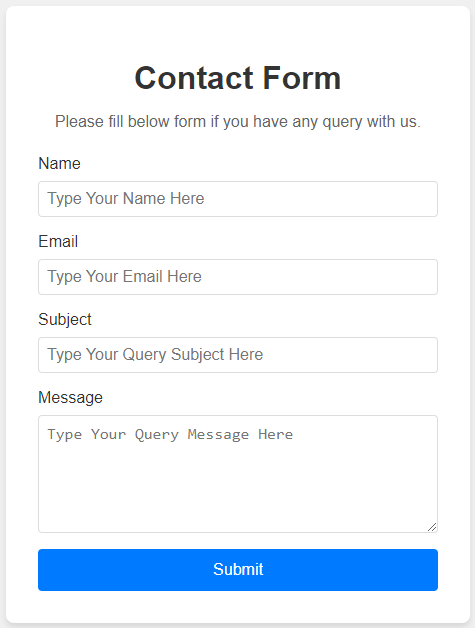
Contact form embedded via shortcode
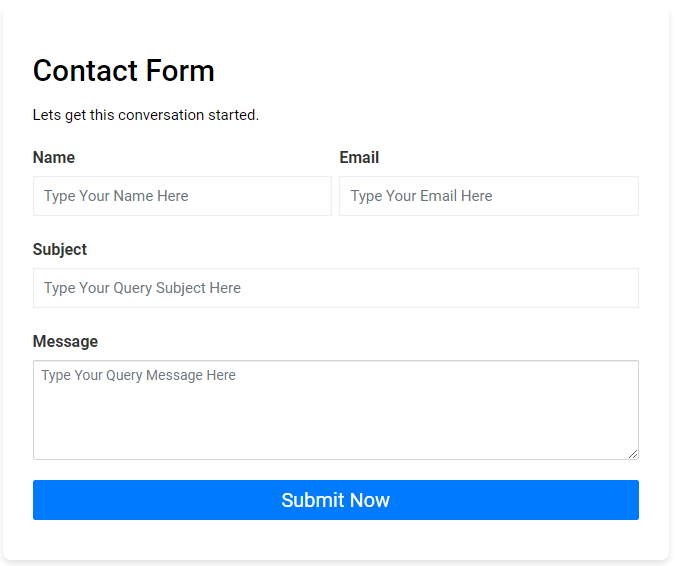
Contact form example design

Contact form on a page
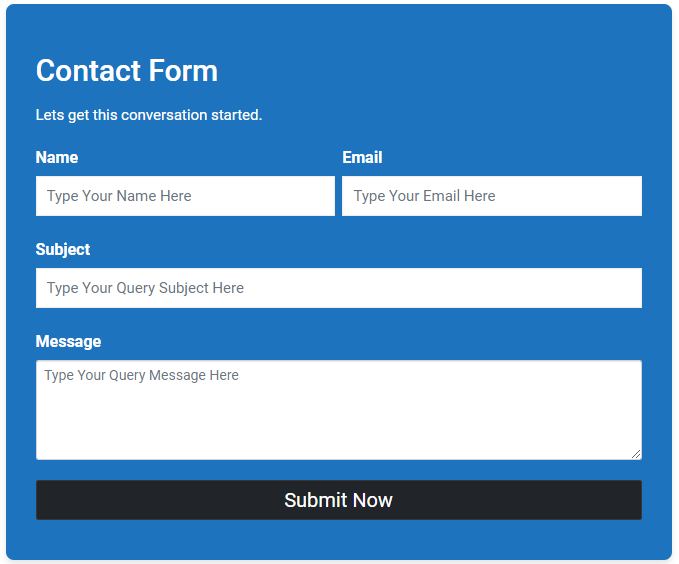
Contact form styling options
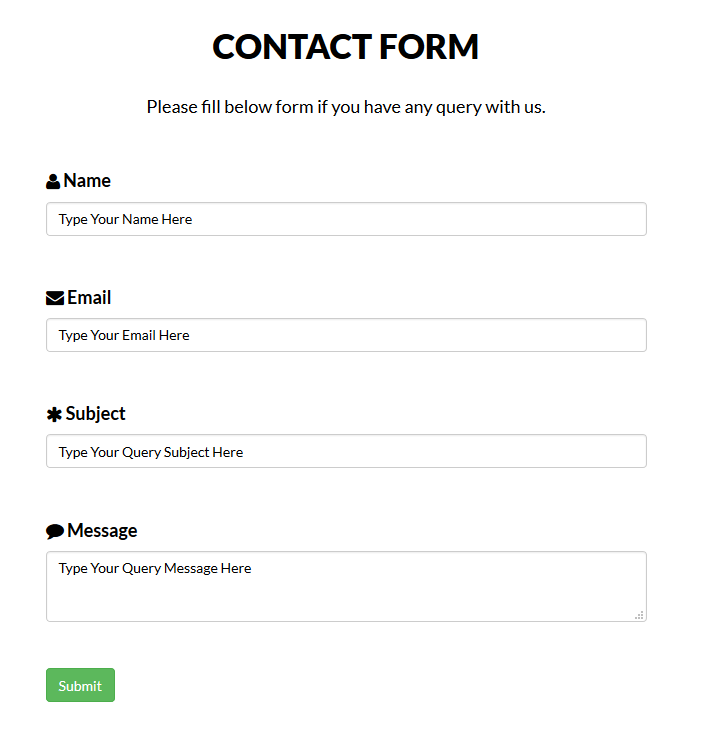
Contact form template example
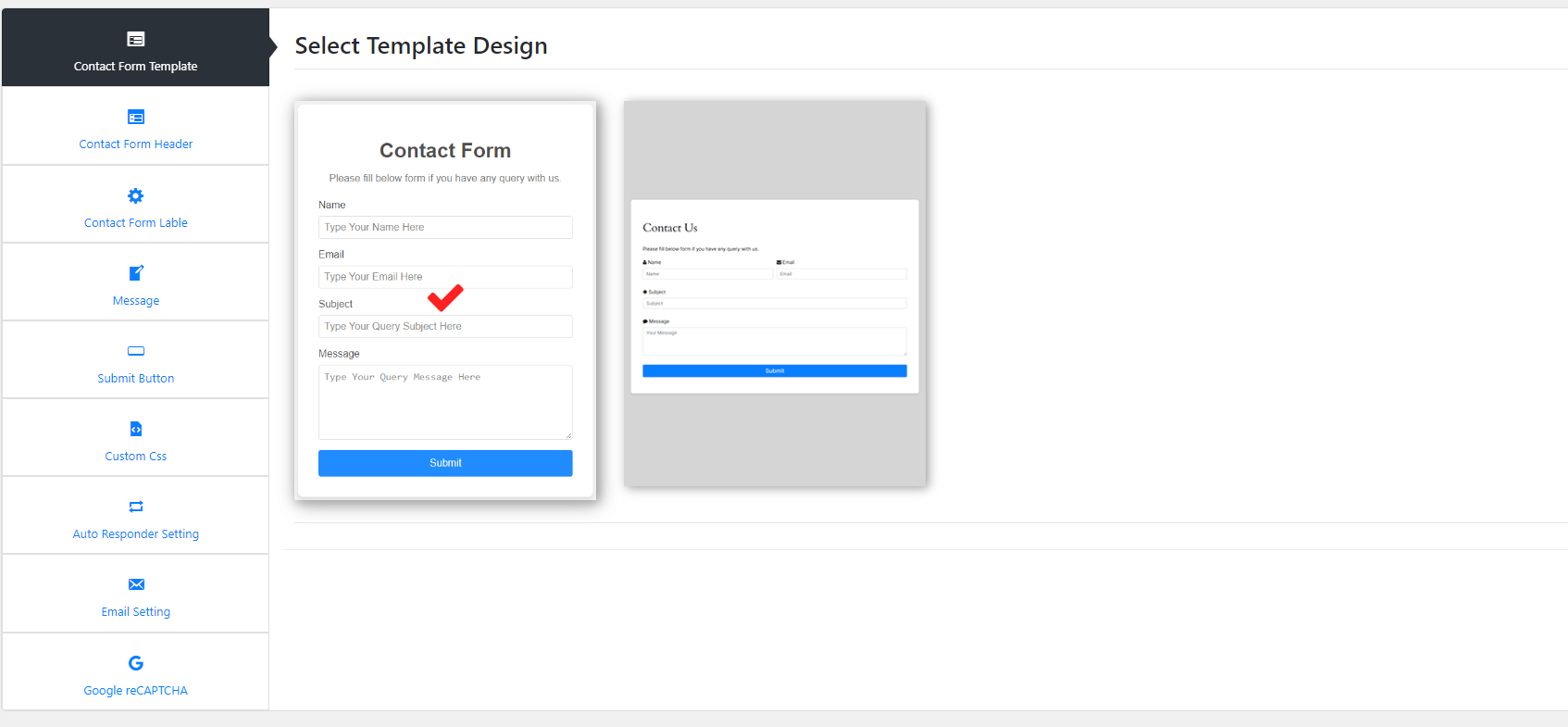
Form settings panel
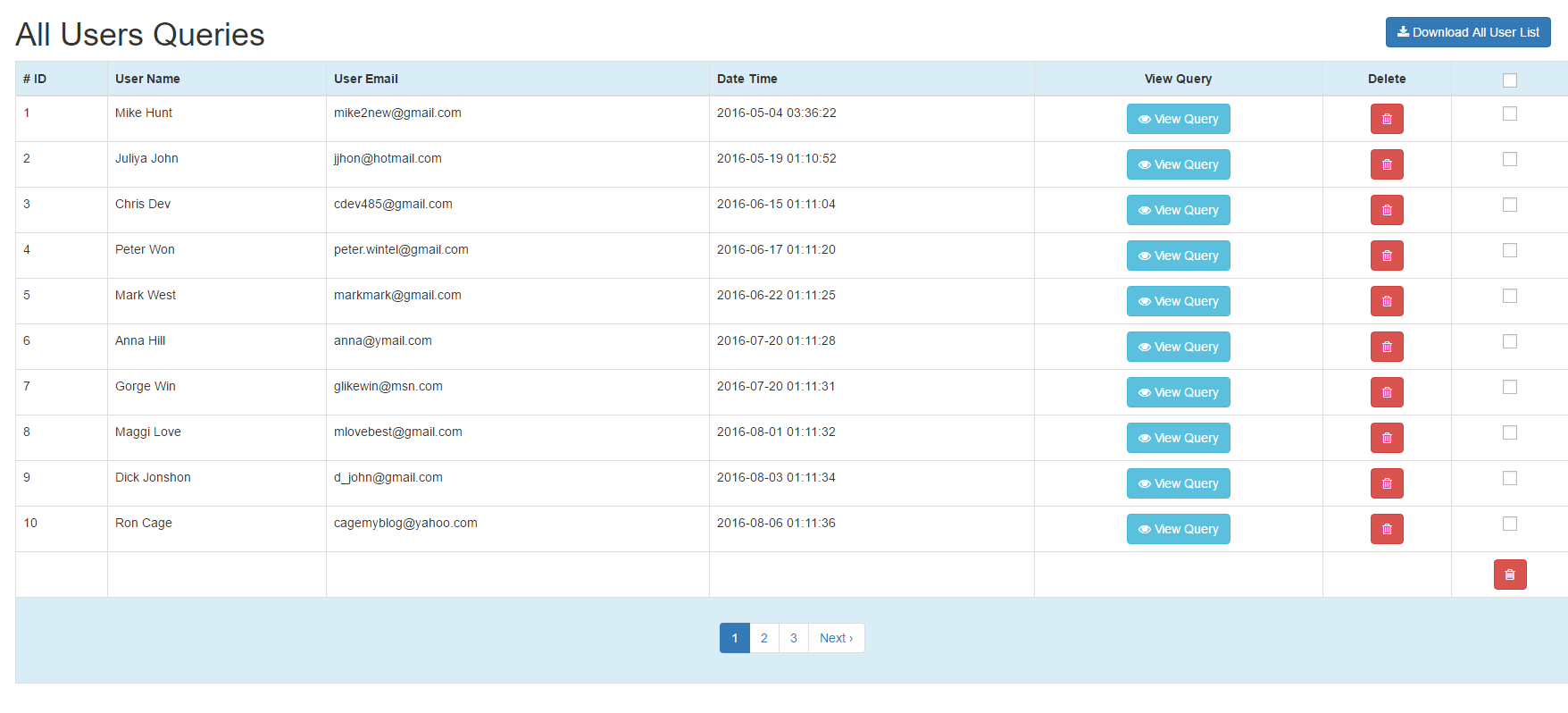
Query table in admin dashboard
Faq
Use the shortcode [contact-form-widget] in any page or post. You can also add it as a widget through Appearance > Widgets.
Yes, every submission is stored in a Query Table. You can view, sort, and manage all entries from your WordPress dashboard.
Yes, you will receive an email notification for each form submission. The premium version also supports SMTP for reliable email delivery.
No coding is required. You can change labels, colors, and styles directly from the settings panel.
Yes, the contact form automatically adjusts to look good on phones, tablets, and desktop screens.
SMTP support is available in the premium version. It supports Gmail and other SMTP providers for reliable email delivery.
The premium version includes Google reCaptcha integration to prevent spam submissions.
The premium version allows you to download query reports for record keeping or follow-up.
Yes, you can use the shortcode in any page builder including Elementor, Gutenberg, and others.
The widget can be added to multiple sidebar areas. For multiple shortcode forms, the premium version offers more flexibility.
The form uses secure submission methods and sanitizes all input data to protect your site.
No, the plugin is lightweight and loads only necessary assets on pages where the form appears.
Reviews
Great plugin!
By 
Fast Setup
By 
All query is nice
By 
Perfect Contact Form
By 
Great plugin and superb support!
By 
List feature is great
By 
Nice plugin
By 
Good Contact Form
By 
Excellent plugin, great support
By 
Great plugin. Great support.
By 
Changelog
1.5.2
- Fixed “View Query” modal popup functionality
- Hardened security with proper nonce verification and capability checks
- Optimized “Download Query List” to prevent header errors
- Improved asset loading for better compatibility
1.5.1
- Tested with WordPress 6.9
1.5.0
- Fixed download list button issue
- Tested with WordPress 6.8.3
1.4.9
- Tested with WordPress 6.8.2
1.4.8
- Tested with WordPress 6.8.1
- Readme updates
- Security improvements
1.4.7
- Tested with WordPress 6.8.0
- Security fix for download query list
1.4.6
- Tested with WordPress 6.7.2