NexiPilot Content AI
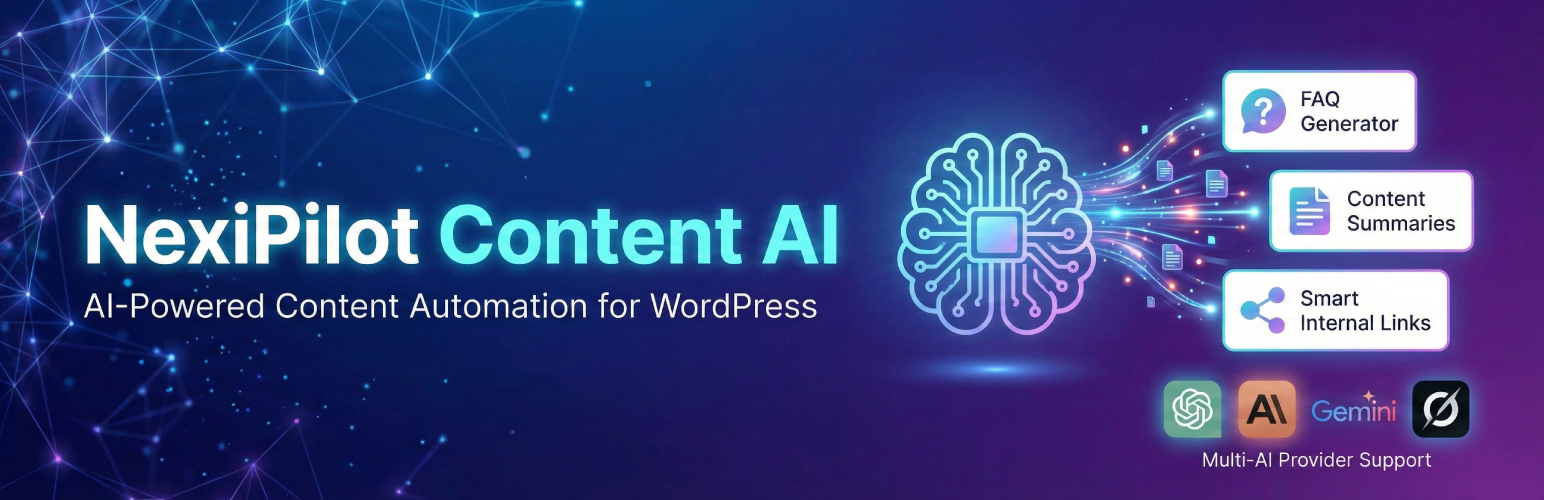
NexiPilot Content AI
Description
NexiPilot Content AI enhances your WordPress content with AI-generated features, helping you create more engaging and SEO-friendly posts automatically.
Features
- 🤖 Multiple AI Provider Support: Choose from OpenAI (GPT-3.5, GPT-4), Anthropic (Claude 3), Google (Gemini), or xAI (Grok).
- 🔗 External AI Sharing: Add buttons to let your readers instantly summarize your content using Microsoft Copilot or Google AI Overview.
- ❓ FAQ Generator: Automatically creates relevant frequently asked questions with answers based on your post content.
- 📝 Content Summary: Generates concise, engaging summaries of your posts to hook readers.
- 🔗 Smart Internal Links: Intelligently suggests and adds internal links to related content within your site to improve SEO and user navigation.
- 🎨 Modern UI: Clean, responsive design that integrates seamlessly with your theme.
- ⚡ Performance: Built-in caching system ensures optimal performance and minimizes API usage.
- 🔒 Secure: Secure API key storage and handling.
External Services
NexiPilot Content AI connects to third-party AI APIs to generate content features such as FAQs, summaries, and internal link suggestions. These services are required for the plugin’s core functionality when AI generation is enabled.
Important: The plugin only sends data to these services when you (the administrator) manually trigger content generation or when auto-generation features are enabled. No visitor personal data is transmitted to these services.
The plugin may connect to one or more of the following services depending on the AI provider you select in the plugin settings:
OpenAI (ChatGPT API)
What it is used for:
– Generates FAQs, content summaries, and internal link suggestions using OpenAI’s GPT models (GPT-4o, GPT-4 Turbo, GPT-3.5 Turbo).
What data is sent and when:
– Your post/page content is sent to OpenAI only when you manually click “Generate FAQ” or when auto-generation is enabled for published posts.
– The request includes: post content, selected model name, and the feature type (FAQ/Summary/Links).
– No visitor personal data, IP addresses, or user information is sent.
Service terms and privacy policy:
– Terms of Service: https://openai.com/terms
– Privacy Policy: https://openai.com/privacy
Anthropic (Claude API)
What it is used for:
– Generates FAQs, content summaries, and internal link suggestions using Anthropic’s Claude models (Claude 3.5 Sonnet, Claude 3 Opus, Claude 3 Haiku).
What data is sent and when:
– Your post/page content is sent to Anthropic only when you manually click “Generate FAQ” or when auto-generation is enabled for published posts.
– The request includes: post content, selected model name, and the feature type (FAQ/Summary/Links).
– No visitor personal data, IP addresses, or user information is sent.
Service terms and privacy policy:
– Terms of Service: https://www.anthropic.com/terms
– Privacy Policy: https://www.anthropic.com/privacy
Google (Gemini API)
What it is used for:
– Generates FAQs, content summaries, and internal link suggestions using Google’s Gemini models (Gemini 1.5 Pro, Gemini 1.5 Flash).
What data is sent and when:
– Your post/page content is sent to Google only when you manually click “Generate FAQ” or when auto-generation is enabled for published posts.
– The request includes: post content, selected model name, and the feature type (FAQ/Summary/Links).
– No visitor personal data, IP addresses, or user information is sent.
Service terms and privacy policy:
– Terms of Service: https://policies.google.com/terms
– Privacy Policy: https://policies.google.com/privacy
xAI (Grok API)
What it is used for:
– Generates FAQs, content summaries, and internal link suggestions using xAI’s Grok models (Grok-2, Grok-2 mini, Grok Beta).
What data is sent and when:
– Your post/page content is sent to xAI only when you manually click “Generate FAQ” or when auto-generation is enabled for published posts.
– The request includes: post content, selected model name, and the feature type (FAQ/Summary/Links).
– No visitor personal data, IP addresses, or user information is sent.
Service terms and privacy policy:
– Terms of Service: https://x.ai/legal
– Privacy Policy: https://x.ai/privacy-policy
Note: You must obtain your own API keys from these providers. The plugin does not include API keys and does not send any data to these services unless you configure them and enable the features.
Installation
- Upload the
nexipilot-content-aifolder to the/wp-content/plugins/directory. - Activate the plugin through the ‘Plugins’ menu in WordPress.
- Go to NexiPilot Content AI in the admin menu.
- Configure your AI provider (OpenAI, Claude, Gemini, or Grok) and enter your API key.
- Enable the features you want to use (FAQ, Summary, Internal Links, External Sharing).
Screenshots

FAQ Generator in Post Editor

FAQ Display in Post Meta

External AI Summarization Link

Automatic Content Summaries on Posts

Accordion-Style FAQ Display

Feature Management Panel

Feature Enable/Disable Toggles

API Provider Credential Management

Troubleshooting and Debugging Tab
Faq
Yes, you need an API key from one of the supported providers: OpenAI, Anthropic (Claude), Google (Gemini), or xAI (Grok).
- OpenAI: GPT-4o, GPT-4 Turbo, GPT-3.5 Turbo
- Anthropic: Claude 3 Opus, Claude 3 Sonnet, Claude 3 Haiku
- Google: Gemini 1.5 Pro, Gemini 1.5 Flash
- xAI: Grok-2, Grok-2 mini, Grok Beta
No. NexiPilot Content AI processes content asynchronously and caches the results for 24 hours. The generated content is served from the cache, so there is no delay for your visitors.
Yes! NexiPilot Content AI provides hooks and filters that allow developers to customize the generated HTML output for FAQs, summaries, and internal links.
Reviews
Changelog
1.0.0
- Initial release.
- Support for OpenAI, Claude, Gemini, and Grok providers.
- External AI Sharing (Microsoft Copilot, Google AI Overview).
- FAQ Generator, Content Summary, and Smart Internal Links features.
- Built-in caching system.
- Modern, responsive admin interface.