Nimavo Chat

Nimavo Chat
Description
Nimavo Chat adds the Nimavo live chat widget to your WordPress site. Connect your site with a Site Key from your Nimavo dashboard and start chatting with visitors in minutes.
This plugin is a free connector. The chat service runs on Nimavo. You need a Nimavo account to use the widget.
Features
- Live chat widget embedded on every public page
- Working hours and offline message support (configured in Nimavo)
- SMS follow-up links for returning conversations (Nimavo service)
- Per-site widget appearance overrides (color, shape, icon, animation, position)
- Optional WooCommerce integration: identify logged-in customers and show order stats to operators (with Secret Key)
WooCommerce (optional)
If WooCommerce is active and you add a Secret Key from Nimavo, logged-in customers can be identified securely in chat. Operators may see order count and total spent alongside the conversation.
External services
This plugin connects to Nimavo (https://nimavo.ir) to provide live chat functionality.
What is sent and when:
- Site Key — included in the widget script tag on public pages so the widget loads for your site.
- Widget script — browsers load
https://nimavo.ir/widget/v1.jsand communicate withhttps://nimavo.ir/api/widget. - Visitor chat data — messages and session data submitted through the widget are processed by Nimavo (subject to Nimavo terms and privacy policy).
- Logged-in user context (optional) — when a Secret Key is saved and a user is logged in, the plugin outputs a JSON block with: user ID, HMAC user hash, display name, email, phone (from user meta / WooCommerce billing), platform label, order count, and total spent. This helps operators recognize customers in chat.
Links:
- Service: https://nimavo.ir
- Terms / privacy: see https://nimavo.ir for current policies.
No data is sent to Nimavo until you configure a Site Key and publish pages with the widget.
Installation
- Install and activate Nimavo Chat from the WordPress plugin directory, or upload the plugin ZIP via Plugins Add New Upload Plugin.
- Sign up at nimavo.ir and create a site in your Nimavo dashboard.
- Copy your Site Key (Public Key) from Nimavo Sites Install widget.
- In WordPress go to Settings Nimavo and paste the Site Key. Save.
- Visit your site front end — the chat button should appear.
Optional: add Secret Key for logged-in user / WooCommerce identification.
Screenshots
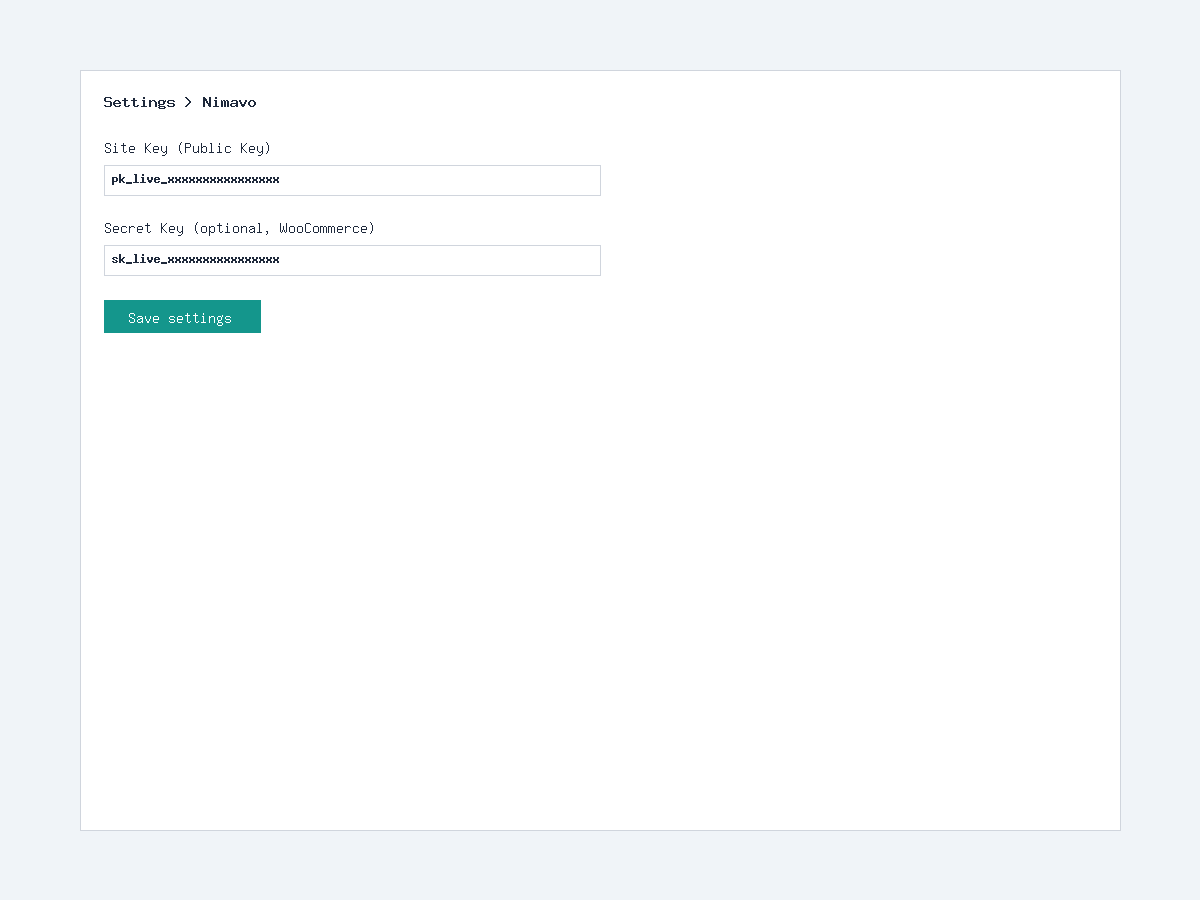
WordPress admin settings — Site Key, Secret Key, and widget appearance
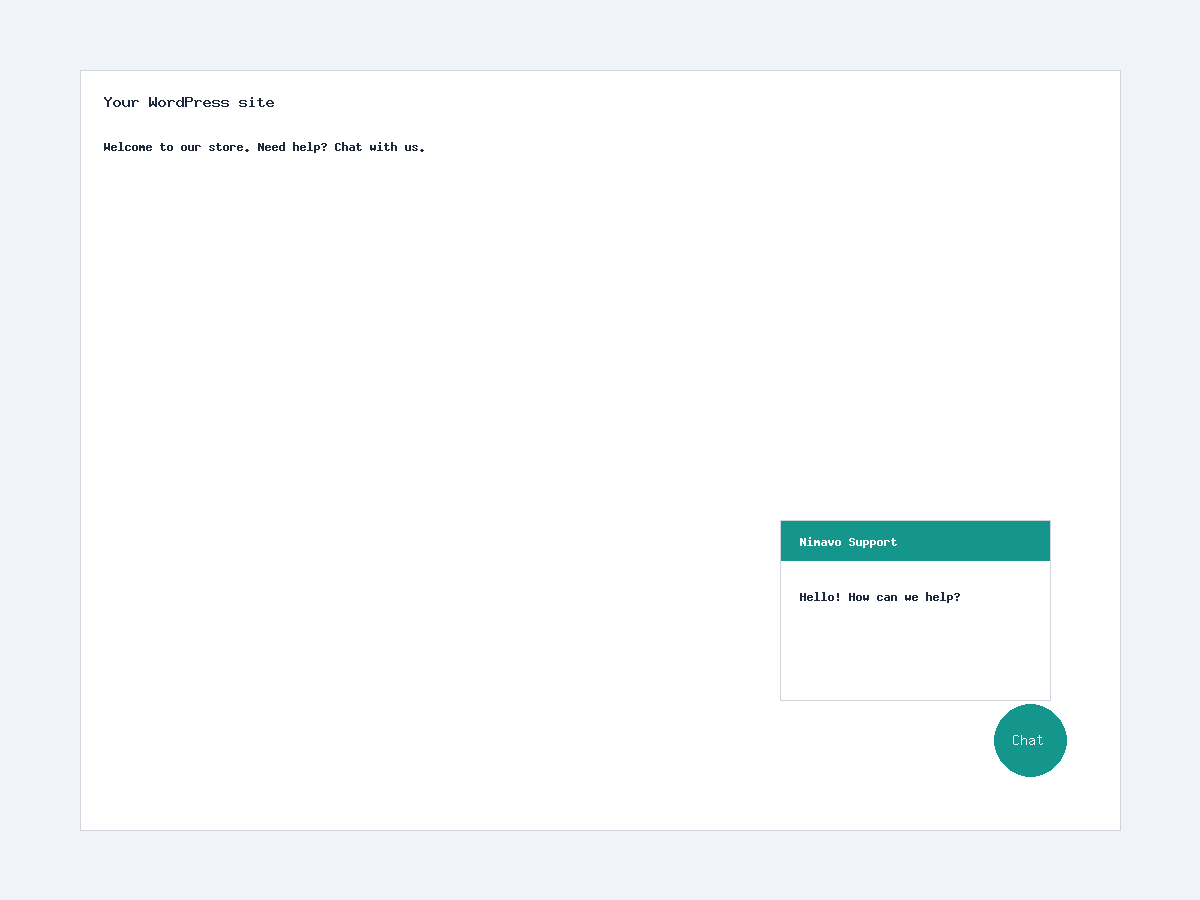
Chat widget on the front end of your site
Faq
Yes. This plugin connects your WordPress site to the Nimavo chat service. Create a free account at nimavo.ir.
No. The widget works on any WordPress site. WooCommerce features apply only when WooCommerce is installed and a Secret Key is configured.
The Secret Key signs a secure context payload for logged-in users (HMAC). Without it, visitors can still chat anonymously; logged-in users are not automatically identified.
Default appearance comes from your Nimavo dashboard. Settings under Settings Nimavo override appearance for this WordPress site only.
No. Messages and conversations are stored on Nimavo servers, not in your WordPress database.
Reviews
Changelog
2.0.4
- WordPress.org release preparation: readme, license, uninstall cleanup
- Security: remove partial Site Key from WP_DEBUG HTML comment
2.0.3
- Verified context JSON for logged-in users / WooCommerce
- Widget script loading improvements
2.0.2
- Secret Key UX and admin copy updates
2.0.1
- Safer JSON encoding for verified context
2.0.0
- WooCommerce customer identification with Secret Key (HMAC)
- Order stats in operator context
1.3.0
- Working hours and offline messaging support via Nimavo service
- Widget appearance settings in WordPress admin
1.2.0
- Widget appearance options: color, shape, icon, animation, position